
AI product photography for marketplace cards: images, copy, and ads
Vlad Voronezhtsev · · 8 min read

AI product photography can speed up a hero image, supporting shots, product copy, and ad variants, but it can't replace source data. A reliable workflow starts with real photos and verified specifications, locks the product details that must not change, builds a purposeful image set, and ends with a manual marketplace review.
- 1.
Collect source material and marketplace rules first
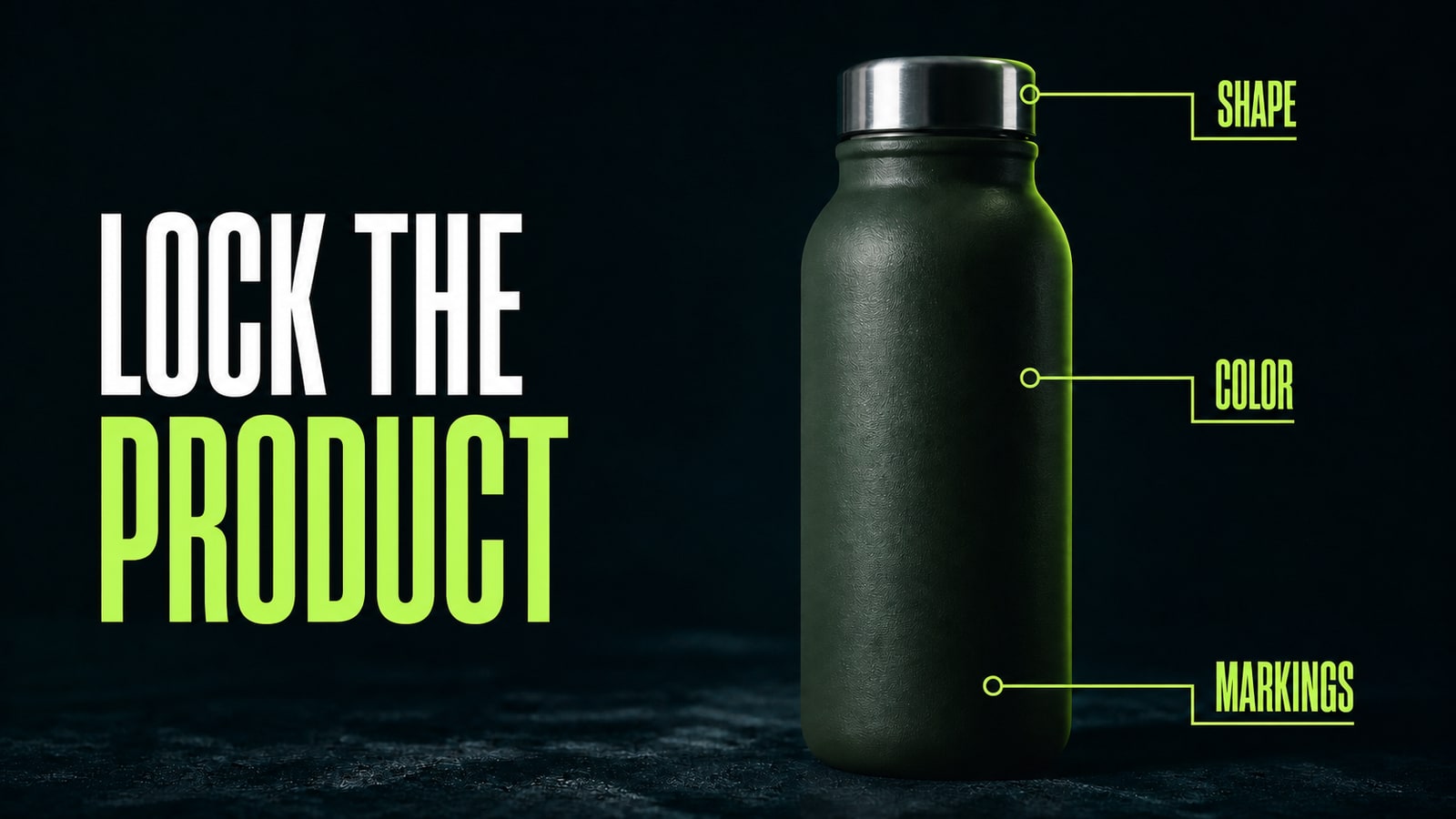
Don't start with a prompt. Start with a source folder: front view, two angles, close-ups of labels and hardware, dimensions, materials, included parts, and a list of approved claims. Mark the properties the model can't change, including shape, color, proportions, logo placement, component count, and packaging copy. Keep variants in separate reference sets. Next, read the current image rules in the seller portal you plan to use. Wildberries, for example, asks sellers to keep the product fully visible and in focus, and it prohibits prices, QR codes, discounts, and unsupported superiority claims in product images. Specifications and moderation rules can change, so check them again before export. This small audit separates three questions early: what must remain factually true, what the model may change, and what the marketplace will reject.
- 2.
Lock product identity with references and constraints
A model making AI product cards should edit the real item, not reconstruct it from a short description. Attach the strongest source images, then divide the prompt into the job, invariants, and allowed changes. In the practical GPT Image 2 case for this article, the first request, “make a premium marketplace card for this insulated bottle on a dark background,” looked polished but changed the lid height and lost the lower mark. The correction was specific: 'Edit the supplied product photo. Change only the background and lighting. Preserve the bottle silhouette, lid height, stainless rim, matte dark-green finish, capacity mark and proportions. No redesign, no extra accessories, no logo.' The next result kept the silhouette, steel lid, and matte finish while changing only the scene and light. For review, place the generation over the source at partial opacity and inspect the outline, lid, markings, and color. Any product drift means the image is still a draft.
- 3.
Build AI product cards as a four-shot set
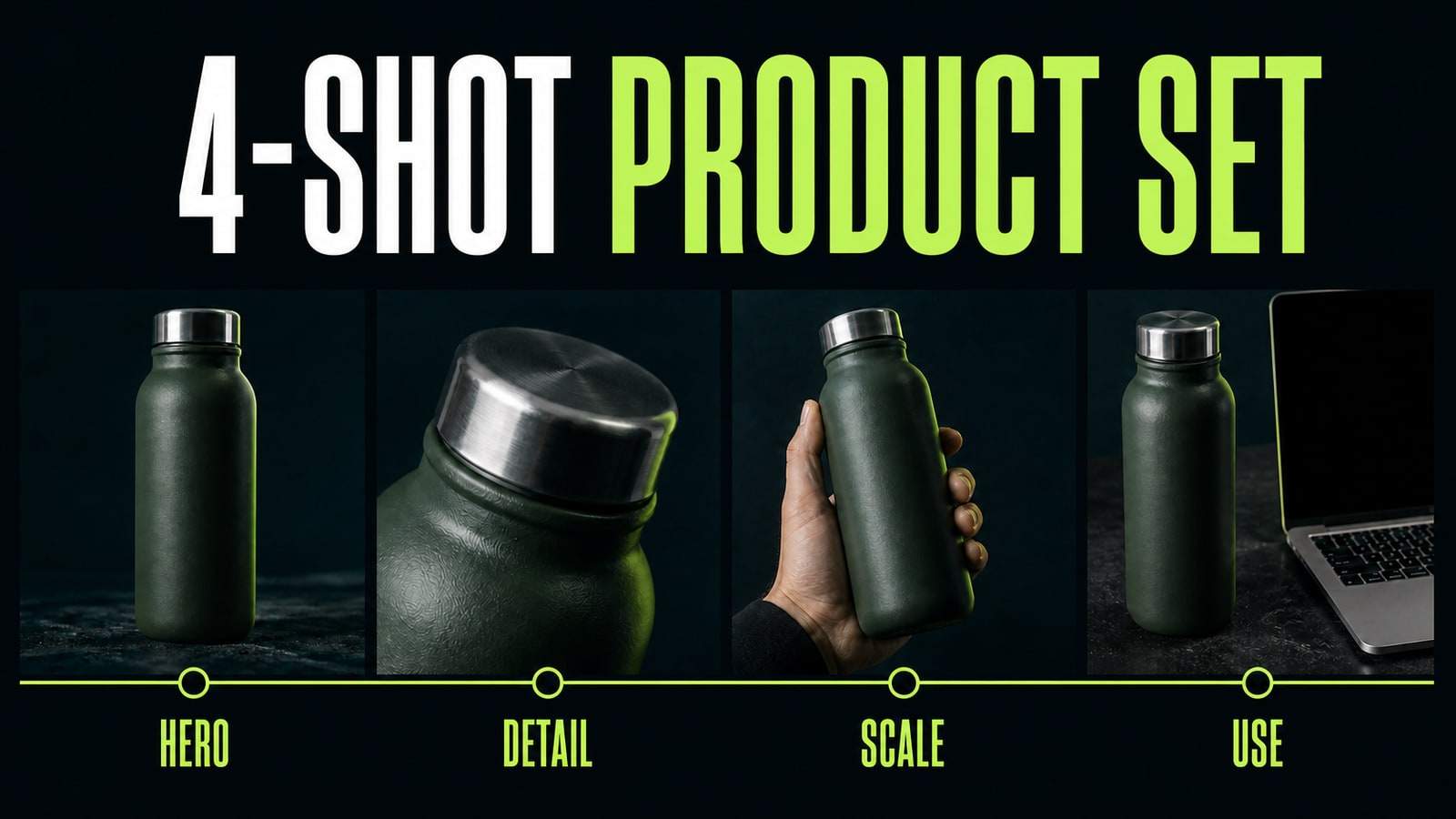
One image shouldn't carry appearance, scale, material, use case, and every benefit. Give each shot one role. The hero frame shows the whole product with minimal noise. A detail frame moves close to texture or hardware. A scale frame uses a hand, room, or familiar object. The final frame shows one believable use case, such as the bottle beside a laptop or inside a travel bag. Write a separate prompt for each shot and repeat the product-preservation block every time. This turns AI product cards into a coherent sequence instead of four unrelated stylizations. Don't overload every image with copy. When a close-up already proves the lid detail, the caption should add one verified fact instead of describing what buyers can see. Keep product identity, palette, color treatment, and typography consistent while changing the camera and the job of the frame.
- 4.
Write product copy from verified facts
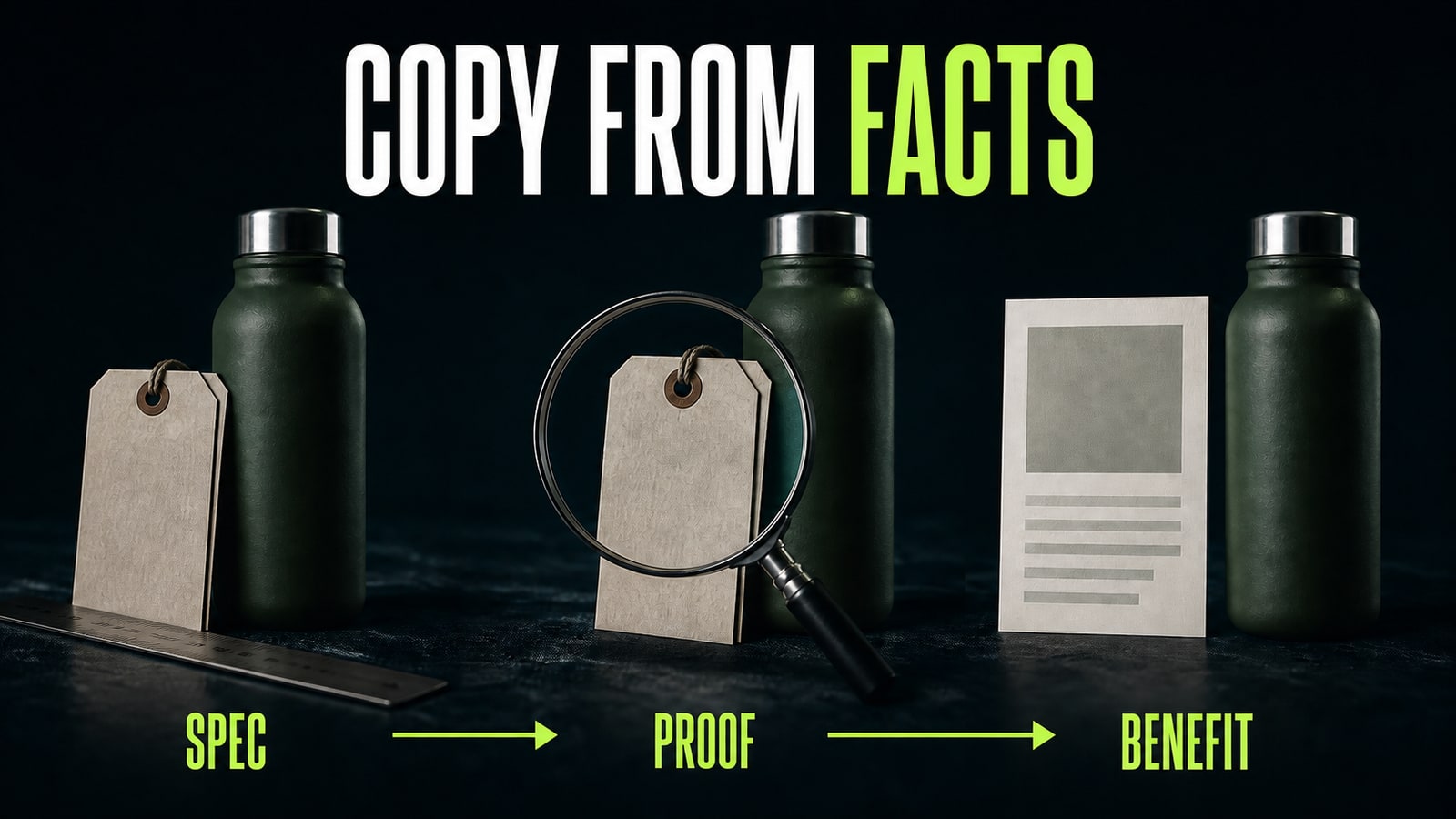
A copy model doesn't know how long a bottle keeps drinks warm, whether it is dishwasher-safe, or which warranty applies. Give it a table of verified specifications and require each claim to move through a simple chain: spec, proof, benefit. If proof is missing, the benefit doesn't enter the product description. A 500 ml capacity can support a compactness claim only after the real dimensions are checked. Green packaging doesn't prove that a product is sustainable. A useful prompt is: “Write a product description under 900 characters using only the attached facts. Do not invent materials, certificates, durations, comparisons, or guarantees. List uncertain statements separately for human review.” This is where AI product photography and copy can support a broader business workflow: the model speeds up structure and wording across a catalog, while the team's source table remains authoritative. Compare the final text with the product sheet, packaging, and approved legal claims.
- 5.
Create ad variants and run a publication check
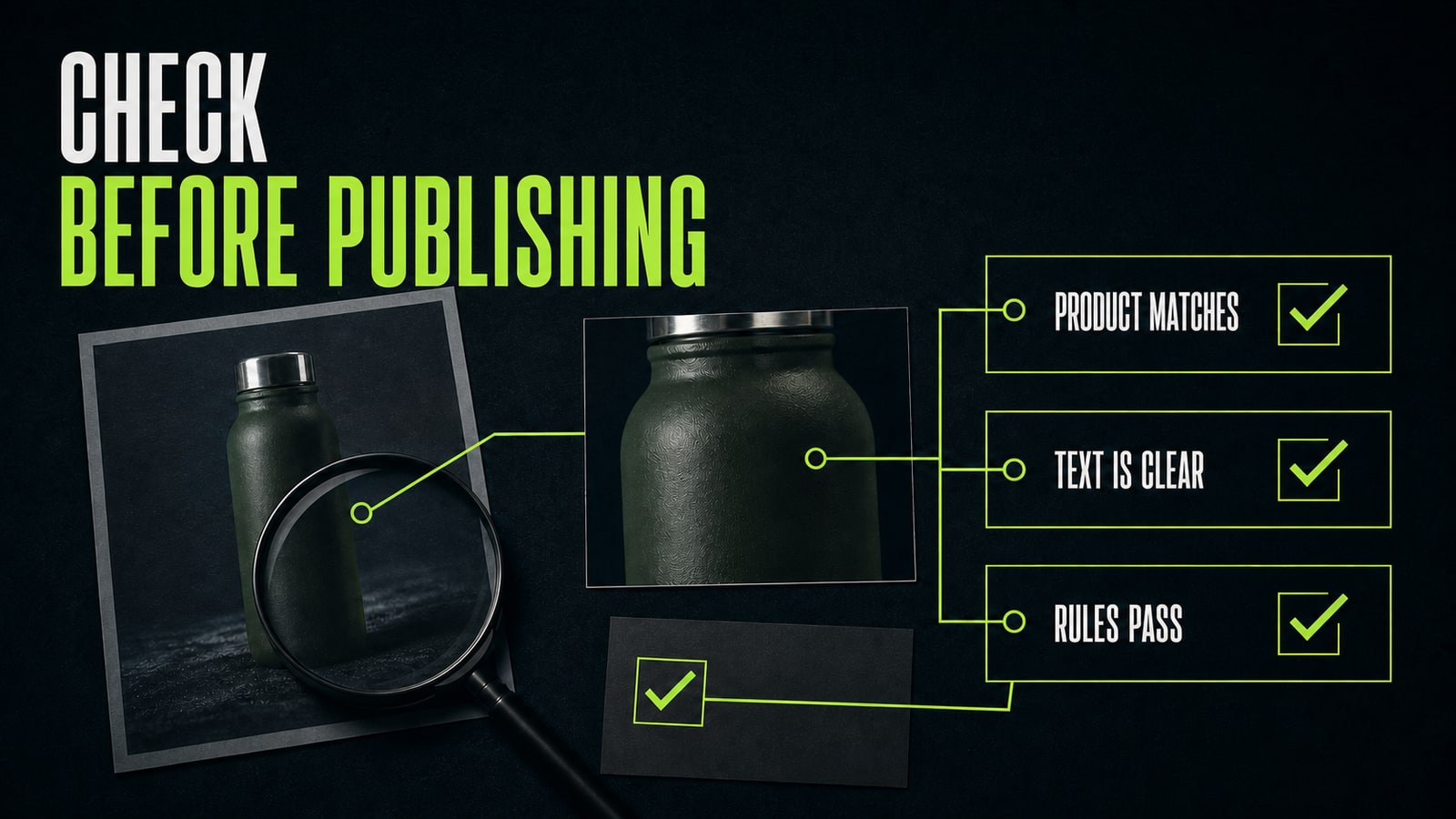
Use AI for ad variants only after the accurate base card is ready. Change one variable at a time: background, use case, product scale, or headline. If composition, offer, color, and copy all change together, the test won't tell you which choice mattered. Before upload, run three checks: the product still matches the source, text is readable on a phone, and current marketplace rules pass. Then preview the listing inside the seller portal and review cropping, image order, and copy again. Opten can work as a prompt preflight: it expands a rough idea for the selected model and catches missing constraints. Human review still owns product claims, rights to source material, and the publication decision.


