
AI UGC: prompt workflow for brand video ads
Vlad Voronezhtsev · · 6 min read

AI UGC is a creator-style video ad made with a generative model: someone shows a product, opens with a short hook, and leads to a CTA. The useful output comes from a precise prompt brief, not a vague request to make an ad look natural.
- 1.
Start with a prompt brief, not a video idea
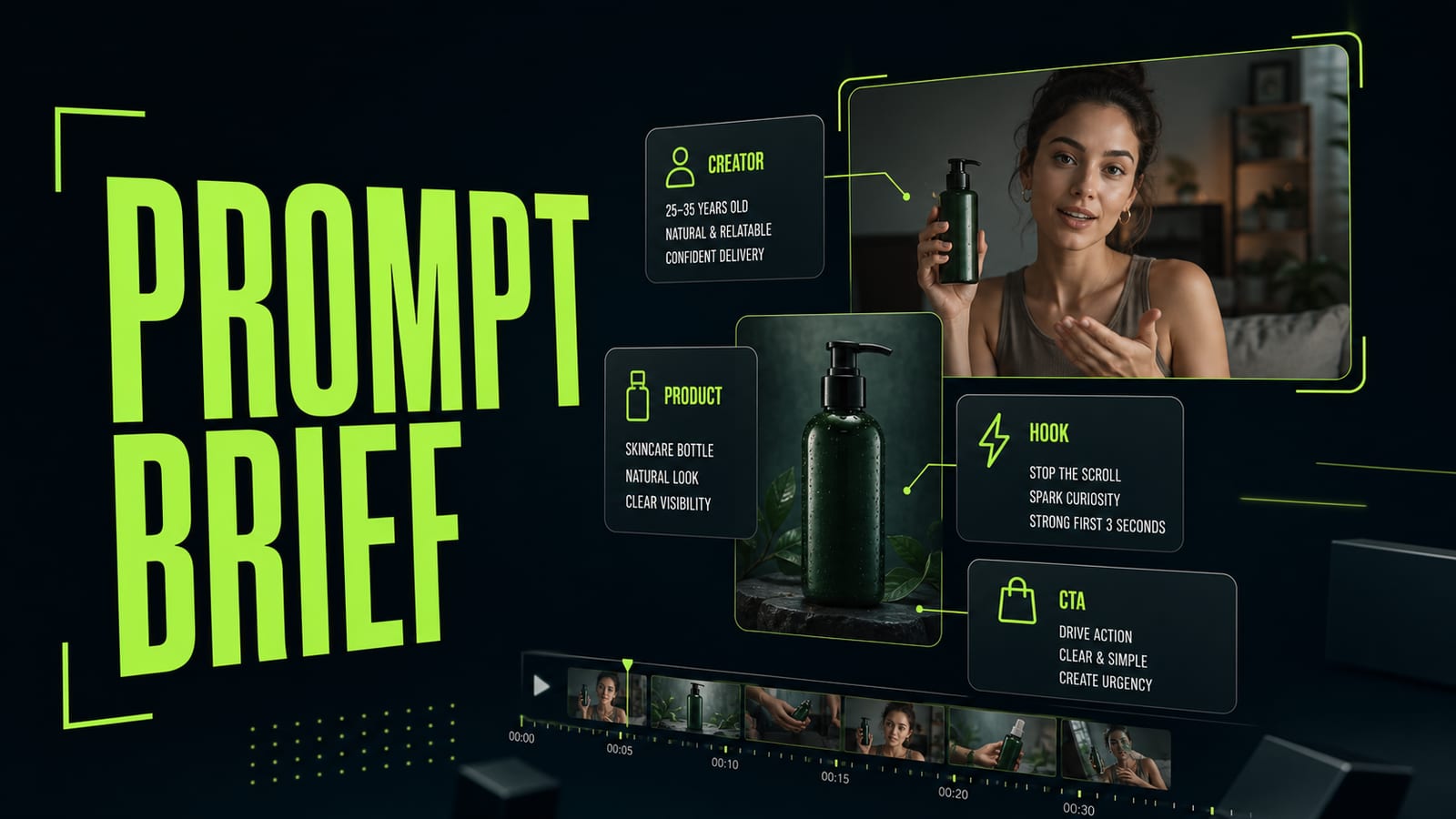
An AI UGC model does not know your business goal by default. If you write `make a natural video about a cream`, the model invents the creator, tone, camera, product shot, and final CTA. Sometimes the clip looks polished, but it is weak as an ad: the product appears by accident, the smile feels fake, and the hook sounds like stock copy. A useful brief is short: who is speaking, who the ad is for, what product is in hand, what problem appears in the first 2 seconds, which shot proves the benefit, and what the viewer should do at the end. Keep the business meaning in your native language if needed, then make the production prompt precise enough for the video model.
Before
Make a UGC ad for a cream that looks natural and sells.
After
UGC ad brief: creator is a 28-year-old skincare buyer, casual bathroom shelf setup, handheld phone camera. Hook: dry skin after travel. Product interaction: opens generic cream jar, shows texture on fingers, applies small amount. CTA: try a simple evening routine. Constraints: no brand logos, no exaggerated smile, no random text.
- 2.
Build ai ugc ads as hook, product shot, and CTA
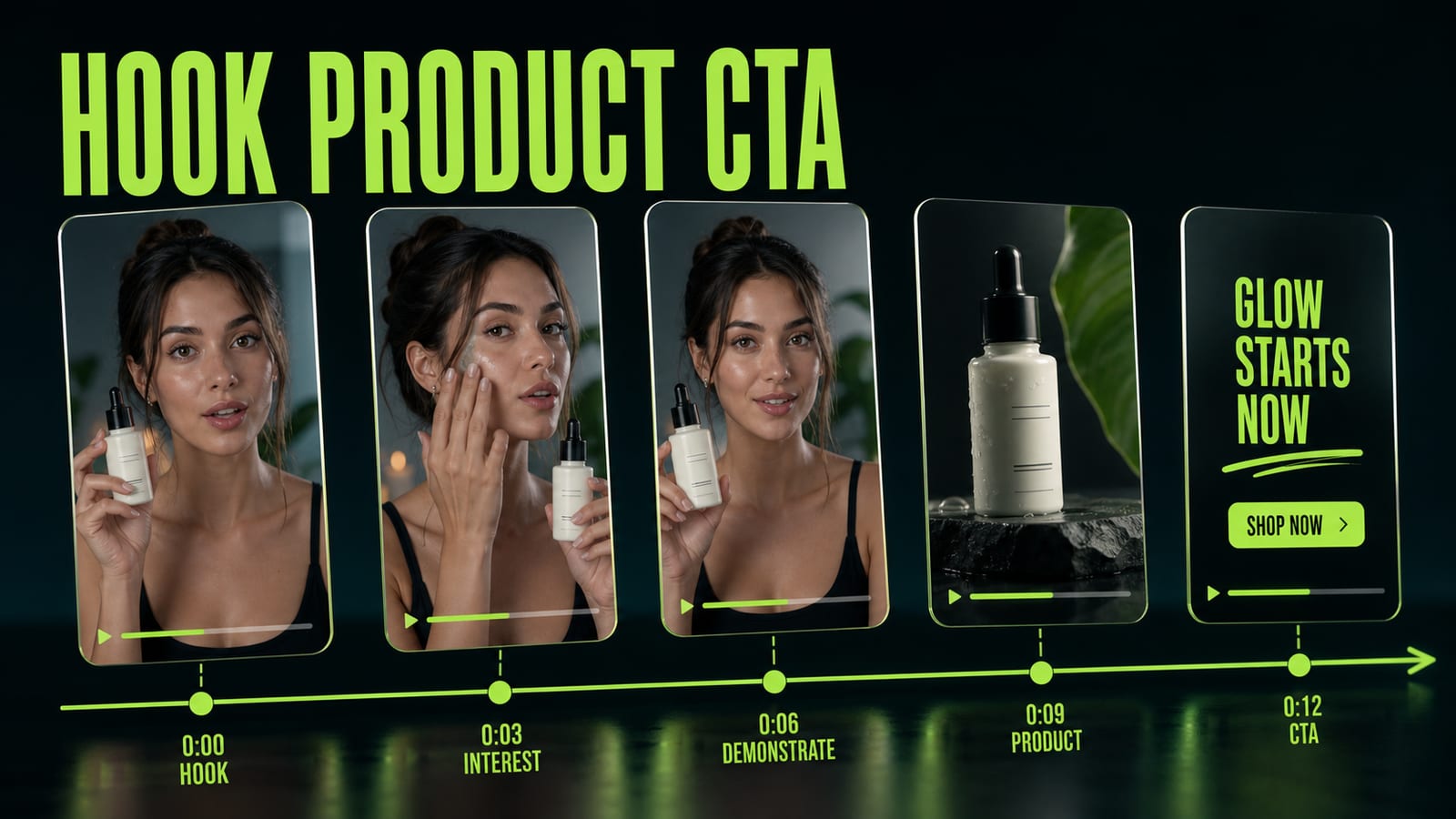
AI UGC ads often come back too smooth: the creator holds the product, talks to camera, and nothing really happens. A better structure is a mini storyboard: `0-2s hook`, `2-5s product interaction`, `5-8s benefit proof`, `8-10s CTA`. You do not need a full screenplay. You do need to say where the product is visible, where the creator touches it, and where the point lands. This works for fashion, skincare, apps, and small DTC products. The hook names the problem, the product shot shows the object, creator behavior makes it feel like lived experience, and the CTA closes the ad. Skip one beat and the video model usually fills the gap with nice but empty facial expression.
Before
Creator talks about the product, cinematic UGC ad, natural, 10 seconds.
After
0-2s hook: creator notices dry skin after a flight.
2-5s product: opens generic cream jar and shows texture.
5-8s proof: applies a small amount, handheld close-up, real bathroom shelf.
8-10s CTA: calm direct-to-camera line, no salesy grin, no on-screen logo.
- 3.
For ai ugc videos, describe creator behavior
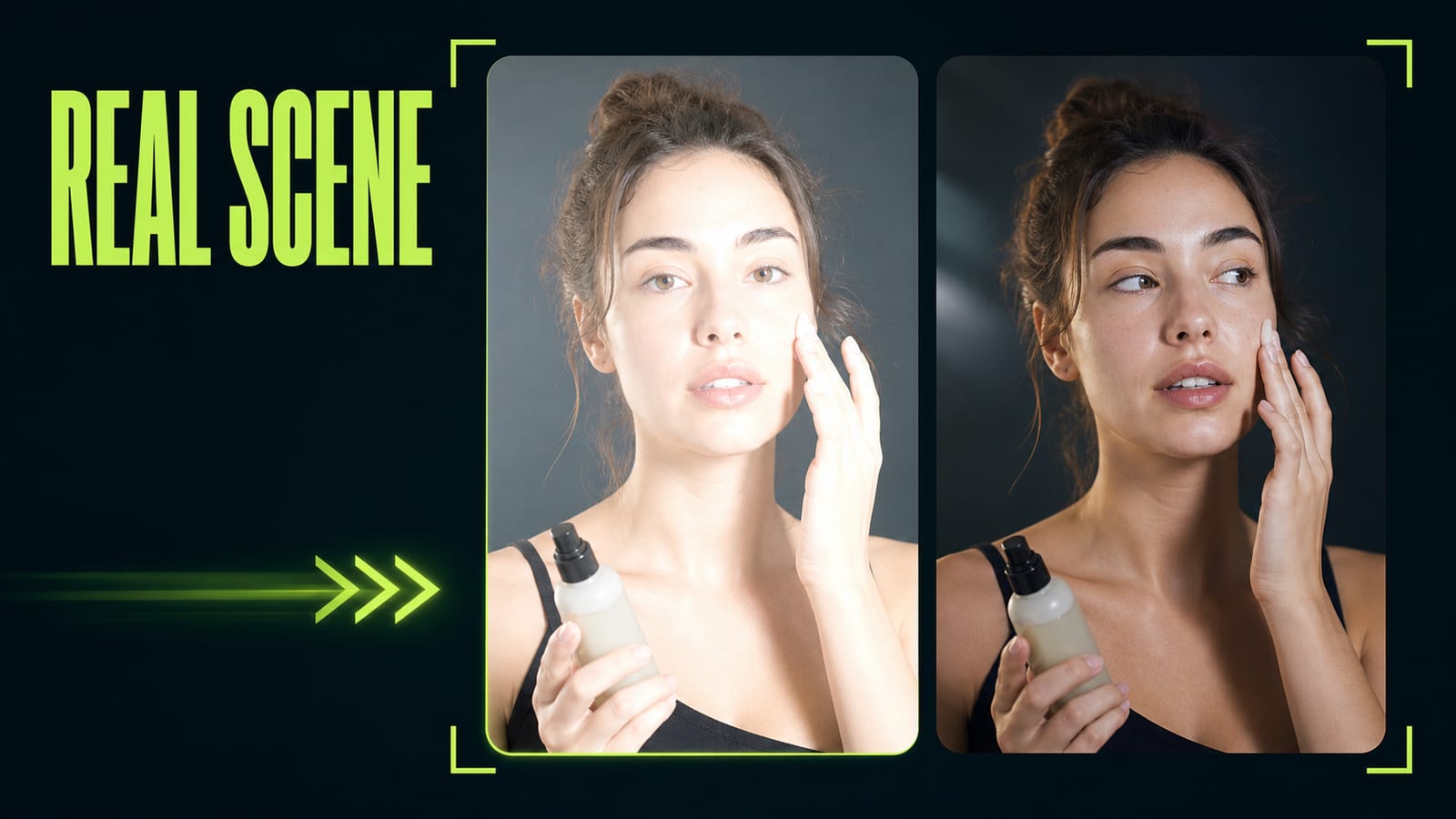
The common mistake in AI UGC for brands is asking for emotion instead of behavior. `Natural`, `authentic`, and `relatable` sound right, but models often translate them into the same smile and a staged pose. Describe tiny actions instead: the creator adjusts the bottle in hand, glances at the label, pauses before the line, and moves the phone like a real buyer. Practical case: a skincare clip looked like a studio ad even though the prompt said `authentic UGC`. The fix was specific: `handheld pacing, creator glances at the bottle before speaking, opens the jar mid-sentence, applies texture on fingertips, slight imperfect framing, no polished studio smile`. The next render felt less staged, and the product stopped looking like random props.
Before
Authentic UGC video, woman presents a skincare product, natural emotion, realistic.
After
Handheld UGC ad. Creator glances at the generic bottle before speaking, pauses, opens the jar mid-sentence, shows cream texture on fingertips, applies it once. Slight imperfect framing, soft bathroom light, no polished studio smile, no logo.
- 4.
Run a prompt preflight before rendering ai video ads
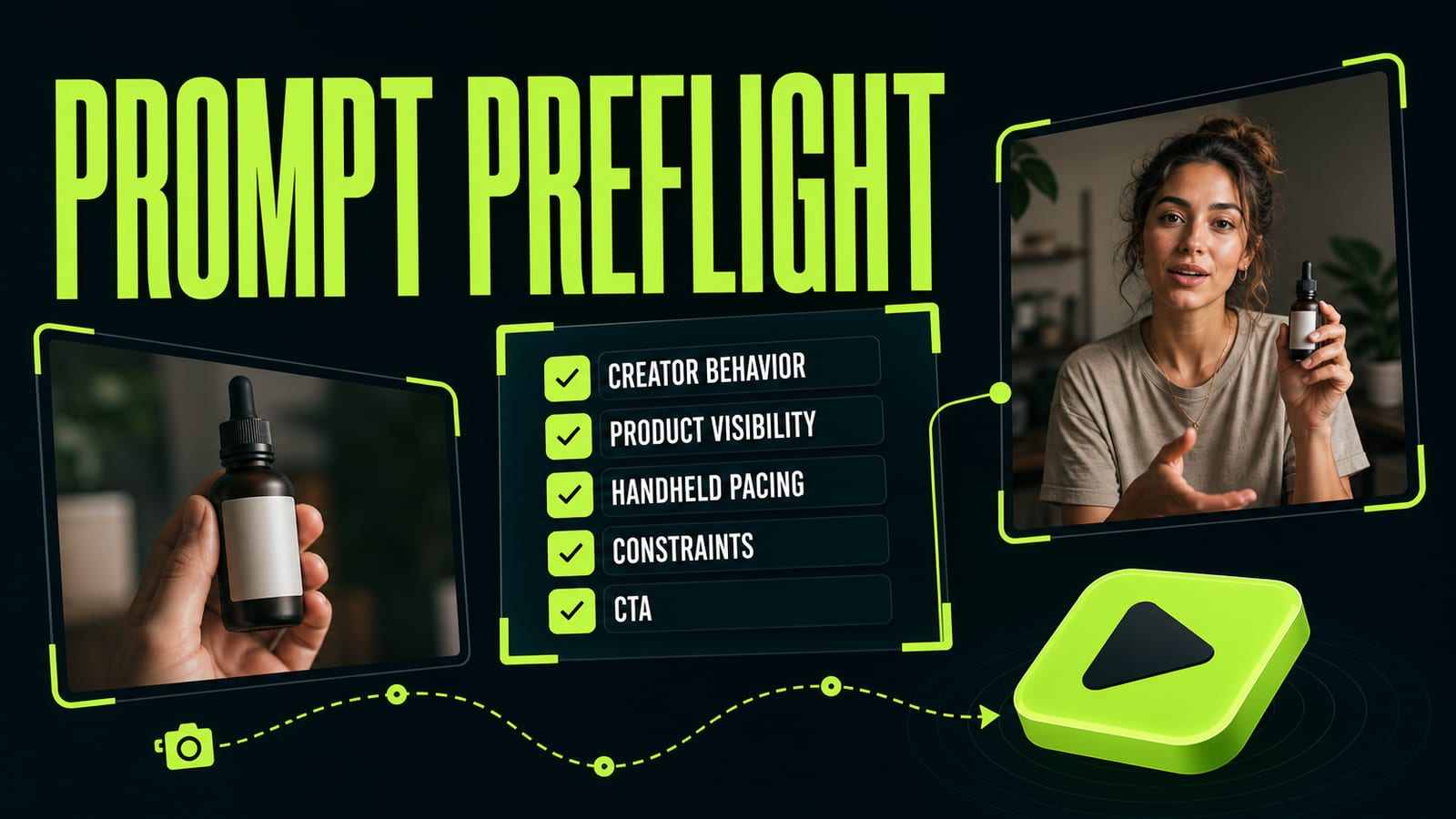
AI video ads waste attempts when the prompt forgets constraints. Before rendering, check five lines: creator role, product visibility, camera movement, spoken line, and constraints. Also check for contradictions. `Handheld` plus `perfect studio commercial`, or `casual review` plus `luxury perfume ad`, will pull the clip in different directions. Opten works well as a preflight editor here: you give it the rough idea, then it expands the idea into a production prompt for a specific model and catches missing pieces. For UGC, the important constraints are random logos, extra text in the frame, an over-polished smile, and product drift between shots.
Before
AI UGC ad for a product, creator speaks, product visible, beautiful lighting.
After
Preflight: creator role is defined; product is visible in 3 beats; handheld camera path is specified; CTA line is short; constraints block random logos, extra text, product change, polished studio smile, and off-brand packaging.
- 5.
Keep ad copy separate from the visual prompt
The creator's line is not the same thing as the visual prompt. If you mix ad copy, camera direction, and technical constraints into one paragraph, the model may print random words on screen or make the line too long for an 8-10 second clip. Keep the script line separate: one or two short sentences that a person can actually say. For example: `After a flight, my skin usually feels tight. I use this at night when I do not want a ten-step routine.` Then describe the camera, hands, product, and constraints separately. That keeps AI UGC videos commercial without turning them into voiceover spots.
Before
She talks about the cream benefits, shows the jar, and asks people to buy, naturally.
After
Script line: `After a flight, my skin usually feels tight. I use this at night when I do not want a ten-step routine.`
Visual prompt: handheld bathroom shelf shot, creator opens generic cream jar, shows texture, one calm CTA, no subtitles, no random logo.


