
Best AI image generator in 2026: choose by the job
Vlad Voronezhtsev · · 8 min read

The best AI image generator in 2026 isn't one universal model. GPT Image 2, Nano Banana 2 and Pro, Midjourney, Seedream 5.0 Pro, and Recraft V4.1 solve different production jobs: bounded edits, references, typography, photorealism, art direction, and vectors. Choose by the final asset and the amount of human review it needs.
- 1.
Name the approved asset before choosing a model
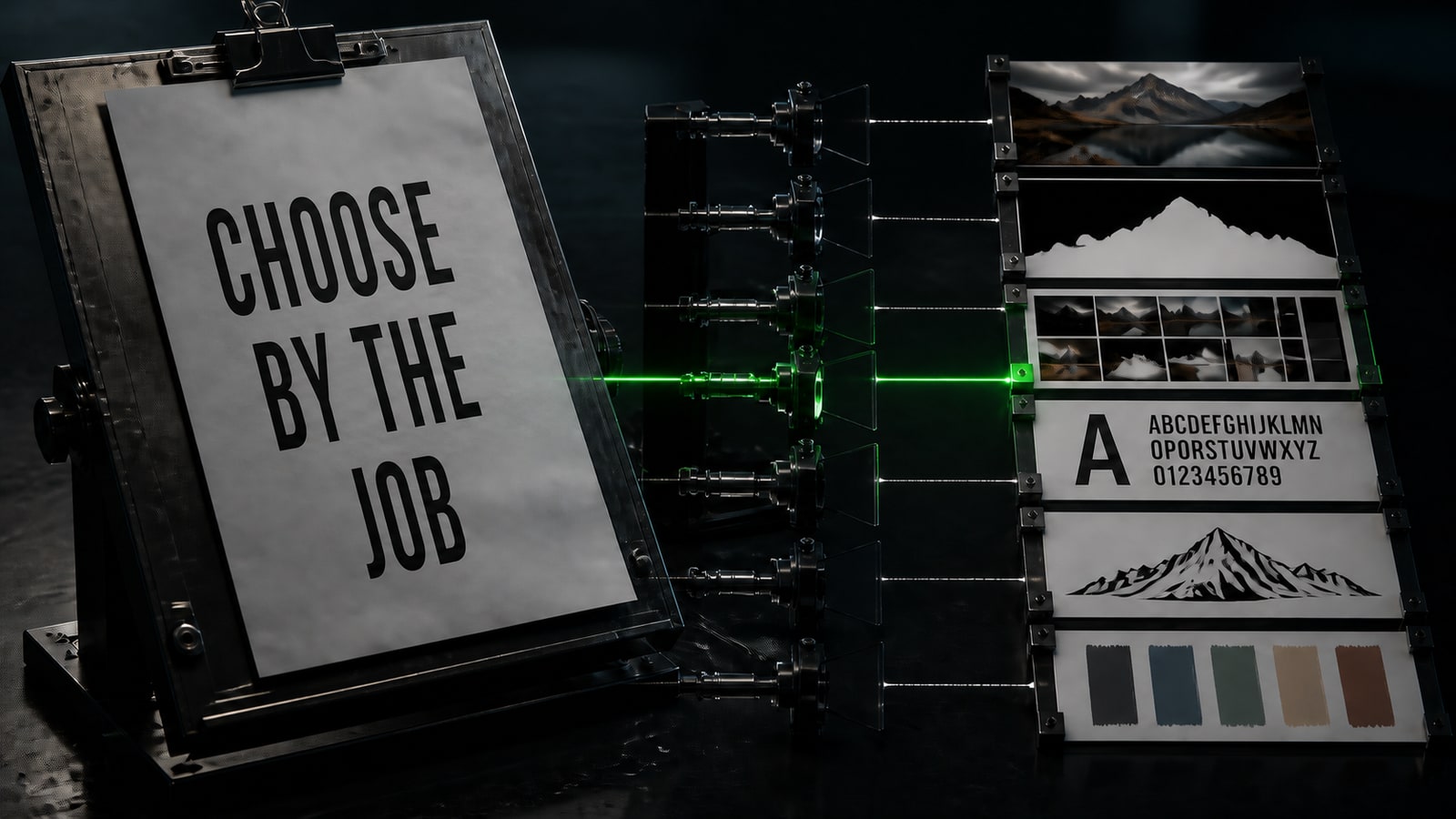
Start with what a client or teammate has to approve. A campaign photo needs believable light and product fidelity. A poster needs accurate text and hierarchy. A card series needs the same character or product across every frame. A logo or icon system needs clean geometry and, sometimes, a real vector output. “Make a beautiful image” can't identify the best AI image generator because it has no file format, failure condition, or review rule. Write a compact job card: source material, dimensions, allowed changes, locked details, number of variants, and reviewer. Then keep two or three candidates. Test GPT Image 2 for bounded natural-language edits and high-fidelity image inputs. Use Nano Banana 2 as a fast generalist for references and conversational iteration. Put Nano Banana Pro on the shortlist for complex layouts, localized text, and production work where control matters more than latency. This isn't a leaderboard. It's the first filter by deliverable.
- 2.
Match each model to its strongest production job
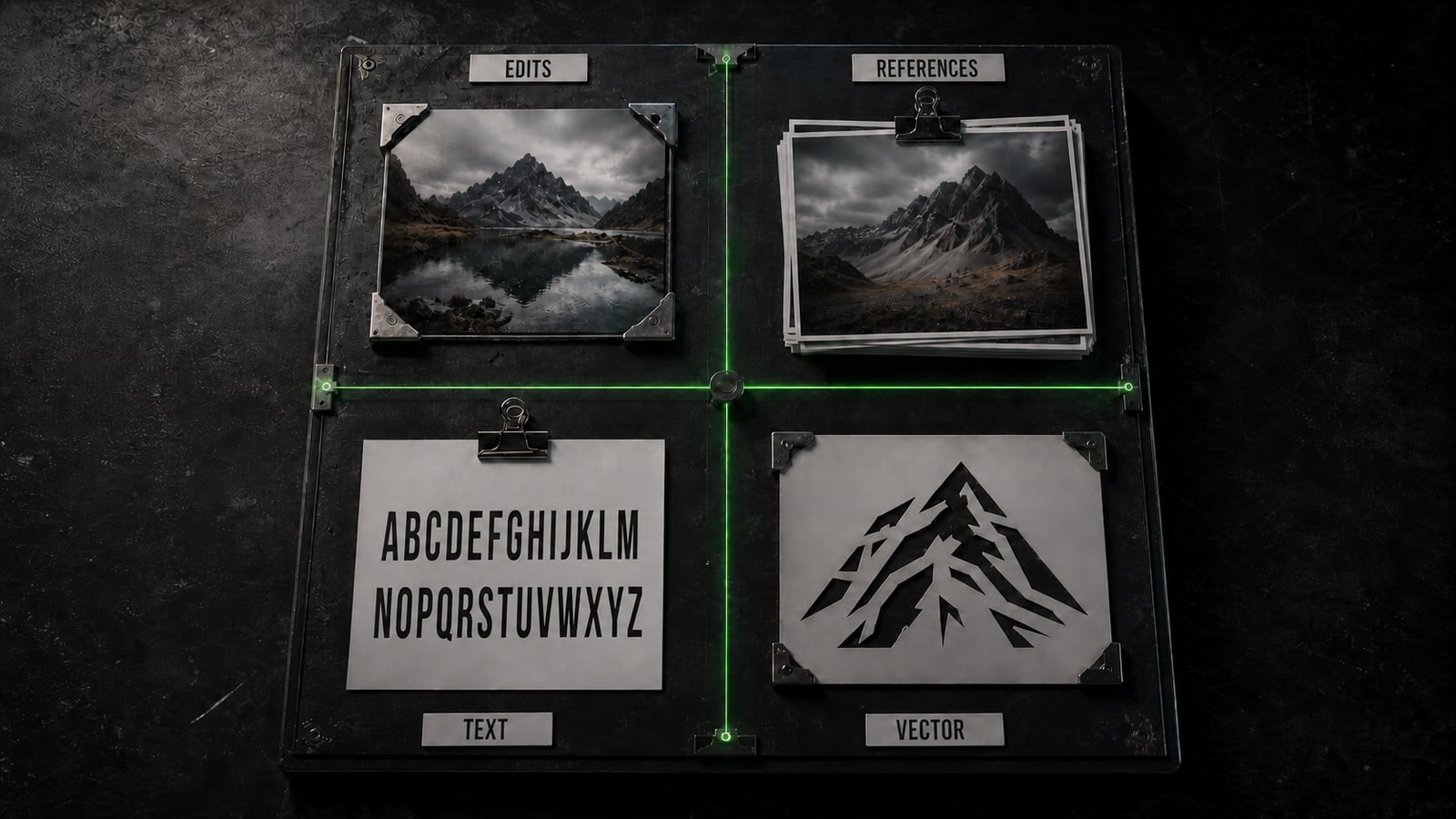
For an existing image that must keep its identity, compare GPT Image 2, Nano Banana Pro, and Seedream 5.0 Pro on the same edit. OpenAI describes GPT Image 2 as a generation and editing model with high-fidelity image inputs. Google positions Nano Banana 2 as the all-around balance of speed and quality, while Pro targets complex instructions, brand consistency, text, and 4K production. Seedream 5.0 Pro is especially relevant for dense infographics, multilingual layouts, and edits guided by a selected region or annotation. For open-ended style exploration, add Midjourney and Recraft. Midjourney's direct platform now defaults to V8.2, with an emphasis on aesthetics, image quality, and personalization. Recraft V4.1 fits short-prompt art direction, illustration, and a dedicated vector branch. Its Utility variant targets calmer front-facing mockups and product shots. The best AI image generator for realistic photos and the best model for a precise editable vector don't need to be the same service.
- 3.
Run one fair test under the same conditions
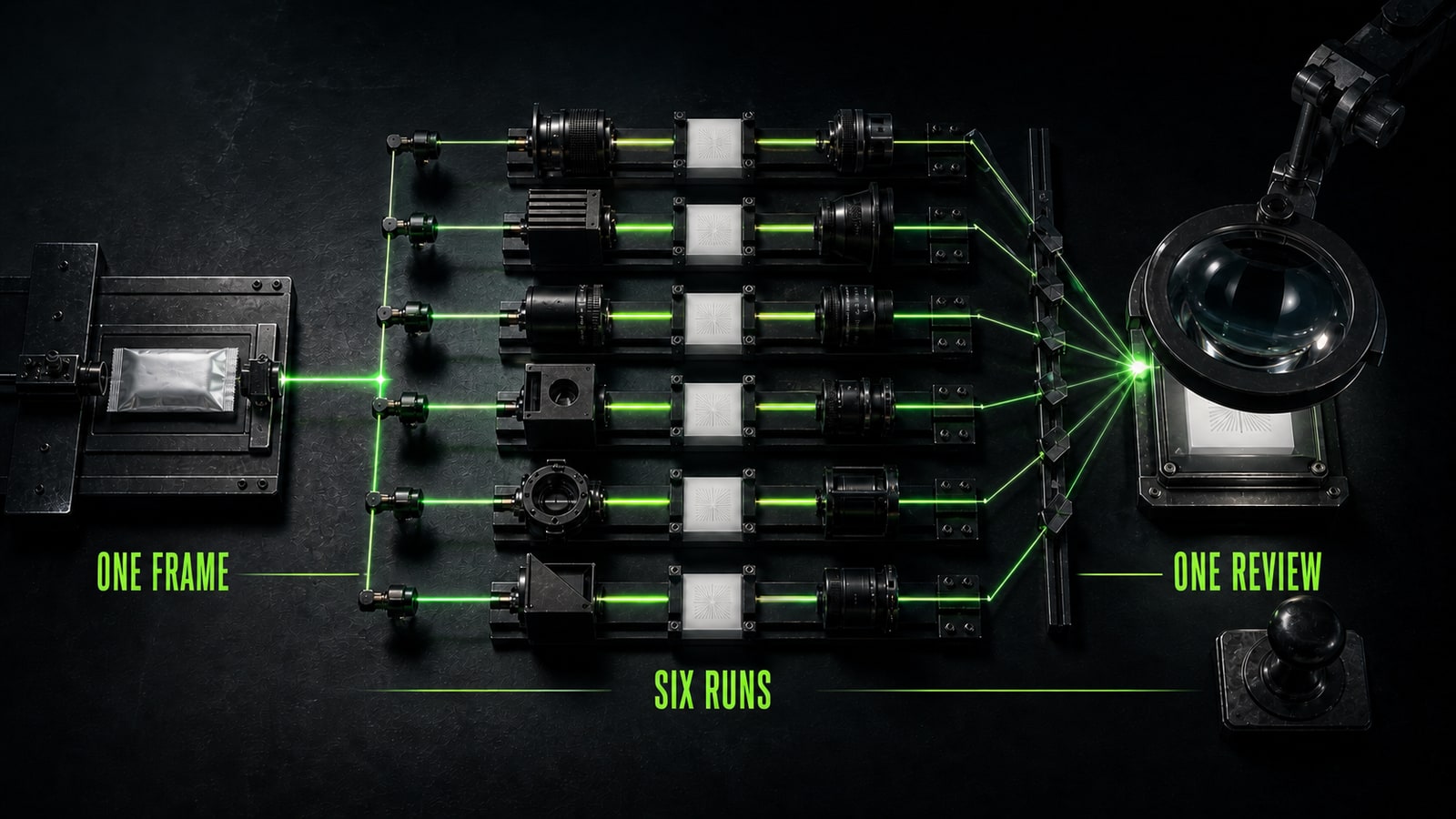
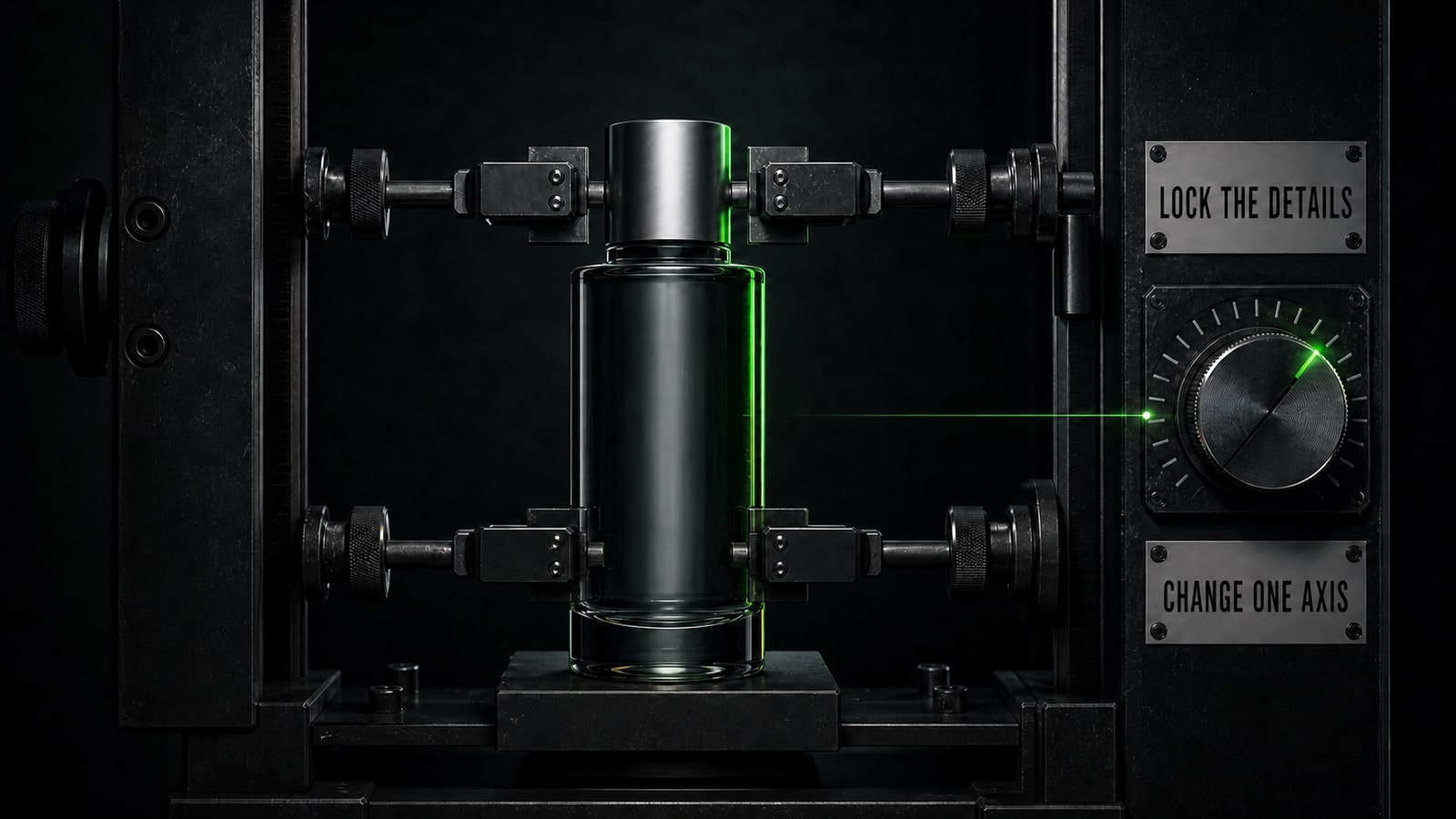
Give every candidate one source image, one size, one prompt, and one constraint list. Don't score only the most impressive first frame. Track five things: identity or shape retention, text accuracy, composition, unwanted additions, and minutes of manual repair. Record the platform and mode too. A Midjourney V8.2 result isn't a fair match against another model's draft mode or a run without the same reference input. In a training case, brand designer Anna used GPT Image 2 for a skincare bottle. Her first prompt, `Create a premium skincare campaign image from the supplied product photo, dark studio, lime rim light`, produced strong lighting but added a second cap and simplified the label. She kept the scene and wrote a bounded correction: `Edit the supplied image. Preserve the bottle silhouette, one silver cap, label wording, glass color, camera angle and background. Change only the rim light: exact #9CFB51, narrow light from camera right. No extra objects, no label rewrite.` The training result kept the composition, removed the extra cap, and changed only the rim light. That second pass reveals control better than a lucky first render.
- 4.
Choose the workflow and keep human approval
After the test, look beyond image quality. Check where source files are stored, whether client material is allowed, how the model handles a series, which export formats exist, and how long final repair takes. Recraft V4.1 Vector remains a separate candidate for vectors. Seedream 5.0 Pro and Nano Banana Pro fit complex localization and infographic work. Nano Banana 2 suits fast reference-driven variation. GPT Image 2 fits bounded edits described in natural language. Midjourney's current branch belongs in aesthetic exploration and personalization. Don't move one prompt between models without adapting it. Keep the job, source, and acceptance criteria, but shape the instruction for the engine. Opten can turn a rough request into a model-specific brief and surface missing constraints. A person still approves faces, hands, products, text, source rights, and factual advertising claims. Keep a model in the workflow only when it repeatedly shortens the path to an accepted asset.


Sources and related guides
The factual basis for this article and useful next reads. External links point to official documentation.
- Official sourceOpenAI: GPT Image 2 ↗Official model card covering image generation, editing, and high-fidelity image inputs.
- Official sourceGoogle: Nano Banana image generation ↗Official comparison of Nano Banana 2 and Nano Banana Pro, references, editing, and resolution.
- Official sourceMidjourney: model versions ↗Current version, V8.2 and V8.1 behavior, Raw, HD, and feature compatibility.
- Official sourceByteDance Seed: Seedream 5.0 Pro ↗Official overview of infographics, precise editing, photorealism, and multilingual text.
- Official sourceRecraft: V4.1 ↗Official guide to V4.1, Vector, and Utility for photos, illustration, mockups, and short prompts.

