Nano Banana Pro prompts: practical workflow
Vlad Aivor · · 7 min read

Nano Banana Pro is Google's image model for generation, editing, and high-resolution visuals in the Gemini ecosystem. Strong Nano Banana Pro prompts work like compact design briefs: job, scene, subject, style, references, and constraints. That order reduces drift, improves in-image text, and saves iterations.
- 1.
Build the prompt from five blocks
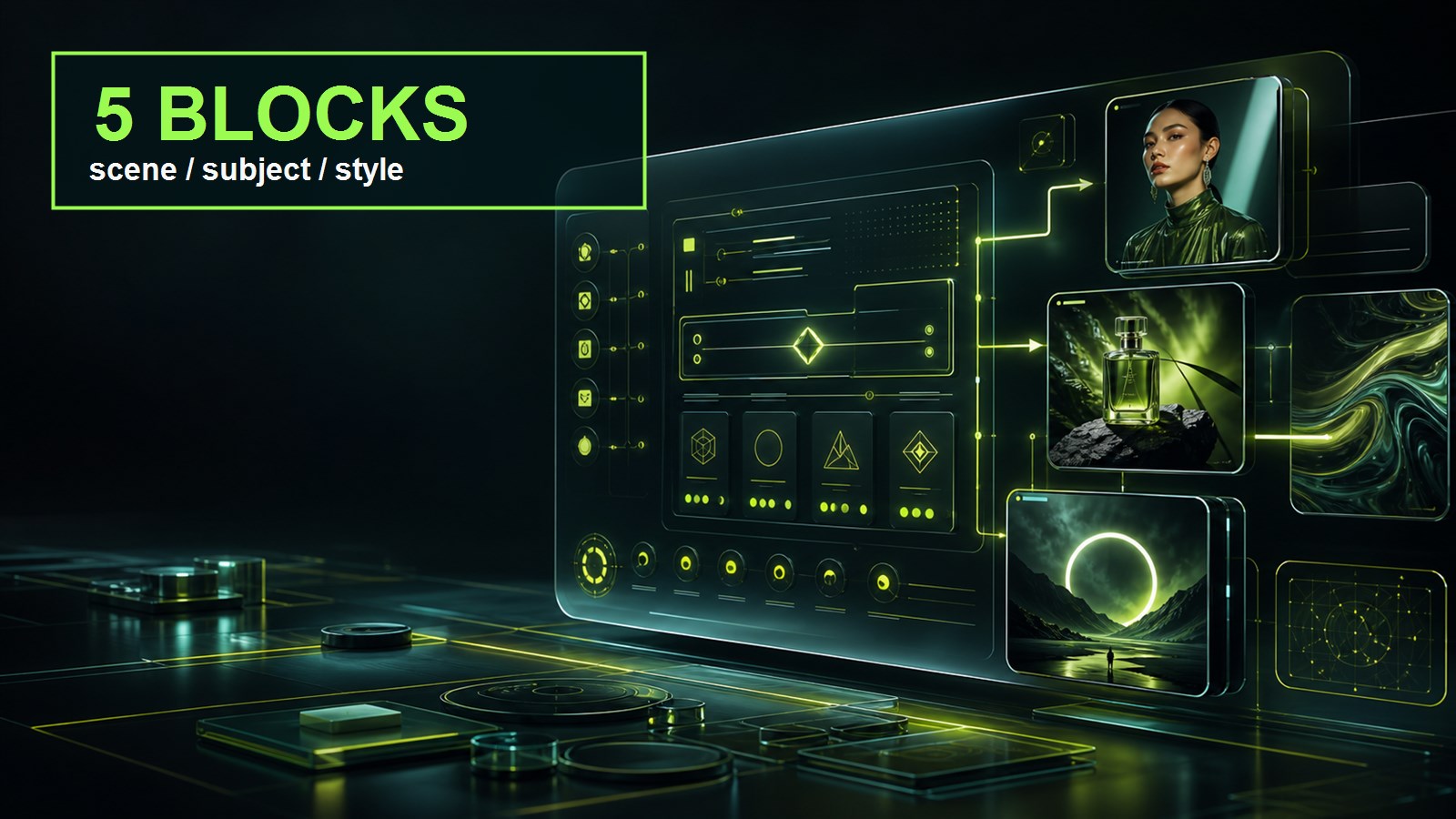
The best nano banana prompt is not a pile of attractive tags; it is a five-block brief: `Purpose`, `Scene`, `Subject`, `Style`, `Constraints`. In the first sentence, state the job: product shot, article cover, poster, hero image, UI mockup, or character reference. Then describe the scene and main subject. Add style, camera, light, materials, and only then constraints. If text must appear in the image, quote it exactly and ask for a large headline, not a tiny table. Opten is useful before generation because it shows whether the prompt reads like a usable brief or scattered wishes.
Before
banana ai poster, cool product, neon, cinematic, text, 4k
After
Purpose: premium product poster, 16:9. Subject: matte black perfume bottle on wet volcanic stone. Scene: dark botanical studio, lime rim light. Text, exact: "NIGHT BLOOM". Constraints: no extra logos, no tiny text, preserve bottle shape.
- 2.
Choose the model for the job
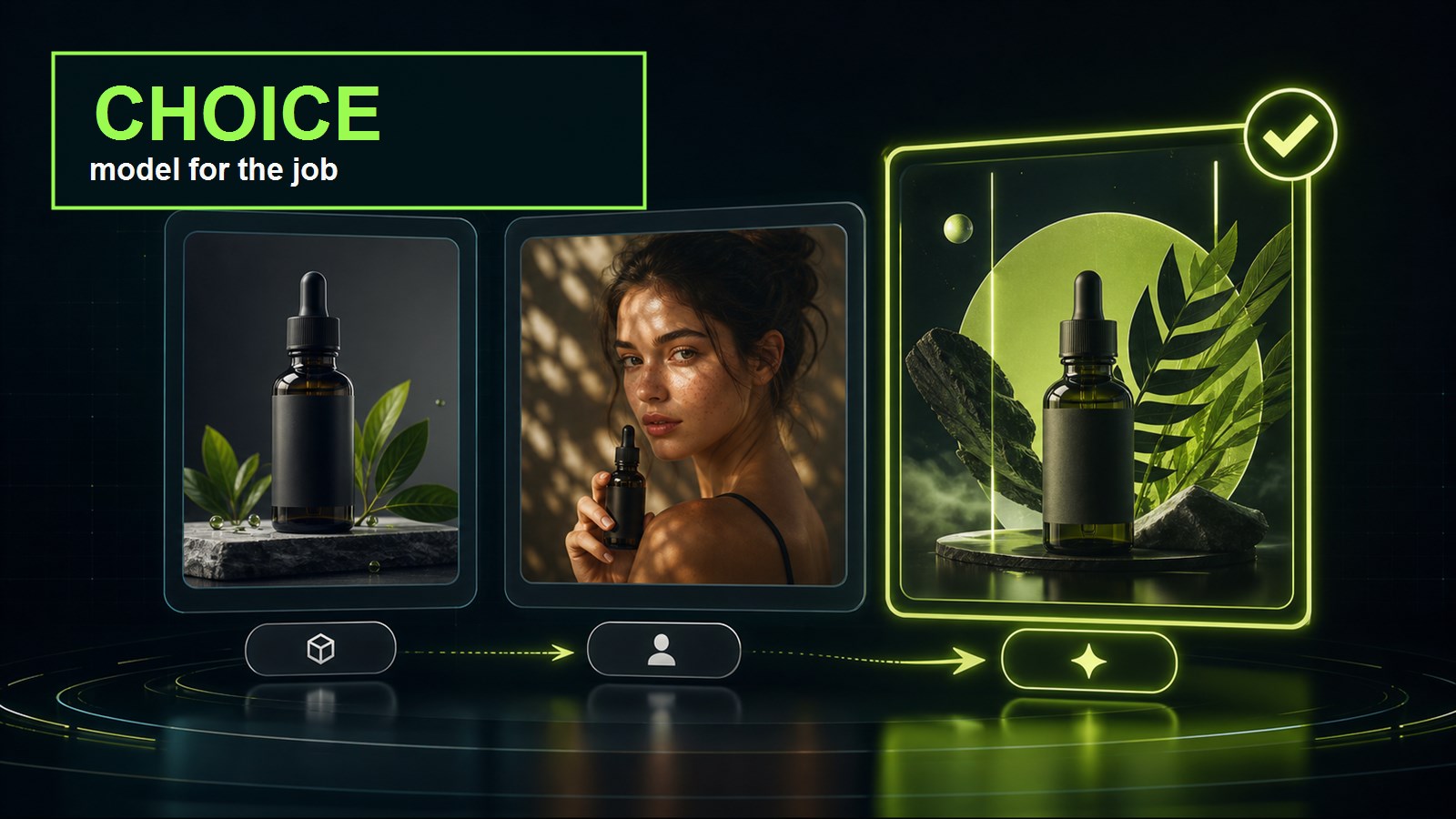
Nano Banana Pro is a strong fit when the image prompt needs materials, lighting, product composition, advertising polish, or reference-based editing. GPT Image 2 often handles multilingual text and strict long-form structure better. Imagen 4 Ultra is useful for clean photoreal frames, while Midjourney 8.1 gets to a strong style exploration quickly. So do not start with “which AI model is best.” Start with the output. If you need a premium product shot with references and a 4K final, Nano Banana Pro is a good candidate; if you need dense infographic text in Russian, test GPT Image 2 first.
Before
Use one prompt for Nano Banana Pro, GPT Image 2, and Midjourney 8.1.
After
Nano Banana Pro: product shot plus references. GPT Image 2: exact text and structured brief. Midjourney 8.1: style exploration before final production.
- 3.
Fix the first error with one line
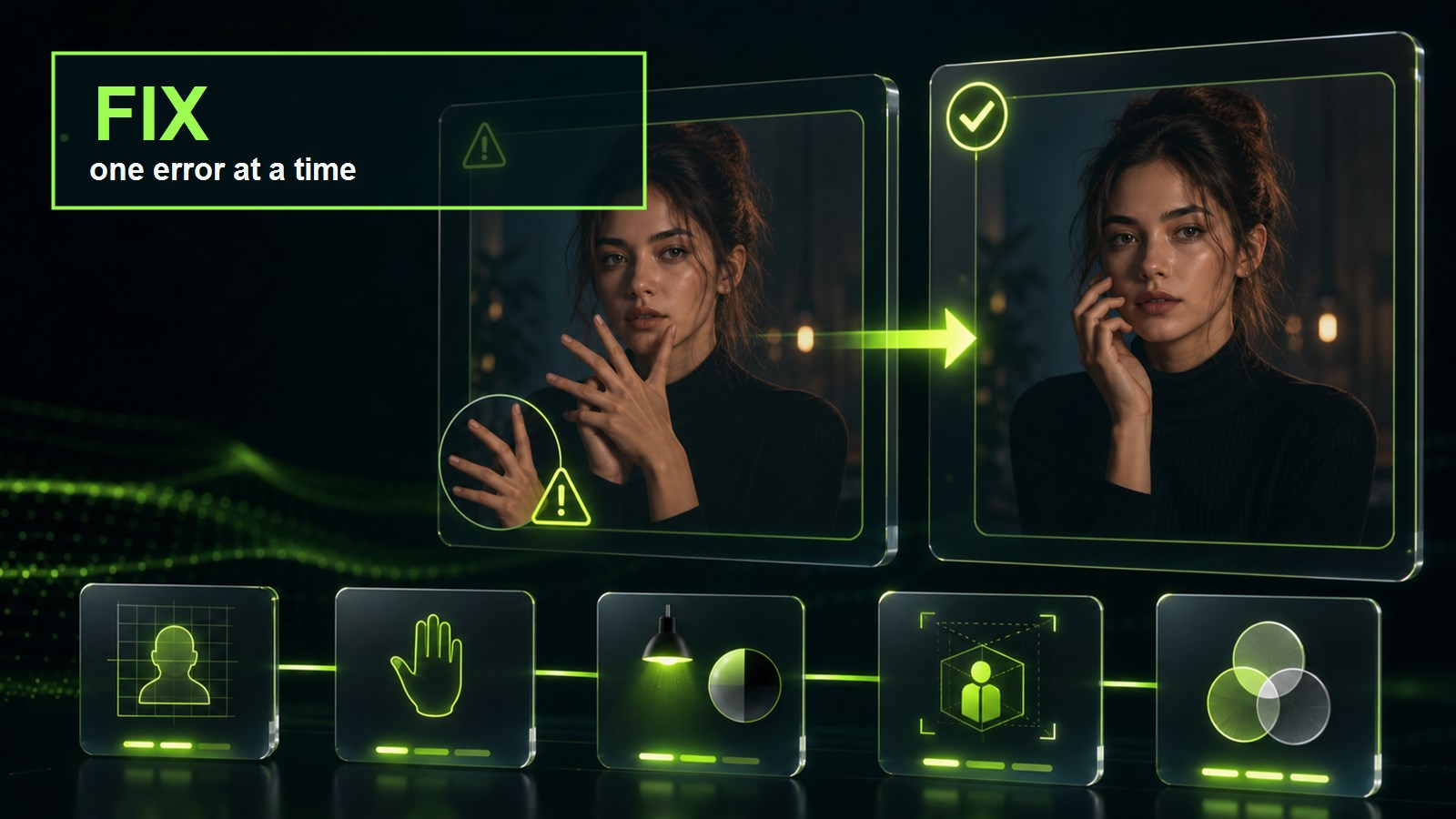
Practical case: in Nano Banana Pro, we tested “a woman holding a glass perfume bottle on wet volcanic stone, close advertising shot.” The first render had beautiful lighting, but the visible hand had six fingers and the bottle became too wide. The mistake was not style; it was missing constraints. The precise fix was: `preserve five fingers on each visible hand, keep the perfume bottle narrow and cylindrical, do not change lighting or composition`. The hand and bottle shape improved while the successful scene stayed intact. Do not rewrite the full prompt after the first error or you will lose what already worked.
Before
Make it better, fix the hand and bottle, more realistic.
After
Change only: hand anatomy and bottle geometry. Preserve: lighting, camera angle, wet stone, model pose, color palette. Constraint: five fingers on each visible hand.
- 4.
Give references explicit roles
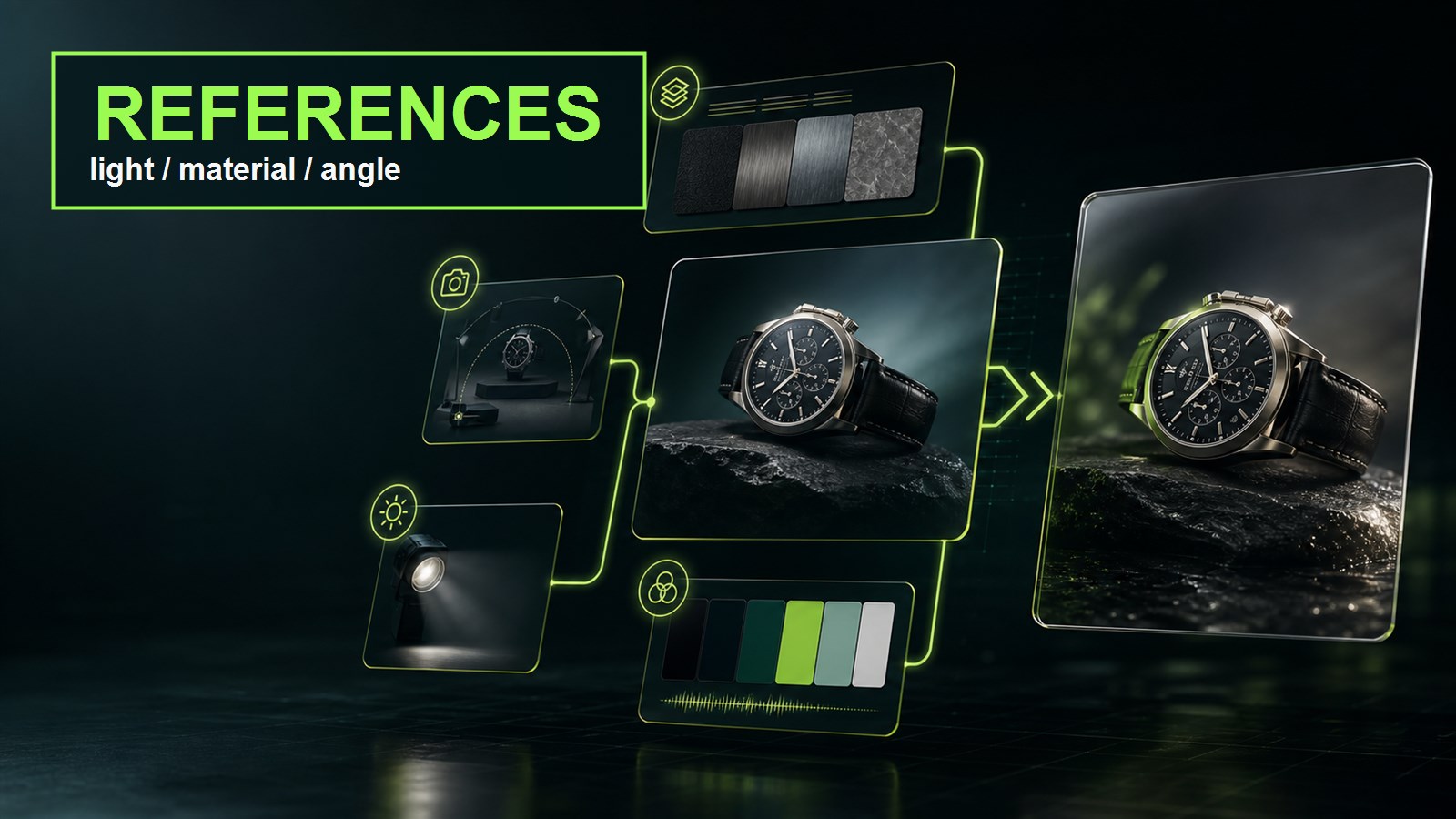
If the model accepts reference images, do not drop them into the request without explanation. Assign roles: one reference for object shape, one for material, one for lighting, and one for color palette. Write it directly in the prompt: `Use reference 1 for product shape only`, `Use reference 2 for wet stone texture`, `Use reference 3 for lime rim lighting`. Otherwise Nano Banana AI can average the inputs into a pretty but wrong hybrid. For characters, separately lock identity: face, hair, outfit, age, and memorable marks.
Before
Here are several references; make something in this style.
After
Reference 1: product shape only. Reference 2: material texture only. Reference 3: lighting mood only. Do not copy logos or text from any reference.
- 5.
Review the final as production work
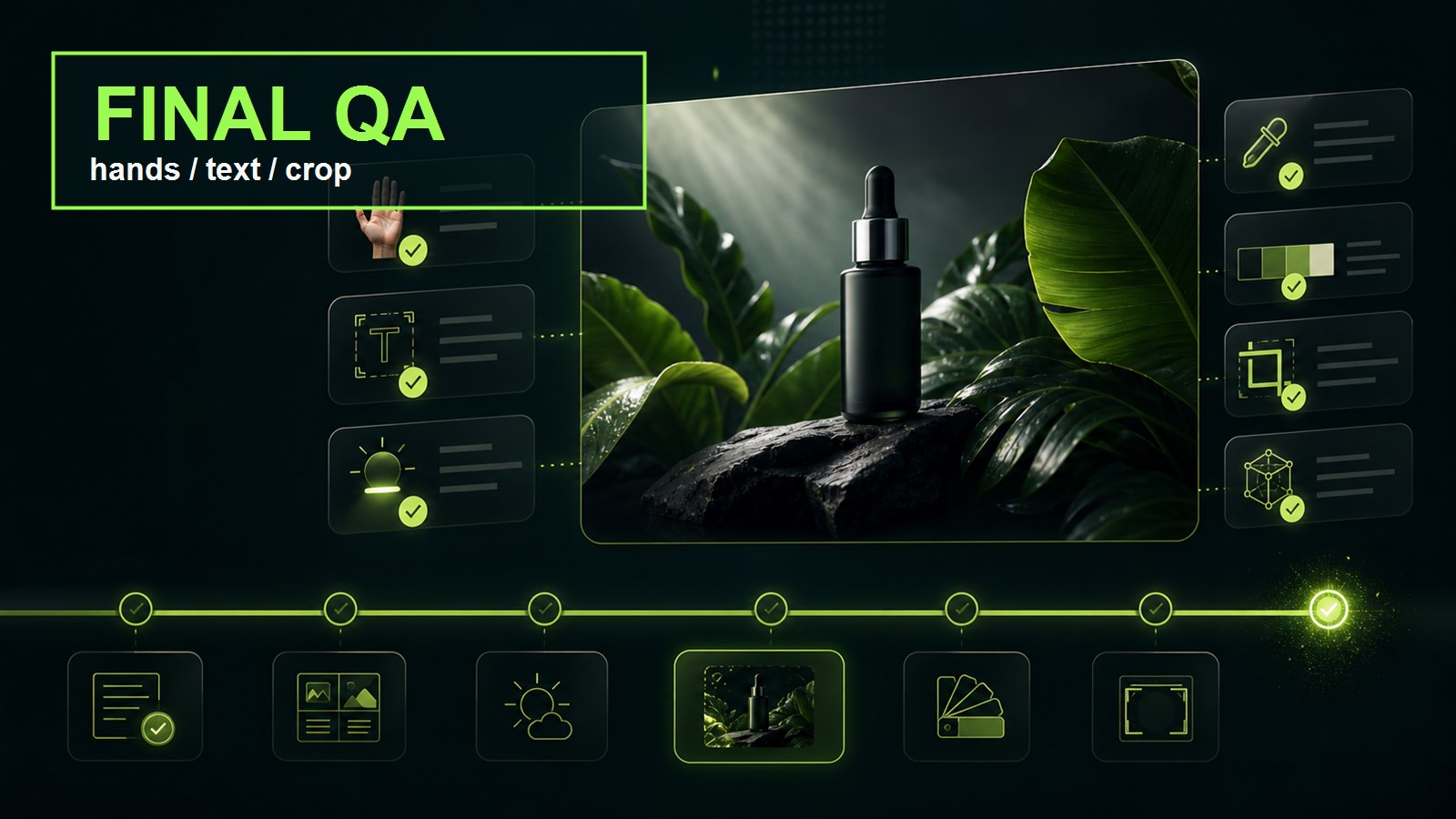
Review the final image as a production asset, not just as “nice or not.” Mini-checklist: hands, object shape, text, crop, lighting, extra logos, watermark, and task fit. For commercial images, confirm that packaging and material did not drift. For social creative, check the safe area for a headline. If there is one error, make one iteration. If there are three or more errors, return to the prompt structure because the goal, style, and constraints are probably mixed together. The same workflow also transfers to GPT Image 2, Seedream 5, and Flux Kontext.
Before
It looks good, but something is off.
After
QA: hands, object shape, exact text, crop, light, extra logos, watermark, task fit. Fix only the first failing item.