Free AI courses: learn by doing, not watching
Vlad Voronezhtsev · · 6 min read

Free AI courses are useful when every lesson ends with a small task: a piece of copy, a visual, a slide, or a short video. That is how beginners acquire vocabulary, first prompts, and small cases. AI courses online free are enough to test a direction and build a workflow, but they cannot replace consistent practice or feedback.
- 1.
Free AI courses work when the lesson has a task
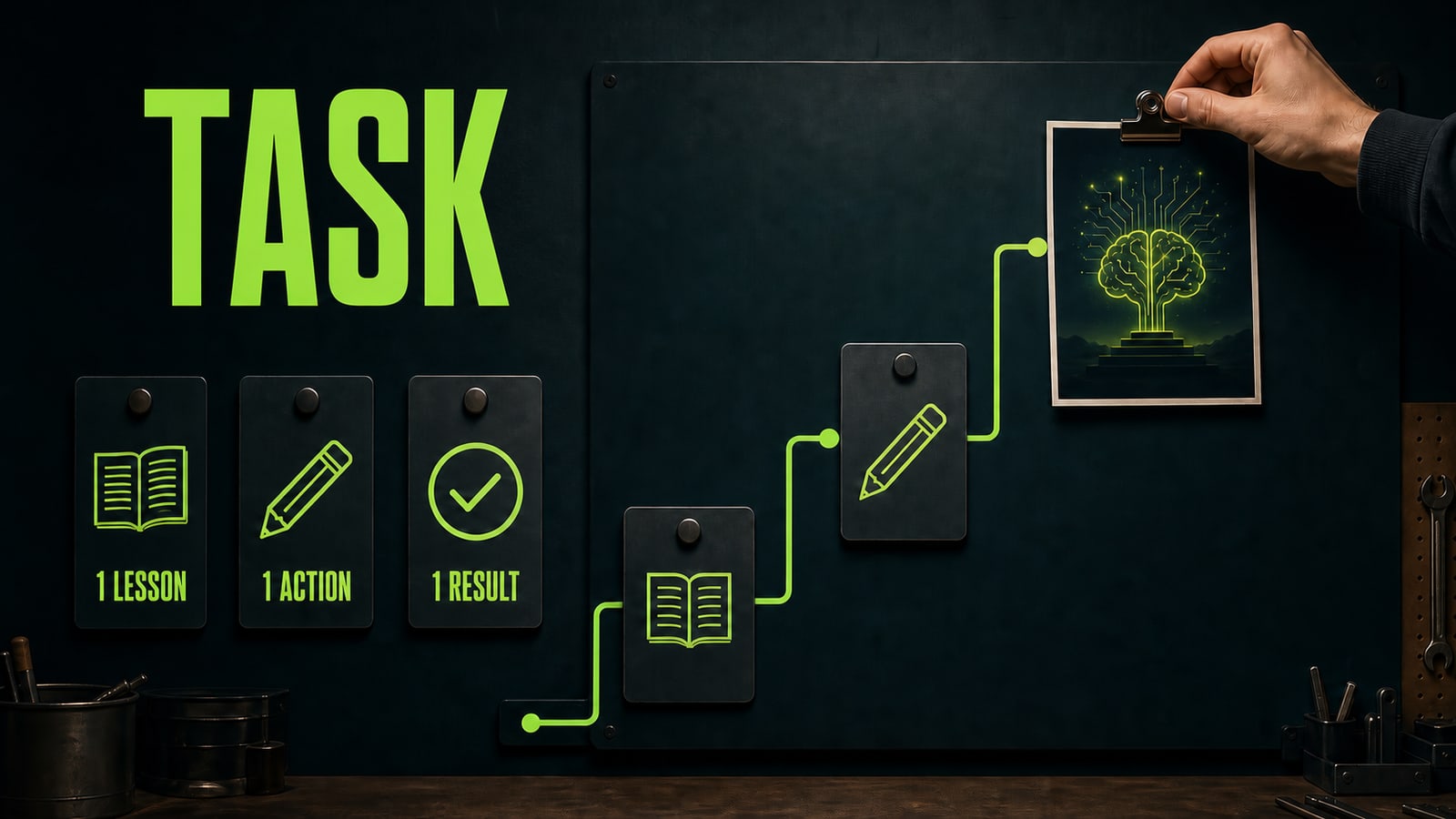
The value of a free lesson is not that you can queue up dozens of videos. It is that you can test a direction without committing to a program. One lesson on copy, visuals, slides, or video is enough to find out whether you want to solve that kind of problem or merely collect tool names. Pick one result for the next 30 to 40 minutes and do not move on until you have a draft worth saving. Irina's case: after a lesson on visual briefs, she opened GPT Image 2 with the request, "Make a stylish illustration for a lesson." The output was attractive but unusable. She rewrote the prompt with a purpose, subject, format, and constraints. The next result was a clear frame for a mini case instead of another random render. The model did not do the thinking for her; it exposed the details of the task she had not named yet.
Before
Make a stylish illustration for a lesson.
After
Educational illustration for a mini case about free AI learning. Scene: a worktable with five task cards. Style: dark editorial. Format: 16:9. Constraints: no text and no logos. Success criterion: the path from lesson to finished work is clear without explanation.
- 2.
Learn AI for beginners with a weekly rhythm
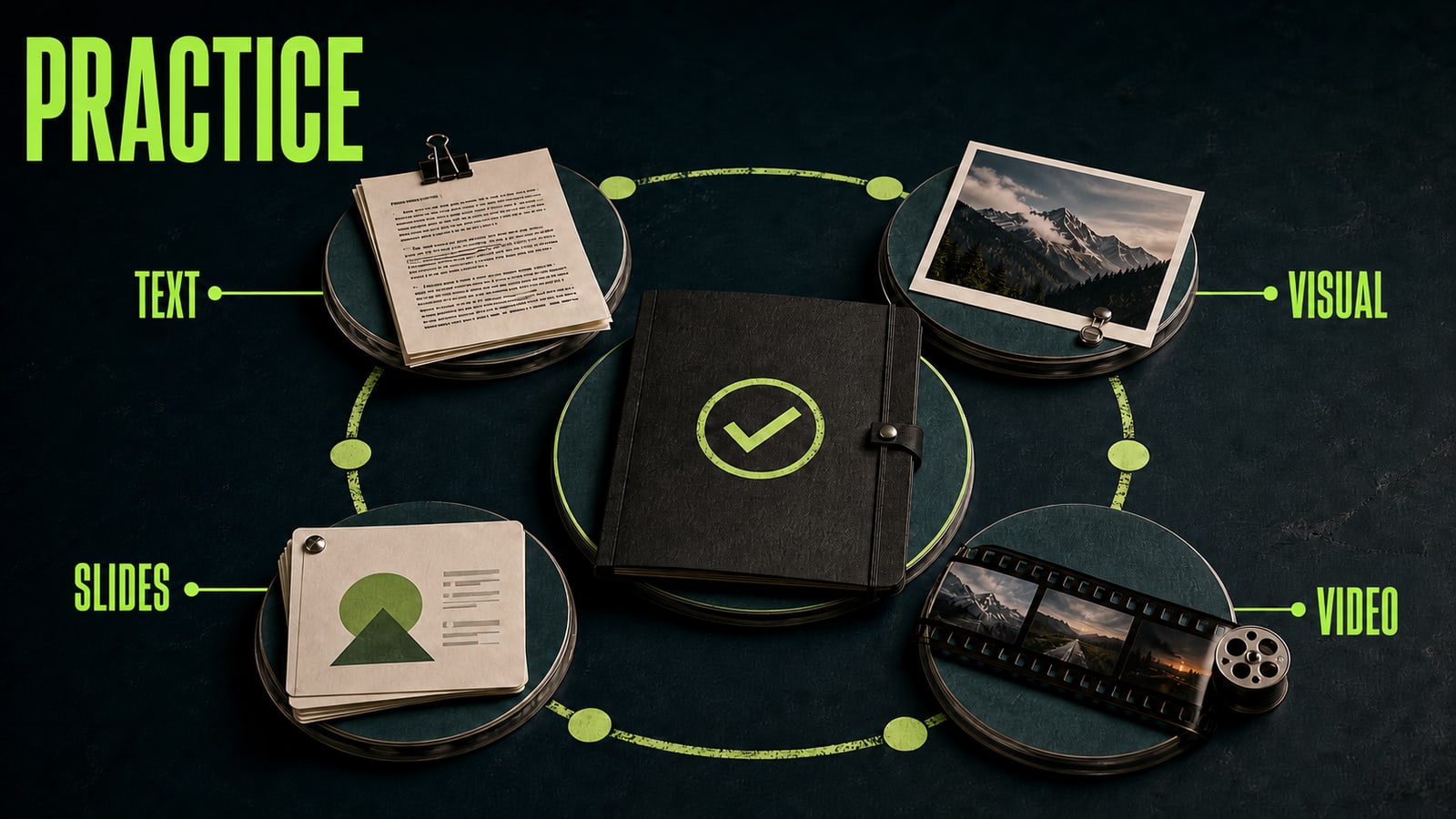
If you want to learn AI for beginners, a short practice week is more useful than hunting for a perfect syllabus. Draft copy on day one, make a visual brief on day two, build one slide on day three, sketch a short video on day four, and connect the pieces into one clear story on day five. Five small artifacts teach you more than five hours of tool overviews. Do not take every free AI course back to back. Save the original task, the first prompt, the first mistake, and the version after revision. That record becomes your own working playbook. Once the task is defined, Opten can help surface what the prompt is missing: a goal, context, format, constraints, or a success criterion. It is more useful than guessing why the model produced another vague answer.
Before
This week I will watch lessons about ChatGPT, images, video, and presentations. I will practice once I understand everything.
After
This week I will build one mini case: copy, a visual brief, one slide, and a short storyboard for a single task. I will save the prompt and one revision after every stage.
- 3.
Turn a lesson into a short prompt
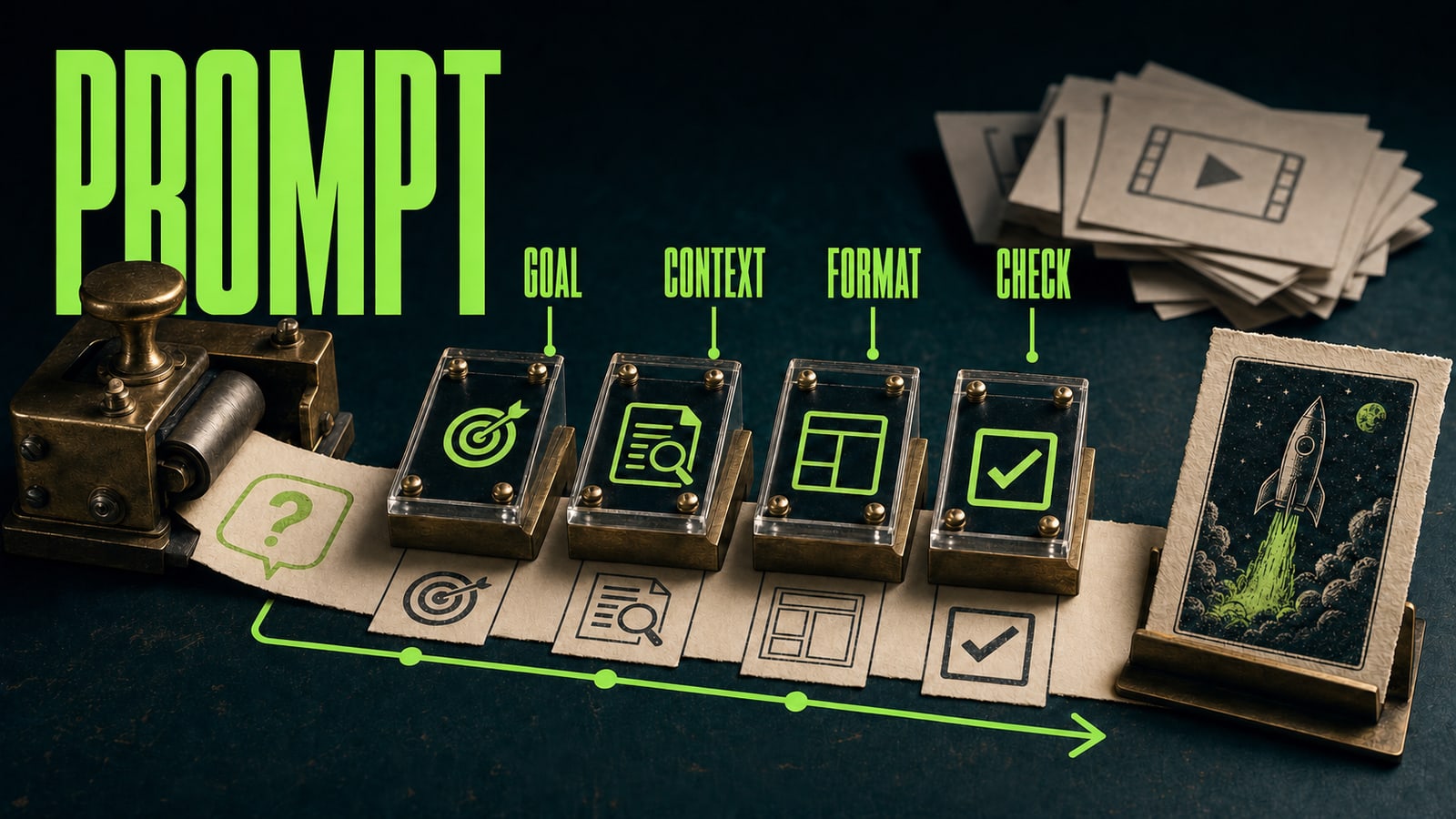
Passive learning starts with, "I will watch two more videos first." Practice starts with asking what you want to have by the end of the session. Name the goal, add context, specify the format, and decide how you will judge the output before you open the model. The prompt does not need to be long, but it should not make the model guess what success looks like. This is obvious on simple assignments. Write, "Make slides about the product," after a presentation lesson and you will get a generic outline. Define the audience, slide count, source facts, and one quality bar, and you have material you can assess. Then revise one weak element only: trim the opening, clarify the visual direction, or ask for a different tone. That is how watching lessons becomes a habit of setting useful tasks.
Before
Make slides about the product.
After
Create a seven-slide outline for an internal presentation about a new service. Audience: managers without a technical background. Include the problem, solution, one usage scenario, and the next step. Tone: clear, no promotional promises. Success criterion: every slide answers one question.
- 4.
Build a small case before choosing a paid course
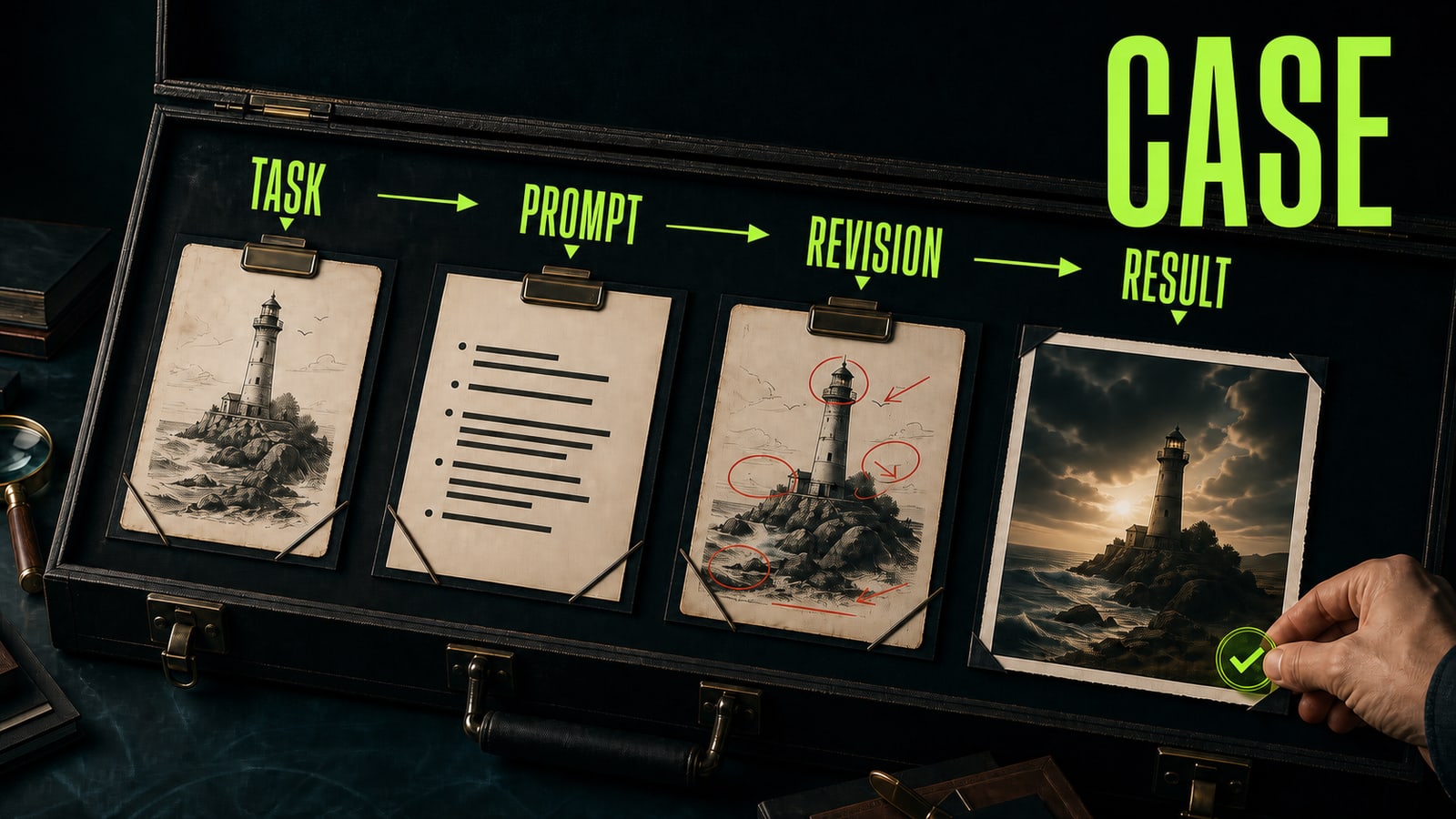
Your first case does not have to be commercial. Show the path instead: the task, the prompt you wrote, what failed in the first version, how you revised it, and the final result. This kind of folder is more honest than a certificate. It shows whether you can carry an AI task through to an outcome and explain the decisions along the way. Free AI courses are enough to try a direction and build basic practice. A paid course becomes useful when you know which workflow you want to repeat but need a structured sequence, feedback, or a more demanding project. At that point, you are not paying to hear tool names. You are paying for pace, error review, and an environment that expects you to finish the work.
Before
I have a list of lessons and saved links, but nothing that demonstrates what I learned.
After
My mini case includes the task, prompt, first version, one revision, final artifact, and a short note about what I would change next time.