Prompt structure: write better AI prompts
Vlad Voronezhtsev · · 6 min read

Prompt structure is the order of blocks in an AI request: goal, scene, subject, style, camera, constraints, and result checks. If you want to write better AI prompts, start with a clear brief for the model and output format, not with a pile of attractive tags.
- 1.
Start with the job, not pretty words
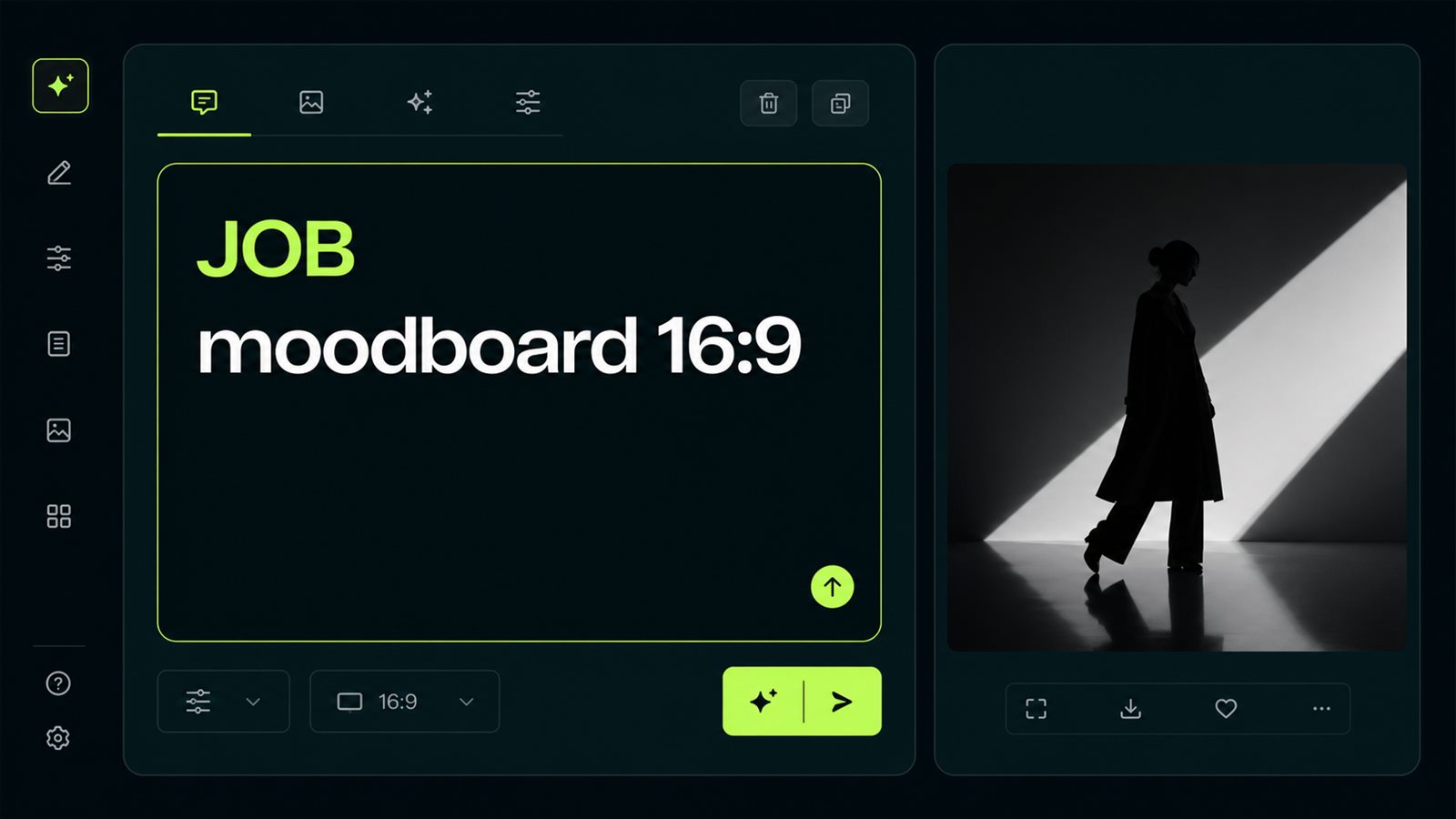
The first block answers what the output is for. For GPT Image 2, that might be “article cover, 16:9, no text.” For Midjourney 8.1, “fashion editorial frame for a moodboard.” For Kling 3.0, “5-second clip with one camera move.” When the job comes first, the model chooses the right composition: an ad frame leaves product space, a UI mockup builds a grid, a video prompt holds action over time. Opten helps at this stage because it flags where a prompt still reads like scattered words rather than a usable brief.
Before
beautiful image, neon, girl, camera, stylish, cinematic
After
Job: vertical fashion editorial frame for a moodboard. Subject: model in a lime raincoat under rain. Composition: medium shot, face under 30% of frame. Light: soft neon, wet asphalt, no logos.
- 2.
Build the prompt from five blocks
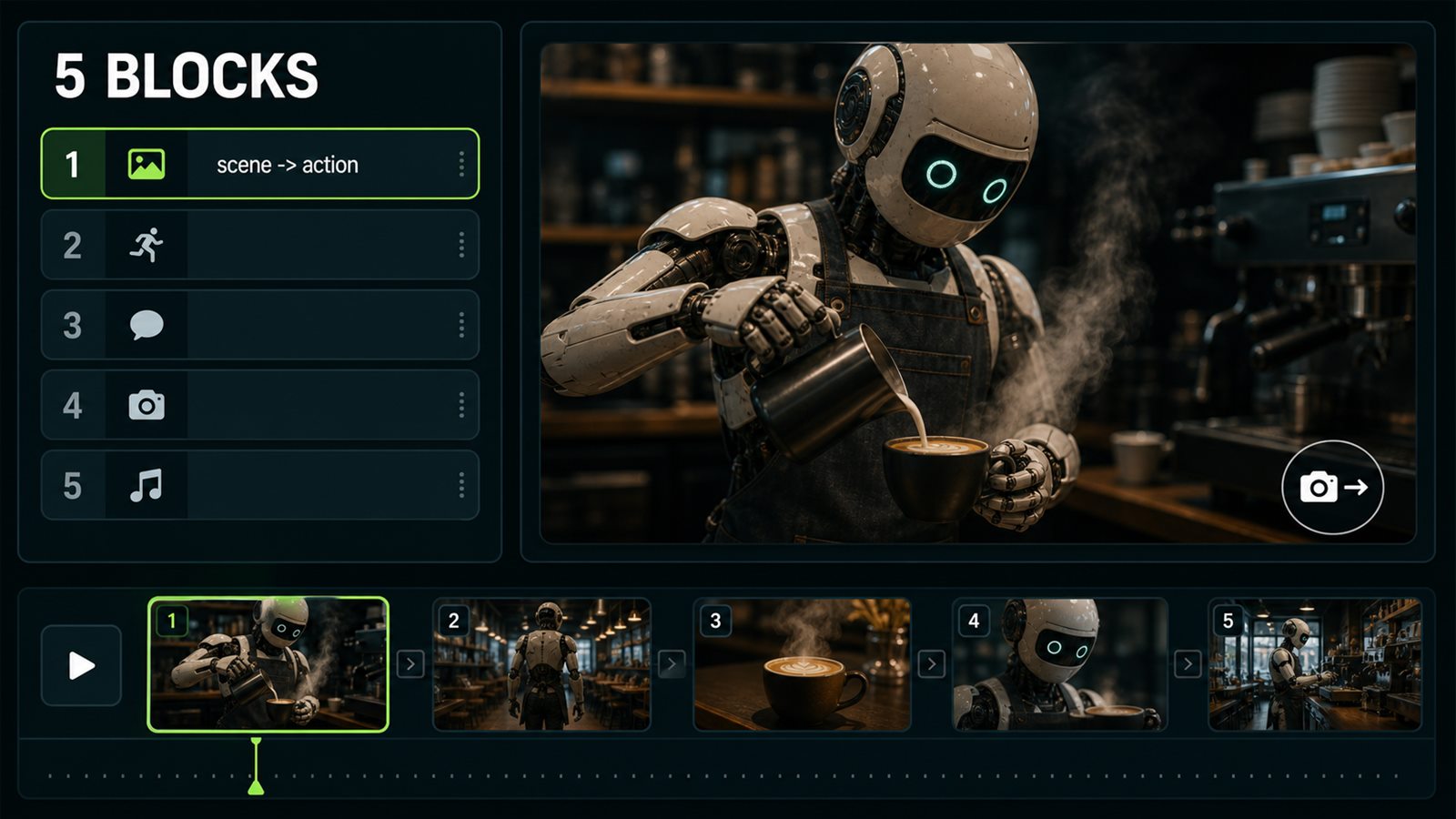
The base AI prompt structure has five blocks: `Purpose`, `Scene`, `Subject`, `Style and camera`, `Constraints`. For image models, add material, lighting, and quoted text if text must appear in the image. For video models, add action, secondary motion, and camera. In Veo 3.1 and Kling 3.0, sound is also worth specifying: short dialogue, ambience, SFX, or silence. Otherwise the model often invents an audio layer or turns a calm scene into a dramatic music clip.
Before
future coffee shop, robot barista, beautiful, 4k, realism
After
Purpose: 8-second video concept. Scene: quiet futuristic coffee shop at night. Subject: robot barista pouring espresso. Motion: slow hand movement, steam rising, camera push-in. Constraints: no crowd, no brand logos, no fast cuts.
- 3.
Adapt the structure to the model
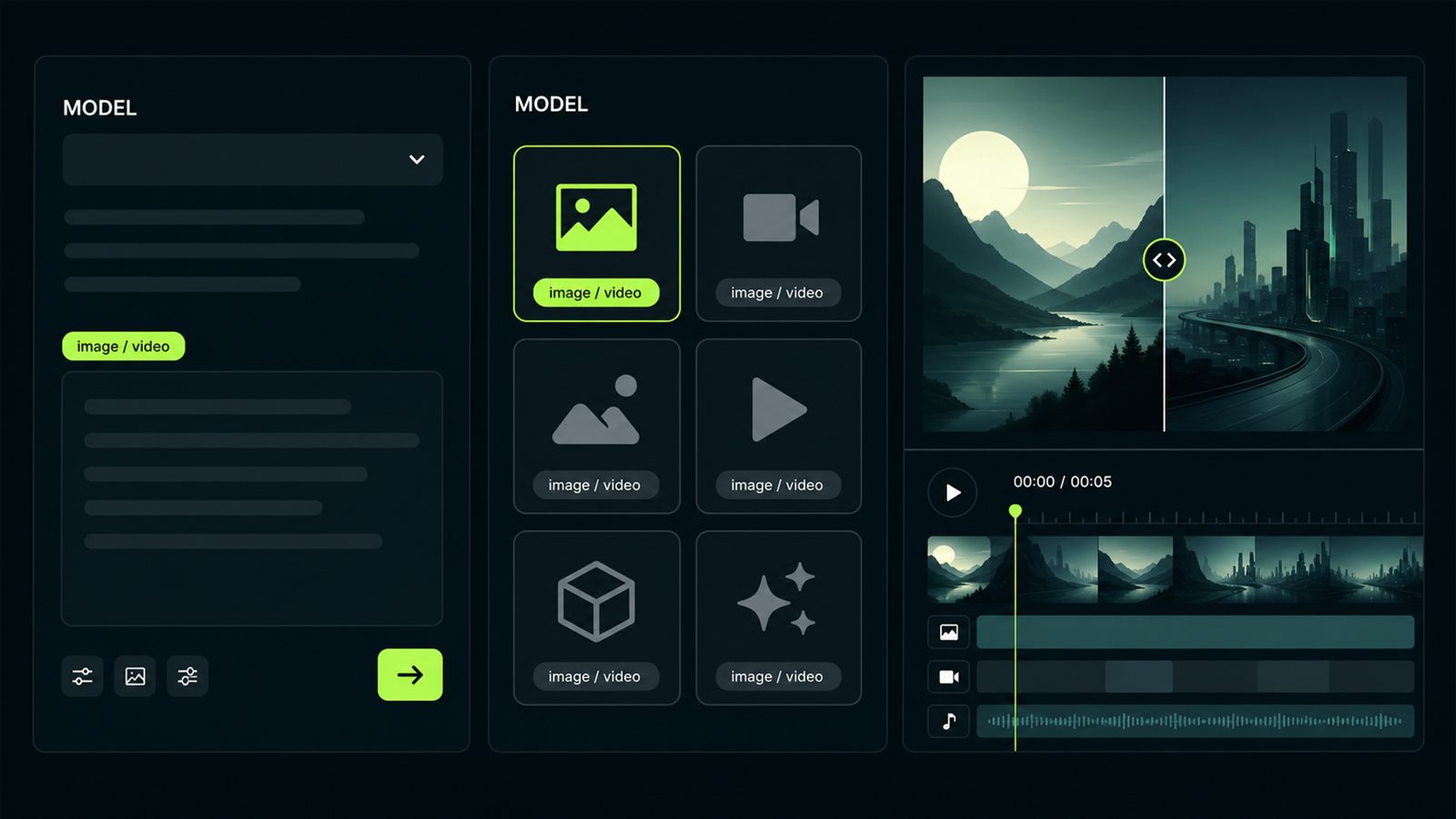
One structure does not mean one identical prompt for every engine. GPT Image 2 likes a natural design brief and exact text in quotes. Nano Banana Pro and Imagen 4 Ultra respond well to material, color, and micro-texture detail. Midjourney 8.1 catches aesthetic codes fast, but needs careful `--no` and `--style` control to avoid over-polish. In video, Runway Gen-4.5 and Luma Ray 3 care more about the action verb and motion physics than a list of objects. Choose the model first, then write the prompt.
Before
one prompt for GPT Image 2, Midjourney 8.1, Veo 3.1, and Runway Gen-4.5
After
For GPT Image 2: detailed design brief. For Midjourney 8.1: aesthetic code plus exact bans. For Kling 3.0: action, camera, duration, motion constraints.
- 4.
Treat the first render as diagnosis
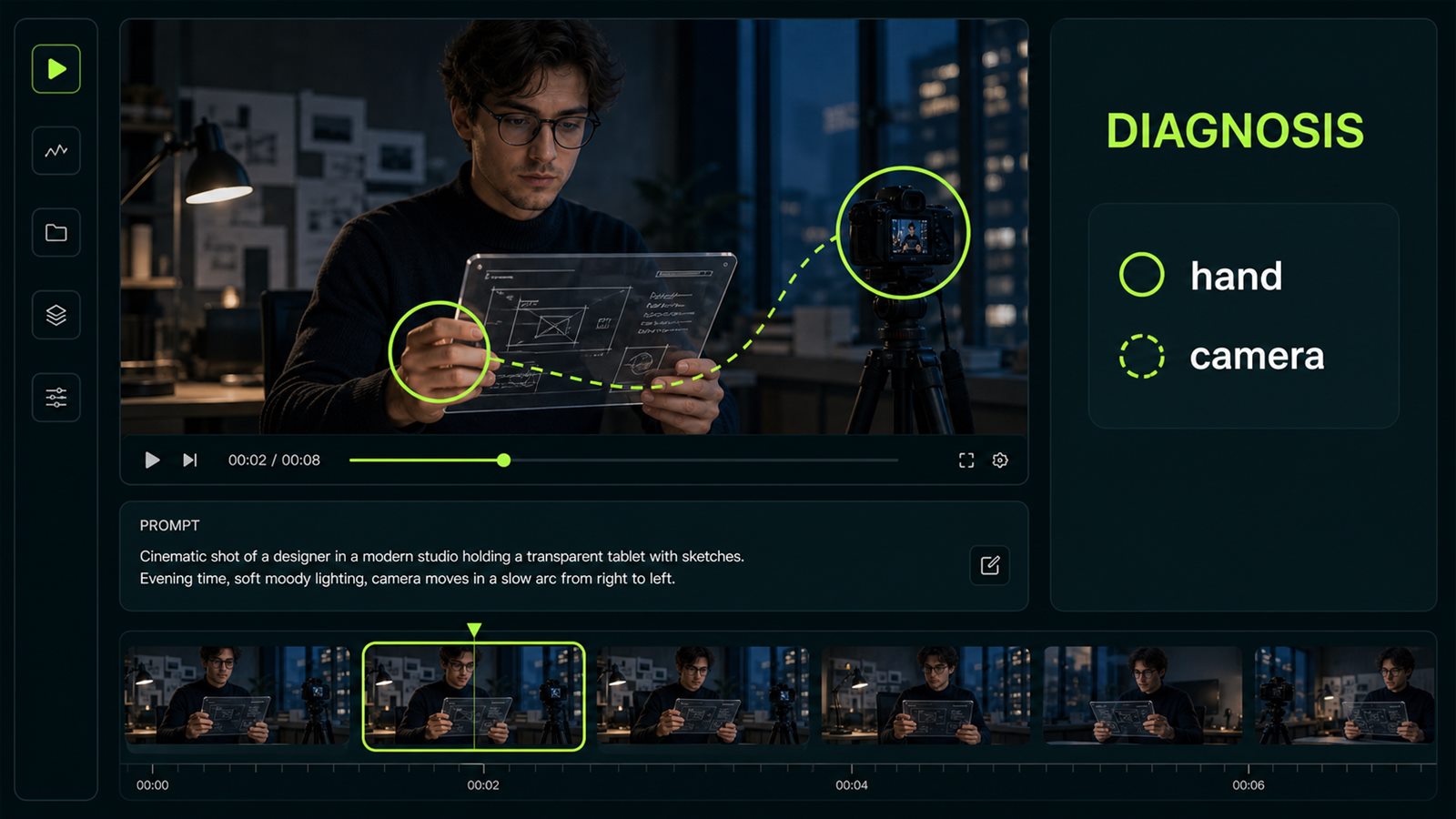
A practical case: in Kling 3.0, we tested a short clip where “a designer picks up a transparent tablet from a desk and turns to camera.” The first render gave the right hand six fingers and snapped the camera too sharply. The fix was precise: `preserve five fingers on each visible hand, slow handheld push-in, no sudden camera snap`. We did not rewrite the whole scene; we added one hand rule and one camera rule. The action stayed the same, but the artifact disappeared. That is what the first render is for: diagnosis, not a vague like/dislike verdict.
Before
Designer picks up a transparent tablet and turns to camera, cinematic office, handheld camera.
After
Designer picks up a transparent tablet and turns to camera. Preserve five fingers on each visible hand. Slow handheld push-in, no sudden camera snap, no warped tablet edges.
- 5.
Edit one axis per iteration
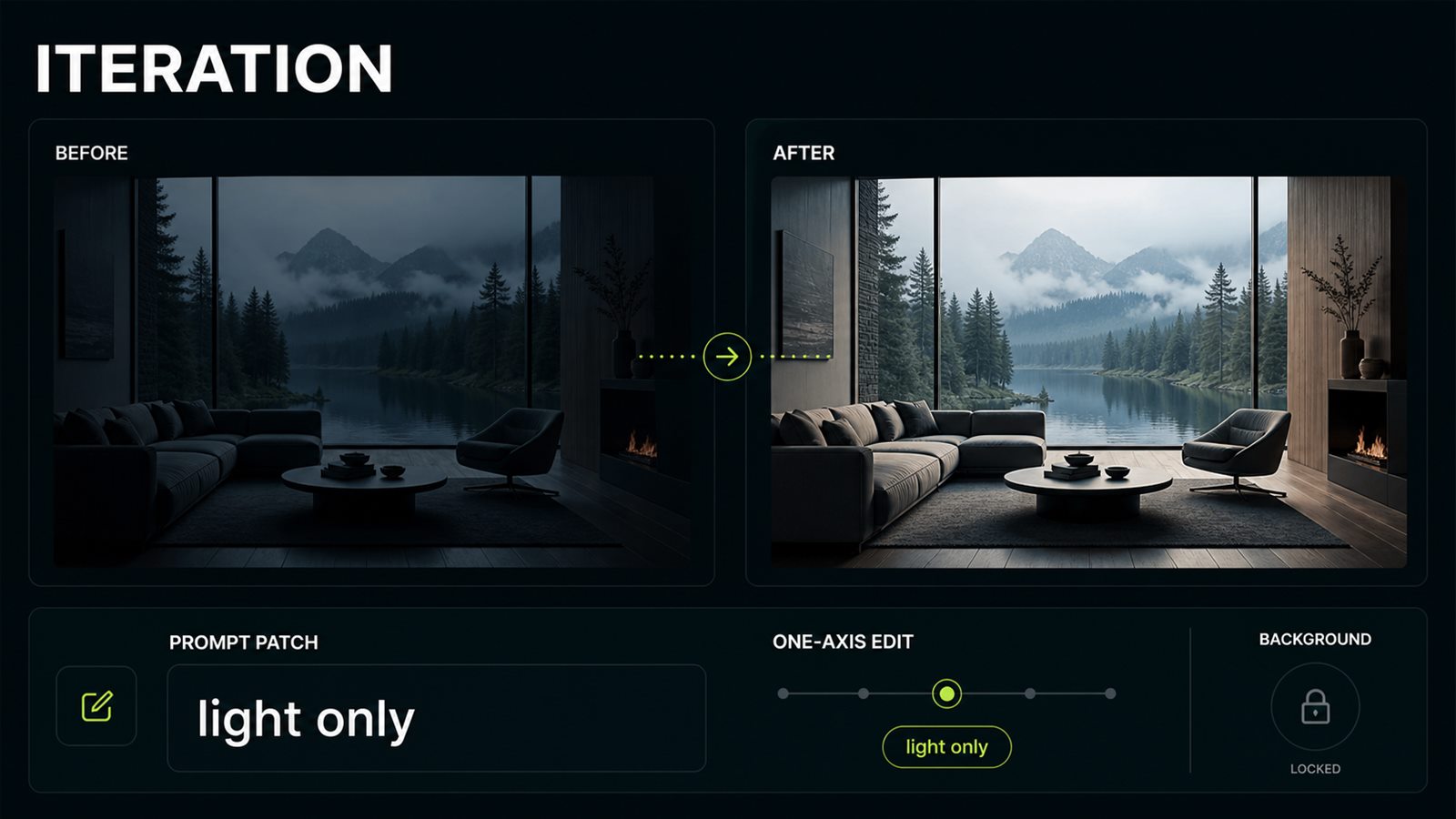
The expensive mistake is rewriting the entire prompt after every weak output. If the background works but the face does not, change only the identity block. If the motion is right but the camera is too fast, change only the camera block. If Seedance 2.0 or Runway Gen-4.5 breaks timing, add timestamps or beat order without touching the style. This rhythm saves credits and preserves the successful parts of the generation. It also makes team review cleaner: “fix the light” is easier to act on than “make the whole clip better.”
Before
Make it better: more realistic, different camera, nicer light, fewer artifacts, fix the face, change the background.
After
Iteration 2: preserve scene, pose, and background. Change only the light: soft side source from left, fewer glass highlights, no camera change.