
Midjourney alternative in 2026: choose by the job
Vlad Voronezhtsev · · 8 min read

The right Midjourney alternative in 2026 depends on why you're leaving. GPT Image 2 fits precise edits, Nano Banana 2 and Pro handle references and text, Recraft V4.1 covers design and vectors, Seedream 5.0 Pro handles dense layouts, and FLUX.2 Klein supports local open-weight workflows. Test them on one real deliverable.
- 1.
Decide which part of Midjourney you need to replace
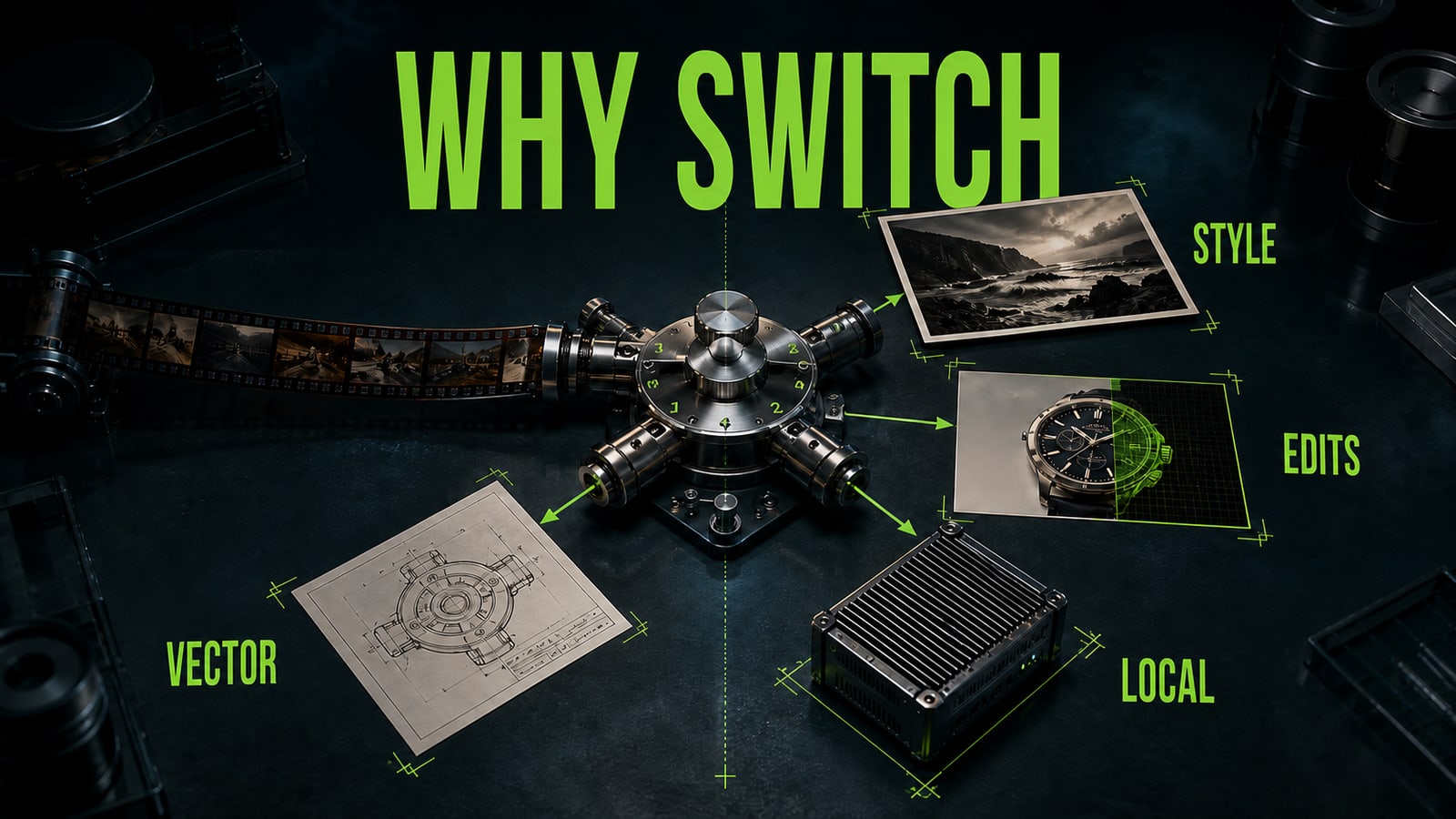
Midjourney V8.2 remains a strong choice for expressive visual exploration and Personalization. If you want a stream of bold art directions, switching may remove the thing you value most. A Midjourney alternative makes sense when a specific constraint gets in the way: bounded product edits, accurate text, true vector output, local deployment, or an API-led team workflow. Write one primary requirement and two secondary ones. For example: keep the bottle shape and label, deliver 16:9, and produce three usable variants. Don't rank art direction, retouching, infographics, and local models as if they were one job. A tool can resemble Midjourney aesthetically while solving a different production problem and expecting a different request structure.
- 2.
Match each alternative to the approved file
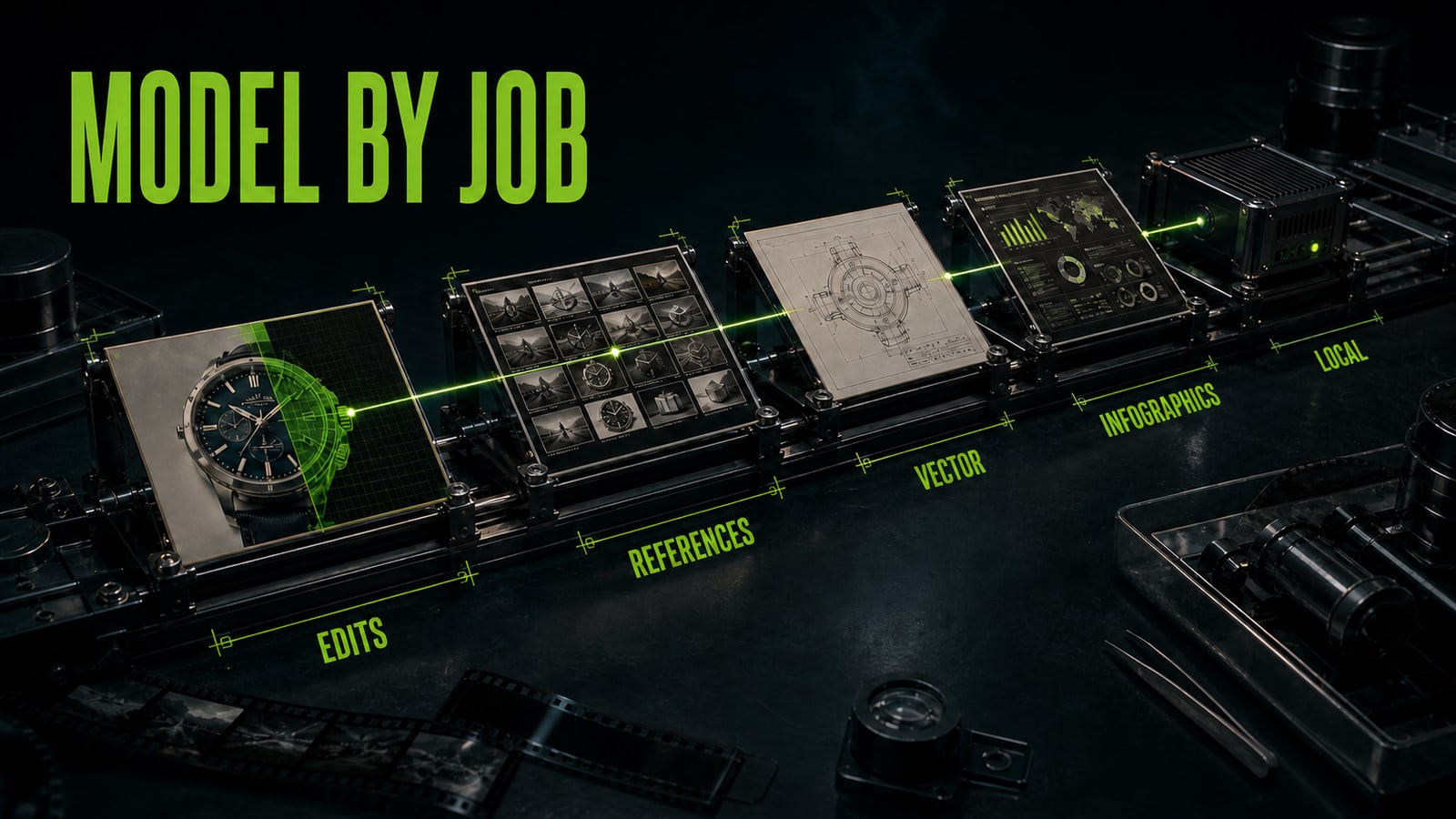
Start with GPT Image 2 when an existing frame needs a bounded edit. OpenAI describes it as a generation and editing model with high-fidelity image inputs. Nano Banana 2 is the fast all-around option for multiple references, while Pro targets complex instructions, localized text, and production layouts. Recraft V4.1 is a useful test when you want strong design taste from a short direction; its Vector branch makes it a practical candidate for illustration and scalable marks. Seedream 5.0 Pro belongs on the shortlist for dense infographics, multilingual type, and region-guided editing. FLUX.2 Klein covers the open-weight path: the 4B weights use Apache 2.0, while local use of the 9B weights follows a separate non-commercial license. The best Midjourney alternative for image generation is therefore a map of deliverables, controls, and review cost, not one universal replacement.
- 3.
Rewrite the request instead of copying parameters
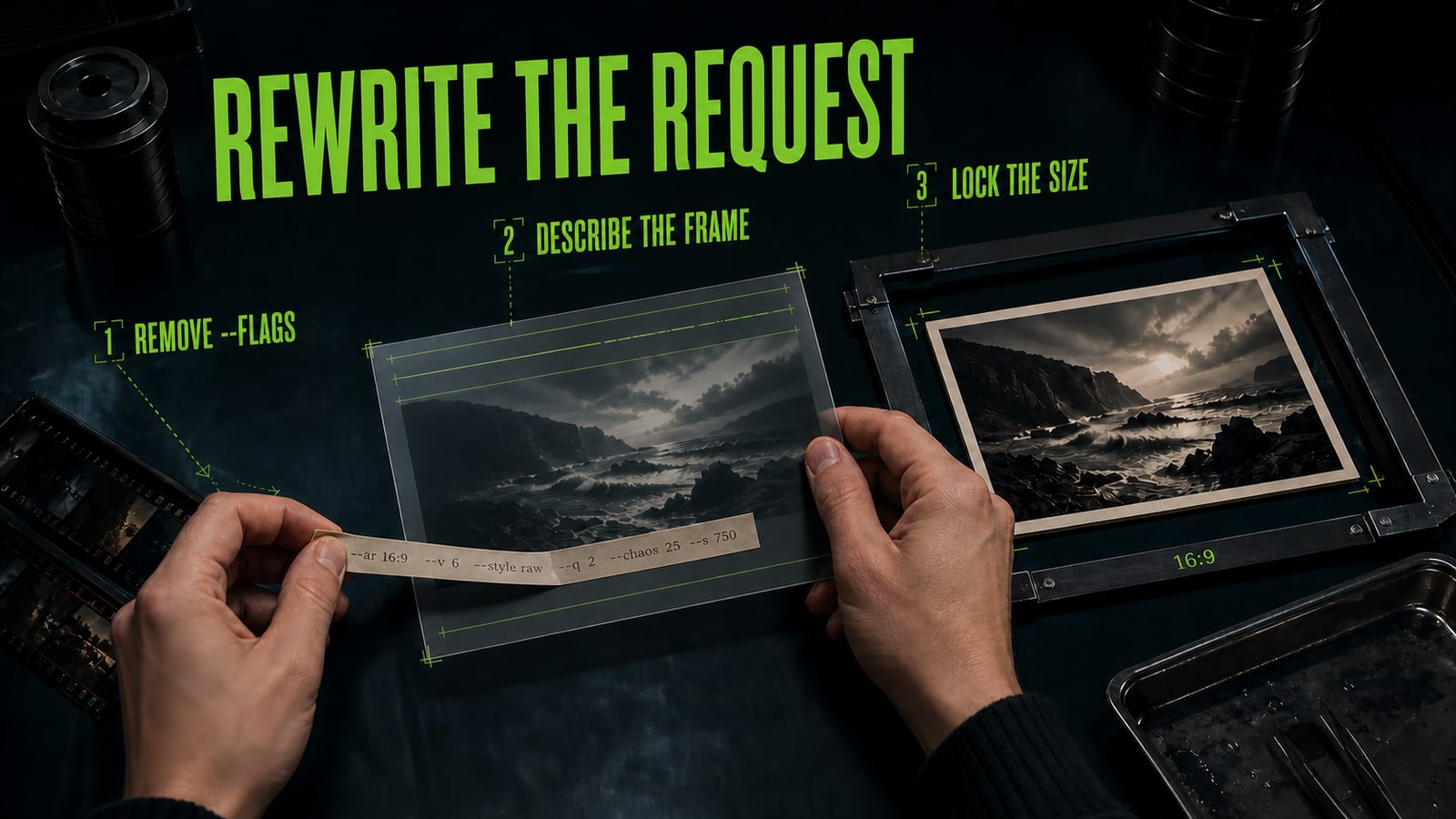
In a training case, designer Anna moved `premium skincare bottle, dark studio, editorial, --ar 16:9 --stylize 700` into GPT Image 2. The first mistake was structural: `--ar` and `--stylize` are Midjourney syntax, not portable composition or size controls. The training run received a theme but no exact rule for preserving the product or reserving copy space. Anna rewrote it as: `Create a 1600x900 editorial product photograph from the supplied bottle image. Preserve the bottle silhouette, one silver cap, label wording and glass color. Dark studio, narrow #9CFB51 rim light from camera right, empty space on the left for copy. No extra objects, no label rewrite.` She selected the size in the generation settings. The training result kept one bottle and its label, reserved the left third, and added no invented tagline. That tests control rather than syntax similarity.
- 4.
Run three takes and measure repair time
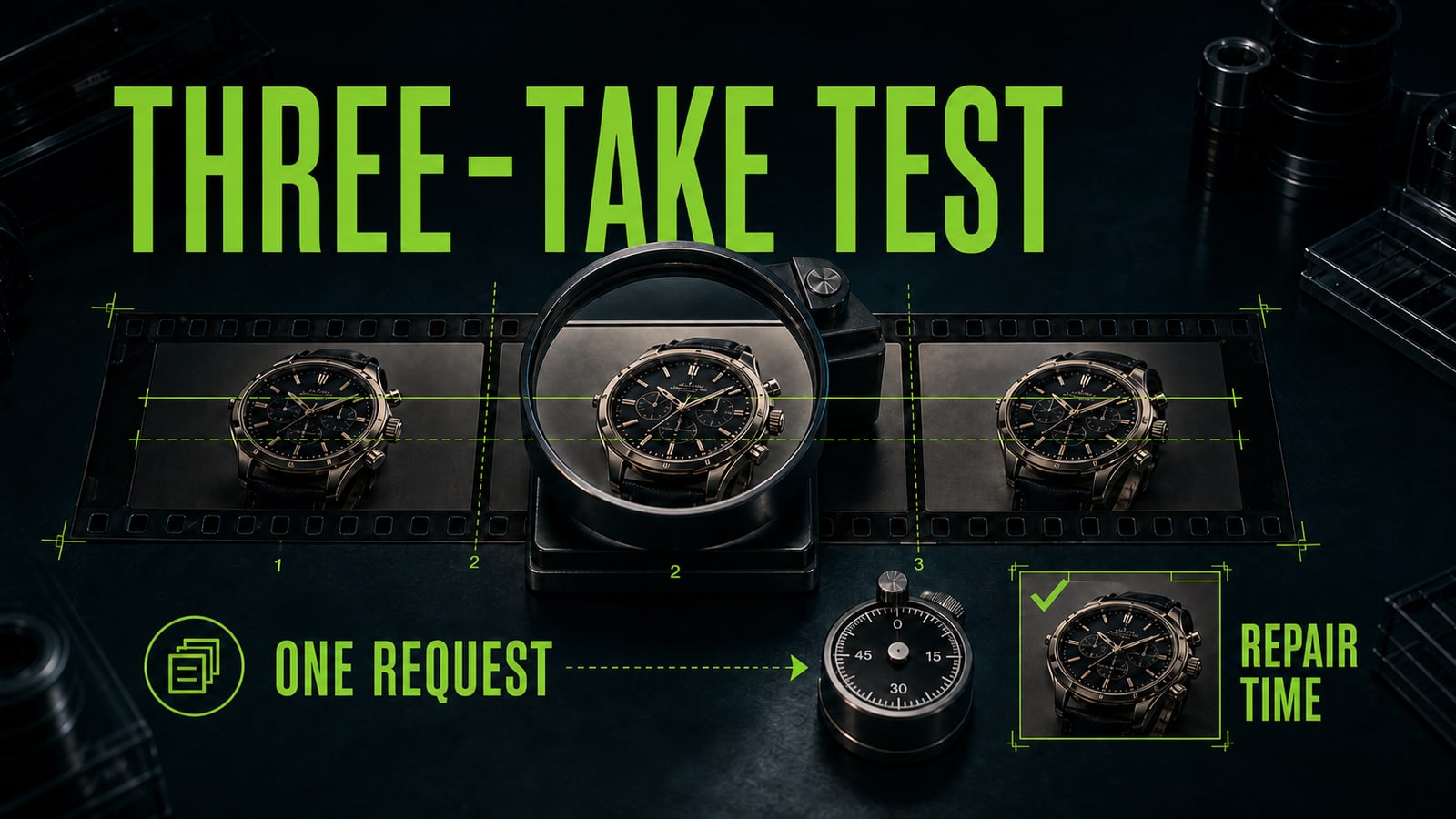
Use one source, one size, and one job. Generate three takes in two or three candidates. Score object retention, text accuracy, unwanted additions, composition consistency, and minutes to an approved file. For a local model, include setup time, VRAM needs, and licensing. For a hosted service, check whether client source material is allowed and which commercial terms apply. Keep the model that repeatedly shortens the path to acceptance, not the one that wins a lucky take. Opten can turn a loose request into a structure for the selected model and surface missing constraints, but a person still approves faces, hands, products, text, source rights, and advertising claims. This test identifies the right alternative for your workflow more honestly than a generic leaderboard.


Sources and related guides
The factual basis for this article and useful next reads. External links point to official documentation.
- Official sourceMidjourney: model versions ↗Official documentation for the current V8.2 default, Personalization, HD, and feature compatibility.
- Official sourceOpenAI: GPT Image 2 ↗Official model card for generation, editing, flexible sizes, and high-fidelity image inputs.
- Official sourceGoogle: Nano Banana image generation ↗Official comparison of Nano Banana 2, 2 Lite, and Pro for speed, references, text, and resolution.
- Official sourceRecraft: V4.1 ↗Official V4.1, Vector, and Utility guidance for photos, illustration, vectors, and simple product scenes.
- Official sourceByteDance Seed: Seedream 5.0 Pro ↗Official overview of infographics, precise editing, photorealism, and multilingual text.
- Official sourceBlack Forest Labs: running FLUX.2 Klein locally ↗Official open-weight licensing, local hardware, and fine-tuning guidance for FLUX.2 Klein.

