
AI for beginners: 5 skills before you pick a course
Vlad Voronezhtsev · · 6 min read

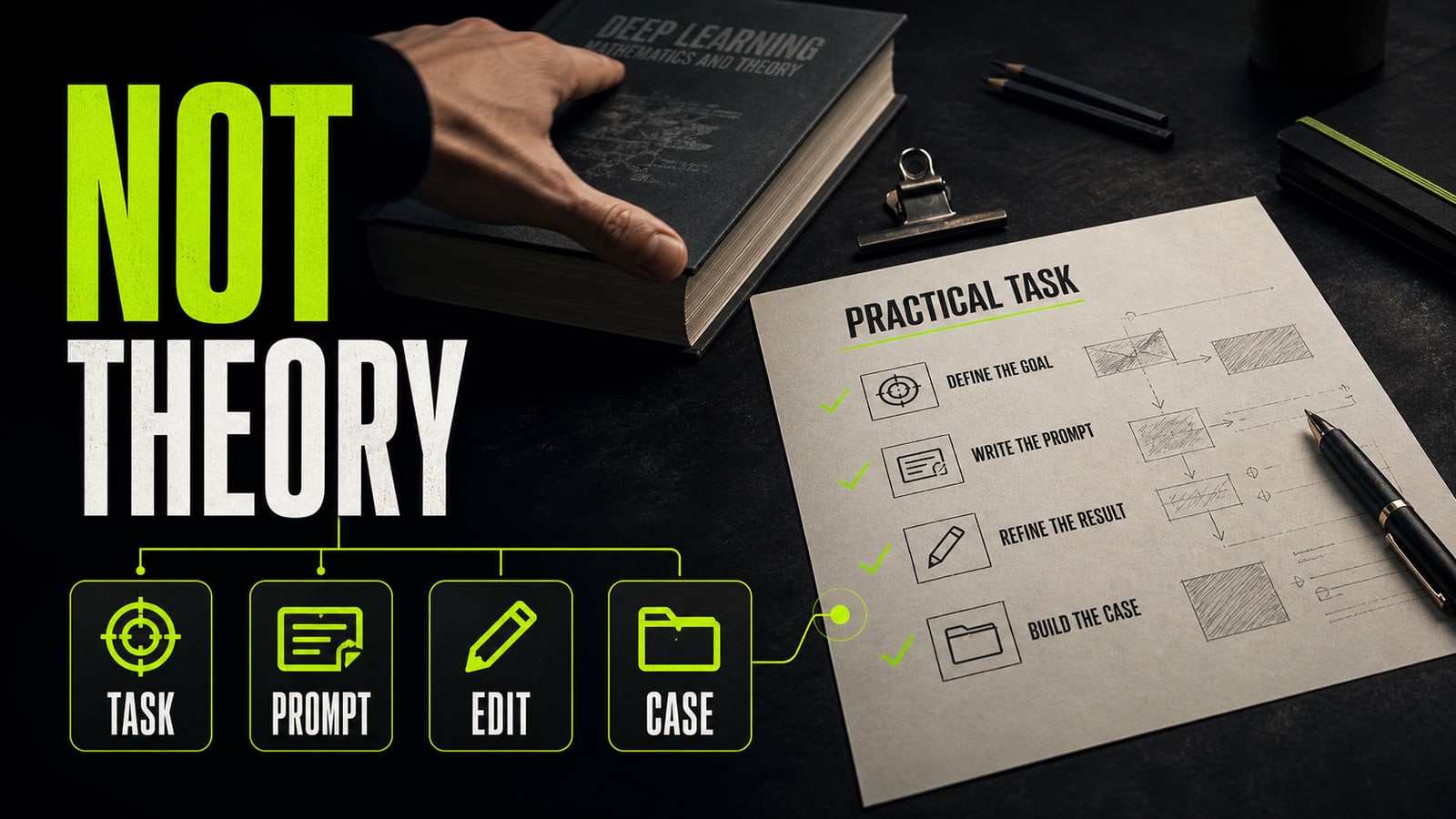
AI for beginners should start with practice, not model architecture. Pick one work task, define the output, write a prompt, review the answer, and save the case. That makes learning AI practical before you compare tools, courses, or technical terms.
- 1.
Learning AI from scratch does not start with math
You don't need to begin with layers, weights, and activation functions if your goal is to use AI at work. Those topics matter later if you move into ML or analytics. For a marketer, designer, founder, manager, or freelancer, the first layer is simpler: know which task belongs to the model and how you'll judge the answer. So the first AI tutorial for beginners should lead to a small result. Not «understand everything», but «draft a client follow-up email», «outline a presentation», «prepare a product description», or «write a visual reference for an image». This lowers the pressure: you're learning how to direct the model, not studying for a neural network exam.
Before
I want to learn AI from scratch. Explain the architecture, history, tools, terms, and all important models.
After
Task: draft a client follow-up email in 40 minutes. Include tone, structure, 3 key points, next step, and questions that still need clarification.
- 2.
Choose the first task before the first tool
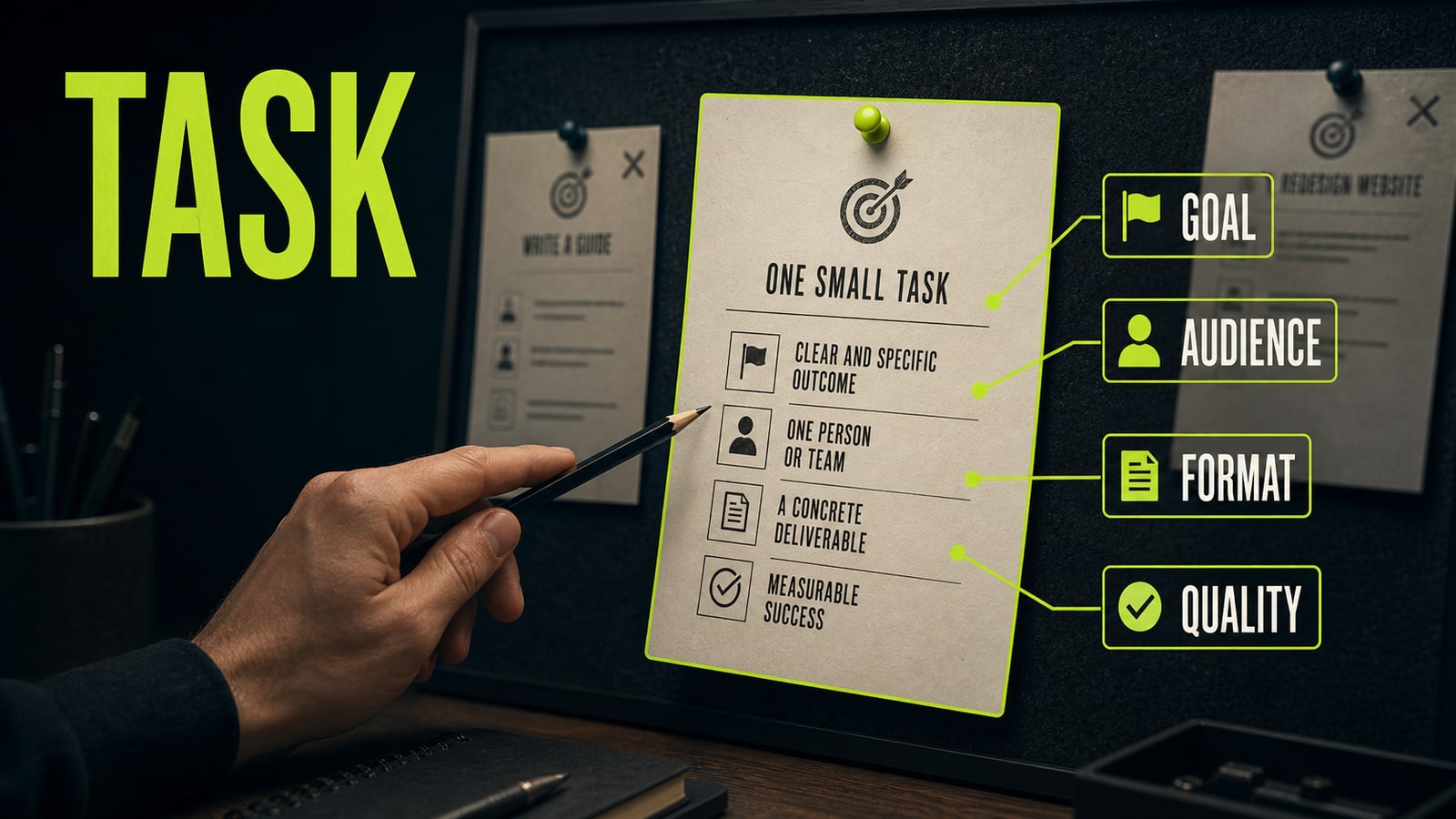
Many AI courses start with a tool tour: ChatGPT, image generators, video tools, automations, spreadsheets, slide makers. That's useful, but beginners get lost fast. A better start is one task from your own work, then the model that fits it. A good starter task has four parts: a goal, an audience, an output format, and a quality bar. For example: «outline a Telegram post for small studio owners; format: headline, plan, 5 points; quality bar: an editor can see what to improve». If the task can't be described that way, the model has to guess.
Before
Recommend the best AI tool for work and the best course for beginners.
After
I need a draft Telegram post for small studio owners. Goal: explain a new service. Format: headline, outline, 5 points. Quality bar: the editor knows what to rewrite.
- 3.
Write the prompt as a short brief
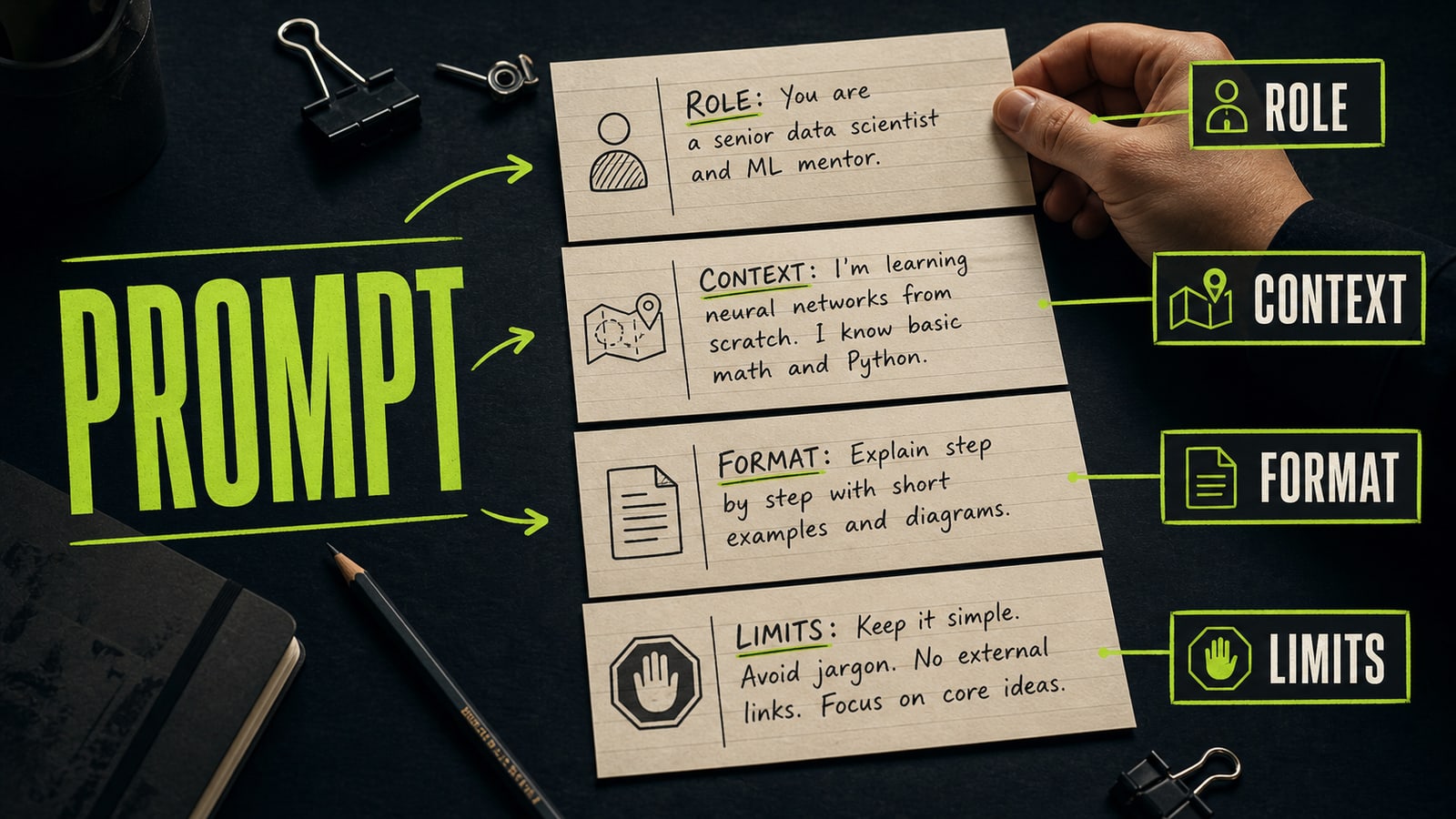
A prompt is not a magic phrase. It's a working brief. It should define the model's role, context, input material, output format, and constraints. If you write «make it good», the model gives you a generic answer. If you state the audience, task, tone, length, and limits, the answer becomes a usable draft. Practical case: a beginner asked ChatGPT to write landing page copy for an AI course and got sterile benefit bullets. The prompt was the problem: no audience, no knowledge level, no page format, and no ban on marketing cliches. The fix added an editor role, course context, the audience «a specialist afraid to start with AI», a five-block page format, and a ban on promising a new profession in a week. The next answer looked like a page draft worth editing.
Before
Write landing page copy for an AI course. Make it persuasive and modern.
After
You are a landing page editor. The course teaches applied AI through one project. Audience: beginners who are afraid to start. Format: 5 page blocks. Tone: calm and specific. Avoid cliches and career-in-a-week promises.
- 4.
Review the output before you trust it
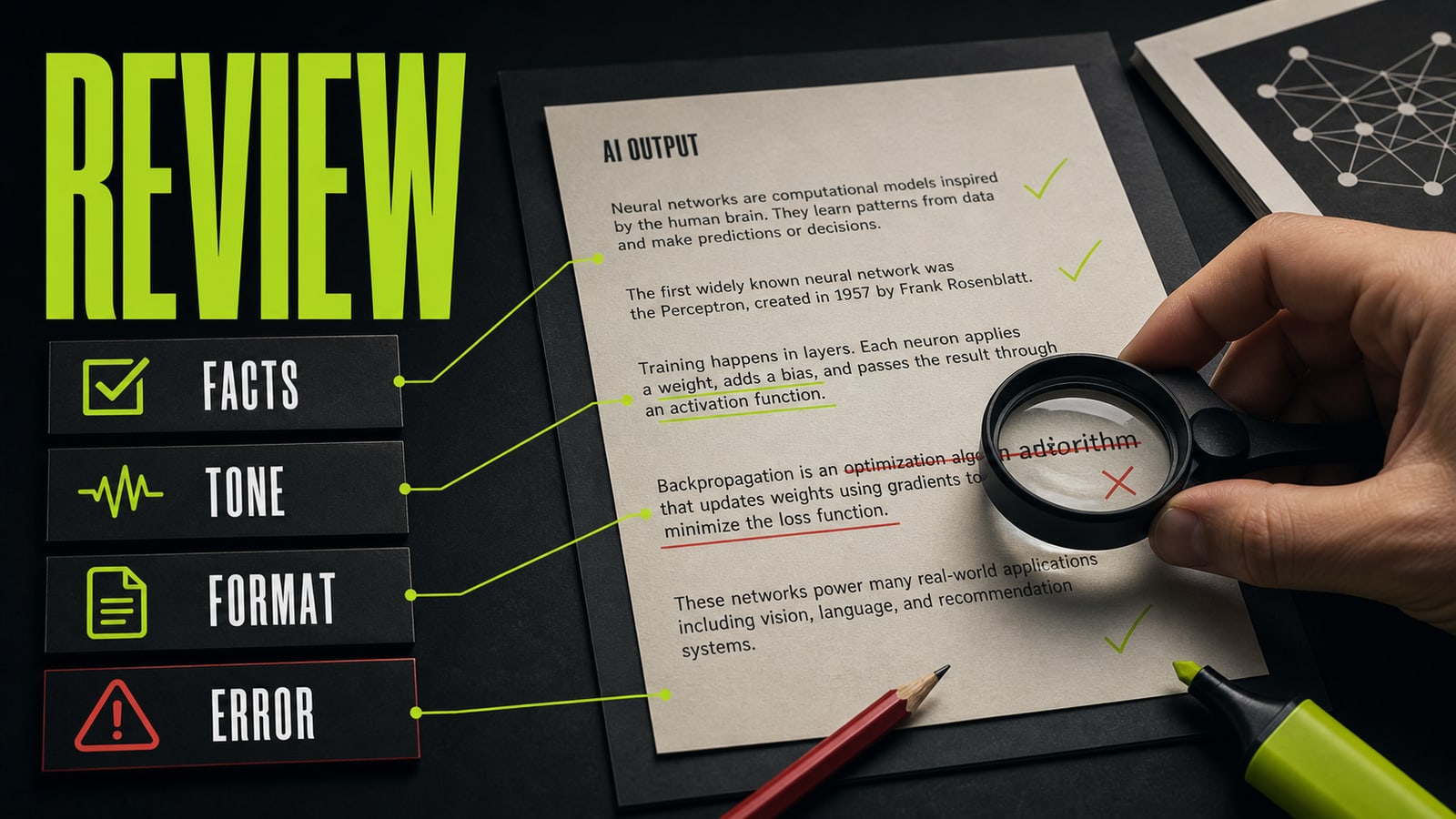
The next skill after prompting is review. Check facts, tone, format, completeness, and the one main error. Don't rewrite the whole prompt after every answer. Pick one defect and fix that: «too salesy», «no examples», «wrong audience», «format doesn't match the task». Opten is useful at this preflight stage. It helps catch the missing role, format, constraints, or quality bar before you spend more generation attempts. That makes learn AI for beginners less about guessing and more about seeing which rules improve your own task.
Before
I don't like the answer. Make it better, more detailed, more interesting, and error-free.
After
Fix only the tone: less sales copy, more specific detail. Keep the 5-block structure. Add one example to each block and do not promise fast income.
- 5.
Pick AI courses by the artifact they help you make
Evaluate AI courses by what you build, not by how many tools they list. A useful beginner course produces an artifact: a presentation, visual, text, video, landing page, product card, or portfolio case. A weak course leaves you with notes and the feeling that you need ten more lessons. Free AI courses are fine for the first pass: learn the terms, see the interfaces, try prompts. After that, choose a workflow: task, prompt, first mistake, prompt fix, final result, case packaging. That loop carries across ChatGPT, image generators, video models, and workplace tools.
Before
I keep watching free AI courses and saving links, but I can't show one finished result.
After
One learning track for the week: one case with a task, prompt, error, fix, final result, and a short portfolio note.


