AI face swap: clean results without artifacts
Vlad Aivor · · 6 min read

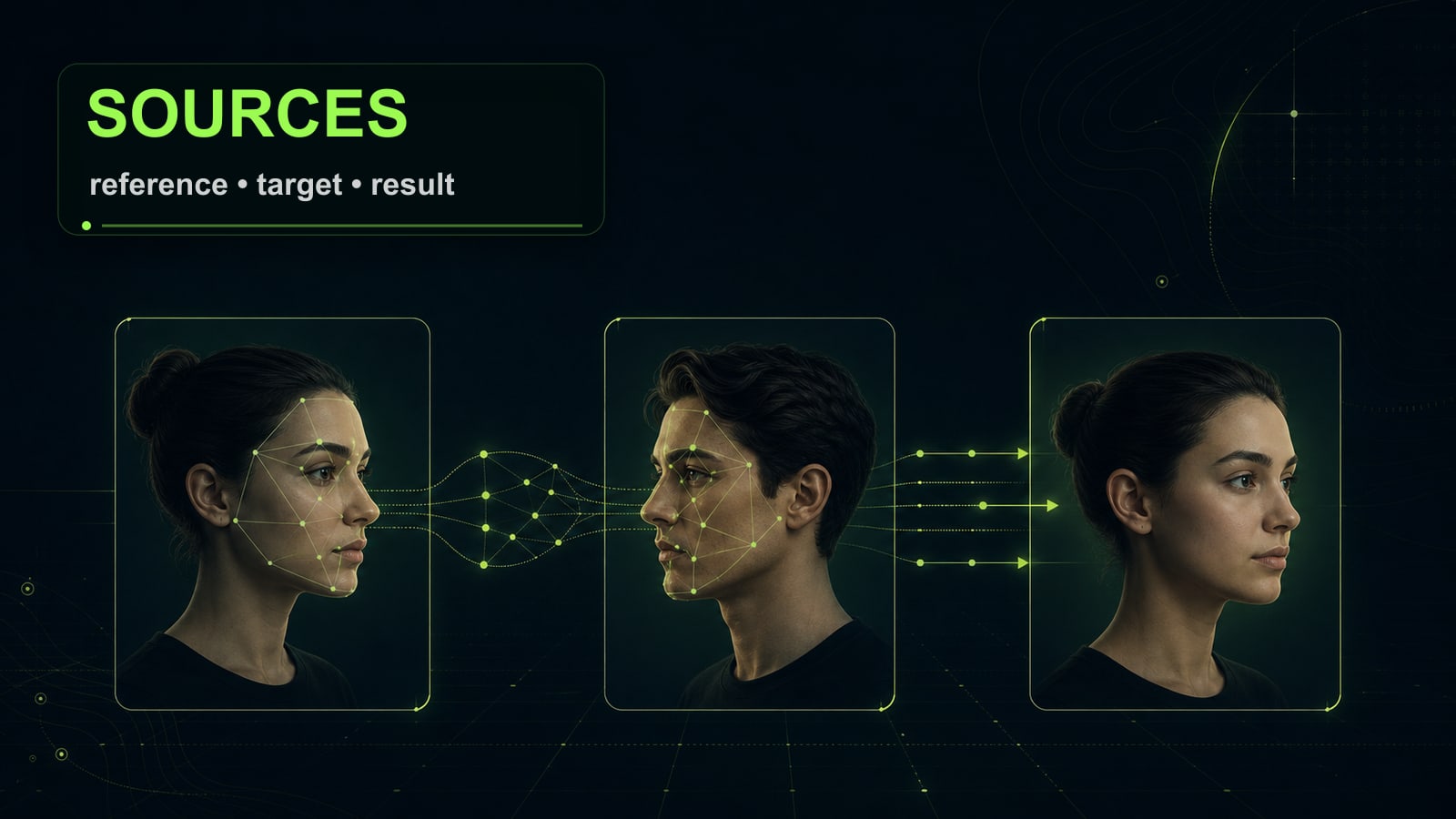
AI face swap is an image-editing task where a model transfers identity from a reference face into a target frame. Clean output is not about the swap button. It depends on matching source images: angle, light, skin texture, and expression must be stated clearly or the edit will leave visible artifacts.
- 1.
Start with source images, not the ai face swap app
A clean AI face swap starts before the prompt. You need two inputs: the identity reference and the target scene. The closer the head angle, lens compression, expression, and lighting are, the less the model has to invent. If the reference is straight-on but the target is three-quarter view with hard side light, the result usually gets a borrowed jawline, plastic skin, or messy hair edges. Use your own face, a consented reference, or a fully synthetic person. Do not use celebrities or private people without permission. For photos, keep both inputs near the same resolution and avoid crops that cut off ears, chin, or hairline. For video, add the first frame of the target scene as a reference too; otherwise the face can match at frame one and drift during motion.
Before
Do a face swap on this photo and make it realistic.
After
Use the reference face only for identity. Match the target photo angle, lens compression, skin texture, hairline, and left-side soft light. Preserve body, pose, background, clothing, and camera.
- 2.
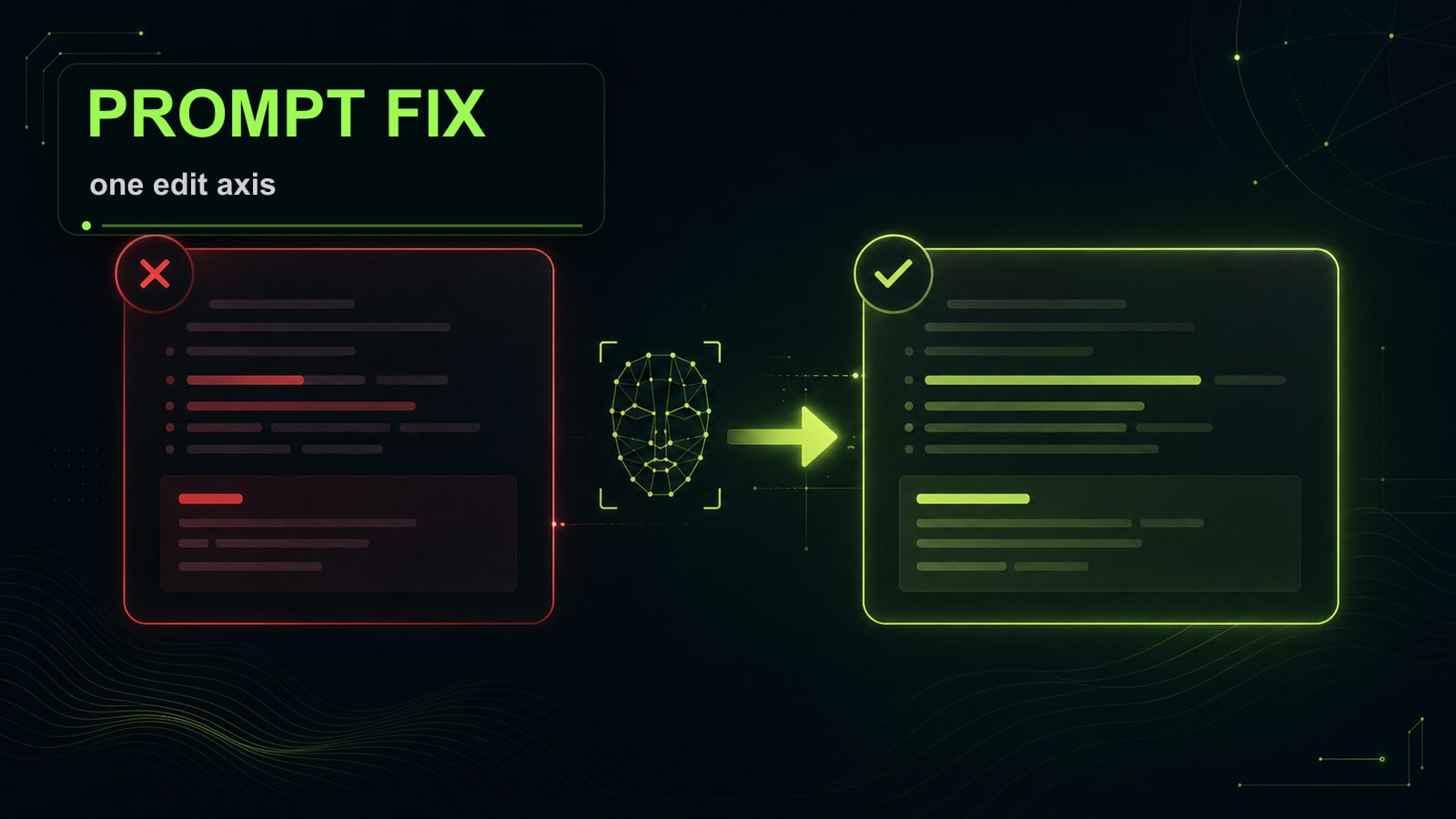
Write the edit as a preserve task
The common mistake is asking the model to "replace the face" and saying nothing about the rest. An ai face swap app may read that as a broad redraw: age, skin tone, hairstyle, expression, and even skull shape can shift. Split the prompt into three blocks: what changes, what stays, and which defects are forbidden. Use: `Change: face identity only` / `Preserve: pose, body, clothes, background, lighting, camera angle, expression intensity` / `Constraints: no plastic skin, no double jawline, no extra teeth, no warped ears, no celebrity likeness`. Opten is useful as a prompt preflight here: expand a short request into a model-specific brief and catch missing lighting, skin texture, and preserve constraints before spending credits.
Before
Replace the face, make it natural.
After
Change: face identity only.
Preserve: target photo pose, body, clothes, background, camera angle, left-side soft light, mild smile.
Constraints: no plastic skin, no warped ears, no double jawline, no extra teeth.
- 3.
Nano Banana Pro case: fix light with one line
Practical case: in Nano Banana Pro, an AI face swap matched identity but the face still looked pasted in. The first prompt locked identity and clothing, but never said where the light came from. The cheek was warmer than the target, skin was too smooth, and the shadow under the nose pointed the wrong way. The fix was not adding `photorealistic`; it was a precise lighting line: `match the target image lighting: soft key light from upper left, same shadow under nose and cheekbone, keep visible skin pores and natural color temperature`. After one edit, the face sat in the frame much better. The same rule works in Seedream, GPT Image 2, and other image-to-image models: repair one axis instead of rewriting the whole prompt.
Before
Face identity from reference, realistic skin, keep the outfit.
After
Match target lighting: soft key light from upper left; same nose and cheekbone shadow; visible pores; natural color temperature.
- 4.
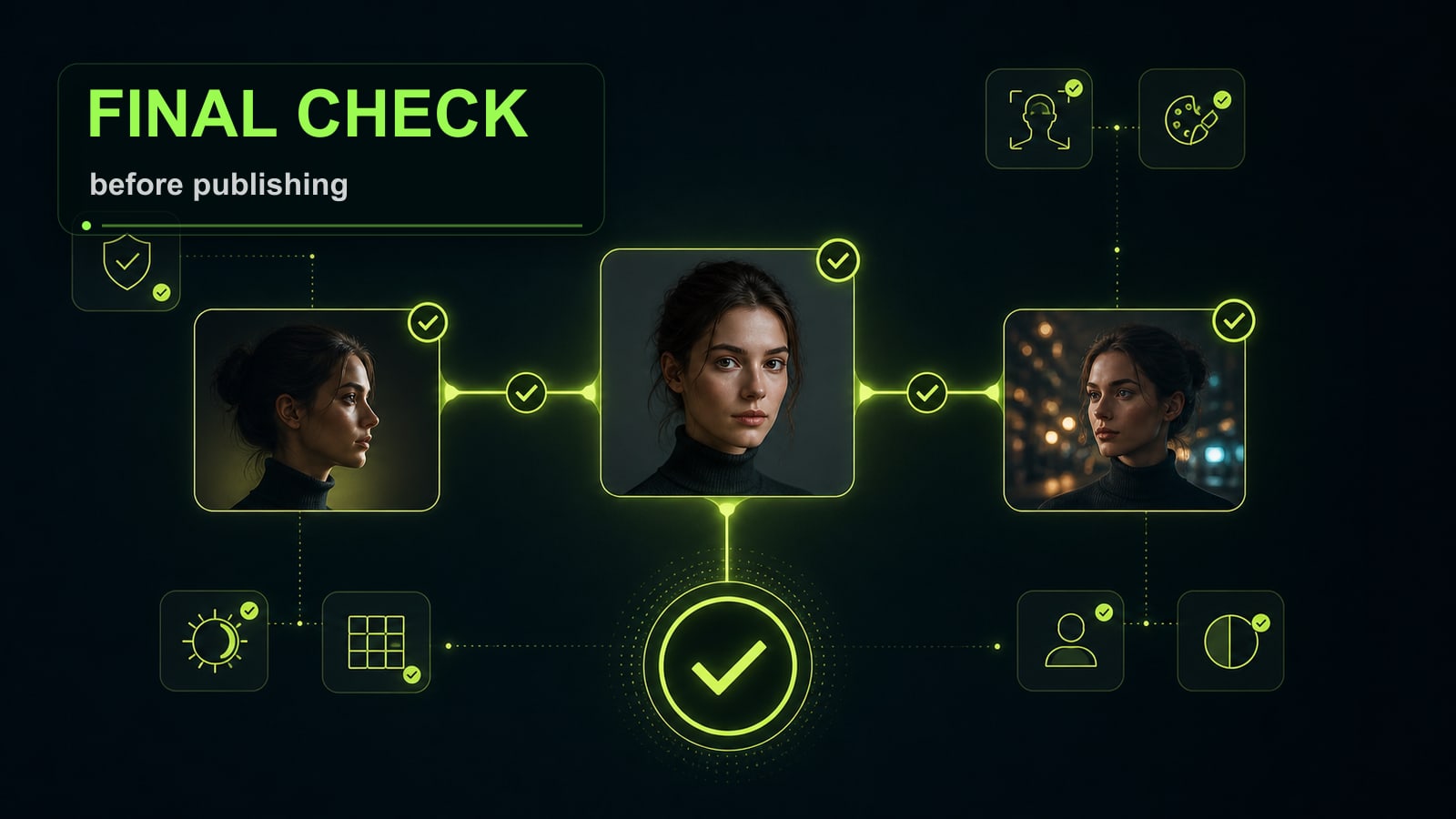
Run a final artifact check
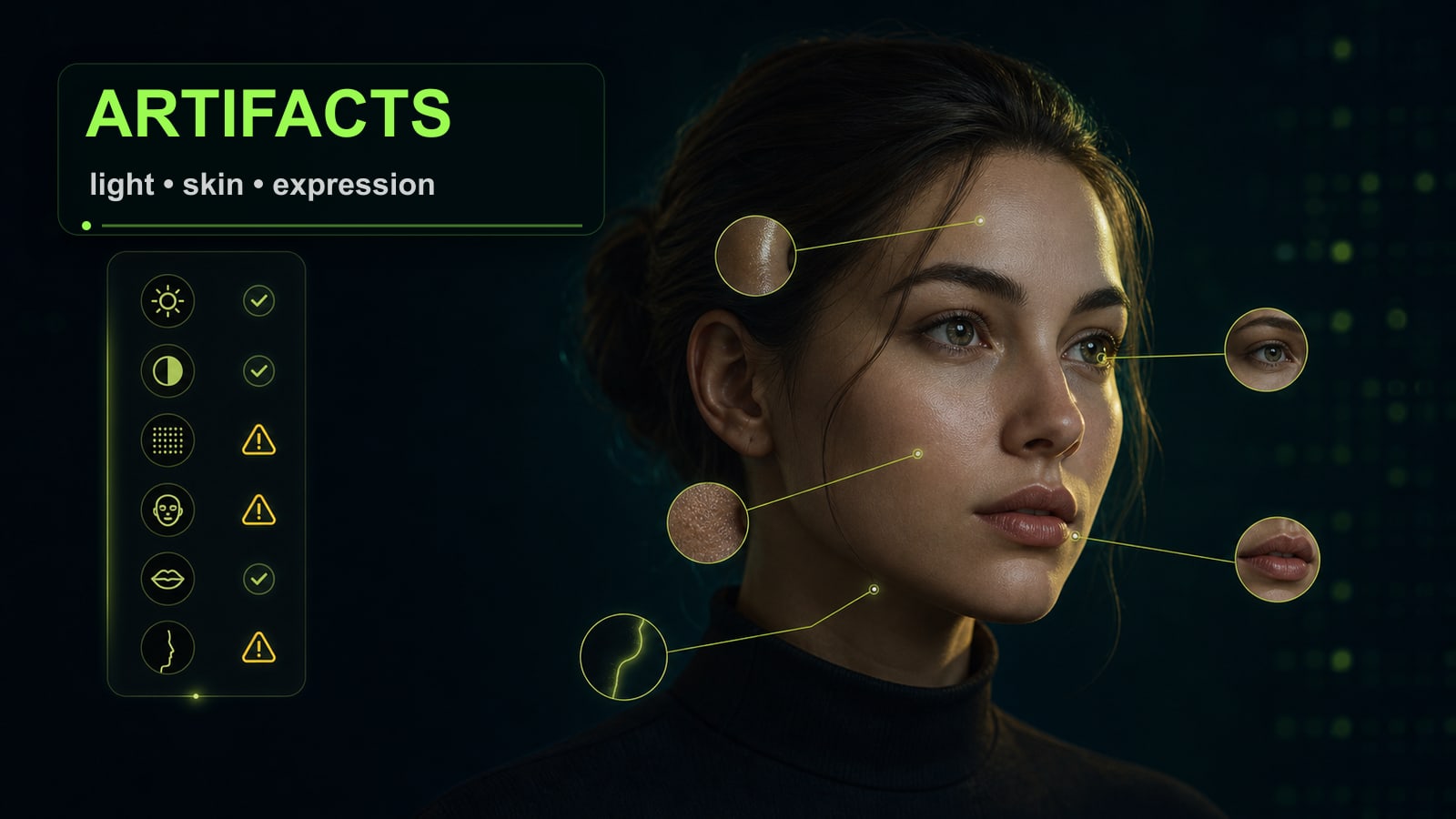
Before publishing, do not only ask whether the face looks similar. Check five zones: hairline, ears, teeth, shadow under the nose, and the skin transition on the neck. AI face swap artifacts usually appear on boundaries because the model is merging two optical setups and two lighting sources. If there is one artifact, fix one thing. For hair: `preserve original hair outline and flyaway strands`. For skin: `keep target skin texture, no airbrushed face`. For expression: `match the target expression, do not change smile intensity`. If more than three areas are broken, go back to input selection. A closer reference angle or softer target light will beat another vague "make it realistic" pass.
Before
Make it more realistic again.
After
Fix only hairline blending. Preserve face identity, expression, lighting, body, background, and all clothing. No redesign.