
AI for business: practical workflows for sales and content
Vlad Voronezhtsev · · 9 min read

AI for business is most useful when a team repeats a defined operation: sorting inquiries, drafting replies, adapting content, or reviewing assets. The best starting point is not a large tool stack. It is one bottleneck, one accountable owner, and one metric. That turns generative AI into a manageable workflow instead of an open-ended experiment.
- 1.
Choose a repeated bottleneck, not a fashionable tool
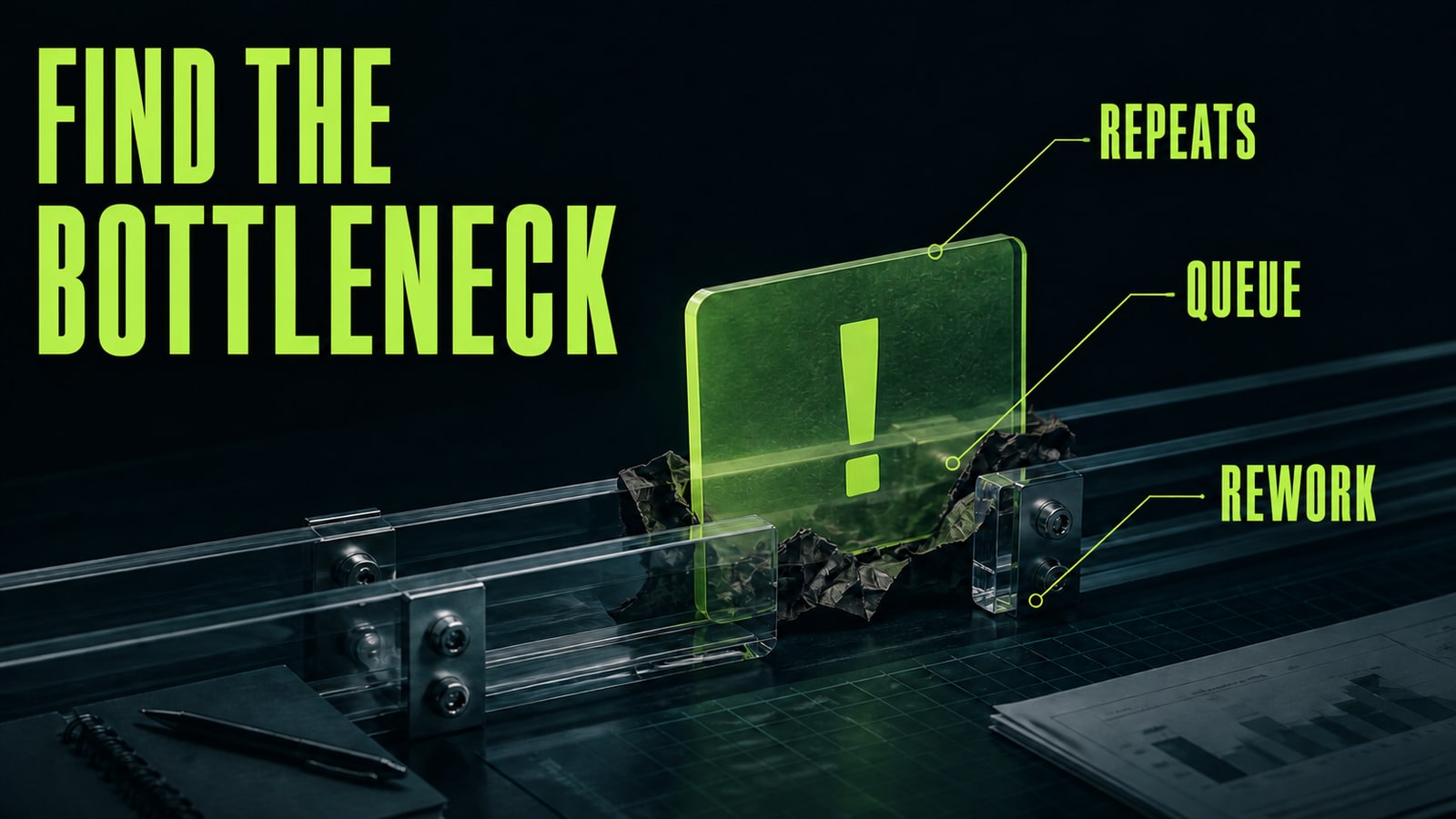
List work that appears several times each week: common customer questions, lead triage, sales emails, product descriptions, social posts, marketplace assets, or internal reports. Record the current time per task, the number of revision loops, and the cost of a mistake. A strong first use case has a clear input, a reviewable output, and an employee who already knows what good looks like. A support rep might receive a question, retrieve approved terms, draft a response, and review it before sending. Fully delegating negotiations, pricing, or legal promises is a poor first pilot. Pick a task where saved time is visible and an error can be caught before it reaches a customer. That is how AI for business creates value without forcing an organization-wide redesign.
- 2.
Speed up customer replies without losing the source of truth
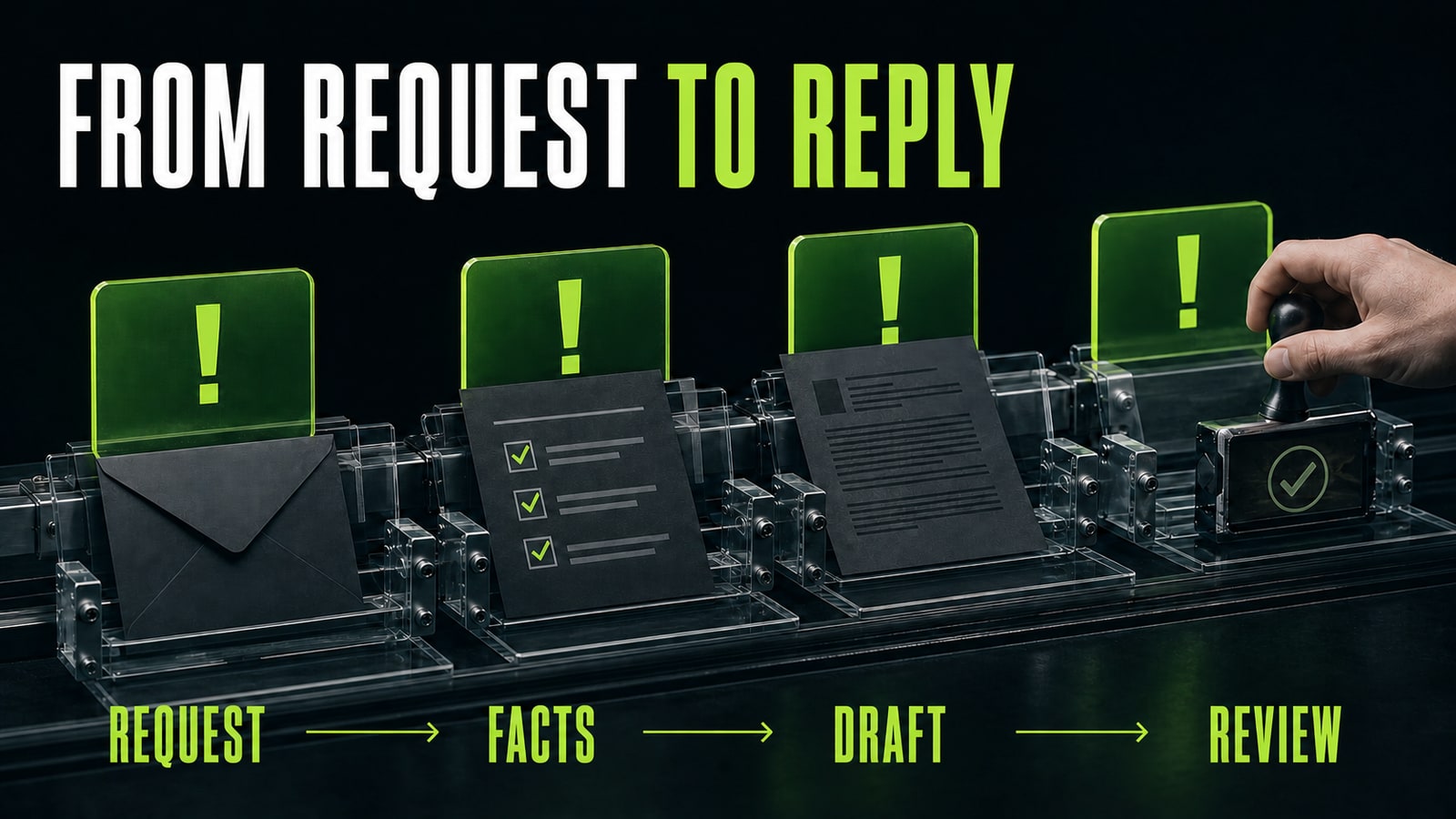
Fast replies help a company win and retain customers, but an invented discount can erase that advantage. Give the model a compact approved source: service description, prices, delivery windows, constraints, and the permitted next action. In the GPT-5 test for this article, the first instruction was, “Reply to a prospect asking about a discount and launch date.” The draft confidently offered both, although neither was supplied. The corrected prompt was: “Draft a customer reply using only the facts below. Do not invent a price, discount, date, guarantee, or availability. Mark missing information as [CONFIRM]. End with one question that moves the opportunity forward.” The next draft kept the known terms, marked two gaps, and asked about project scope. That is a useful handoff: the sales rep verifies and sends a grounded response instead of rewriting a persuasive hallucination.
- 3.
Build multiple content formats from one verified source
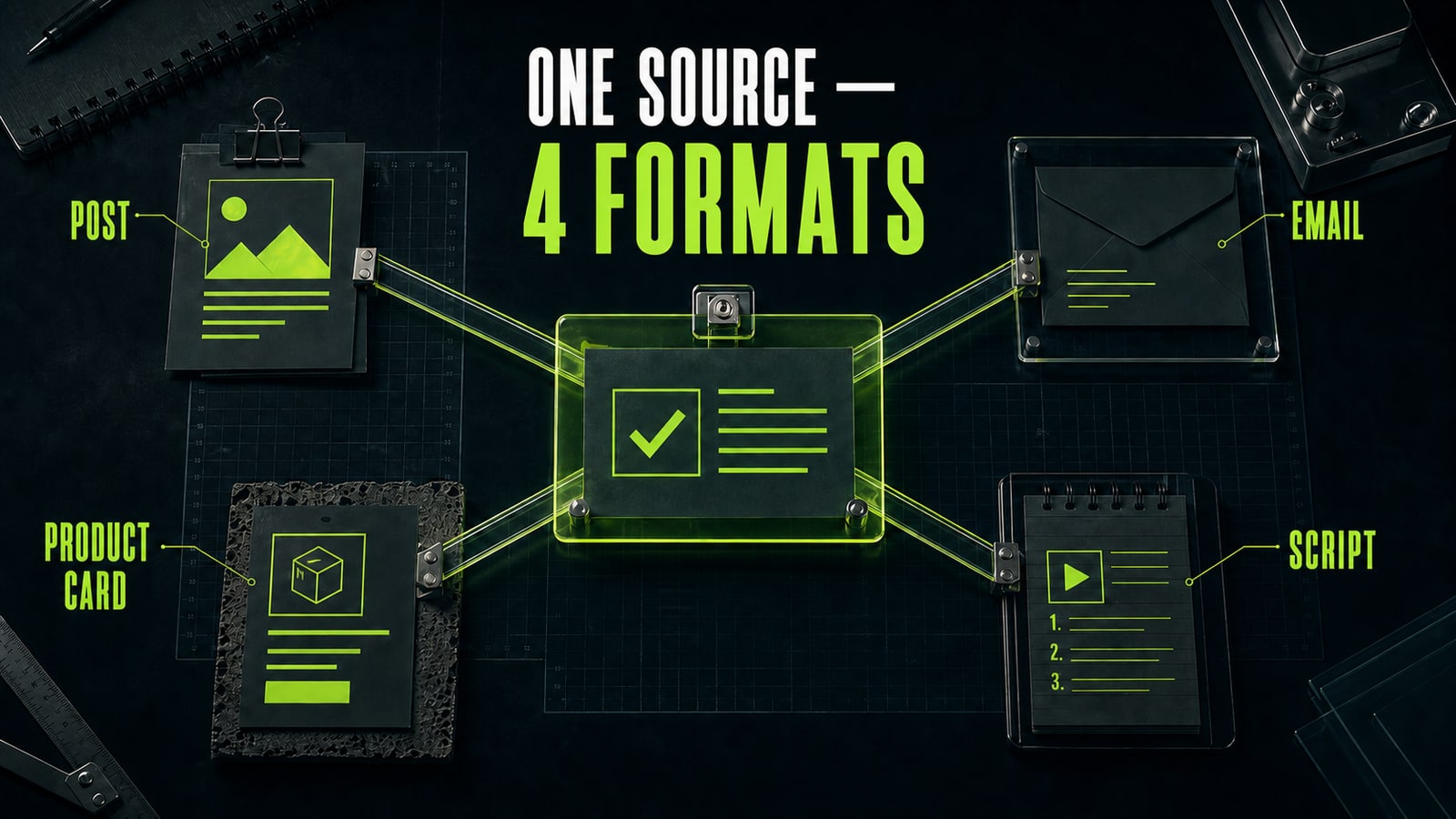
AI content tools save time when they do not reinvent positioning for every channel. Create one source brief describing the audience, problem, verified facts, examples, and prohibited claims. Then assign a separate job to each output. An expert interview can produce a social post, an email, a short-video script, and a service-card draft, but each format needs its own purpose and length. Ask the model to list the facts it used and questions that still need an editor. Product teams can apply the same method to marketplace assets: specifications come from the product record while the model changes structure, angle, and wording. One source of truth reduces contradictions across a website, campaign, newsletter, and sales conversation while making AI business tools easier to review.
- 4.
Place human review where mistakes become expensive
Use three review levels. Internal ideation can move quickly. Public copy, images, and customer communication need an owner who checks numbers, promises, rights, and tone. Decisions involving money, contracts, personal data, or account access require the relevant specialist before publication. Send only data allowed by company policy and the provider's terms. Sensitive workflows should use a business product with appropriate access, retention, and training controls. A model should never approve its own output. At minimum, keep the source, assumptions, and an explicit state such as draft, reviewed, or published. This boundary preserves speed for low-risk work and raises control as the consequence of an error grows.
- 5.
Run a 14-day pilot and scale only proven value
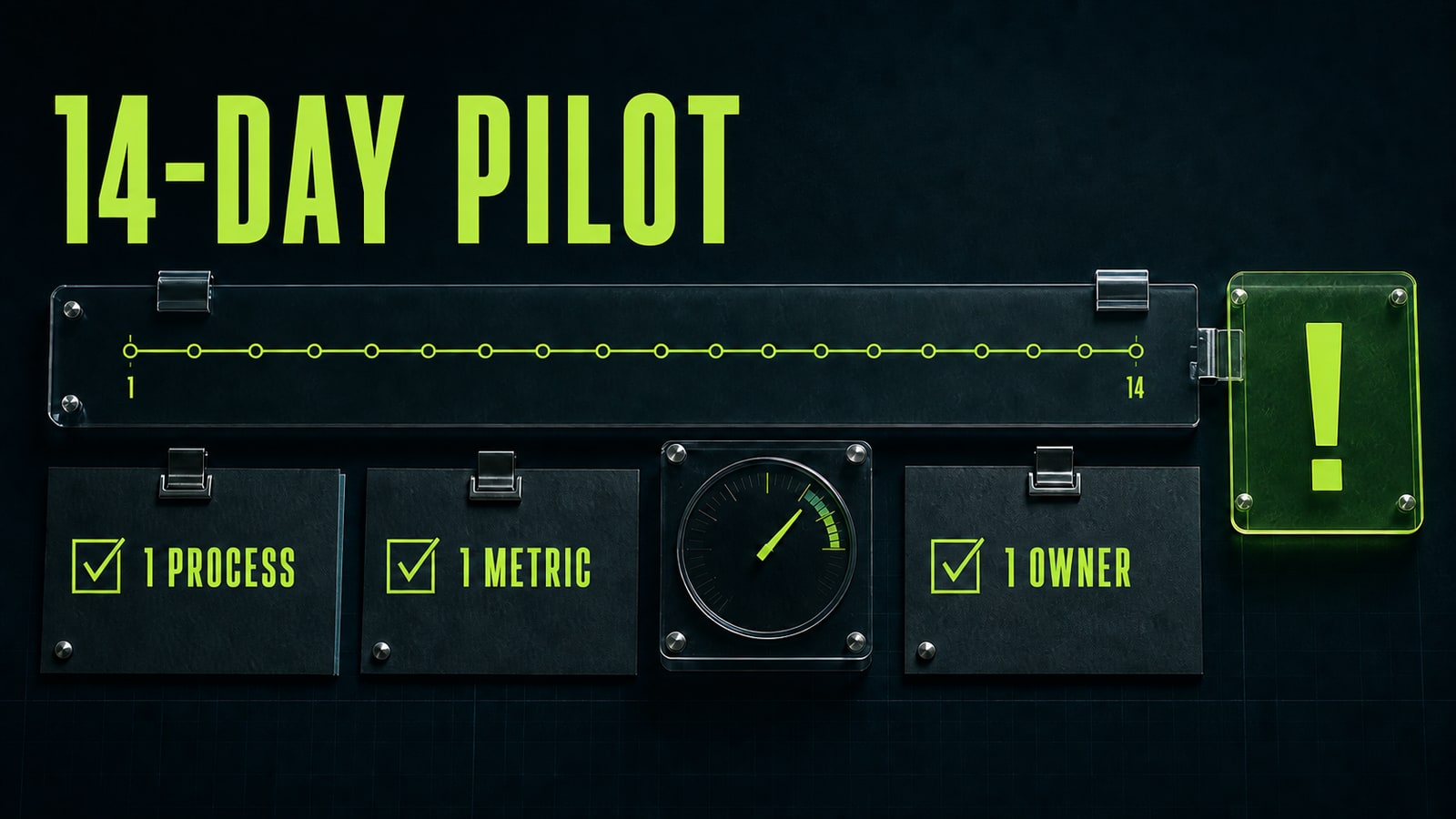
Run one workflow for two weeks. Assign an owner, capture the baseline time, and choose one primary metric: minutes per draft, share of assets accepted without rework, first-response time, or inquiries processed. Track errors and review time separately; faster generation does not count if an editor spends longer repairing the output. Save one working prompt template, examples of acceptable results, and a list of forbidden actions. At the end, compare median time and quality with the baseline week. If the gain is consistent, add one format or teammate. If it is not, narrow the task, improve the source data, or stop the experiment. AI business tools earn their place by reducing a specific operation reliably, not by having the longest feature list.


