AI writing tools: how to get useful copy instead of generic filler
Vlad Voronezhtsev · · 7 min read

AI writing tools can speed up emails, posts, scripts, product descriptions, and landing-page copy, but they don't replace an editor. Useful drafts start with a clear audience, job, source facts, format, tone, examples, and exclusions. Without that context, an AI text generator fills the gaps with polished sentences that say very little.
- 1.
Define the text job and its format
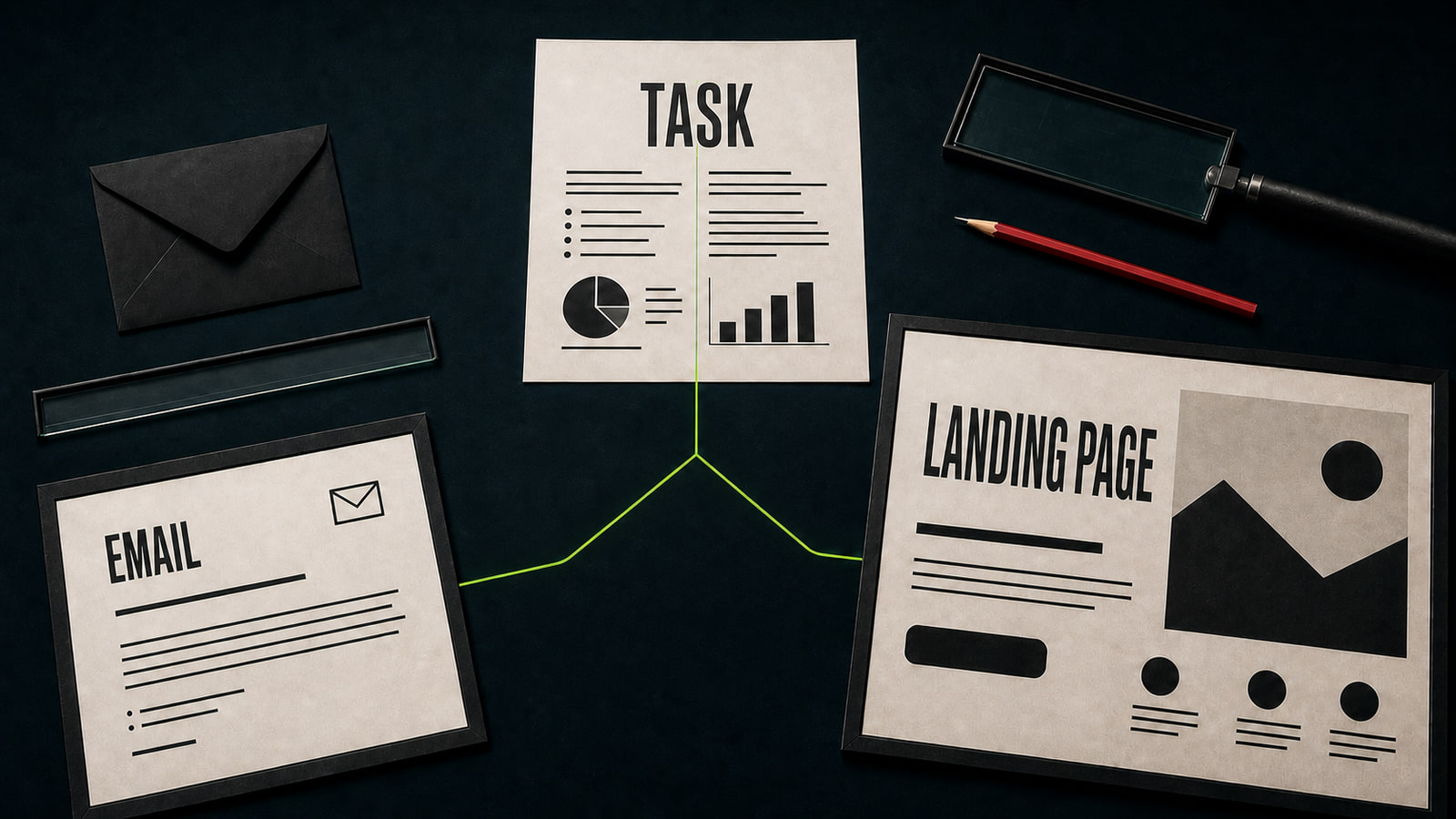
An AI text generator works best when the deliverable is concrete: a client reply, a meeting recap, a landing-page section, a product description, a short-video script, or a channel post. Name the document and the job it must do. “Write about our product” doesn't say whether the copy should introduce, persuade, answer an objection, or earn a reply. Add the audience and reading situation. An executive needs a short conclusion and a decision. A new customer needs context without internal jargon. A subscriber needs one useful point, not a press release. Set the output shape too: five paragraphs, a table, an email with a subject line, or a scene-by-scene script. The first generation then becomes workable material instead of a genre guess.
Before
Write copy about our service.
After
Write the hero section for a small online-store owner. Goal: show how the service reduces manual order processing and lead to a demo request. Return a headline, a subhead under 20 words, and three concrete benefits. Don't use “revolutionary” or “innovative.”
- 2.
Build a work prompt from six clear blocks
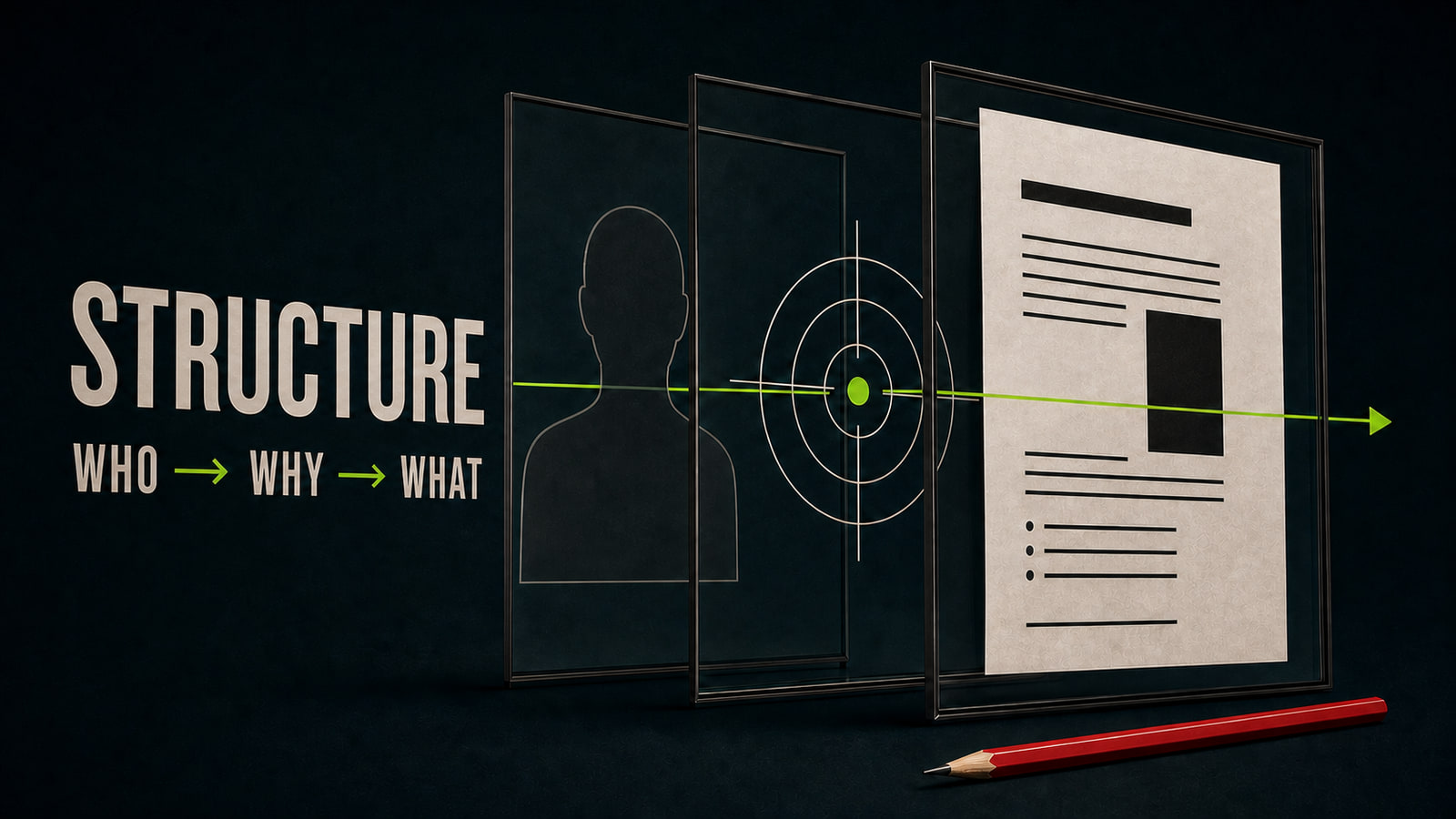
A useful prompt has six blocks: model role, audience, context, source facts, format, and constraints. The role sets the angle, such as business-email editor, short-form scriptwriter, or product copywriter. Context explains what happened before the text and what should happen after it. Source facts keep the draft inside what you can actually support. Format defines the response, while an example communicates rhythm better than a pile of adjectives. If you don't have one, describe observable behavior: short sentences, no corporate jargon, one point per paragraph. List exact clichés, invented numbers, and promises under “avoid.” This prompt workflow cuts revision time because quality criteria exist before the model starts writing.
Before
Write a professional but friendly email to a client.
After
Role: client-email editor. Situation: the first design draft moves by one business day because source materials arrived late. Audience: the client's marketing manager. Goal: confirm the new date and preserve trust. Format: subject line plus 3 short paragraphs. Tone: calm and direct. Don't assign blame or use corporate jargon.
- 3.
Repair the prompt instead of asking for “better writing”
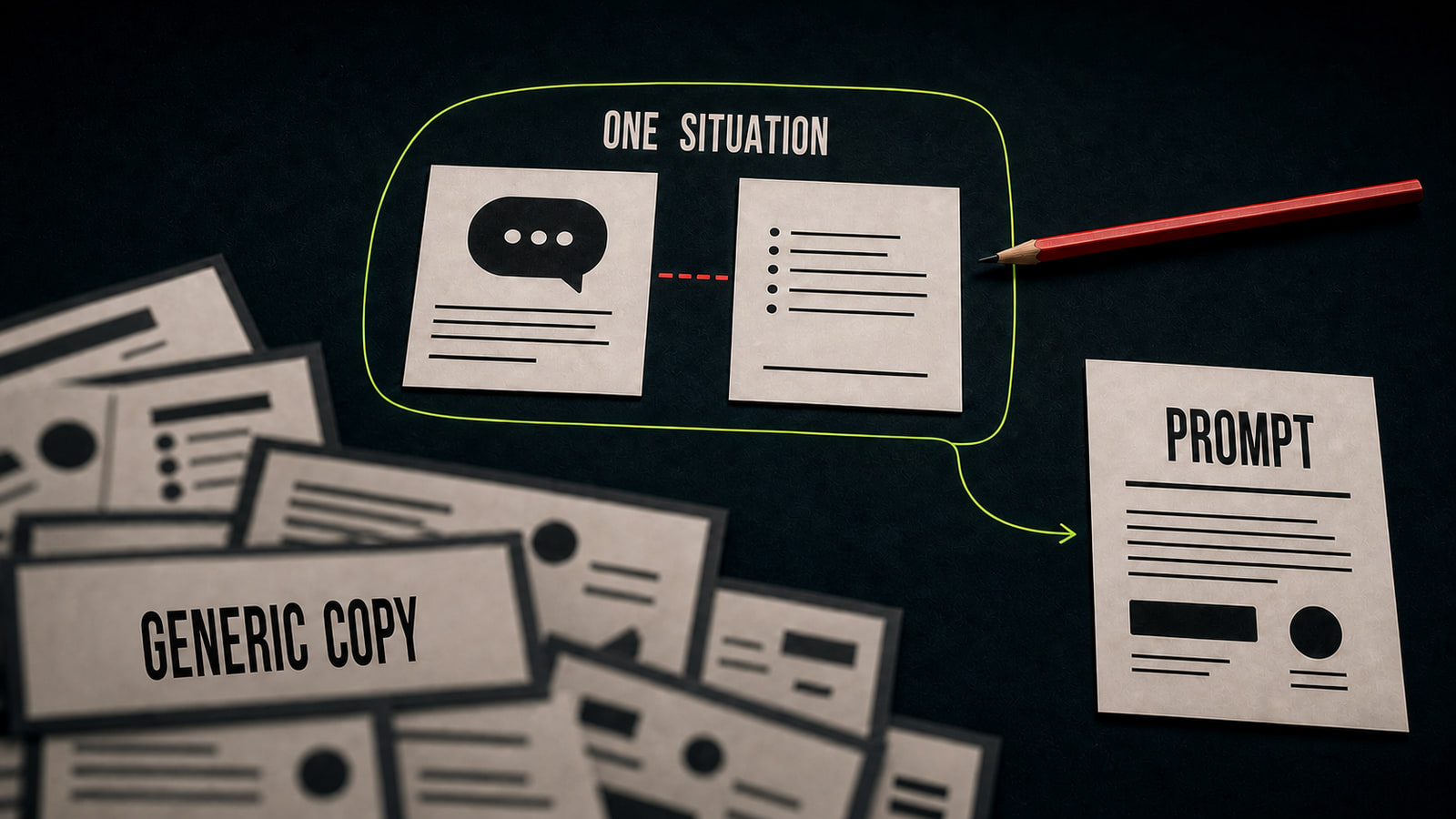
Marina used ChatGPT to draft a Telegram post about a task-management service. Her first request, “write a Telegram post,” returned a familiar pattern: rhetorical question, broad promises, feature list, and a “try it today” ending. The copy had no concrete situation, brand voice, or reason to keep reading. She rebuilt the prompt around small-agency owners, the problem of lost commitments, three product functions, a weekly task-review idea, a 900-character limit, and no rhetorical questions. She added an older post as a rhythm reference. ChatGPT returned a calm draft built around one work situation; Marina only had to verify the facts and rewrite two transitions. Opten can act as a preflight here, expanding a vague request before it reaches the model.
Before
Write a Telegram post and make it more engaging.
After
Write a post under 900 characters for agency owners who lose task commitments. Show one situation: a client promise stayed in chat and never reached the plan. Use the three product functions in the facts below. Match the example's short paragraphs and calm tone. No rhetorical questions, exclamation marks, or “try it today.”
- 4.
Review facts, voice, and rhythm before publishing
Generated copy is still a draft. Check names, numbers, links, product terms, and every cause-and-effect claim first. Then read it aloud. Repeated sentence shapes, identical paragraph lengths, duplicate conclusions, and phrases like “it's important to note” create the generic AI rhythm readers recognize. Remove anything the author wouldn't say to a client in a normal conversation. The final pass returns to the job. Is there one clear action? Does a first-time reader have enough context? Can the opening be shorter without losing meaning? AI writing tools accelerate the draft, but a person owns the facts, tone, and publishing decision. A freelancer can sell this as a service: briefing, prompting, editing, and channel adaptation, rather than anonymous “AI content generation.”
Before
I publish when the copy is grammatical and sounds convincing.
After
I verify every claim against its source, cut repetition and clichés, read the copy aloud, check the brand voice, and confirm one target action. Only then do I deliver or publish it.