AI for work: 10 tasks you can speed up today
Vlad Voronezhtsev · · 7 min read

AI for work can speed up a first draft, structure, or visual direction for a specific task. Today, it can help with a presentation, copy, email, video, research, or a brief. It does not make the professional decision: a person still checks facts, meaning, tone, and whether the result fits the client or the team.
- 1.
AI for work: 10 practical tasks to start with
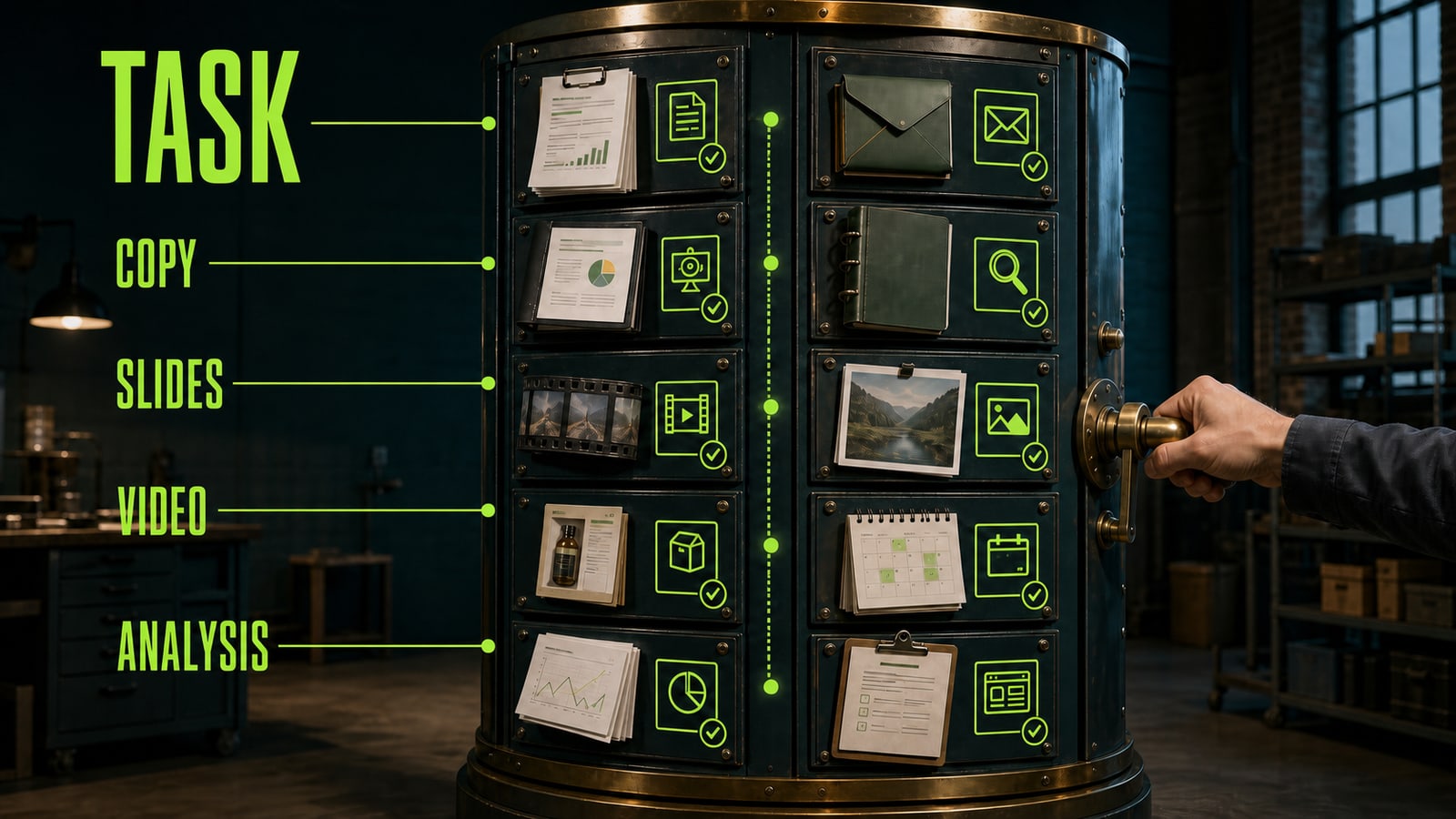
Do not begin by asking which model is best at everything. Choose a task that is already on your desk. AI for work can help with a presentation outline, a first copy draft, a client email, a video storyboard, a visual brief, a product card, a website structure, research questions, a content plan, or a technical brief for a contractor. In all ten cases, the model speeds up preparation rather than replacing professional review. For a first experiment, pick a task with a clear owner and a short deadline. Instead of "do the marketing," ask for a seven-slide outline for Thursday's meeting. That makes it easier to see where the result helps and where it lacks facts, data, or context. AI for presentations, copy, and video creates different drafts, but the working principle is the same: task first, then a clear prompt, then review.
Before
Help with work. Make a presentation and copy for the client.
After
Create a seven-slide outline for an internal presentation about a new service. Audience: managers without a technical background. Include the problem, solution, one scenario, and the next step. After the outline, draft a calm business email for the client.
- 2.
Work with AI starts with structure, not tool shopping
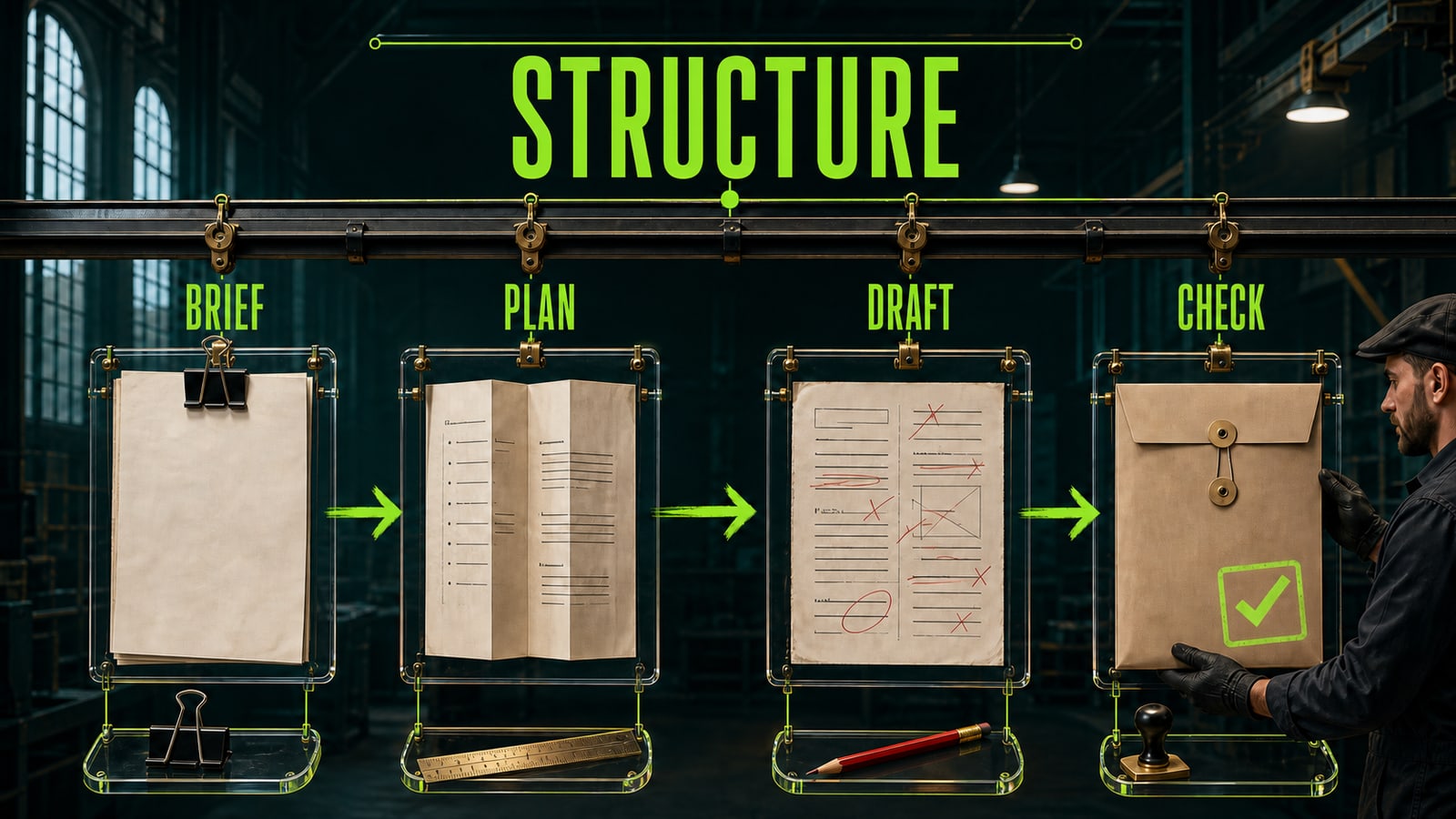
A useful AI workflow resembles an ordinary work process: brief, plan, draft, and review. First, record the goal and source material. Then ask the model for a structure, refine one required part, and only then send the result through a manual check. Jump straight to a finished document and you often get polished copy with missing detail or a beautiful slide without a working point. Anton used to spend most of a day assembling an internal presentation. He asked ChatGPT for a slide framework and used GPT Image 2 for a cover and one visual example. His first request, "Make a modern presentation about the service," failed because the model had no audience or meeting goal. The revision specified seven slides, a manager audience, one usage scenario, and no promotional promises. An hour later, Anton had a draft for discussion, which he completed with verified team facts, not a final presentation without review.
Before
Make a modern presentation about the new service.
After
Create a seven-slide framework for an internal meeting about a new service. Audience: managers without a technical background. Flow: problem, solution, one scenario, limitations, next step. Tone: calm and businesslike. Do not add unverified numbers or promises.
- 3.
Write prompts for the work task, not for the tool
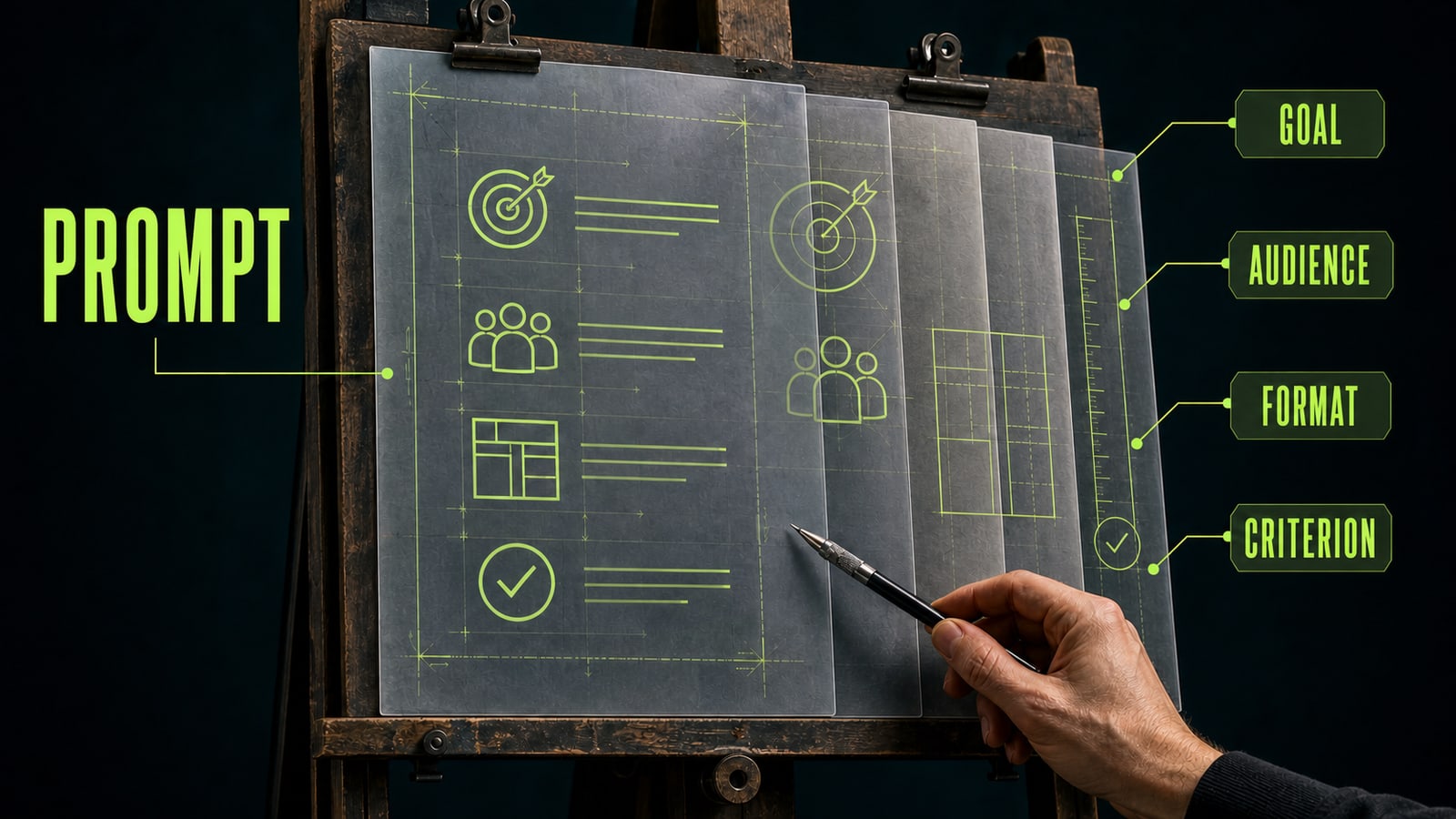
A work prompt rarely wins by being long. It wins by carrying four supports: a goal, audience, format, and quality criterion. The goal explains why the material exists. The audience sets the level of detail and tone. The format constrains the answer to an email, table, video scenario, slide outline, or visual brief. The criterion tells you what to check before sending it. For copy, this might be an email with two subject-line options. For video, it could be a storyboard with duration and on-screen action. For a website, it can be a list of sections, audience, and one user path. When a prompt is still vague, Opten can help surface missing context or a missing constraint before you spend time on several random versions. After the first result, revise one weak layer instead of rewriting the task from scratch.
Before
Write an email to the client about the update.
After
Write an email to an existing client about a service update. Goal: explain what changed and the needed next step. Audience: busy managers. Format: subject line plus a body under 120 words. Tone: calm, no pressure. Success criterion: the reader understands the benefit and the action after the email.
- 4.
Review the result before it becomes a work document
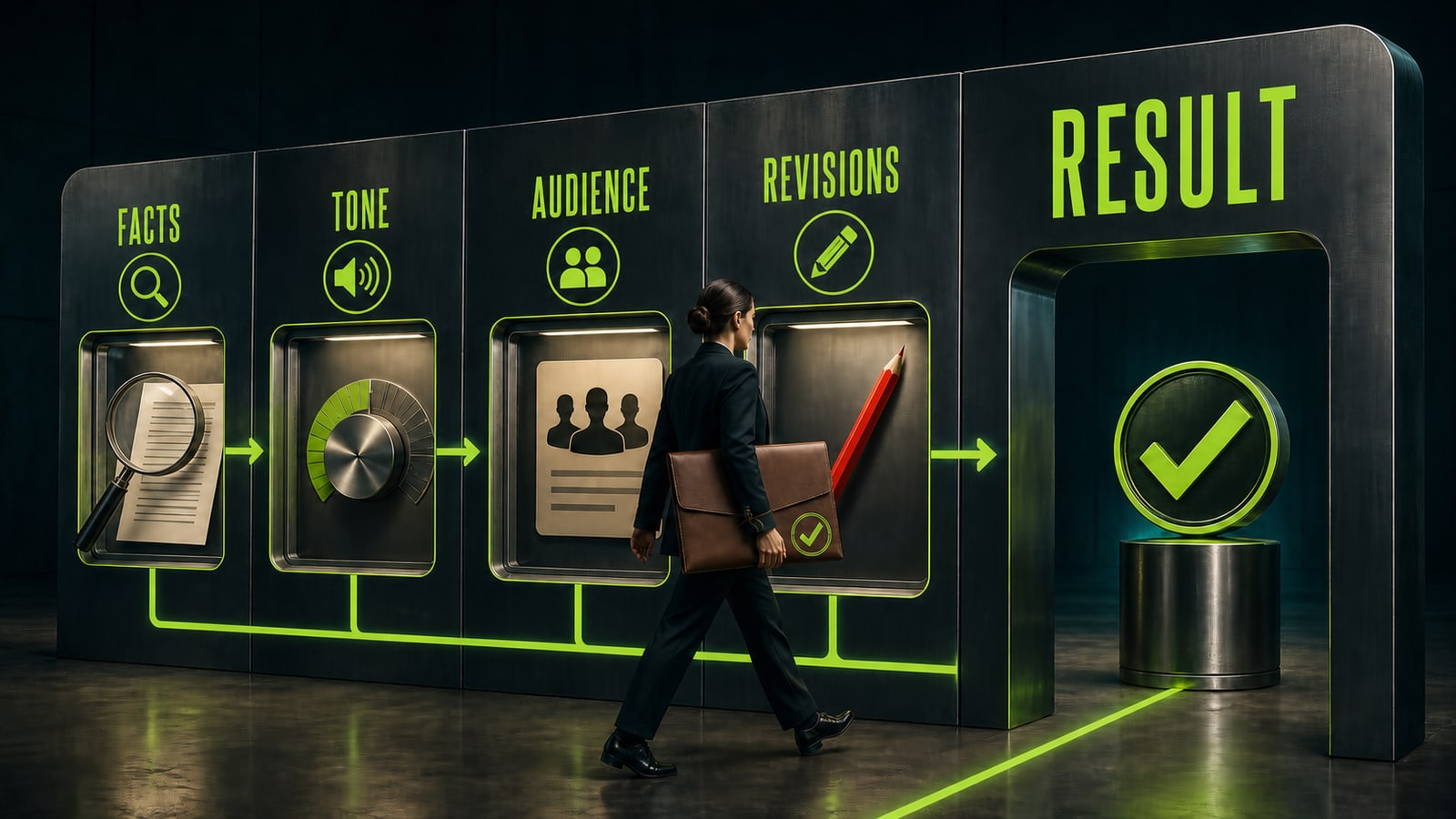
A finished model response is material to review, not an automatic signature on a document. Check four things: facts, tone, audience, and revisions. Facts need to come from your sources, not a confident writing style. Tone has to fit the client or internal team. The audience needs the right level of detail. Revisions remove unsupported assumptions, repetition, and wording you cannot stand behind. That control turns day-to-day use into AI training on real tasks. Save a good prompt, the first version, and one substantial revision. After several cases, you have a clear workflow and a portfolio of decisions instead of a collection of tools. A paid program becomes useful when you want to move through a more demanding project faster with feedback, not because an unreviewed model answer is somehow insufficient on its own.
Before
I copy the model answer into an email or presentation if it sounds confident.
After
Before sending, I check facts against sources, tone for the audience, mandatory task details, and one substantial revision. Only then do I use the result in a work document.