AI headshot generator: business portraits that look real
Vlad Voronezhtsev · · 6 min read

An AI headshot generator creates a business portrait from a text prompt or reference image, but the result depends on prompt control. A useful headshot prompt defines the background, light, lens, wardrobe, age range, expression, and skin texture before the model starts inventing its own corporate stock photo.
- 1.
Write a headshot brief, not a vague request
Start with the job of the image, not the person's face. Is the portrait for a consulting website, LinkedIn profile, webinar speaker page, founder bio, or author card? That context changes the output. A company page needs calm trust and a neutral background. A founder profile can carry more character. A speaker page needs more energy. A compact brief should include age range, role, wardrobe, background, lighting, lens, facial expression, and constraints. Do not promise official ID photos, and do not use real faces without permission. For public business use, a fictional person or your own reference photo is the safer route, depending on what the tool supports.
Before
Make a professional business headshot, beautiful, realistic, for LinkedIn.
After
Business headshot for a consulting website: fictional 35-year-old product strategist, navy blazer, neutral warm gray background, soft key light, 85mm portrait lens, eye-level framing, natural skin texture, calm confident expression. Constraints: no plastic skin, no stock-photo smile, no random logo, no extra text.
- 2.
Lock background, light, and lens
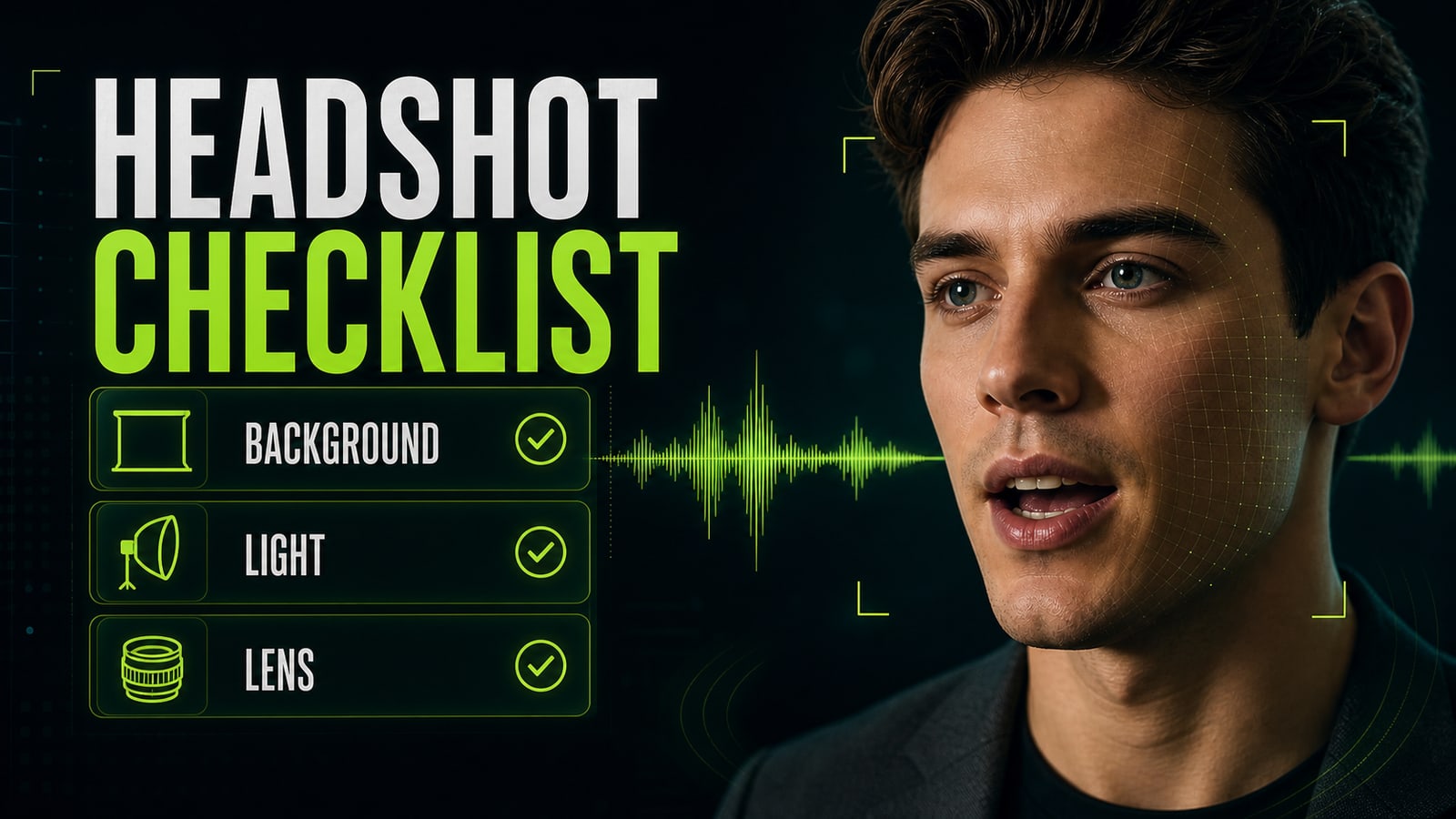
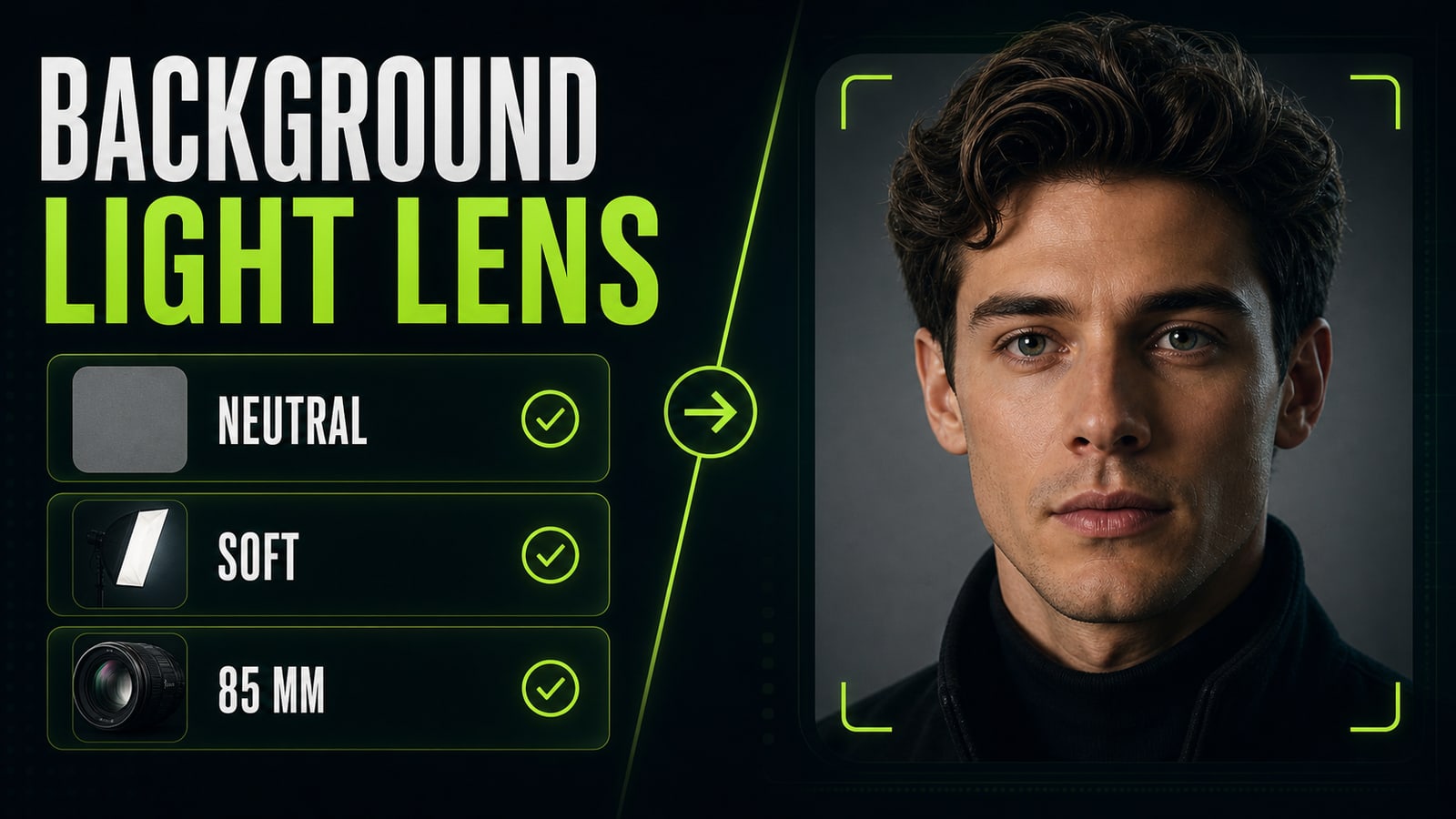
Words like `professional`, `premium`, and `realistic` don't replace a photo setup. For a business portrait, the AI headshot generator needs three concrete anchors: a neutral background, soft key light, and a portrait lens. A reliable base is `neutral gray background`, `soft key light`, `85mm portrait lens`, `eye-level`, and `shoulders-up crop`. Keep wardrobe simpler than you think: blazer, plain shirt, dark knit, no loud pattern. If you ask for an expensive CEO look, the model often gives you a stock suit, glossy skin, and a forced smile. A headshot feels more credible when the prompt describes a normal portrait session, not status symbols.
Before
Premium CEO portrait, luxury office, expensive suit, confident, photorealistic.
After
Shoulders-up business portrait, neutral gray seamless background, navy blazer over a plain black knit, soft key light from front-left, subtle rim light, 85mm lens, natural skin texture, relaxed mouth, direct eye contact, no luxury office, no glossy retouching.
- 3.
Fix the first stock-looking render
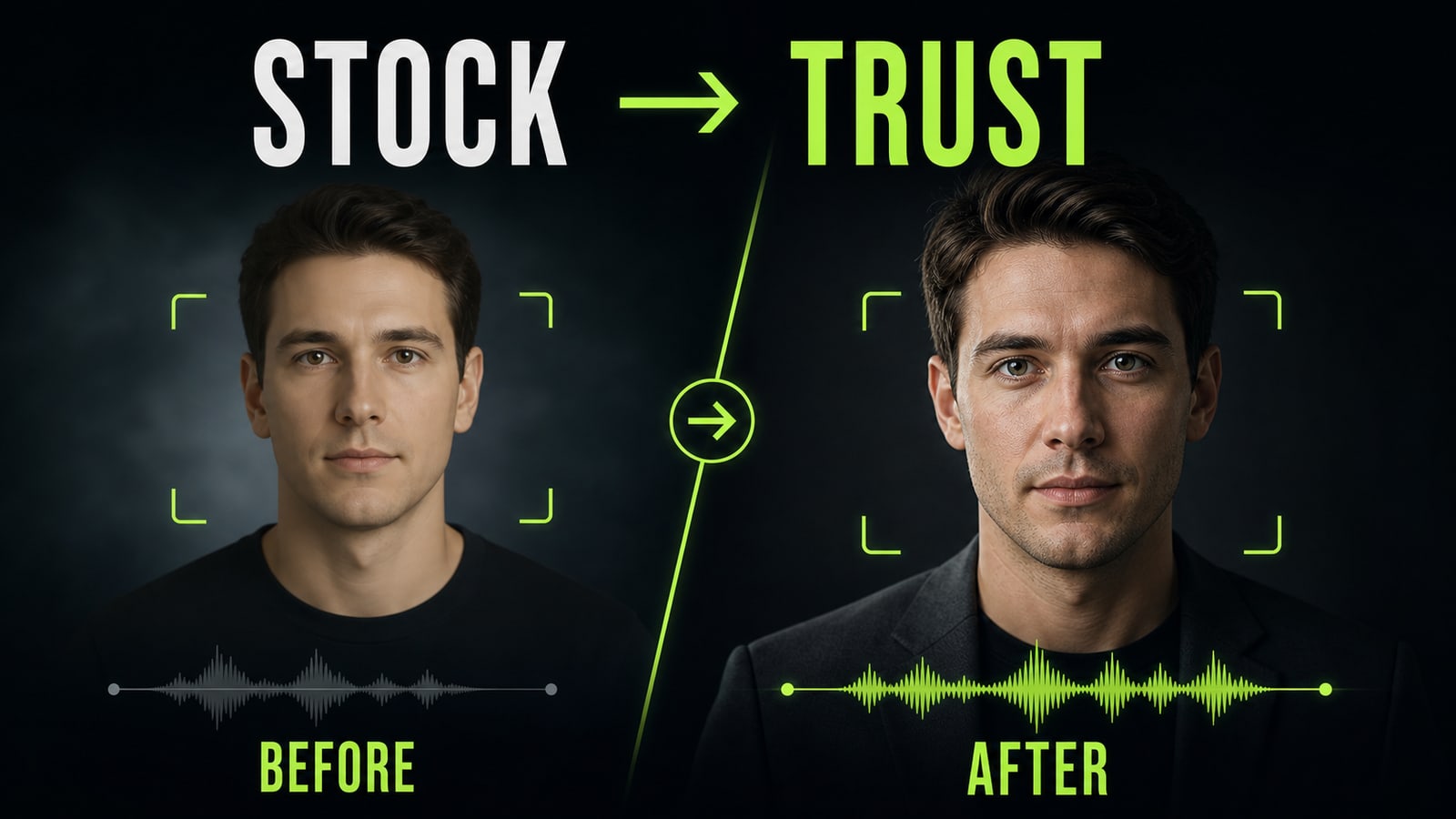
Practical case: the first headshot in GPT Image 2 looked like stock photography. The skin was too smooth, the background drifted into an office, and the person looked younger than requested. The model was not the main problem. The prompt asked for a `professional headshot`, but it did not lock lens, wardrobe, neutral background, or natural skin texture. The fix was specific: `35-40 years old`, `85mm portrait lens`, `neutral gray background`, `navy blazer`, `natural skin pores`, `calm direct gaze`, plus constraints: `no plastic skin, no stock-photo smile, no office background, no age drift`. The next render looked like a business portrait, not a generic ad placeholder.
Before
Professional headshot, confident man, business style, realistic photo.
After
Fictional 38-year-old consultant, shoulders-up business headshot, neutral gray background, navy blazer, 85mm portrait lens, soft key light, natural skin pores, calm direct gaze. Constraints: no plastic skin, no stock-photo smile, no office background, no age drift.
- 4.
Run a prompt preflight before rendering
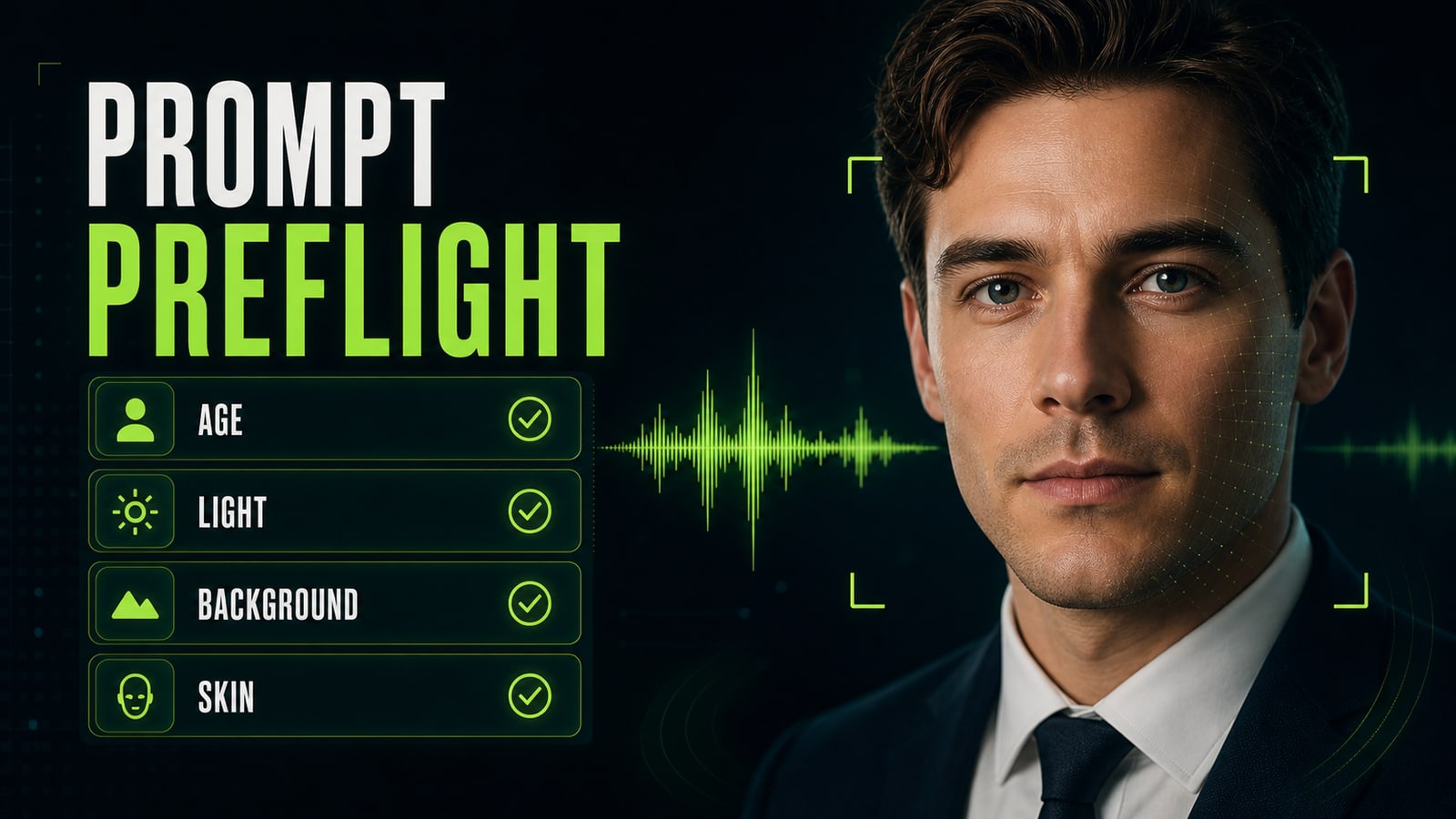
Before you render, check the prompt as a short list: age, role, background, light, lens, wardrobe, expression, constraints. If one item is missing, the model fills it in. The default fill is usually average: younger face, vague office background, too-white teeth, and polished skin. Opten works well as a preflight editor here. Give it the rough idea, then use it to expand the request into a production prompt for the model you are using and catch missing pieces. Watch for contradictions too: `natural skin texture` and `perfect retouched magazine portrait` pull the image in opposite directions.
Before
Business portrait for a website, realistic, beautiful light, confident person.
After
Preflight: role defined; age range defined; neutral background locked; soft key light specified; 85mm lens specified; wardrobe simple; constraints block plastic skin, stock smile, logo, office clutter, age drift.