AI influencer: consistent character workflow
Vlad Voronezhtsev · · 6 min read

An ai influencer is a synthetic character that appears across photos, videos, and short Reels as the same creator. The workflow is not about one pretty avatar. It depends on a character bible: fixed facial traits, wardrobe, visual style, scene rules, and prompt constraints.
- 1.
Start with a character bible, not a first portrait
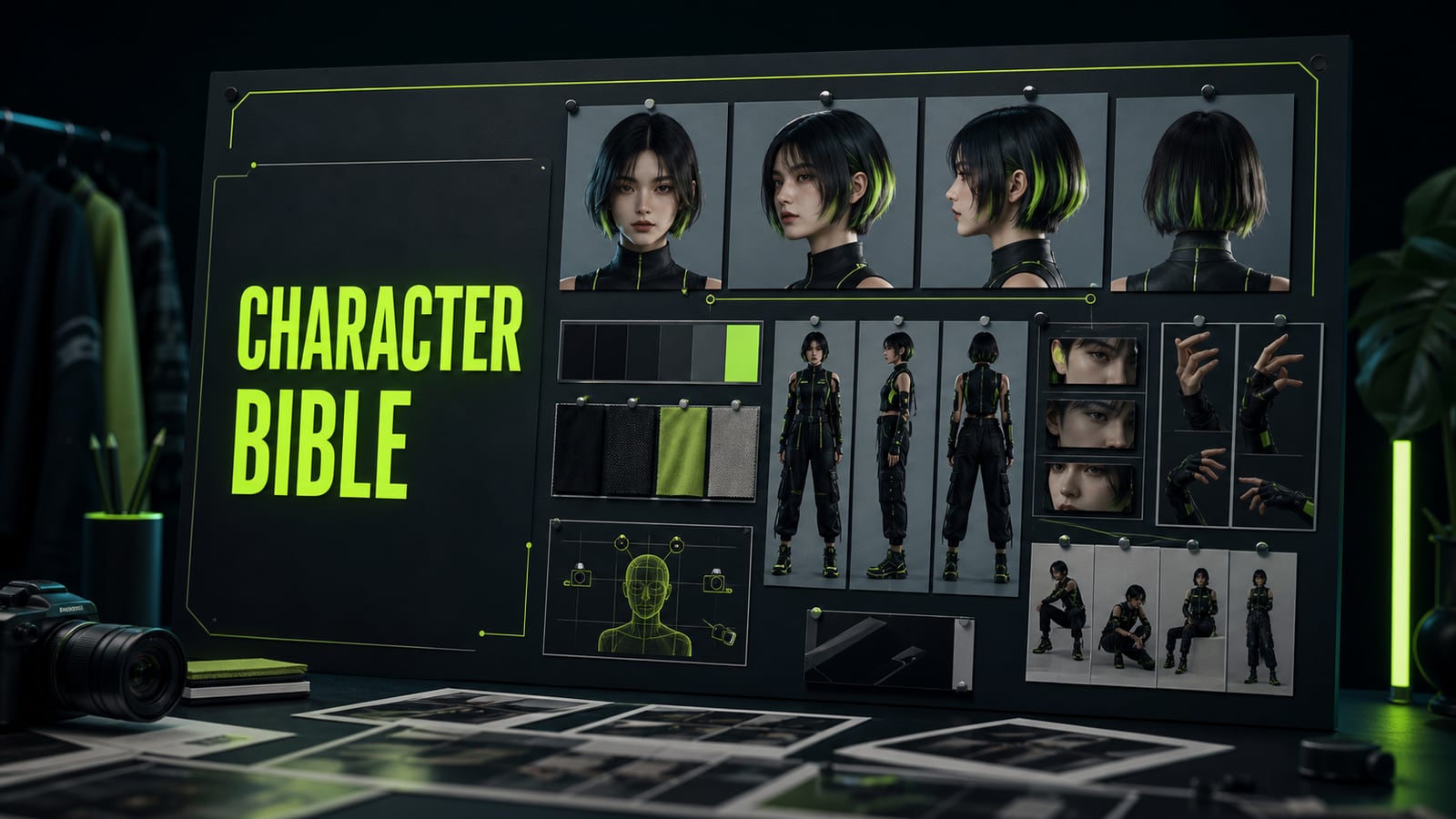
A useful ai influencer is not one lucky image. For a series, you need a compact character bible: age range, face shape, hair, expression, core wardrobe, color palette, usual locations, and hard negatives. Without it, every new generation starts casting again. The face softens, hair length changes, and the wardrobe moves into a different niche. Keep the first version practical: 8-12 fixed traits, 3-5 wardrobe anchors, and 3 environment rules. Example: `oval face, short black bob, calm expression, graphite bomber jacket, silver ear cuff, night city interiors, no bright daylight, no smiling selfie angle`. That block does more for consistency than a long generic ai influencer guide.
Before
Create a beautiful girl influencer for a clothing brand.
After
Character bible: synthetic fashion creator, oval face, short black bob, calm direct gaze, graphite bomber jacket, silver ear cuff, muted streetwear palette. Environment: night city interiors, soft window reflections, 35mm editorial camera. Constraints: same face, same hair length, no celebrity likeness, no bright daylight.
- 2.
Lock scenes as a grid, not a mood
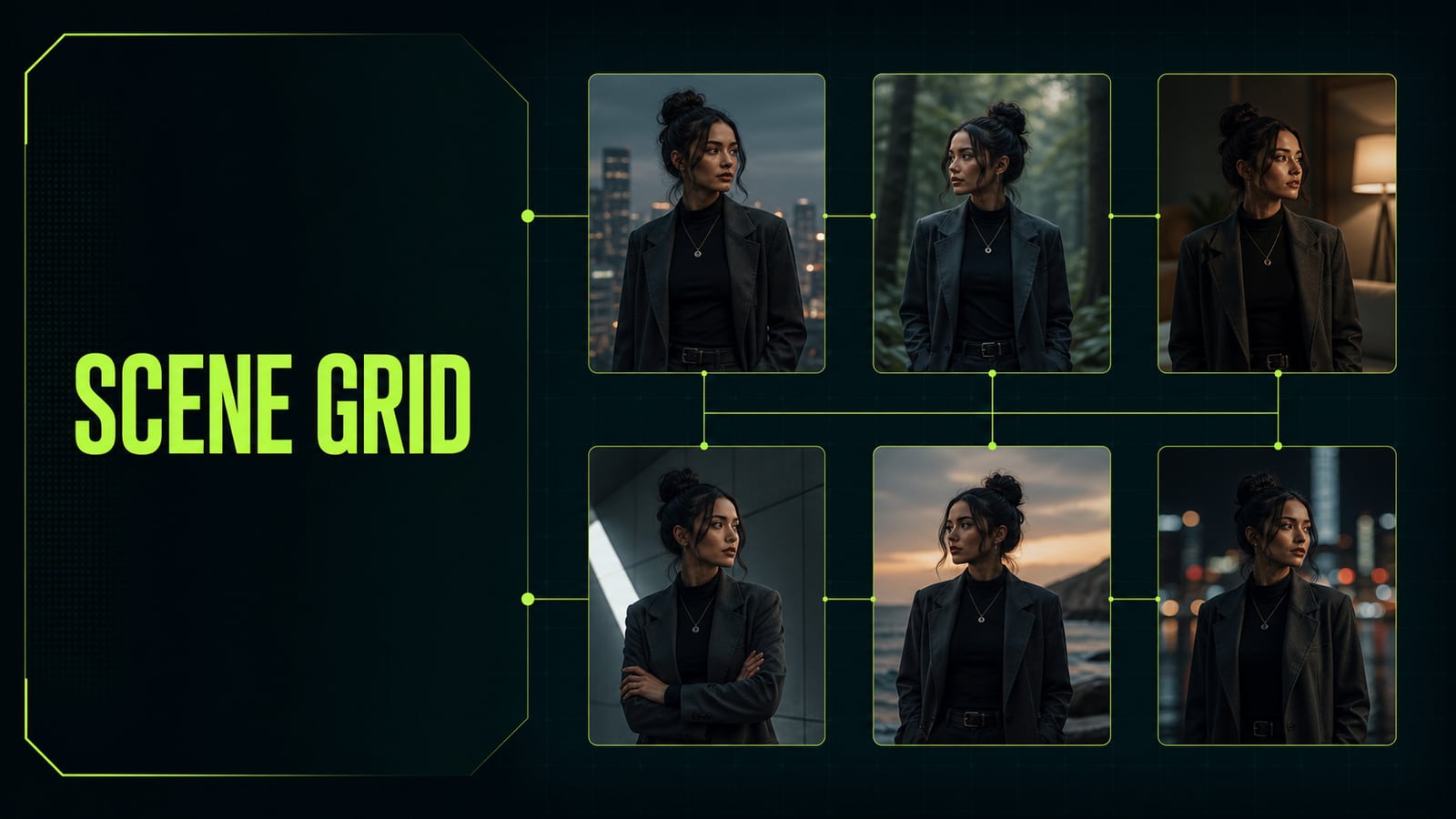
When you create an ai influencer for content, the model needs more than appearance. It needs repeatable situations. `Make lifestyle content` is too wide: one pass gives a cafe, the next a beach, then a glossy ad. A scene grid works better: 4-6 shot types you can reuse without losing identity. Use a simple grid: street portrait, product-in-hand, mirror prep, night cafe, backstage fitting, vertical video hook. In each shot type, repeat the face, hair, one or two wardrobe anchors, and lighting. That makes an ai Instagram Reels series feel like one creator instead of a stock-image collage.
Before
Make Instagram posts where the character is different but recognizable.
After
Scene grid: 1) street portrait, 2) product-in-hand, 3) mirror prep, 4) night cafe, 5) backstage fitting. Preserve: same face, short black bob, graphite bomber, calm gaze, green rim light. Change only location and pose.
- 3.
AI influencer Higgsfield: separate image and motion
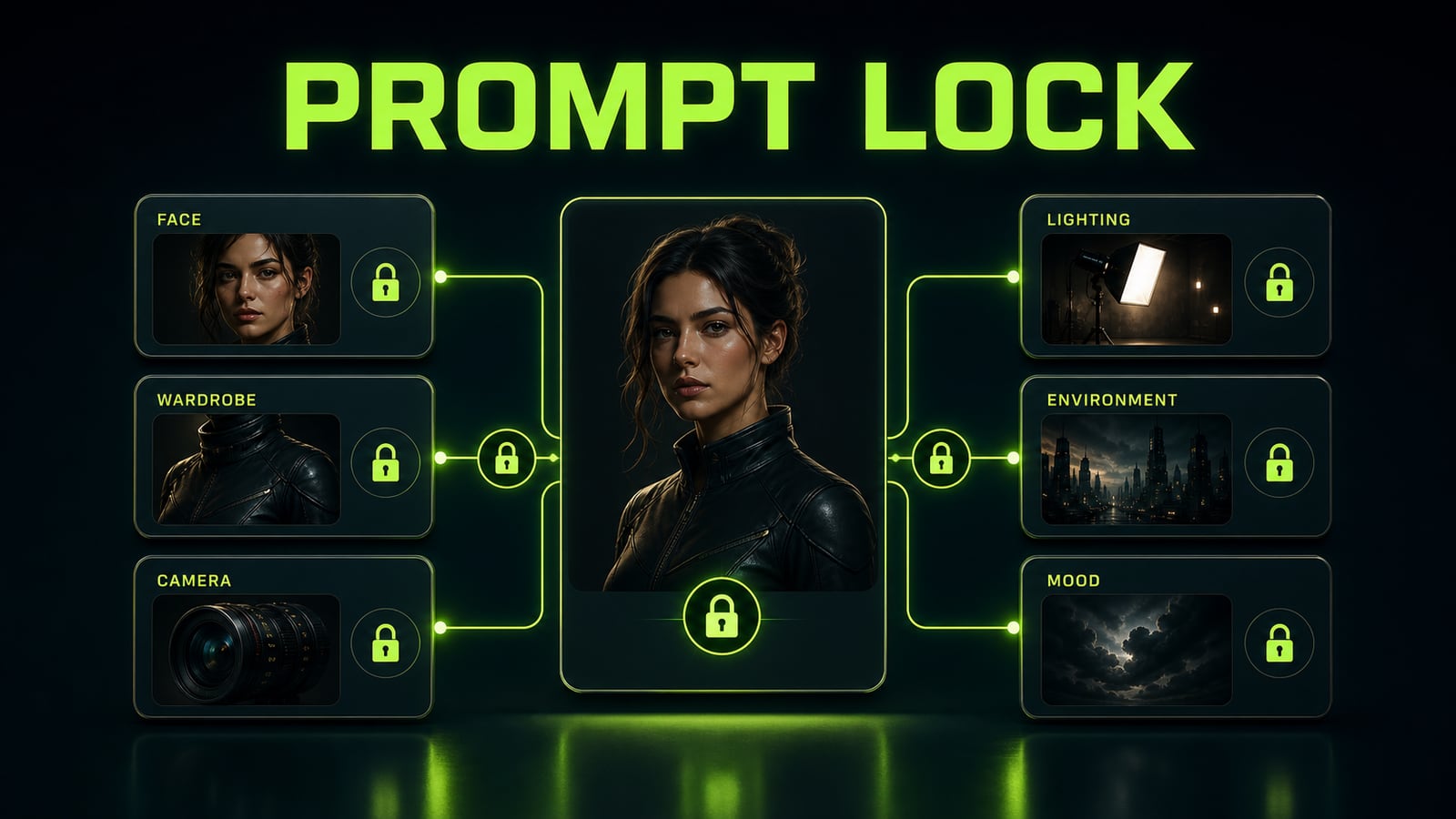
The query `ai influencer higgsfield` usually points to fashion characters, Soul-style images, and short video moves. Treat it as two layers. First, build the image reference: face, wardrobe, angle, lighting. Then write the motion prompt for DoP or another video model: one action, one camera move, and one anti-drift rule. Practical case: a character in a graphite bomber looked stable in stills, but the face changed during a head turn. The broken prompt was `turns to camera, cinematic`. The fix was specific: `preserve the same face, short black bob, graphite bomber; slow 3-second head turn; locked 50mm medium shot; no face redesign, no outfit change`. The result kept motion without recasting the creator.
Before
AI influencer Higgsfield, turns to camera, fashion reel, cinematic.
After
Use the approved image reference as identity. Action: slow 3-second head turn toward camera. Camera: locked 50mm medium shot, no zoom. Preserve: same face, short black bob, graphite bomber, silver ear cuff. Constraints: no face redesign, no outfit change, no extra text.
- 4.
Write Reels as a short storyboard
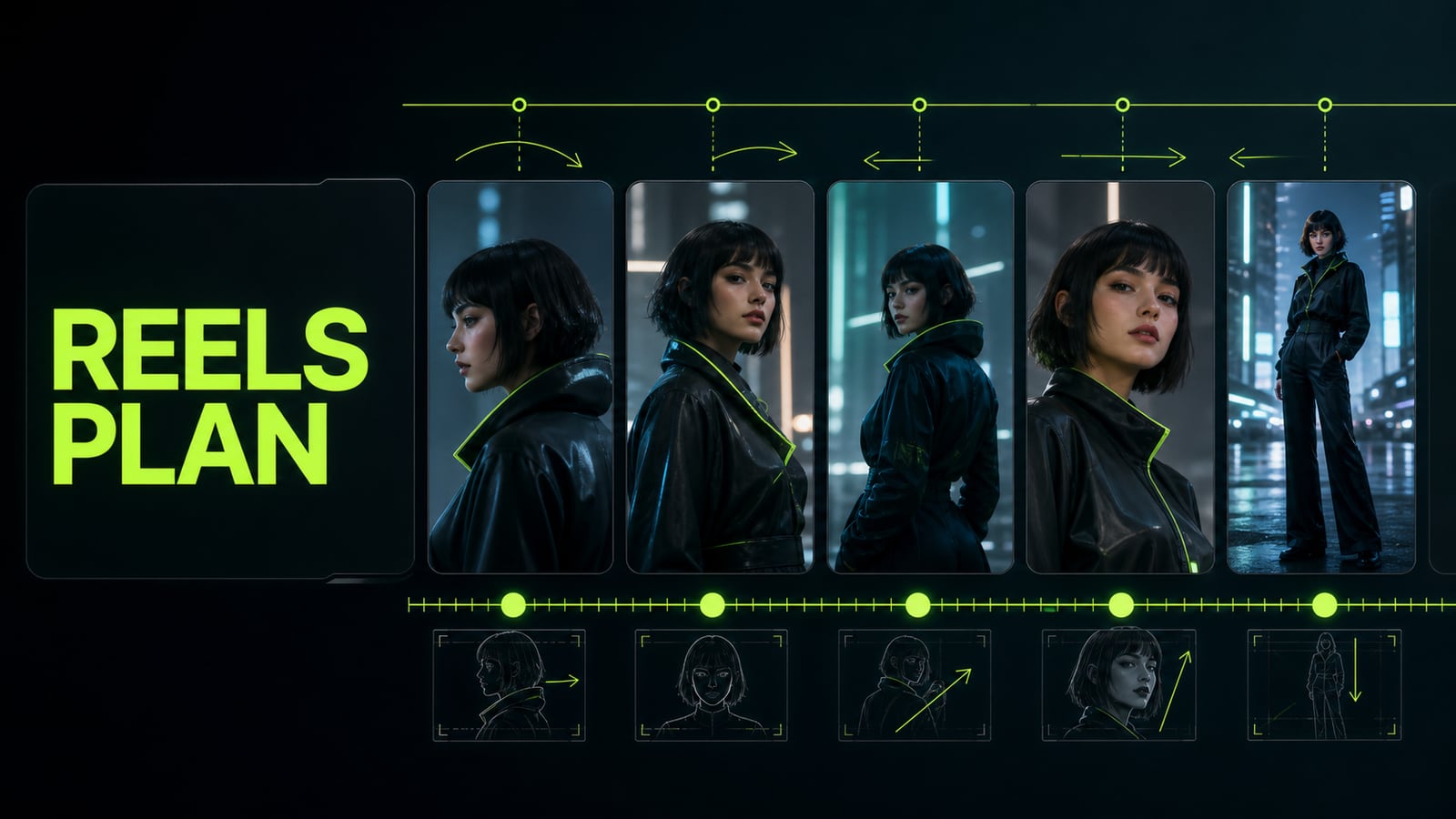
A Reel does not need a page-long script. It needs 3-4 beats: hook, action, product or mood detail, final frame. If you write everything in one paragraph, the model decides when to change shot size and which detail can drift. For an ai influencer, that is where the face shifts, the outfit changes, or another person enters the frame. Use a compact structure: `0-2s hook`, `2-5s action`, `5-8s detail`, `8-10s close`. Repeat the identity lock in each beat. Opten is useful as a preflight before rendering: it expands the idea into a production prompt and catches missing camera path, preserve block, or random-text constraints.
Before
Make a Reel about a new ai influencer, fashionable, realistic, beautiful.
After
0-2s: close portrait, same face and bob haircut, calm gaze.
2-5s: medium shot, puts on graphite bomber, green rim light.
5-8s: hand detail with silver ear cuff visible in reflection.
8-10s: locked hero pose, no face drift, no outfit change, no random text.