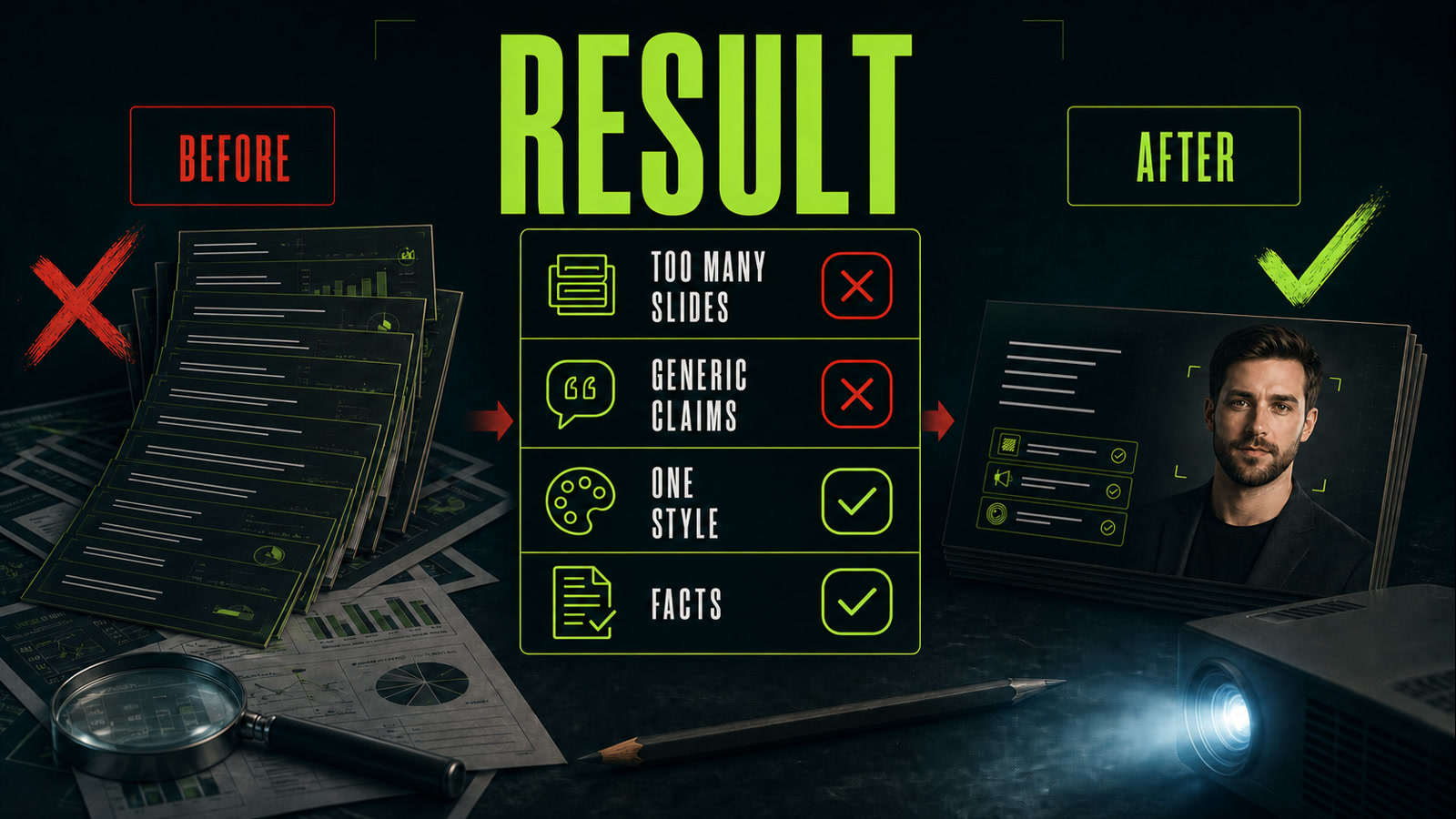
AI presentation makers: from a clear task to useful slides
Vlad Voronezhtsev · · 7 min read

AI presentation makers can outline a story, tighten slide copy, and suggest a visual direction. Useful output still starts before you click Generate. The model needs a brief: why the deck exists, who will see it, what decision the audience should make, and which verified facts support that decision.
- 1.
Define the presentation task before the design
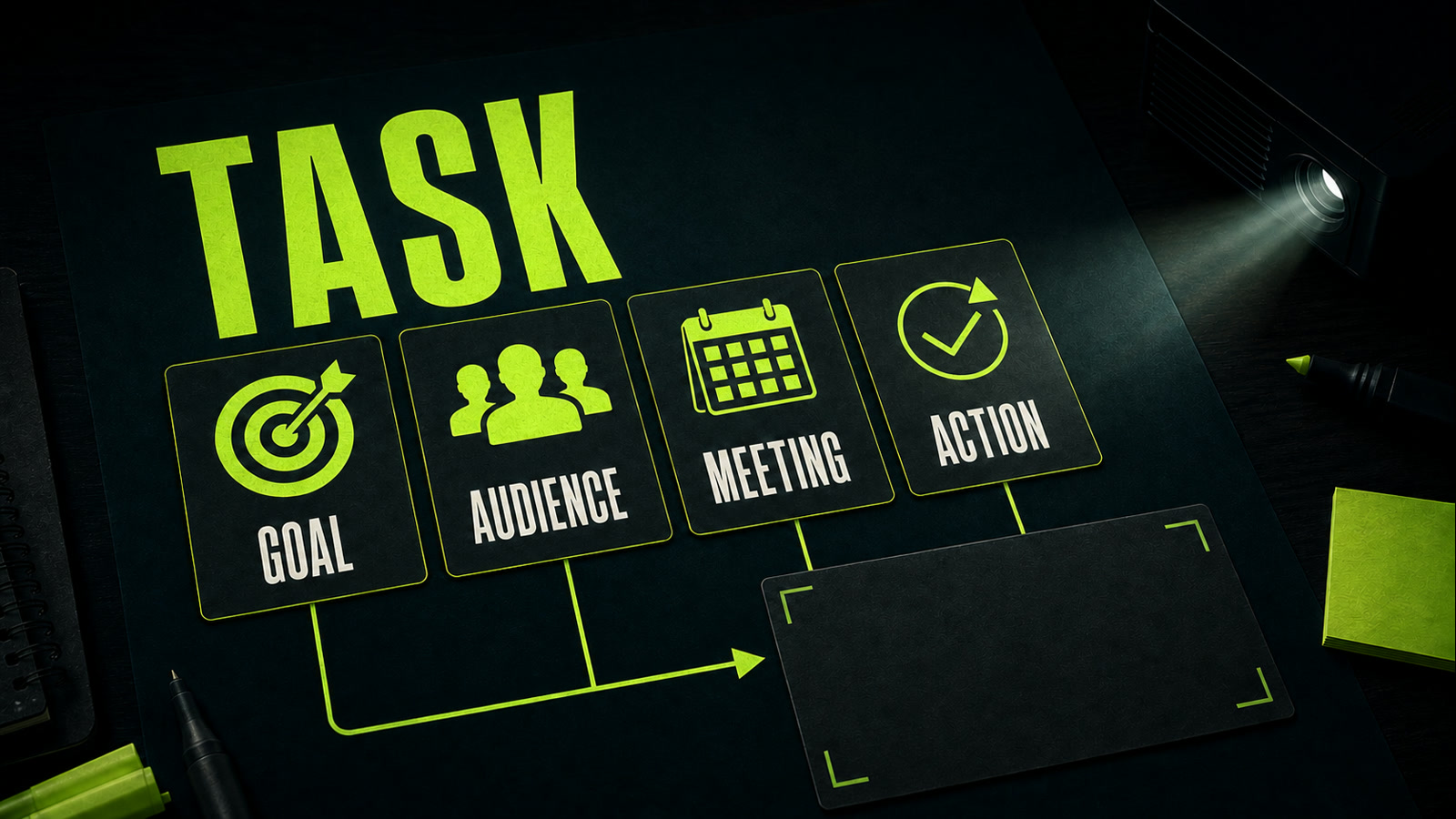
Start with the business goal. A first client meeting, an internal budget review, and a conference talk need different stories. State the audience, meeting context, and the action that should follow the last slide. An AI presentation generator can then separate the central argument from material that belongs in an appendix. Give it verified inputs: product details, numbers, quotes, constraints, and source links. Don't ask the model to invent the product, evidence, and design in one pass. If data is missing, instruct it to write `[fact needed]` instead of filling the gap with a confident guess.
Before
Make a presentation about our product.
After
Outline a deck for a first meeting with a retail marketing director. Goal: agree on a pilot. The audience should understand the problem, product mechanics, two verified outcomes, and the next step. Use only the facts below; mark gaps as `[fact needed]`.
- 2.
Build slide structure around one point per slide
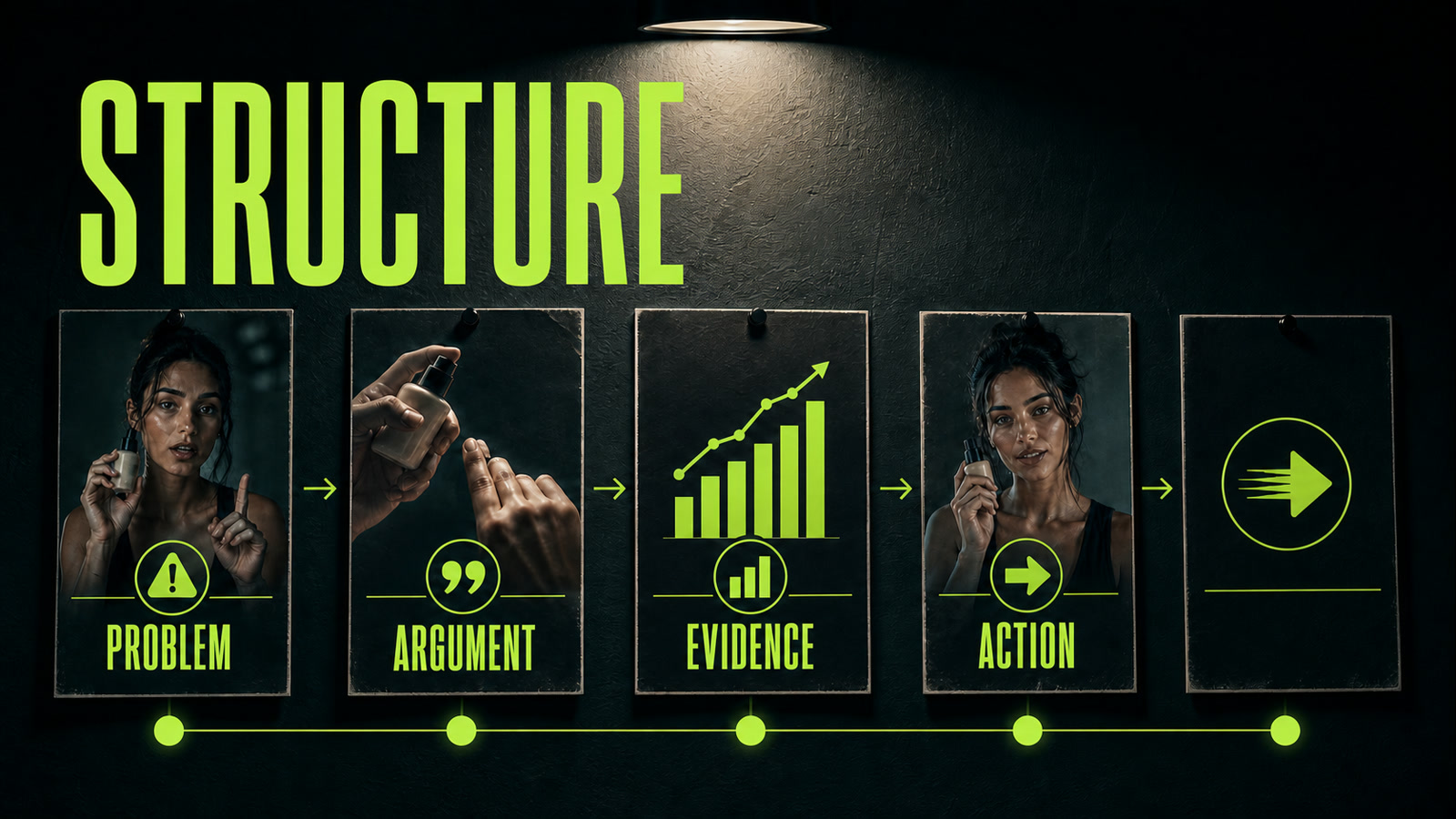
A working story often moves from the situation to the decision: problem, cost of inaction, approach, evidence, plan, and next step. It isn't a universal template, but it's a useful sequence test. Merge neighboring slides that repeat an argument. Move anything that doesn't support the meeting goal into the appendix. Ask the AI presentation maker for slide titles and the role of each slide first. You can repair the order before spending time on copy or visuals. Once the outline holds together, request a conclusion-style headline, two or three supporting points, and a note about the evidence or visual needed on every slide.
Before
Make 20 slides about the company, market, product, features, and team.
After
Propose 8 slides. For each, provide a conclusion-style headline, its role in the story, up to 3 points, and the evidence needed. Flow: problem → consequences → solution → mechanics → evidence → pilot → next step. Remove repetition.
- 3.
Write the prompt as a presentation brief
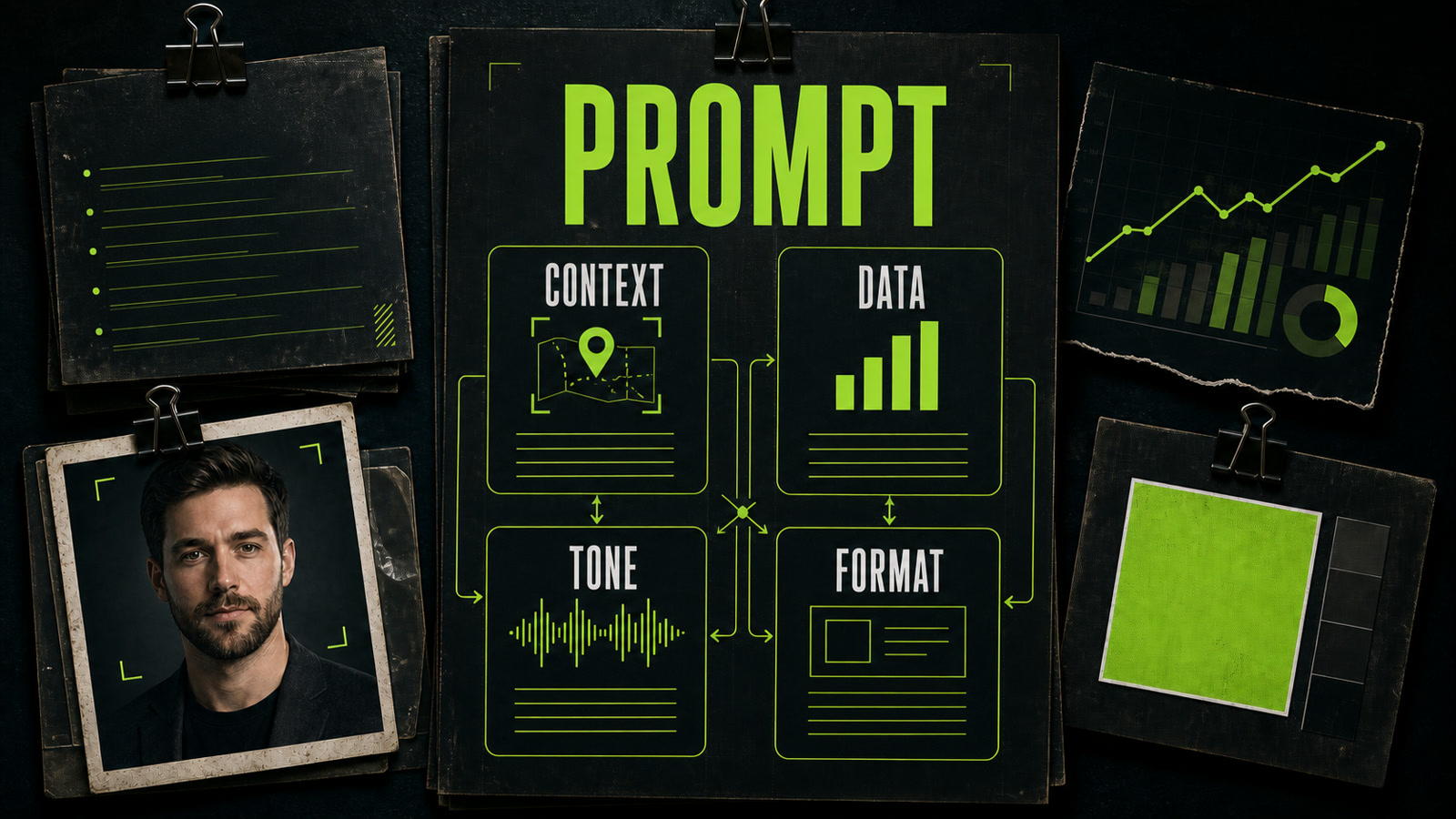
A good prompt reads like a brief for a designer. Include the meeting context, audience, and their level of knowledge. Add source data, tone, and output format. Describe visual direction by function: for example, “calm analytical style, charts instead of decorative illustrations, one accent color.” That tells the model more than “modern, premium, wow.” Marina used Gamma for a B2B product deck. Her first prompt, “make a presentation about the product,” produced generic claims and 14 crowded slides. She revised it with the audience, meeting goal, eight-slide limit, three verified metrics, a calm tone, and a ban on invented numbers. Gamma returned a coherent outline; Marina checked the facts and merged two slides. Opten can act as a prompt preflight here, surfacing missing context before generation.
Before
Make a stylish sales presentation.
After
Context: first B2B meeting. Audience: marketing director. Goal: agree on a pilot. Data: use only the three metrics below. Tone: confident, no sales clichés. Format: 8 slides, one conclusion and up to 3 points each. Visuals: analytical, charts for numbers, one accent color.
- 4.
Review facts, slide copy, and visual consistency
Even a strong AI presentation generator doesn't know which company numbers are current or safe to share. Verify every figure against its source, remove generic claims, and ask whether each headline states what the audience should understand. Then view the entire deck as thumbnails to catch repetition, density jumps, and accidental style changes. Run the final review out loud and time it. If a slide only works after a long explanation, its conclusion isn't clear enough. If the screen contains the whole speech, cut it. A freelancer can sell this as a service: briefing, structure, editing, visual direction, and final review. That's more useful than promising a perfect deck from one click.
Before
I deliver the deck when it looks tidy and the model shows no errors.
After
I verify every number, one conclusion per slide, story flow, one visual language, and speaking time. Only then do I export the final deck.