
Prompt examples: how to adapt them to any model
Vlad Aivor · · Updated: · 6 min read

Prompt examples are useful when they reveal the logic of a request: goal, scene, model, constraints, and success criteria. They fail when copied as universal templates. A good example shows what to change for your model and task, not a magic sentence that works everywhere.
- 1.
Treat prompt examples as patterns, not collections
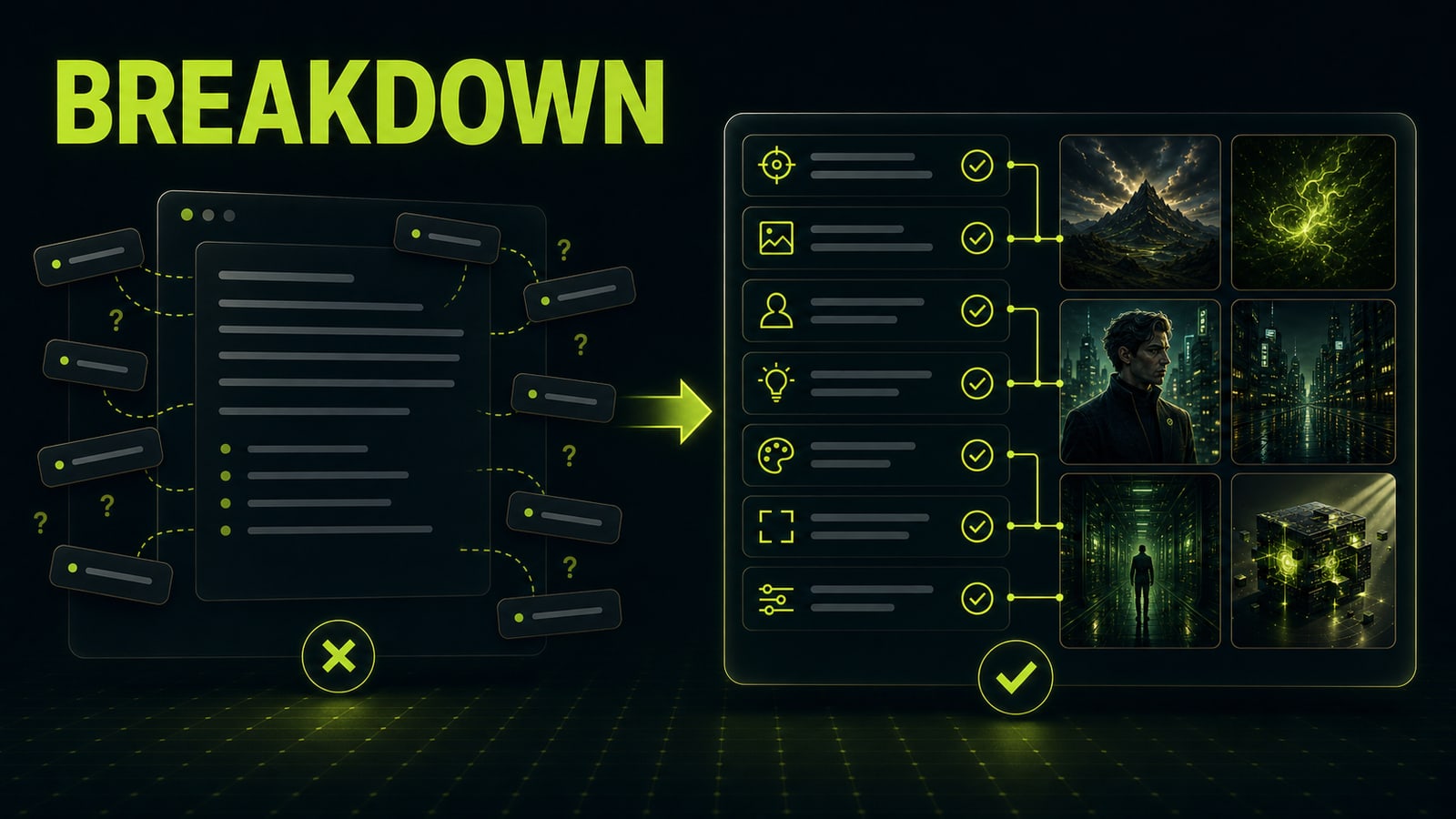
A giant list feels useful, but it often slows people down. You copy a line from someone else's Midjourney 8.2, GPT Image 2, or Kling 3.0 case and get a different style, different lighting, or a flat result. The reason is usually simple: the example was written for one model, one format, and one source material. Read the example as markup. Find the job, subject, style, camera, lighting, constraints, and quality check. If the prompt only says `cinematic`, `ultra detailed`, `award winning`, it is not a working prompt yet. It is a bag of aesthetic tags. Turn it into a brief or the model will decide what matters: face, background, text, motion, or mood.
Before
cinematic cyberpunk city, girl, neon, ultra detailed, 8k, masterpiece
After
Job: 16:9 article cover. Scene: wet night street. Subject: one person in a yellow raincoat, medium shot. Light: blue neon from left, lime rim light from right. Constraints: no logos, no text, no crowd.
- 2.
Read prompt examples block by block
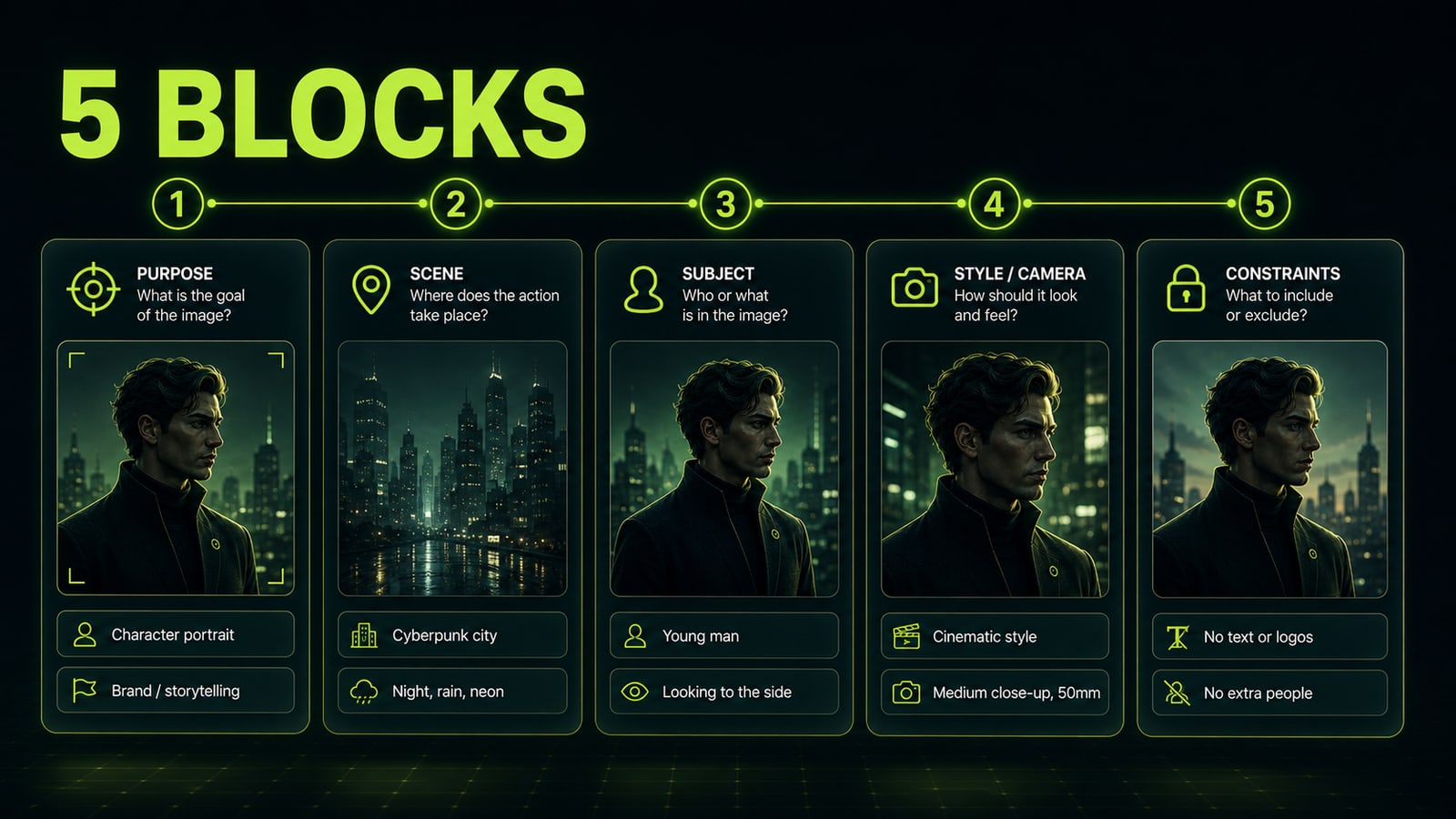
Strong prompt examples usually have five blocks: `Purpose`, `Scene`, `Subject`, `Style and camera`, `Constraints`. For image models, add material, light, and exact quoted text if text must appear in the frame. For video, add action, duration, secondary motion, and bans on extra cuts. For ChatGPT, add role, context, output format, quality criteria, and boundaries: what not to invent and when to ask a question. A missing block does not make the example useless. It shows where the prompt is fragile. A prompt without a job often creates a nice but pointless image. A prompt without constraints pulls in stray logos, fingers, text, or crowds. A prompt without a quality check is hard to improve because you cannot tell what actually broke in the first render.
Before
Make a beautiful product photo on a dark background.
After
Purpose: hero product image for a landing page. Product: matte black wireless headphones. Scene: dark graphite surface, lime rim light. Camera: 70mm product photography, three-quarter view. Constraints: no logo, no text, no extra objects.
- 3.
Adapt AI art prompts and image prompt ideas
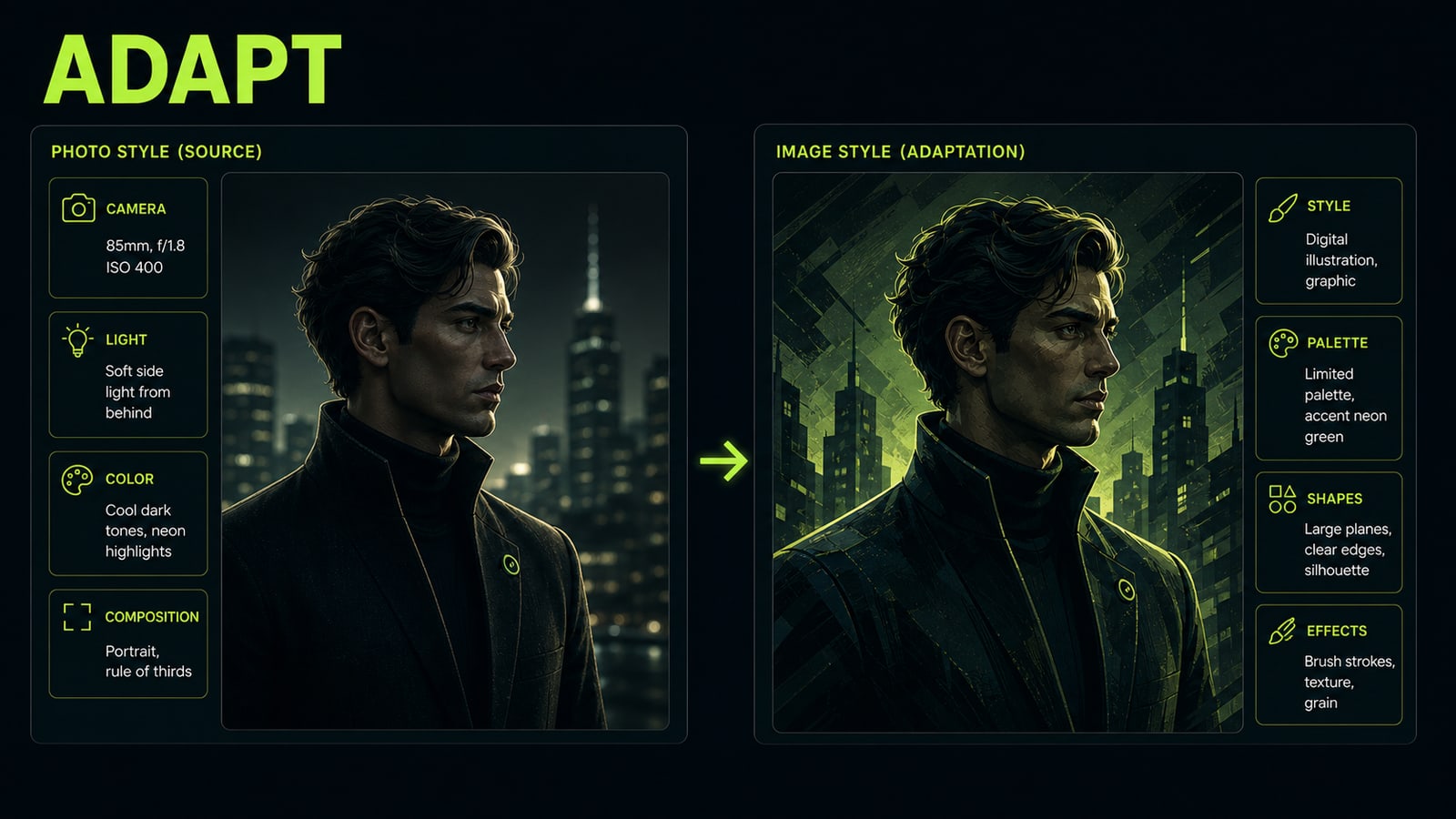
AI art prompts, image prompt ideas, and photo prompt ideas are not interchangeable. A photo prompt depends on lens, angle, light source, material, and natural imperfections. An illustrative image prompt depends on shape, palette, stylization level, and composition clarity. Move one into the other without editing and the model often blends genres: a product photo becomes a poster, or a realistic portrait turns glossy. Before using an example, ask three questions. Which model understands it best? Which output do you need: photo, illustration, video, or text answer? Which words in the prompt drive the result, and which are decorative noise? Opten can work as a quick preflight here: expand a short request into a model-specific prompt and catch missing blocks before you spend credits.
Before
portrait of a chef, cinematic, realistic, beautiful, detailed
After
Editorial photo portrait of a chef after service. 85mm lens, eye-level close medium shot, tired smile, soft kitchen practical light, visible steam in background, natural skin texture. Constraints: no plastic skin, no extra hands, no logo on uniform.
- 4.
Controlled example: adapt the brief for GPT Image 2
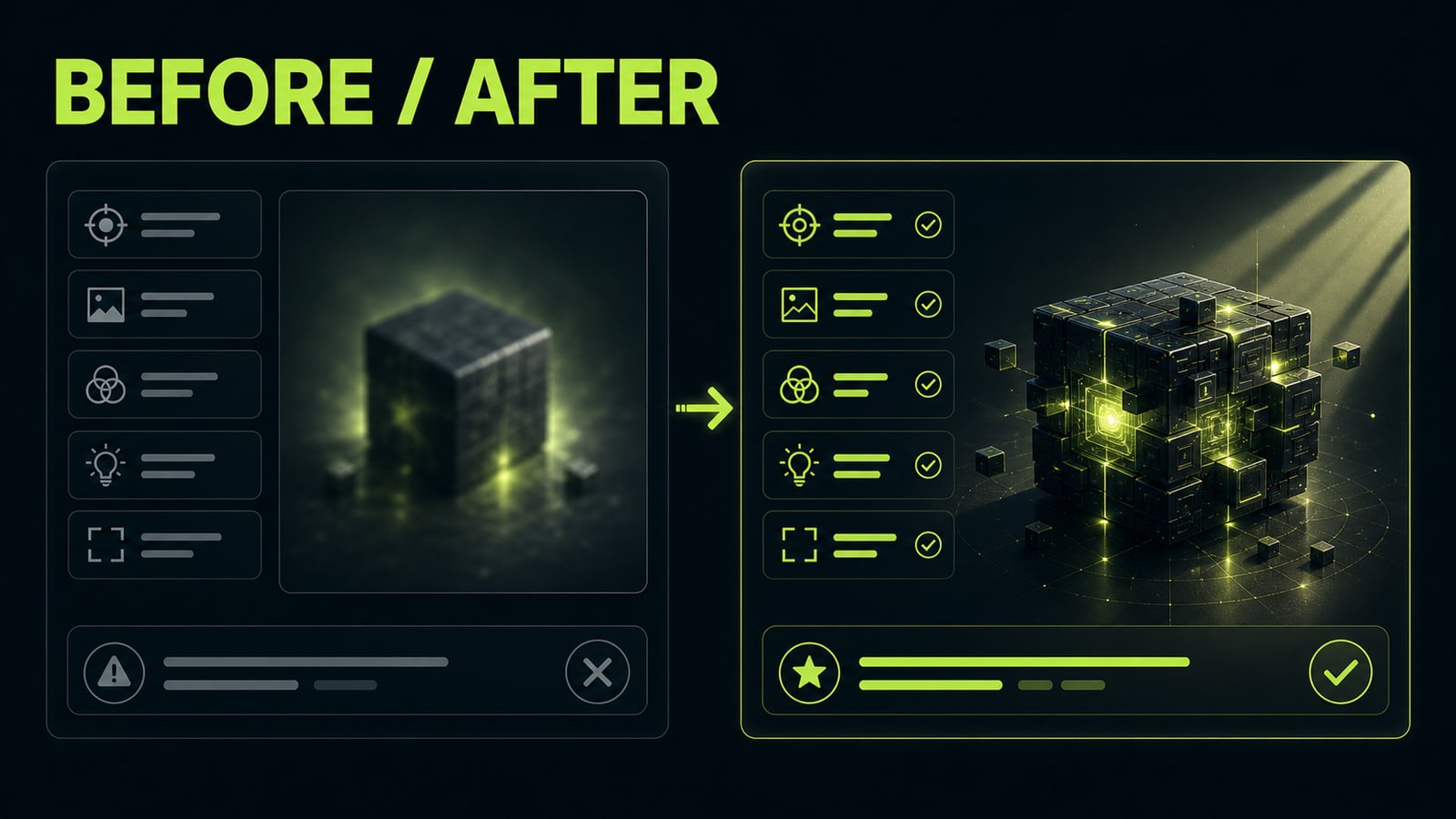
Take a short Midjourney 8.2 line — `minimal product shot, lime glow, premium, sharp shadows` — and inspect it before moving it to GPT Image 2. It does not define the job, object material, light position, or measurable composition. That makes any output hard to evaluate because the model has no explicit target to preserve. A controlled adaptation adds those blocks: `landing page hero for a premium AI tool, brushed black metal object, one lime rim light, diagonal shadow across the lower third, subject fills 45% of frame, no text`. Compare both versions with the same format and references, changing only prompt structure. Prompt engineering treats an example as a hypothesis, not a guaranteed result.
Before
minimal product shot, lime glow, premium, sharp shadows
After
Landing page hero for a premium AI tool. Subject: abstract brushed black metal prompt cube, fills 45% of frame. Lighting: one lime rim light from upper right, diagonal shadow across lower third. Constraints: no text, no logo, no extra UI.
- 5.
Check ChatGPT prompt examples by output format
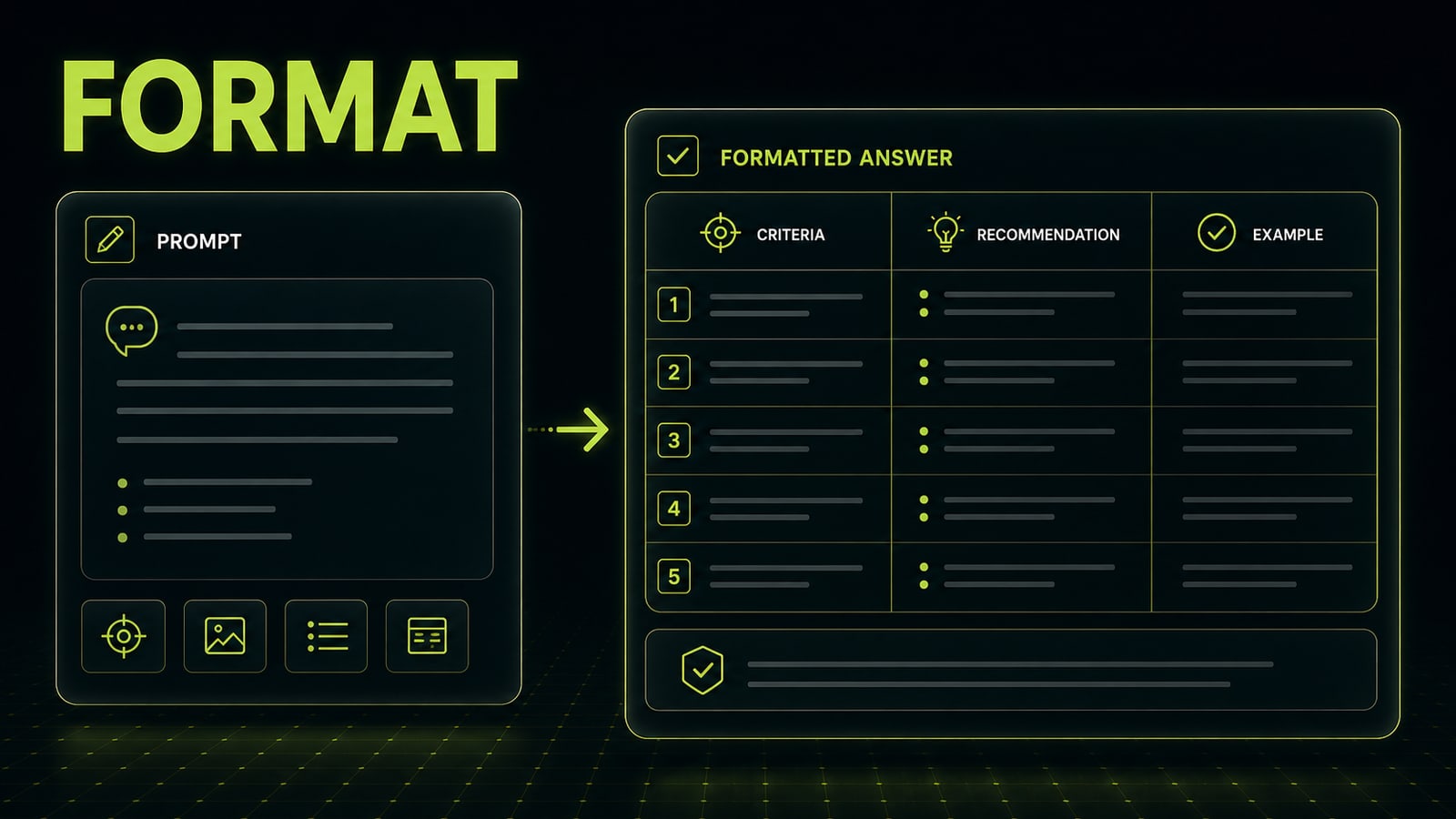
ChatGPT prompt examples fail differently from image prompts. A visual model usually loses light, composition, or identity. A text model usually answers in the wrong format, invents missing facts, or gives generic advice. That is why a ChatGPT example lives or dies by output format and criteria, not by a grand opening line. A good request says what the model receives, what success means, which format to return, and when it should ask a clarifying question. Example: `You are a landing-page editor. Check this block for specificity. Return a table: issue, why it hurts, exact rewrite. Do not add new facts`. That kind of prompt example adapts cleanly to SEO, UX, email, or video scripting because its role and boundaries are visible.
Before
You are an expert. Improve this text and make it sell better.
After
You are a SaaS landing-page editor. Find 5 places where the copy is too vague. Return a table: phrase, issue, exact replacement. Do not add facts that are not in the input.


Sources and related guides
The factual basis for this article and useful next reads. External links point to official documentation.
- Official sourceOpenAI: How do I create a good prompt? ↗Official guidance on clear tasks, relevant context, and iterative prompt refinement.
- Official sourceOpenAI: Prompt engineering best practices ↗Official fundamentals for specificity, context, and reviewing the result iteratively.
- Opten guidePrompt structure: seven practical blocks ↗Turn a found example into a testable brief for your own task.

