AI video tools for work: product clips, ads, and content
Vlad Voronezhtsev · · 8 min read

AI video tools work well for short product scenes, ad drafts, title sequences, animated photos, and testing a visual idea before a shoot. A useful result starts with the right mode, a strong source frame, and clear direction: who is in the scene, what moves, where the camera sits, and what must stay unchanged.
- 1.
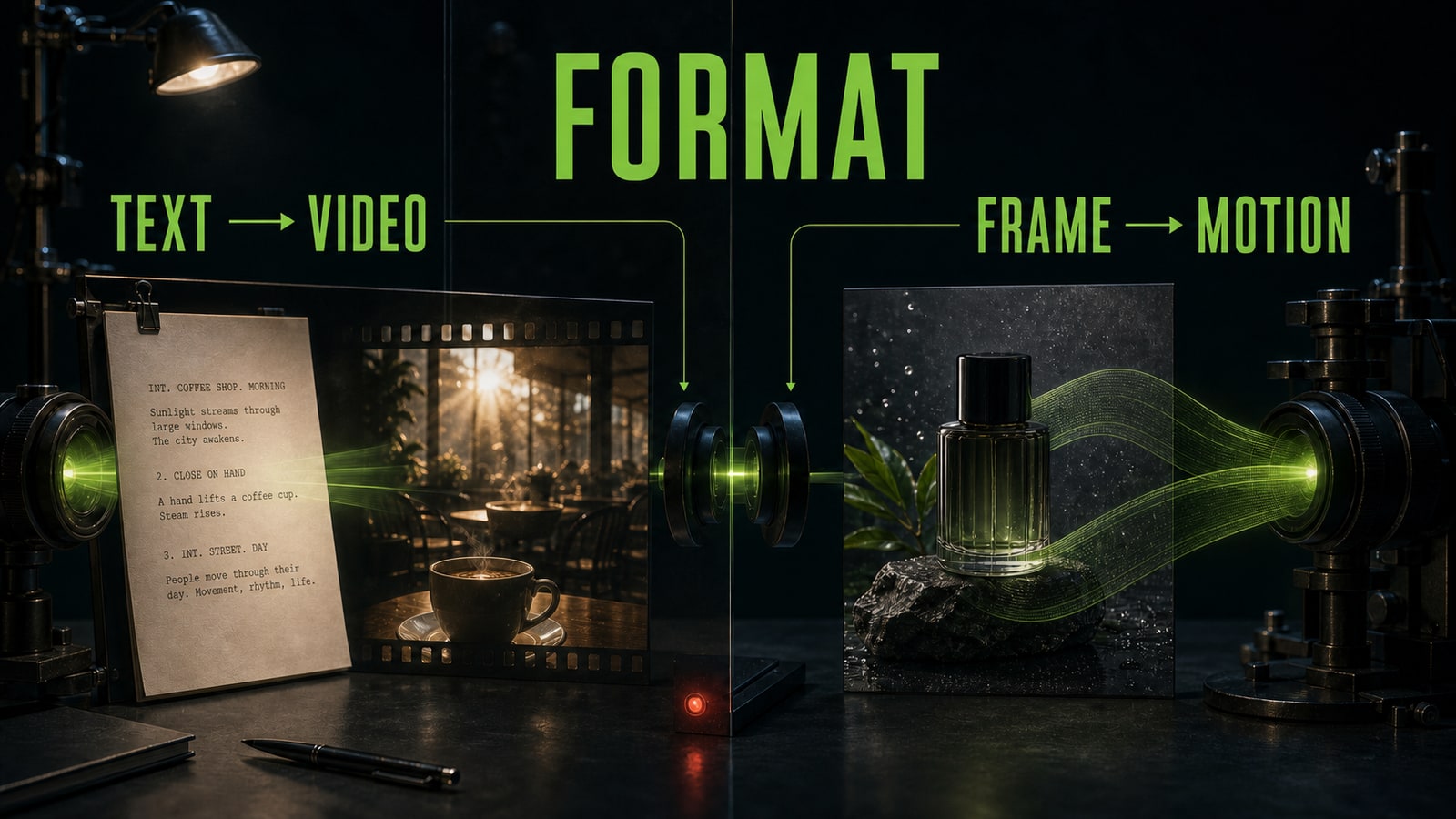
Choose text to video AI or image to video AI
Start with what you already have. Text to video AI is useful when the scene begins as an idea and the model needs to establish the location, atmosphere, action, and visual direction. Image to video AI starts from an approved product photo, illustration, or first frame. In that mode, the prompt should focus on object motion and camera behavior instead of redesigning the whole scene. Use one short deliverable for the first test: a six-second product shot, a course opener, a background plate for an ad, or a UGC-style draft. Don't combine four locations, dialogue, and a complex edit on the first pass. One scene quickly shows whether the model preserves the subject, lighting direction, and the point of the original idea.
Before
Make a beautiful modern product ad from this image. Keep it dynamic.
After
Animate the source product photo as one six-second shot. Preserve the package shape, label, and color. Add only a slow camera push-in and a soft highlight moving from right to left. No product rotation, new objects, or text.
- 2.
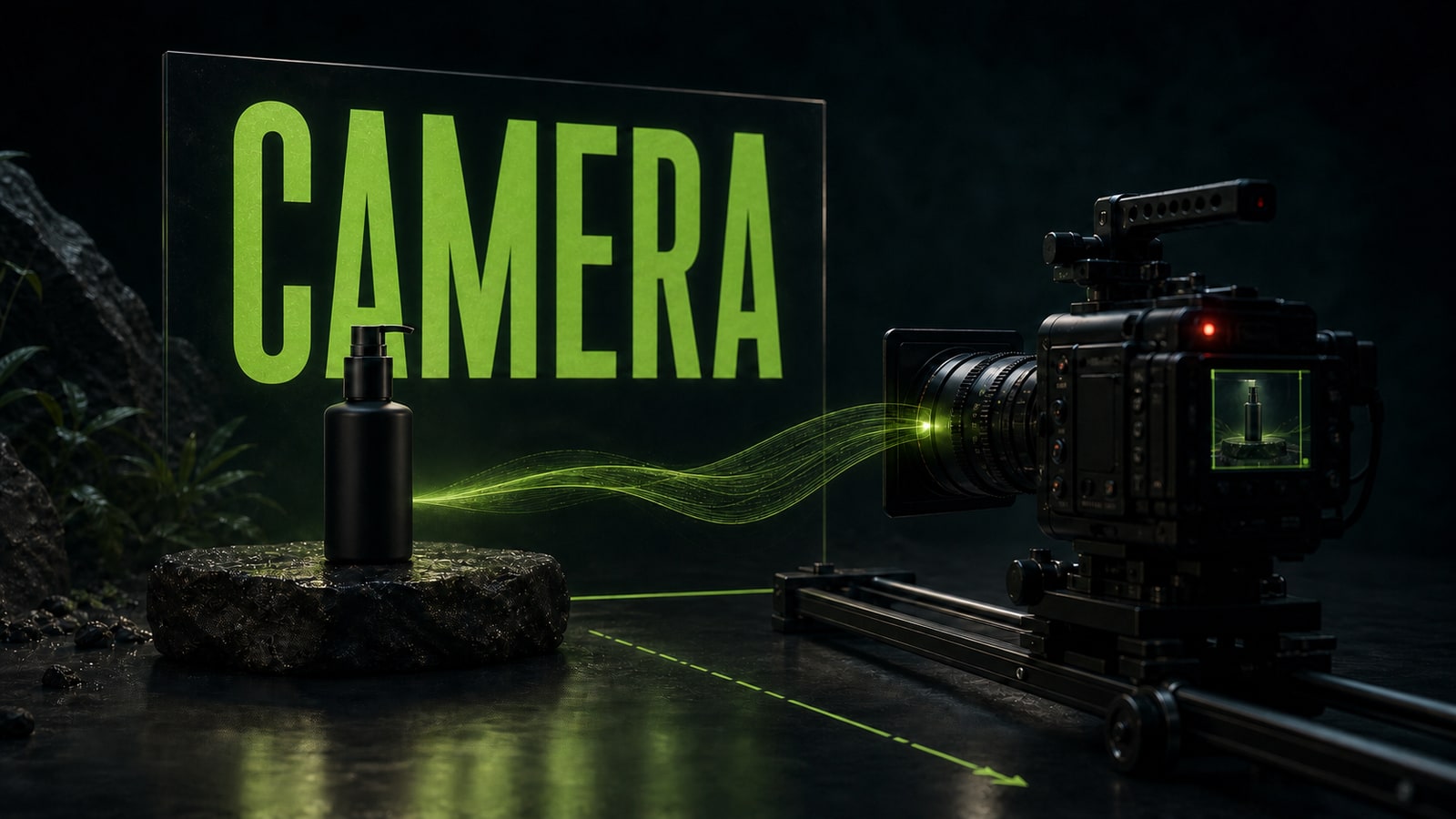
Direct the scene and camera before generation
A video model needs staging, not just a subject. Name the location, time, light, product or character position, action, and camera point. Then choose one camera move: a slow push-in, parallel tracking, a locked shot, or a gentle pullback. Words such as “cinematic” and “dynamic” don't replace direction. Nika was building a short cosmetics clip in Kling 3.0. Her first request, “stylish bottle ad, camera flies around beautifully,” produced attractive light but abrupt angle changes and an unstable label. She locked the bottle in the center, used one six-second shot, set a slow product-level push-in, added soft side light, and prohibited package rotation. The next draft was calm and coherent enough to move into editing.
Before
Stylish bottle ad, camera flies around beautifully, premium lighting.
After
One six-second shot. A matte bottle stands centered on dark stone with the label facing camera. Product-level camera slowly pushes in without rotating. Soft side light moves right to left. Preserve bottle shape and package texture. No rotation, abrupt angle changes, or new props.
- 3.
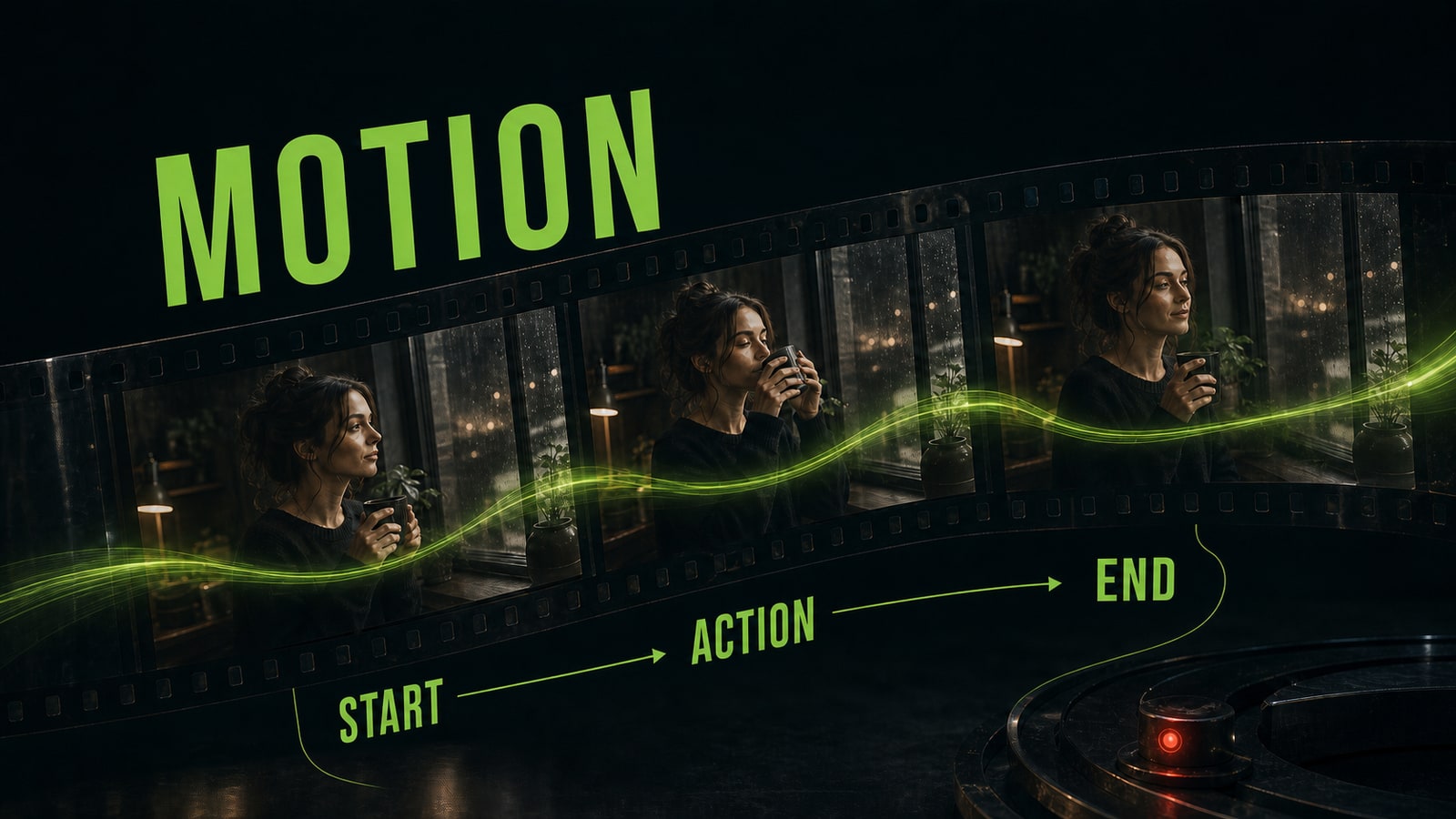
Build the video prompt from six connected blocks
A practical video prompt follows a clear order: subject, scene, camera, motion, style, and constraints. The subject block protects what must remain recognizable. Scene defines the environment and light. Camera sets framing, viewpoint, and path. Motion describes one visible action. Style controls the finish, while constraints protect the face, package, background, and other critical details. For a longer scene, add a short timeline with a start, action, and final frame. Don't turn the prompt into unrelated wishes. If the person walks, the camera pushes in, the room changes, and a prop appears at the same time, the model has to choose its own priorities. Opten can expand the rough idea into connected blocks and catch contradictions before generation.
Before
A woman picks up a cup and walks to the window, camera circles, then close-up, cozy and beautiful.
After
0-2 seconds: a woman stands by the window holding a cup with both hands. 2-5 seconds: she slowly raises it toward her face. Camera stays at eye level and gently pushes in. Warm morning light, one continuous shot. Preserve face, clothing, and cup shape. No orbit, room change, or extra people.
- 4.
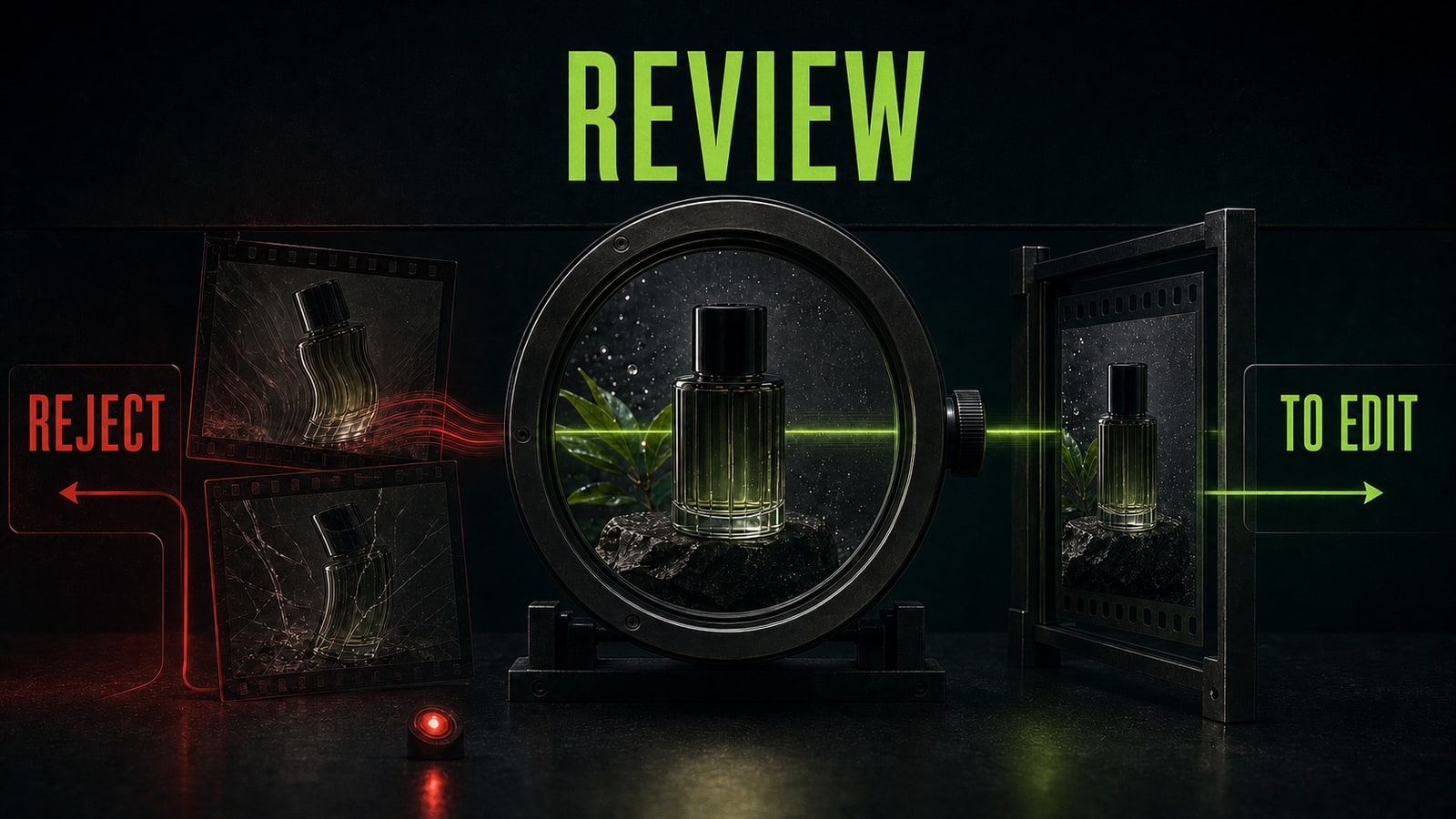
Review physics, brand details, and editability
The first clip is still a draft. Watch it without sound and inspect hands, contact with objects, fabric and liquid inertia, lighting direction, product shape, and camera behavior. Then pause on several frames. Check whether the face, package, logo, or background changes. Impressive motion doesn't help if the product stops looking like itself. For an ad, run a normal editorial review too. Does the scene support the job? Is there room for copy? Can the opening and ending be cut cleanly? Does the clip imply something the product can't do? A freelancer can package this as a service: storyboard, prompt development, variants, selection, and a draft prepared for editing. It doesn't replace a production crew; it helps test an idea and prepare material for the next stage.
Before
I choose the most dramatic result and send it straight to the client.
After
I inspect product shape, label, motion physics, light, and camera path frame by frame. Then I select the section that supports the ad goal and cuts cleanly with titles and the rest of the edit.