
Kling 3.0 prompts: controllable AI video guide
Vlad Aivor · · Updated: · 6 min read

Kling 3.0 is Kuaishou's AI video and image model series for longer, more controllable scenes: Video 3.0, Video 3.0 Omni, Image 3.0, and Image 3.0 Omni. A good kling 3.0 prompt describes not only the idea, but camera motion, subject continuity, timing, audio, and constraints.
- 1.
Write a director brief, not a model tag
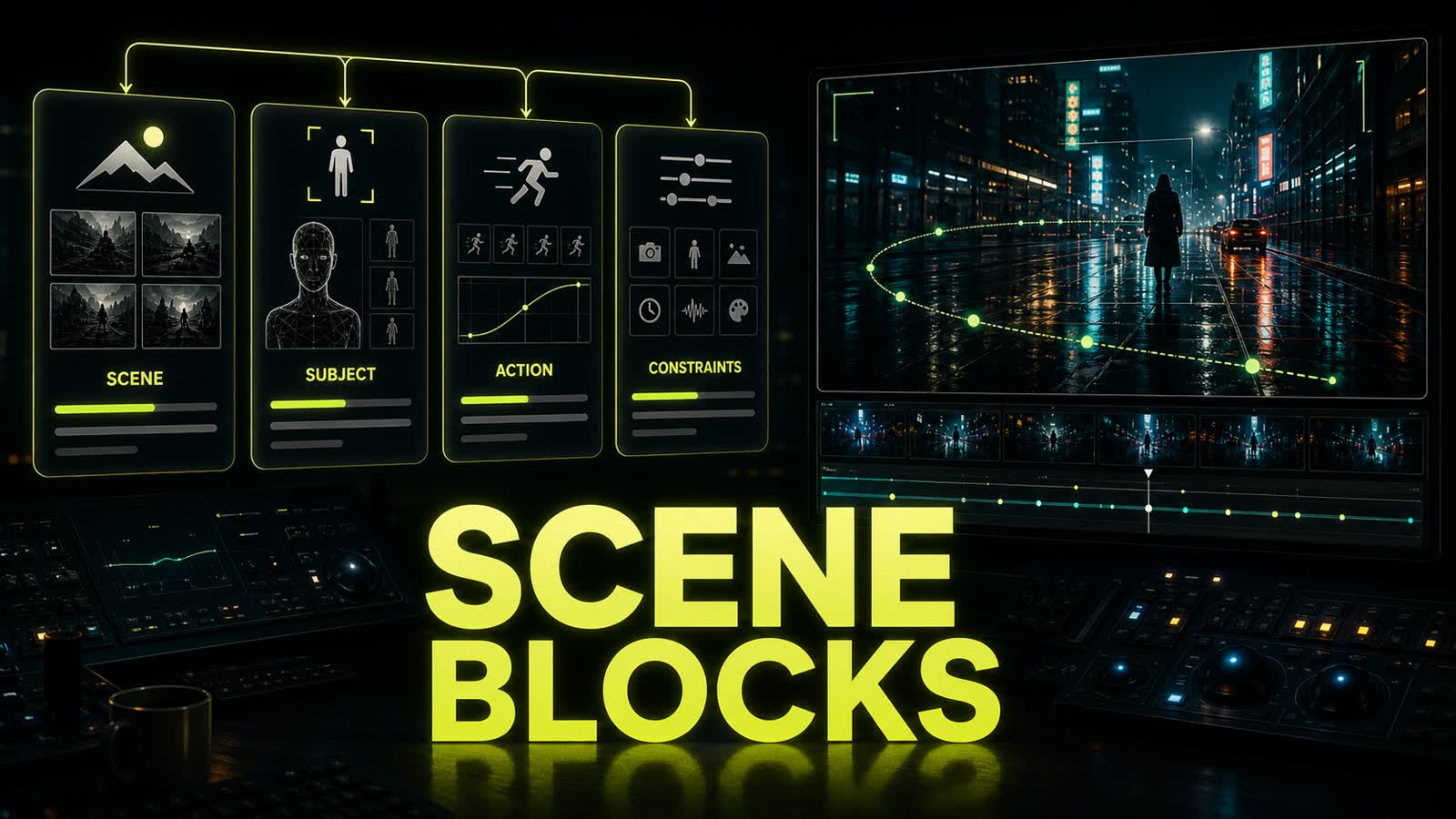
The first mistake with kling 3 prompts is starting with the model name and a stack of aesthetic words. `Kling 3.0, cinematic, realistic, dramatic` gives the model a mood, but not blocking. It still has to guess where the camera is, what must stay stable, and what actually changes during the clip. Use a production order: `Scene` -> `Subject` -> `Action` -> `Camera` -> `Motion` -> `Lighting` -> `Audio` -> `Constraints`. Even when the original idea is in another language, the final production prompt is usually stronger in English because camera path, subject lock, and motion constraints map cleanly. Opten works as a quick preflight here: it expands the rough idea into blocks and catches missing camera or constraint fields.
Before
Kling 3.0, man walking in a street at night, cinematic, realistic, beautiful camera.
After
Scene: narrow wet city street at night with soft neon reflections.
Subject: one man in a dark coat, same face and outfit through the whole clip.
Action: he walks slowly toward a small street food stall.
Camera: locked eye-level tracking shot, 50mm lens, slow backward dolly.
Motion: natural walking pace, no sudden cuts.
Lighting: green and amber neon rim light, realistic skin texture.
Audio: quiet street ambience only.
Constraints: no face change, no extra people in foreground, no shaky camera, no random text.
- 2.
Lock camera, motion, and subject together
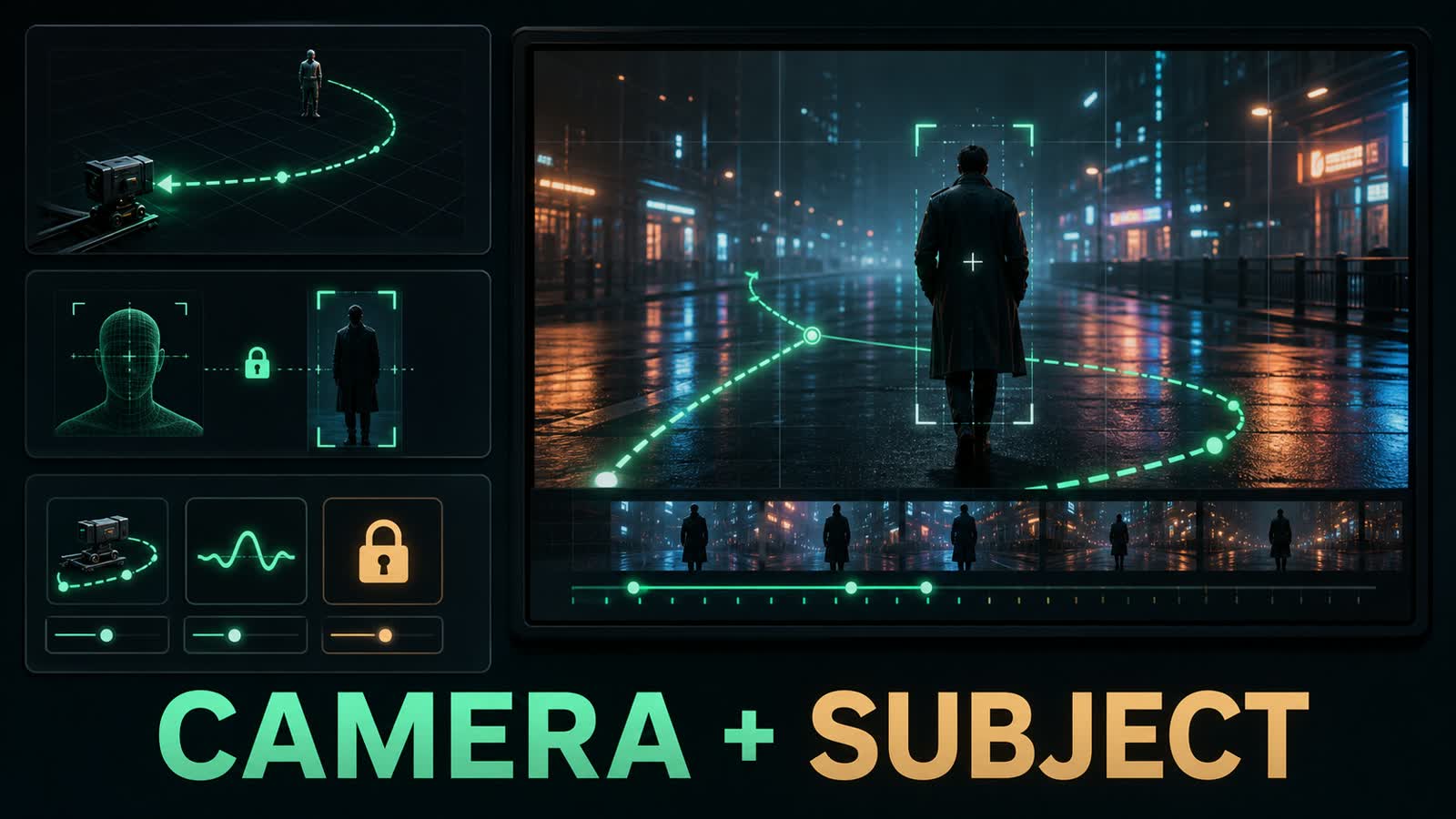
Kling 3.0 ai is better at consistency, but a short motion prompt can still break the scene. If the camera is told to move around a person and the person is not locked, the model may change the face, coat, or body proportions between beats. If the subject is locked but the camera is vague, the shot can wobble or cut too hard. For a controlled comparison, change one axis per iteration. First compare a vague `camera moves around him` with `locked eye-level tracking shot, slow backward dolly`; then add `same face and outfit` and `no sudden cuts`. This separates camera control from subject continuity without presenting one favorable render as a universal result.
Before
A man walks through a neon street, camera moves around him, cinematic motion.
After
Subject lock: preserve the same face, coat, body proportions, walking rhythm, and distance to camera.
Camera path: locked eye-level tracking shot, slow backward dolly, no orbit, no whip pan.
Motion constraints: natural walking speed, stable horizon, no sudden cuts, no duplicated limbs.
- 3.
For kling 3.0 omni, think in shots
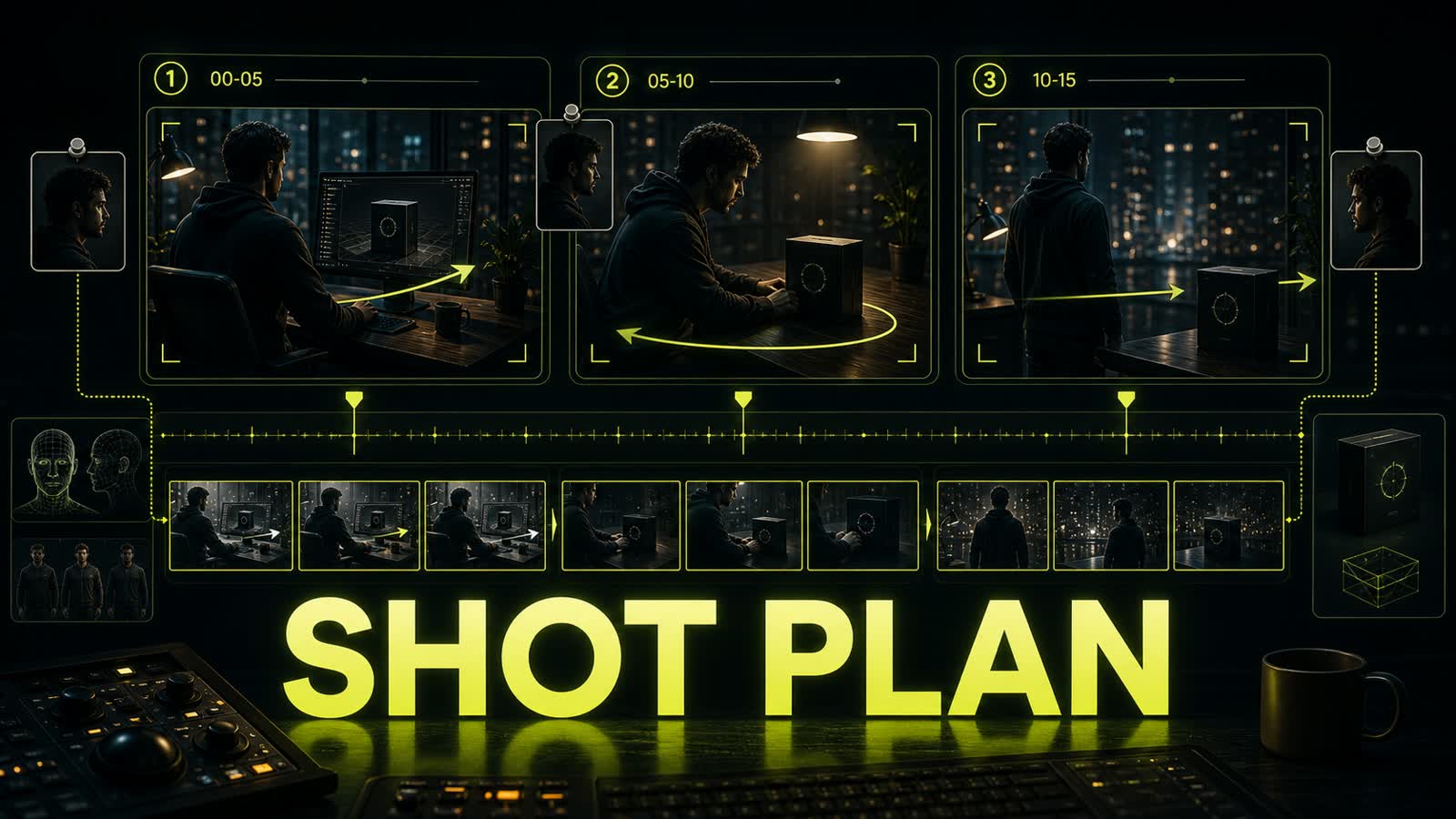
Kling 3.0 Omni matters when you need reference-based control: one character, one product, one location, or several shots with preserved identity. But Omni does not remove the need for structure. If every action lives in one long paragraph, the model decides where to cut, when to change shot size, and which detail can drift. For 10-15 seconds, write a storyboard: 0-4s setup, 4-9s development, 9-15s payoff. In each beat, repeat the thing that cannot be lost: face, product silhouette, lighting direction, or camera relationship. That gives kling 3.0 omni a usable edit plan instead of a vague request to "make it cinematic."
Before
Make a 15-second story: the designer looks at a product, city lights move, camera cuts, product appears in hand, dramatic ending.
After
0-4s: medium shot, designer stands by a rain-covered window, product box on the table, camera locked.
4-9s: slow push-in to the same product box, designer's hand enters frame, same lighting direction.
9-15s: hero close-up of the box in hand, background city lights stay soft, no new objects.
Continuity: preserve product shape, hand anatomy, coat color, room layout, and green rim light.
- 4.
Check pricing in the UI, but check the prompt first
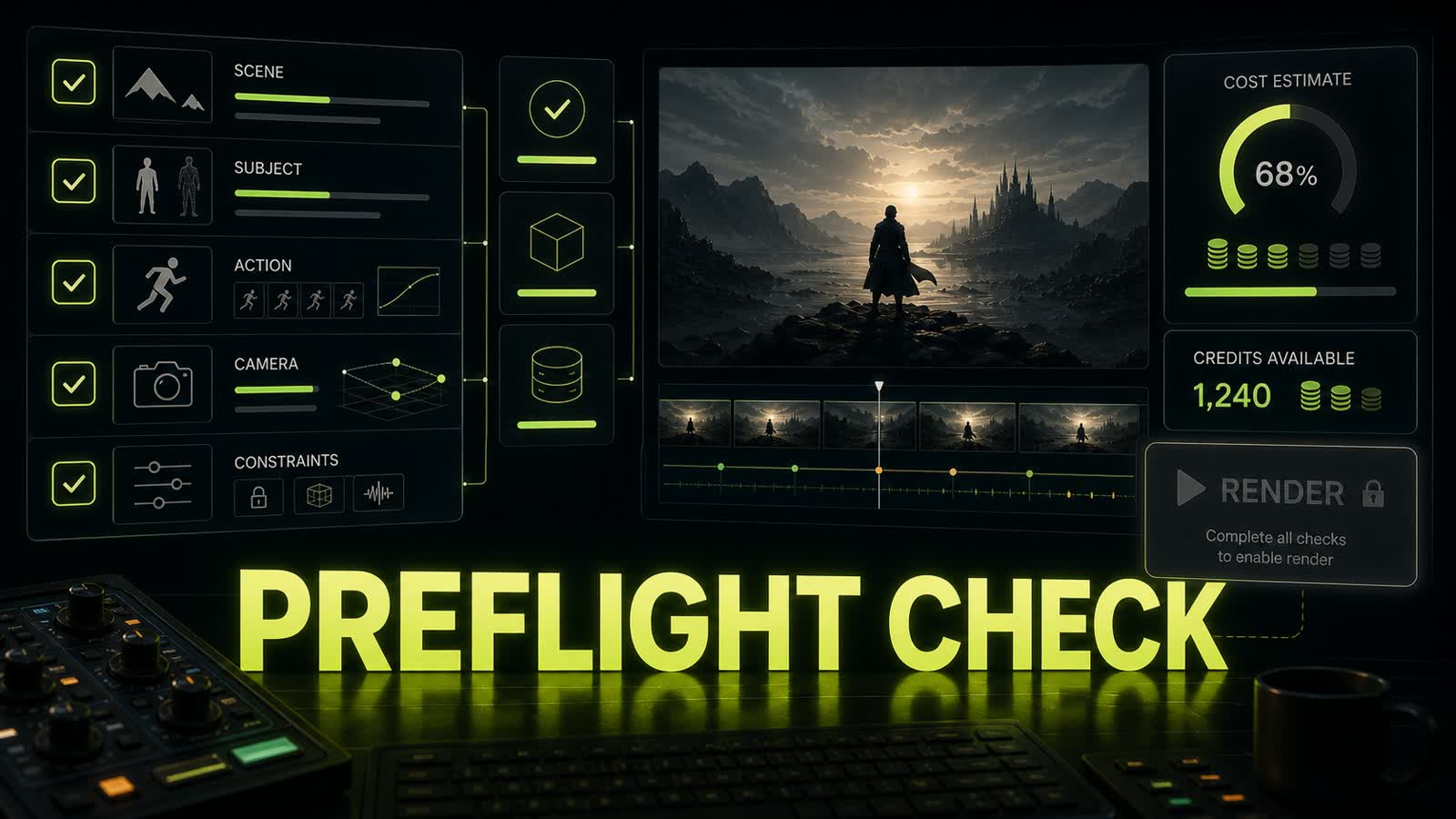
Searches for kling 3.0 pricing age quickly because plans, limits, Omni access, and credit costs vary by platform and can change. The durable rule is simple: check the specific render cost in the tool before you press generate, not from an old review screenshot. The prompt check is more predictable. Before spending credits, scan for scene, subject lock, camera path, timing, audio, and constraints. If one field is blank, the model will fill it for you. Opten can serve as the editor for that brief: it turns a raw idea into a model-ready prompt and trims generic lines that do not control the video.
Before
Make it high quality, stable, professional, no errors.
After
Preflight checklist:
Scene: clear location and time of day.
Subject lock: identity, outfit, product shape, or key object preserved.
Camera: lens, distance, movement path, horizon stability.
Timing: one action for short clips, storyboard for 10-15s.
Constraints: no random text, no face drift, no sudden camera jump, no warped hands.


Sources and related guides
The factual basis for this article and useful next reads. External links point to official documentation.

