Best AI tools for work: how to choose the right one for each task
Vlad Voronezhtsev · · 9 min read

The best AI tools aren't one universal winner. They're the tools that produce a reviewable result for your specific job. Define the deliverable first: an email, source-based report, spreadsheet, prototype, or visual. Then run two or three candidates on the same inputs and compare the time required to reach an approved result.
- 1.
Define the job before choosing the AI
Write down one deliverable your team already needs: a client email under 120 words, a five-document brief with citations, a spreadsheet formula, or a clickable prototype of one flow. Add the source material and three acceptance criteria. You might require every conclusion to point to evidence, every field to be complete, and the final revision to take less than ten minutes. This turns AI tools for work into a testable contract instead of an endless feature comparison. Don't combine research, writing, design, and automation in one trial. A tool that produces a useful report hasn't proved that it can create the right visual or work safely inside corporate email. Start with a recurring medium-stakes task where you can spot an error before anything reaches a client. You don't need confidential documents for the first run. Use a sanitized or synthetic data set.

- 2.
Build a shortlist around the output type
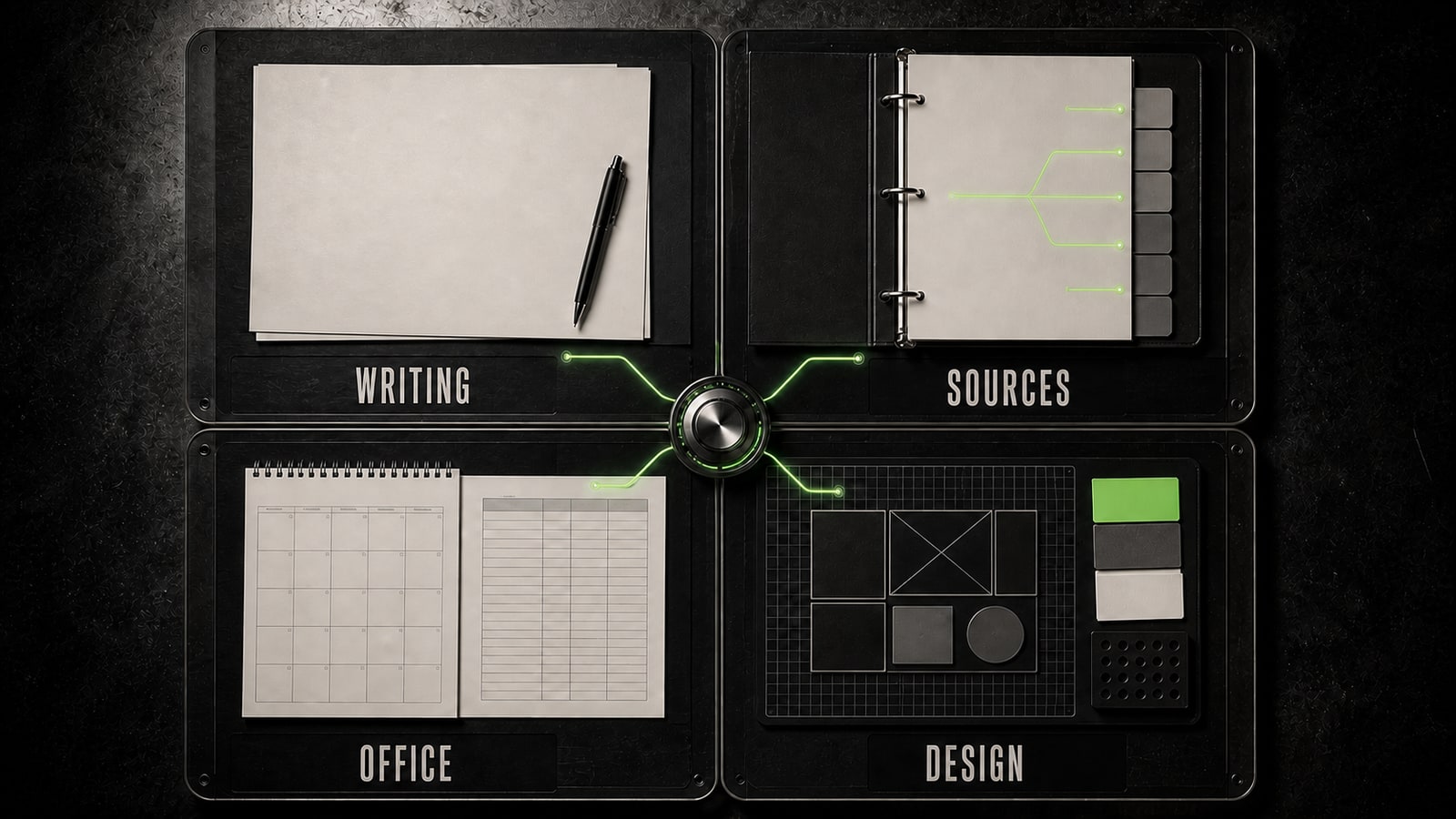
For writing, files, and general analysis, start with broad assistants. ChatGPT handles conversation, documents, spreadsheets, images, and research tasks. Claude is a candidate for document analysis, drafting, and research with connected work context. If your team lives in Gmail, Docs, Sheets, and Meet, test Gemini in Google Workspace. If the work stays in Word, Excel, PowerPoint, Outlook, and Teams, make Microsoft 365 Copilot the first candidate. A native integration can save more time than a small difference between models. When the answer must stay grounded in a selected source set, add NotebookLM: its notebook chat answers from uploaded sources and provides citations. Choose AI tools for designers by artifact. Figma AI and Figma Make fit interface work, canvas edits, and interactive prototypes. Adobe Firefly covers image, video, audio, and vector generation and editing. GPT Image 2 is useful for a new visual or a bounded image edit described in natural language. Don't subscribe to everything. Keep the two or three products that can actually deliver your format.
- 3.
Run the same task under the same conditions
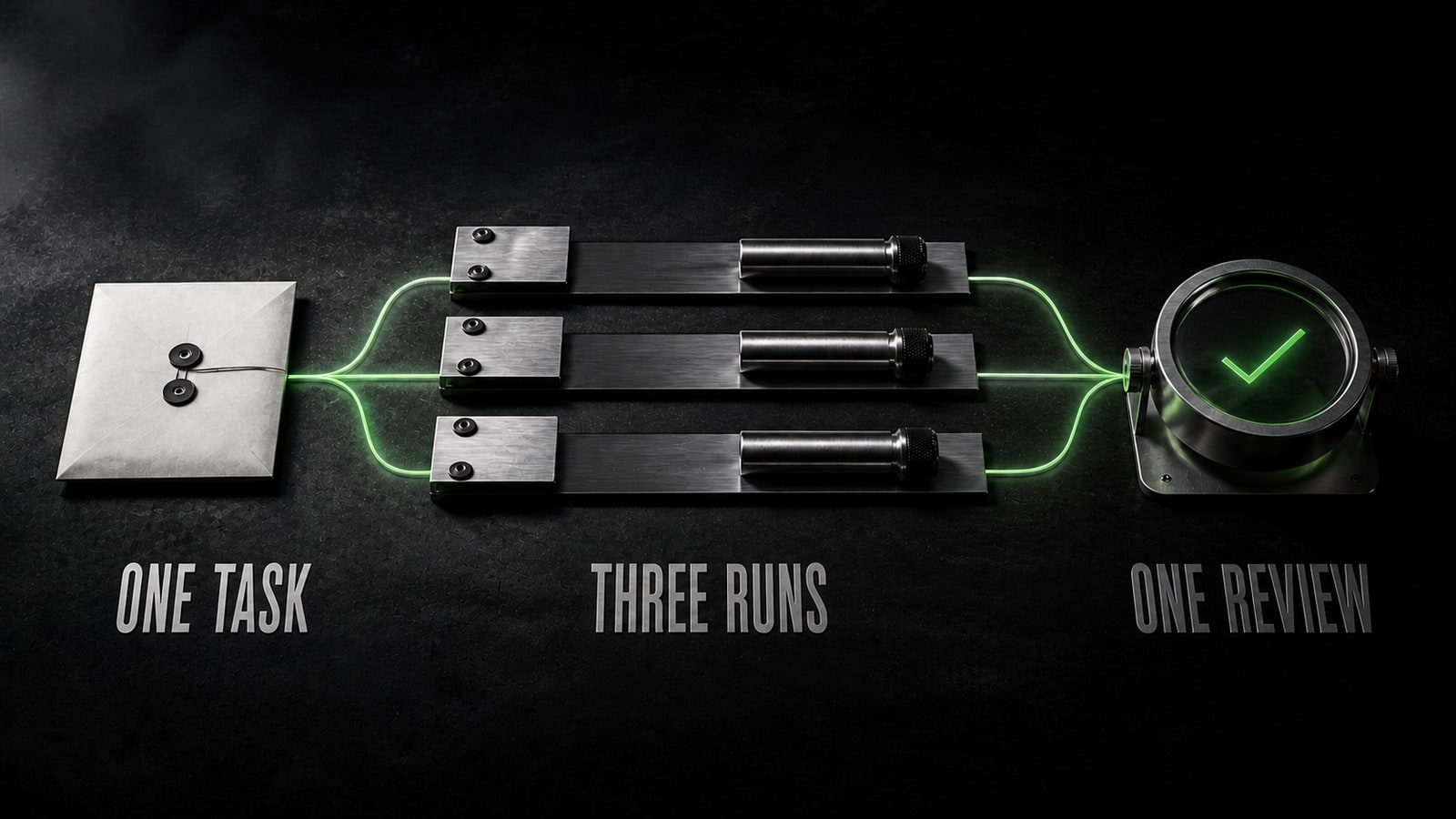
Give each candidate the same sanitized material, prompt, output format, and timebox. Score four things: fidelity to the source, instruction following, the number of substantive edits, and the specialist's minutes to an approved result. First-response speed isn't enough. A slower but reviewable draft may cost less than fast copy that needs a rewrite. In a training case, Maria, a product designer, needed findings from three interviews. Her first Claude prompt, “Summarize the interviews and suggest solutions,” mixed participant statements with model inference. She replaced it with: `Use only the three attached interviews. Return: (1) repeated problems with the participant and passage reference; (2) decisions supported by at least two interviews; (3) open questions. Label every model inference as “assumption.” Do not invent quotes.` The result was a reviewable table plus a separate list of evidence gaps. Running the same task in ChatGPT and NotebookLM let her compare review time and source traceability instead of prose style.
- 4.
Check data, access, cost, and human review
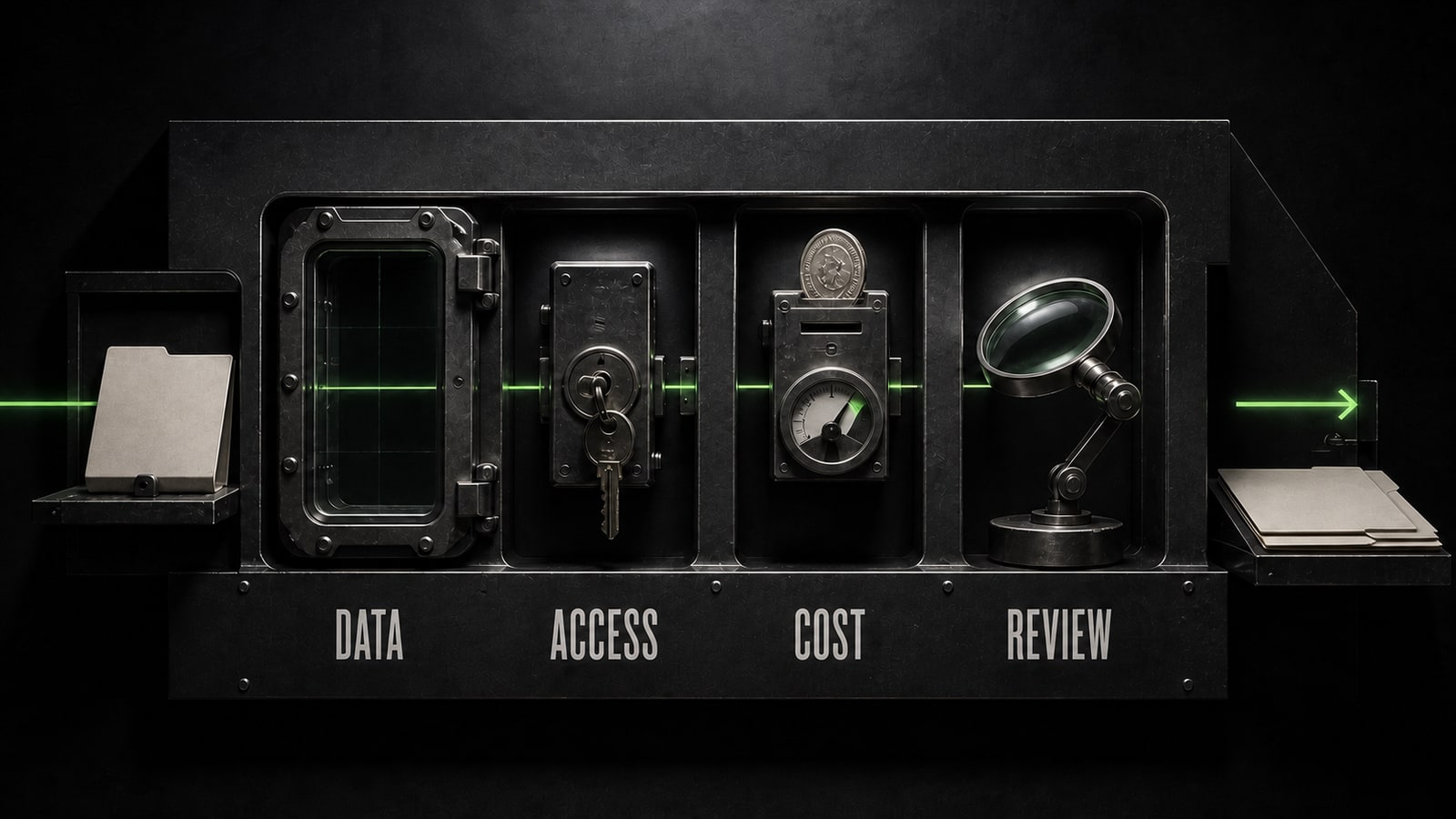
Before rollout, answer four questions. Which data can the team upload under company policy? Who can access history, files, and connectors? What does the workflow cost after reviewer time is included? Where does a person approve the result before an email, publication, payment, or file change? Product limits and plans change, so confirm them on the provider's official page when you buy, and inspect data controls in the admin settings for your work account. Pilot the winner on five recurring tasks. Save the source, prompt, response, revision, and reviewer time for each run. Opten can help remove ambiguity and add acceptance criteria before the test, but the task owner still performs the final review. Keep the tool only when it consistently shortens the path to accepted work, doesn't introduce a new risk, and fits the process your team already uses.