Best AI video generator 2026: what to use
Vlad Aivor · · 7 min read

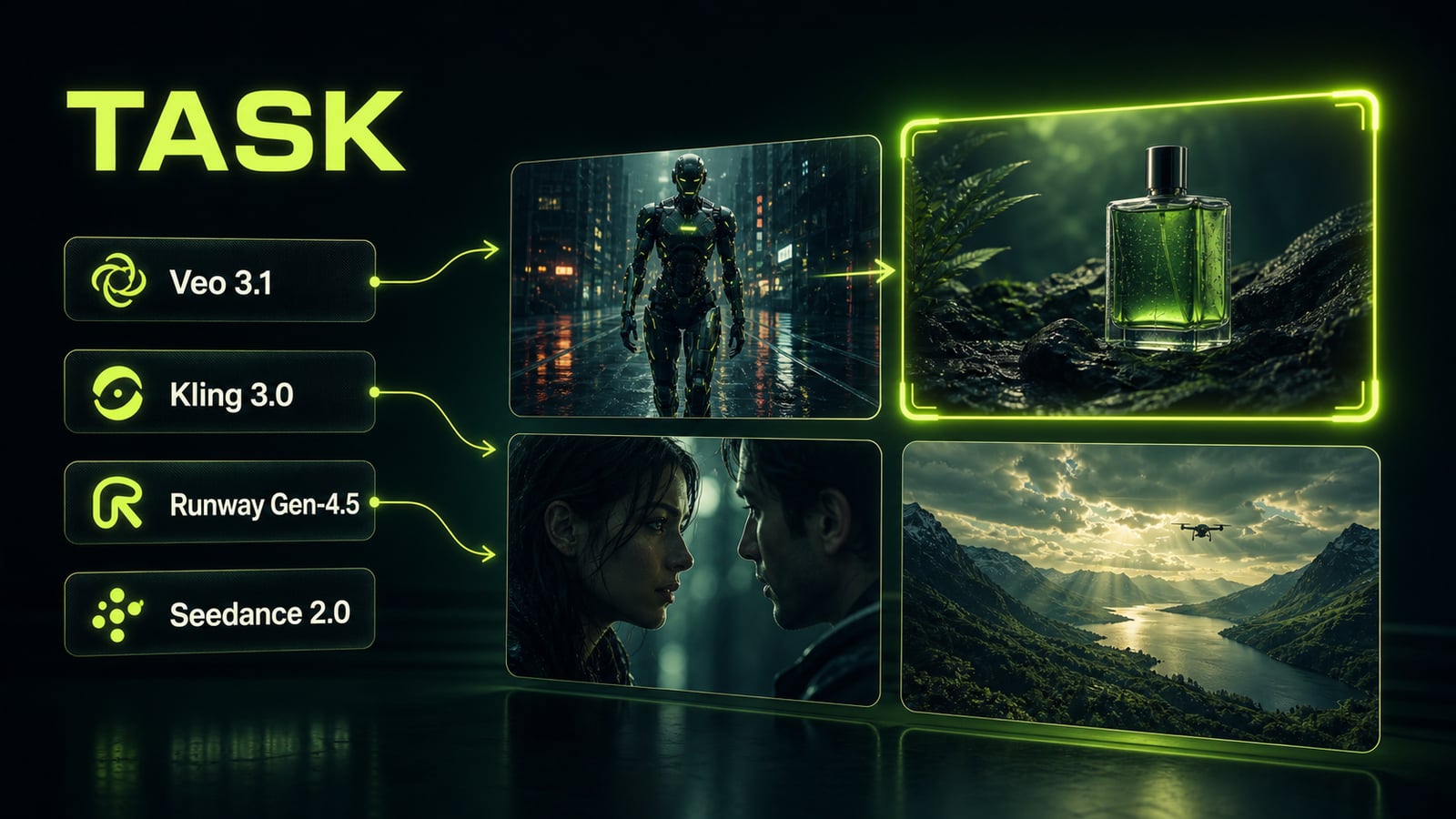
The best AI video generator in 2026 is not a single winner; it is a task-based toolkit. Use Veo 3.1 for production access and audio, Kling 3.0 for multi-shot scenes, Runway Gen-4.5 for physics, and Seedance 2.0 for complex inputs. The right choice depends on the job, format, iteration budget, and prompt quality.
- 1.
Choose by task, not by the flashiest demo
The query "best AI video generator" often fails at the first decision: people compare the most impressive public demos instead of their actual job. For a product ad, repeatable takes and product control matter more than cinematic drama. For a character scene, multi-shot continuity, face stability, and dialogue control matter more. For image-to-video, the model must animate without destroying the source frame. The practical 2026 map is simple: use Veo 3.1 for active production workflows, vertical format, and audio; Kling 3.0 for multi-shot scenes and characters; Runway Gen-4.5 when water, cloth, inertia, and both text-to-video plus image-to-video matter; Seedance 2.0 when the input is complex and multimodal.
Before
Pick the model from the most impressive clip in your feed.
After
Define the job first: product, character, physics, format, audio, iteration count.
- 2.
Write motion as a director's brief
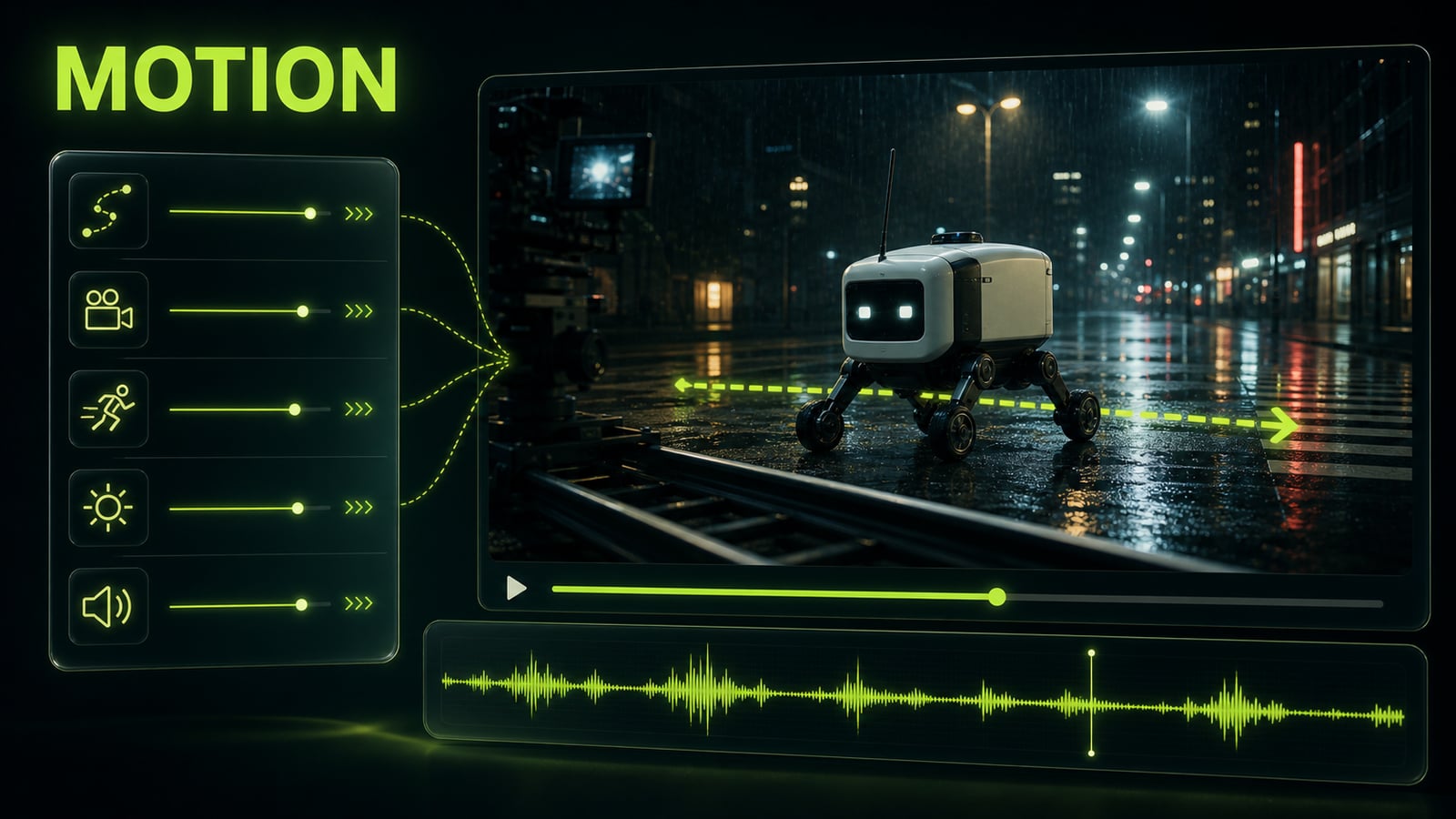
An AI video generator does not turn the word "cinematic" into direction by itself. It needs to know what moves, where it moves, what the camera does, which sound should sync with the action, and what must not change. A reliable prompt order is: scene → subject → action → camera → lighting → audio → constraints. The more expensive each generation is, the less you want the first take to guess. Instead of `robot walks through a city at night, cinematic`, write: `night city street, small delivery robot crosses wet asphalt from left to right, low side-tracking camera, neon reflections, soft rain ambience, no music, keep robot scale consistent`. Opten can help expand a loose sentence into a model-specific brief before you spend video credits.
Before
Robot walks through a city at night, cinematic.
After
Small delivery robot crosses wet asphalt left to right; low tracking camera; rain ambience; no music.
- 3.
Veo 3.1 case: fix physics with one edit
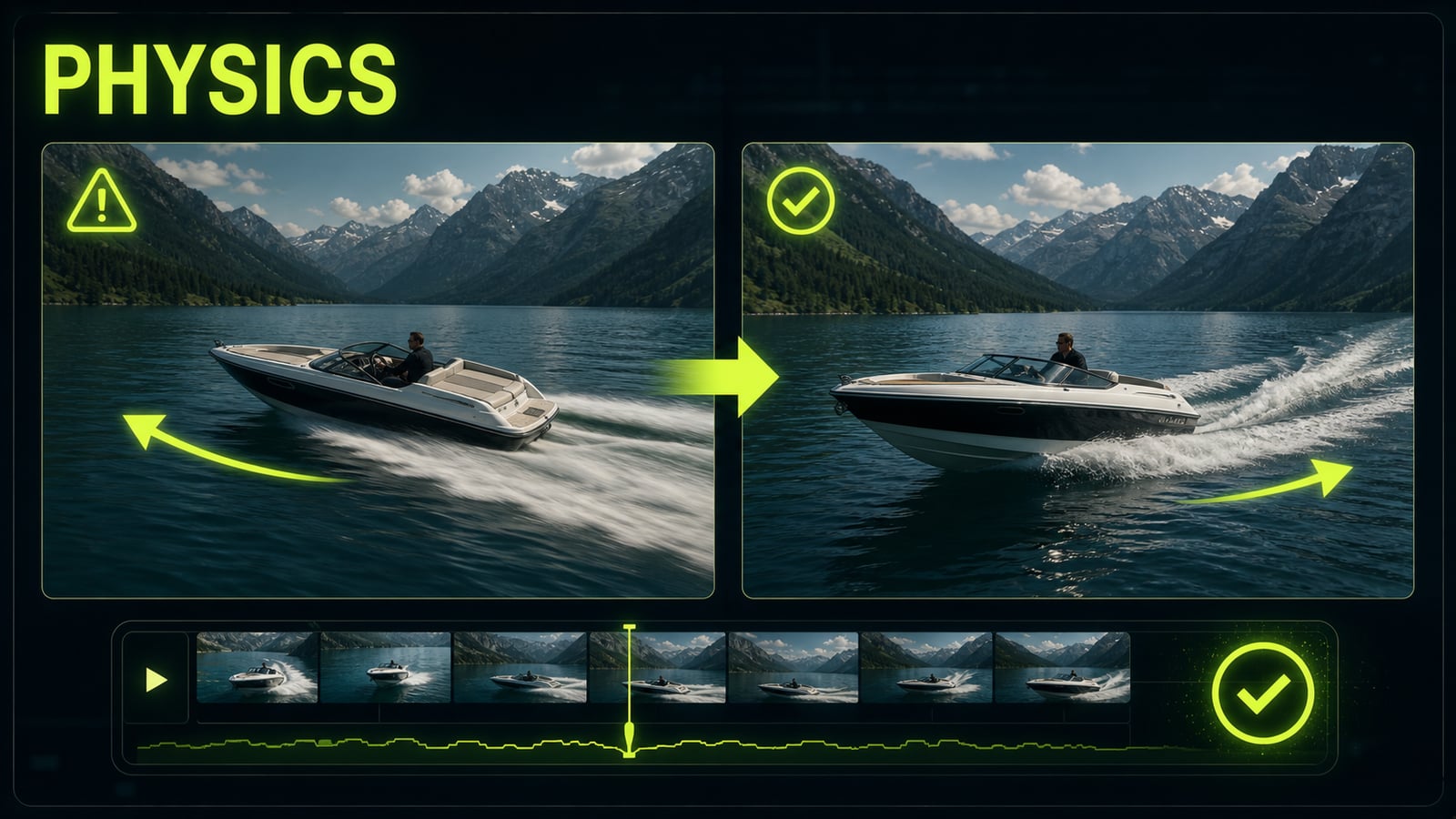
Named case: in Veo 3.1, the first render for `speedboat crosses an alpine lake, cinematic drone shot` looked beautiful, but the boat slid sideways and the wake pointed the wrong way. The issue was not missing the word `realistic`; the prompt lacked cause-and-effect physics. The exact fix was: `boat moves forward from left to right, bow cuts the water first, wake trails behind the stern, water displacement follows the hull, camera keeps stable side-tracking motion`. After that, direction, wake, and camera were much more stable. The same rule carries to Kling 3.0, Runway Gen-4.5, and Seedance 2.0: when one axis breaks, fix one axis instead of rewriting the whole prompt.
Before
speedboat crosses an alpine lake, cinematic drone shot
After
Boat moves left to right; bow cuts water; wake trails behind stern; side camera stays stable.
- 4.
Make the final choice with a three-take test
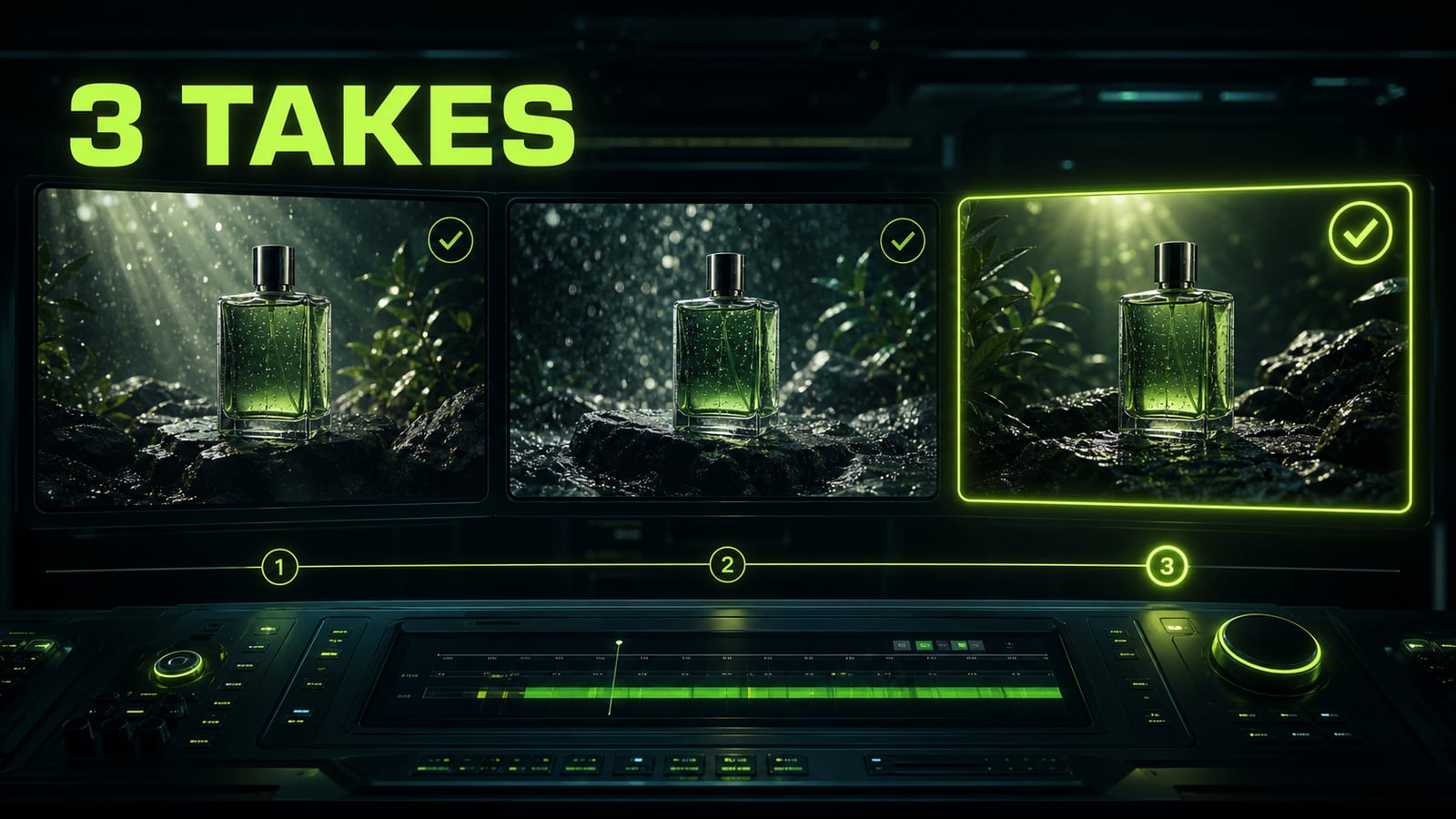
One lucky output proves very little. Before you pay for a subscription or build a team workflow around a model, use one 6-8 second brief: one subject, one action, one camera move, one audio layer, one aspect ratio. Generate three takes in each model and score stability, not beauty: does the object hold, does audio sync, does physics break, and can you fix one detail without rebuilding the prompt? If a model gives one wow clip and two broken takes, it is worse for production than a calmer model with predictable control. The best AI video generators in 2026 win not only on image quality, but on how many iterations it takes to reach a client-ready result.
Before
One best clip from ten attempts.
After
Three identical tests, then choose by stability, audio, and edit speed.