
Sora 2 vs Veo 3.1: which AI video model to use
Vlad Aivor · · 7 min read

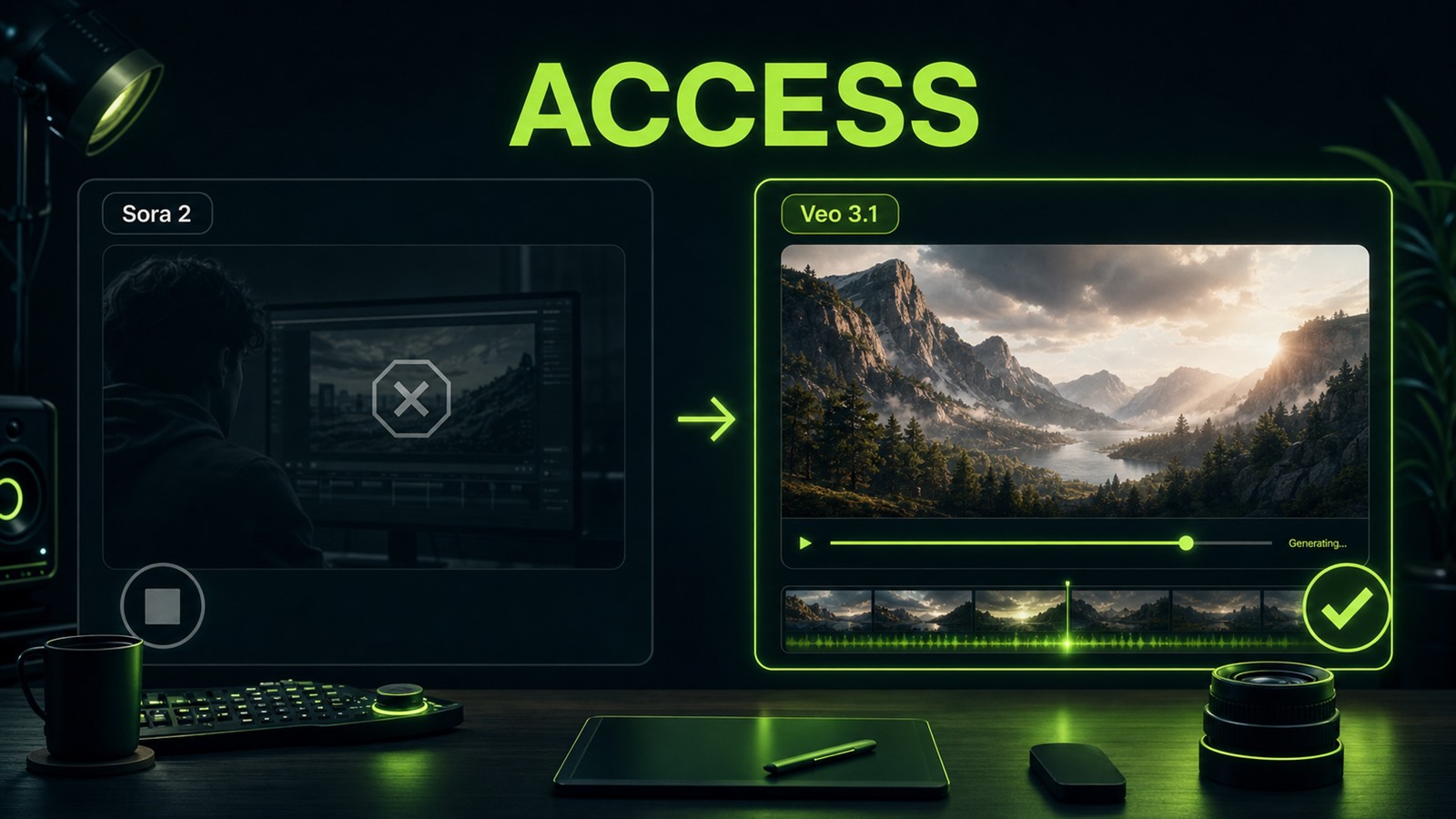
Sora 2 vs Veo 3.1 is no longer a clean comparison between two equally available products: Sora remains an important OpenAI video model and API until September 24, 2026, but the web/app surface stopped on April 26, while Veo 3.1 is active in Vertex AI, AI Studio, and Flow. So the practical 2026 choice is about live production access, audio, and controllable iteration.
- 1.
Check access before judging demo quality
The biggest Sora 2 vs Veo 3.1 mistake is starting with viral examples. For a real workflow, the first question is whether the model is available where your team can actually use it. Sora 2 still matters as OpenAI's video reference point: director-style prompts, native audio, Characters API support, and 4-20 second clips. But if you need campaigns running now, Veo 3.1 is easier to put into production through Google AI Studio, Flow, or Vertex AI. The practical rule: study Sora 2 as a reference bar and API legacy, but treat Veo 3.1 as the more direct working AI video model when you need repeatable generations, vertical format, and clear team access.
Before
Choose the model by the most beautiful clip in your feed.
After
Check access, API or interface, output formats, and repeat-iteration cost first.
- 2.
Separate visual prompt from the audio layer
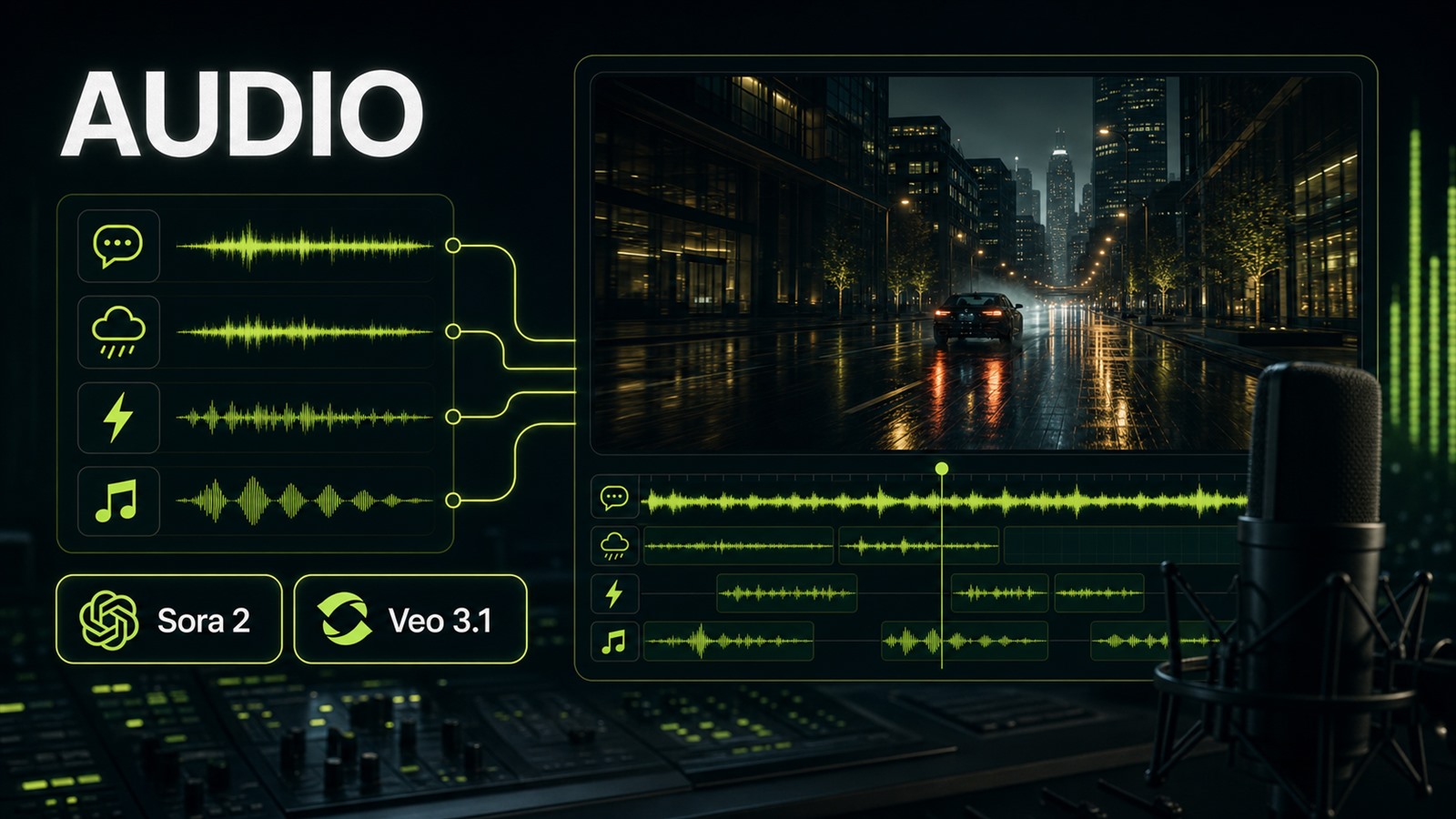
Both models matter because AI video is no longer silent. In Sora 2, audio belongs inside the concept: dialogue, ambience, effects, and scene rhythm should sit next to camera direction. Veo 3.1 inherits audio generation from Veo 3, and if you do not specify ambience, the model often invents it. That can make the clip feel empty or overproduced. A reliable prompt order is: scene → subject → action → camera → lighting → audio → constraints. For Veo 3.1, write a separate line such as: `Audio: low city ambience, no music, one short spoken line, footsteps synced to movement`. Opten can help turn a loose sentence into a model-specific brief before you spend video credits.
Before
Robot walks through a city at night, cinematic.
After
Night city street. A delivery robot crosses wet asphalt from left to right. Camera: low tracking shot. Light: neon reflections. Audio: soft rain, distant traffic, no music.
- 3.
Veo 3.1 case: fix physics with exact action
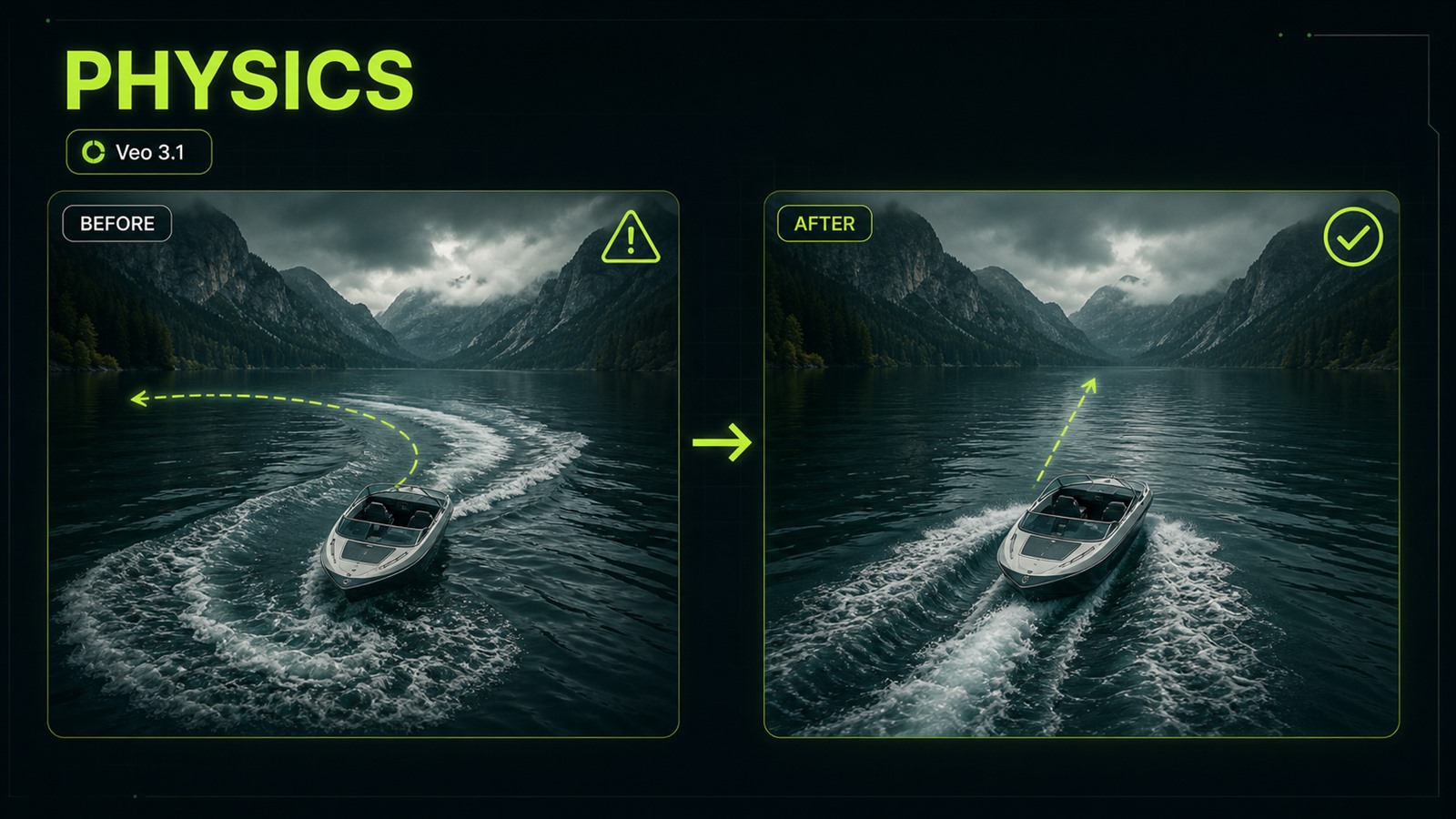
Named case: in Veo 3.1, the first render for `speedboat crosses an alpine lake, cinematic drone shot` produced a beautiful frame, but the boat slid sideways and the wake pointed the wrong way. The fix was not adding `realistic`; it was specifying cause and motion: `the boat moves forward from left to right, bow cuts the water, wake trails behind the stern, water displacement follows the hull, camera keeps a stable side-tracking motion`. This is the difference between a pretty description and direction. Sora-style prompting also rewards directorial language, but Veo 3.1 responds especially well to causal details: what moves, where it moves, what trails behind, and what stays stable. If the first render breaks physics, do not rewrite everything. Fix one axis.
Before
speedboat crosses an alpine lake, cinematic drone shot
After
Boat moves left to right; bow cuts water; wake trails behind stern; side-tracking camera stays stable.
- 4.
Compare the task lineup, not only Sora and Veo
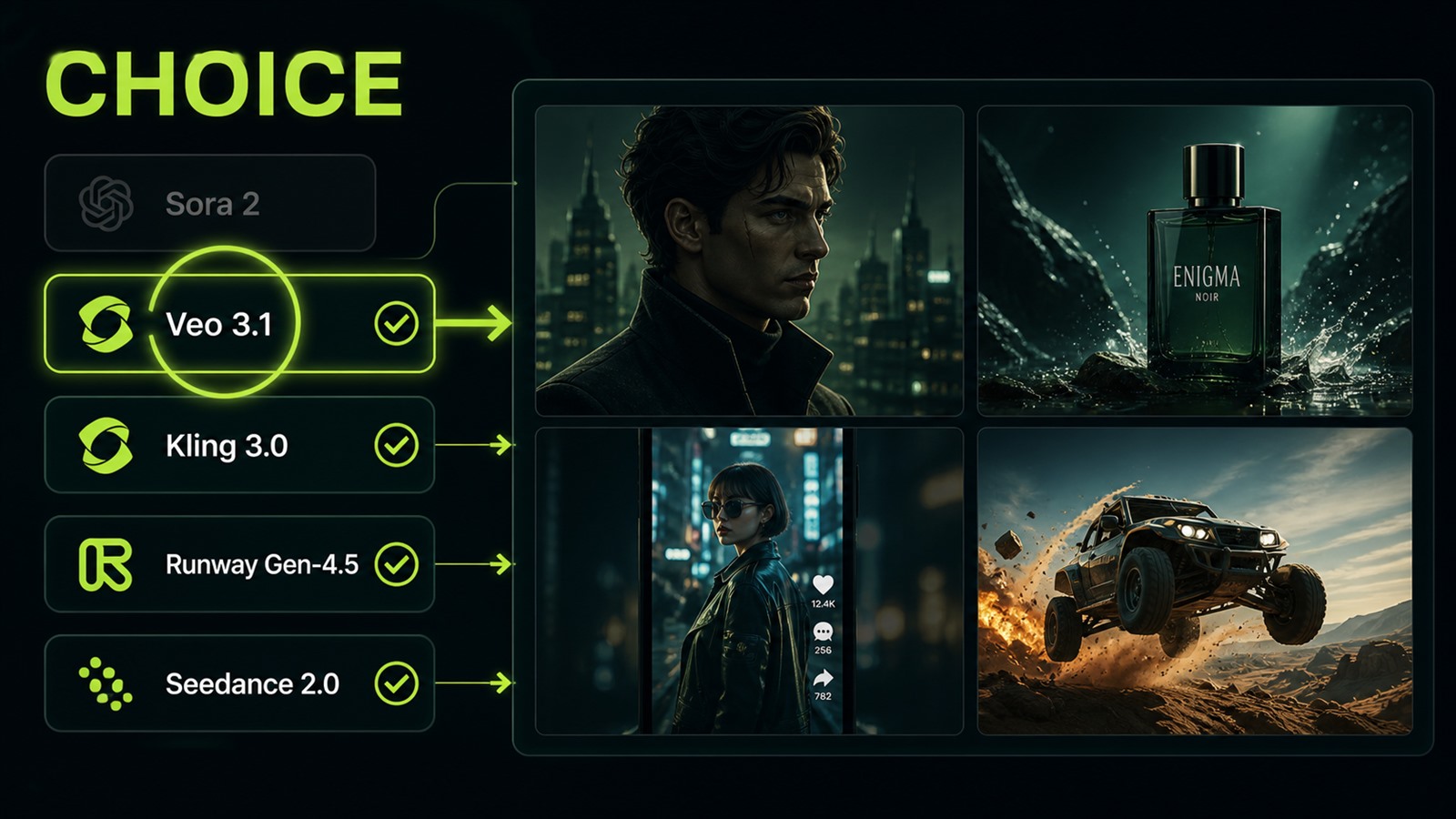
When the query is "best AI video model," the honest answer usually depends on the job. Veo 3.1 is strong for production access, native audio, vertical format, and enterprise integration. Kling 3.0 is strong for multi-shot scenes and character control. Runway Gen-4.5 is useful when you need text-to-video and image-to-video with better water, cloth, and momentum physics. Seedance 2.0 is a good fit for structured longer scenes and multimodal input. That means Sora 2 vs Veo 3.1 is a useful comparison axis, not the whole map. For a product ad, choose by repeatable takes and editability, not by the most impressive demo.
Before
One model for every video task.
After
Veo 3.1 for accessible production, Kling 3.0 for multi-shot, Runway Gen-4.5 for physics, Seedance 2.0 for complex inputs.
- 5.
Make the final choice with a three-take test
Before you pay for a workflow or build around it, do not trust one lucky output. Use the same brief: an 8-second clip, one subject, one camera move, one audio layer, one aspect ratio. Generate three takes in Veo 3.1 and, if you have access, in Sora 2 API or an existing Sora pipeline. Score repeatability, not beauty: does the subject hold, does motion break, does audio match, and can you make one targeted fix without rebuilding the whole clip? This is where prompt quality matters more than model hype. Opten helps convert a short idea into a model-ready brief with camera, action, audio, and constraints, which cuts wasted iterations in video generation.
Before
One best output from ten attempts.
After
Three identical tests, then choose by stability and edit speed.


