Build a website with AI: from brief to published landing page
Vlad Voronezhtsev · · 8 min read

You can build a website with AI faster than starting from an empty file, but the model can't decide who the page serves or what it should prove. A useful landing page still needs a product brief, deliberate structure, accurate copy, mobile review, working forms, and a final performance check.
- 1.
Define the job before generating the website
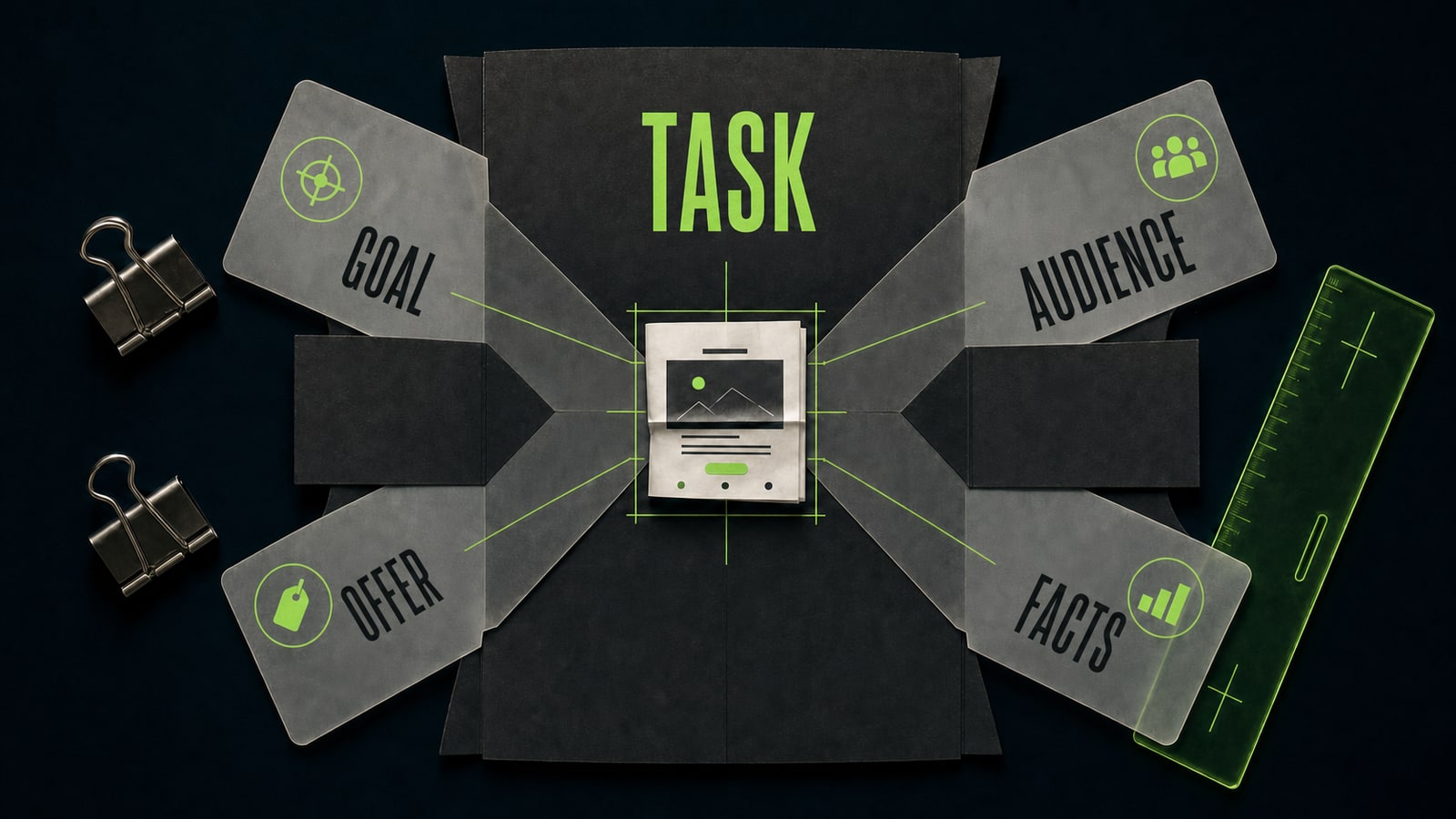
Website creation doesn't begin with choosing a model. It begins with four answers: who will visit, what you're offering, why they should believe it, and what they should do next. Collect source facts separately, including prices, service area, timing, photos, contact details, and proof. The model shouldn't invent them for the business. A local service landing page needs one primary path. Someone searches for sofa cleaning, sees a clear offer or pricing method, reviews the proof, and sends a request. If your request also includes a store, blog, account area, and "something modern," the AI will spend its attention shaping a large project instead of making that path clear.
Before
Make a beautiful modern website for a cleaning business. Add everything it needs.
After
Build a one-page site for an upholstery cleaning service in Yekaterinburg. Main offer: on-site service with a photo estimate. Primary action: upload a photo through the request form. Use only the supplied prices, service areas, photos, and reviews.
- 2.
Write the landing page prompt like a product brief
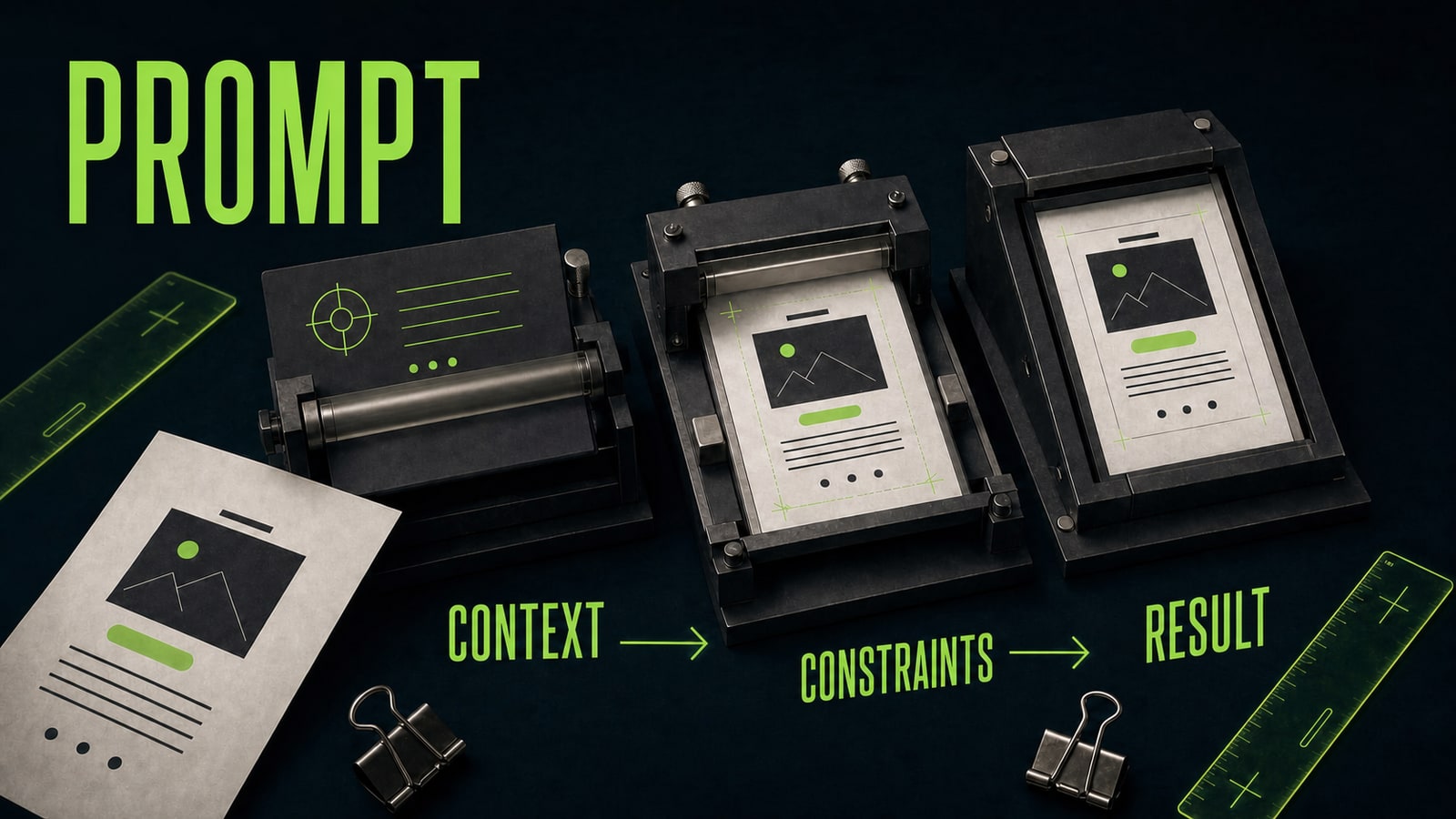
To build a website with AI, give the model a page order rather than a taste preference. Include the audience, offer, sections, source facts, visual direction, mobile requirements, and constraints. A useful prompt names the output: one landing page with specific sections and a working form, not "the best full-service website." Training case: Alina used Codex to build a page for a neighborhood upholstery cleaner. Her first instruction, "make it look premium," produced a dark template, invented numbers, and three competing buttons. In the second prompt she fixed the Yekaterinburg service area, photo estimate, six sections, one primary action, a calm light direction, and a ban on invented prices or testimonials. The new draft was simpler, but she could review it against a real brief. Before sending a long instruction, you can review it in Opten to remove contradictions, clarify the requested output, and keep the constraints visible. That preflight can't replace missing business facts, but it helps the model retain the important requirement inside a detailed prompt.
Before
Make a premium cleaning website with beautiful animation and persuasive copy.
After
Build a one-page landing page for an upholstery cleaning service in Yekaterinburg. Audience: apartment owners with children or pets. Sections: hero, when cleaning helps, photo-estimate process, services, proof, and request form. Use one primary CTA, "Get a photo estimate." The form and CTA must fit mobile screens without horizontal scrolling. Don't invent prices, testimonials, or turnaround times.
- 3.
Assemble the layout in short iterations
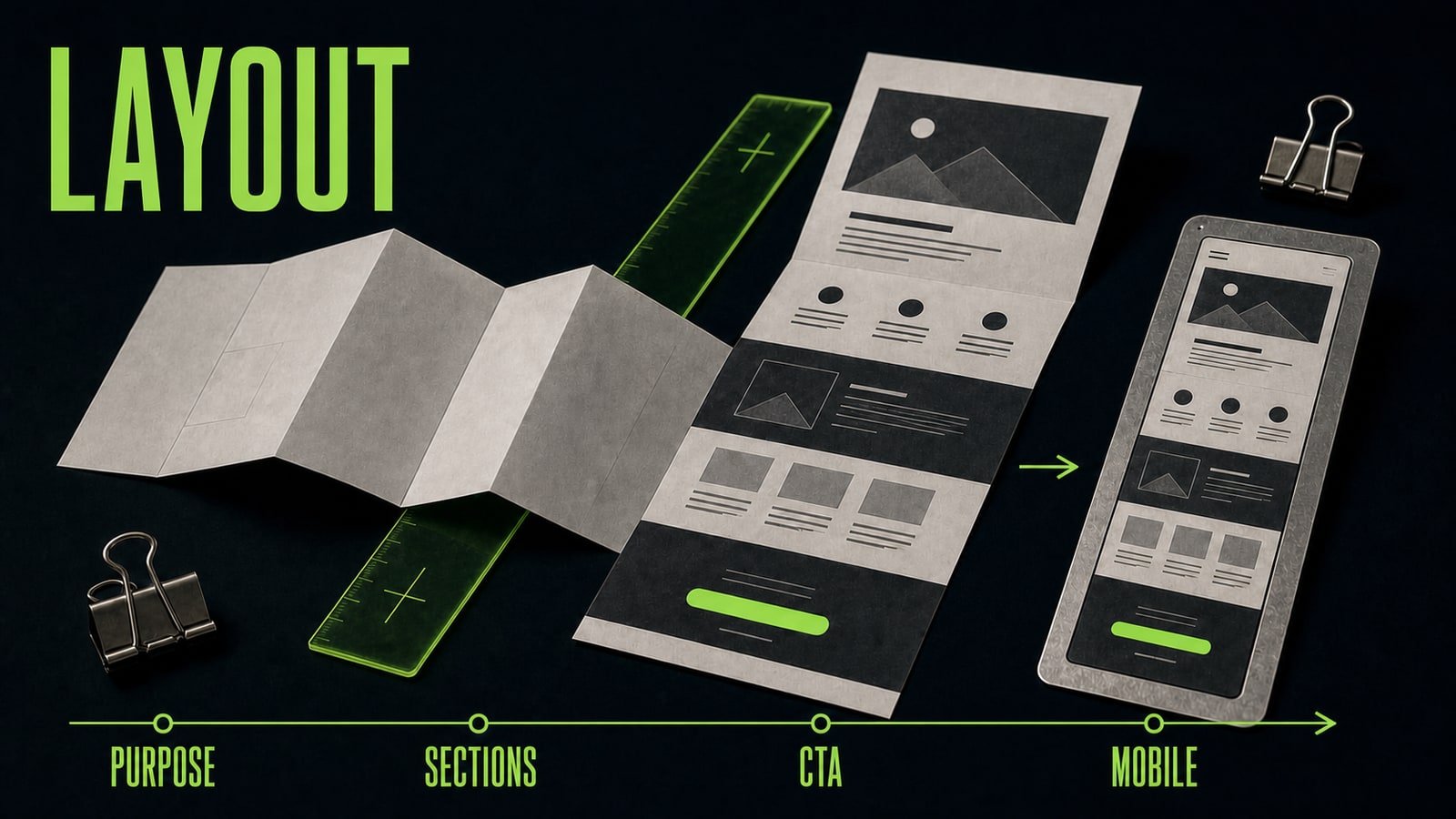
AI website builders and coding agents are easier to direct when each request changes one layer. Approve the message and section order first. Then build the visual system: container width, type, colors, buttons, and cards. Connect the form, navigation, and responsive behavior after that. This makes it easier to see which edit improved the page and which one broke an approved part. Don't judge the layout by the hero alone. Read from top to bottom. Each section should answer the question raised by the previous one. If the offer makes someone wonder about price or trust, the next section should provide an estimate method or proof, not another decorative scene. Review the same order on a phone, including long headings and access to the primary action. Open the site in a browser after every iteration. Don't ask the model to rewrite all the copy, replace the visual style, add animation, and repair the form in one pass. One observed defect, one instruction, and one repeated test produce a more predictable build.
Before
Redesign everything, shorten the copy, add animation, and improve the mobile version.
After
Fix only the mobile hero. Keep the heading to four lines or fewer, show the full "Get a photo estimate" button, and remove horizontal overflow from the image. Don't change the remaining sections, copy, or colors.
- 4.
Review the project before publishing or handing it off
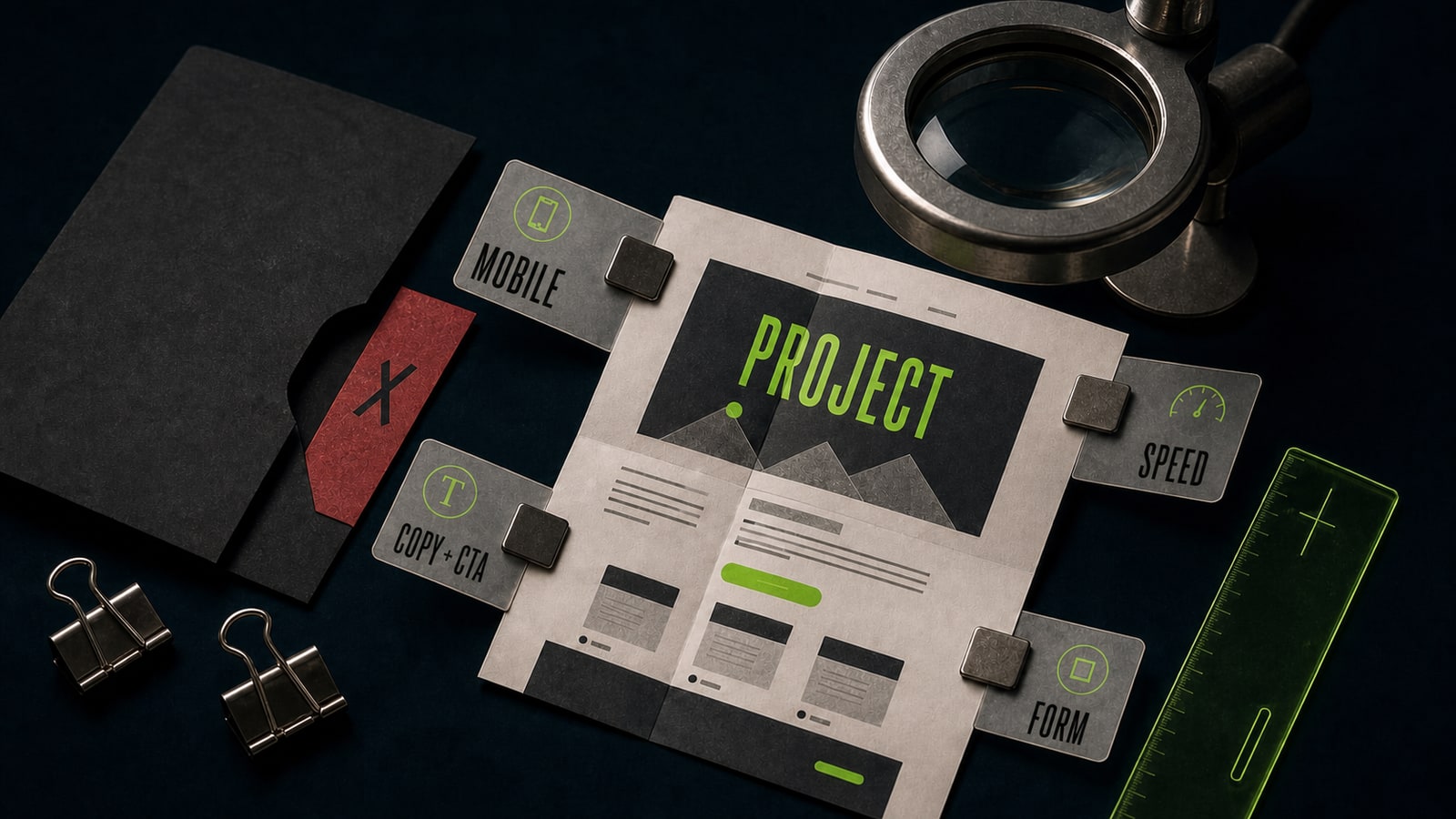
A draft becomes a website after review. Open it on narrow and wide screens, click every link and button, submit empty and completed forms, and inspect the success and error states. Read the copy again for invented facts, competing versions of the offer, or buttons that promise an action the form can't complete. Then review image weight and loading speed. If you want to sell this work, package a bounded result instead of "a website made by AI": one landing page, mobile adaptation, a connected form, deployment, and one revision round. State what the client supplies, what the delivery includes, and who pays for domains, hosting, or external services. Projects with payments, user accounts, or sensitive data are poor first jobs without technical review. A useful portfolio case shows the path: task, weak first draft, corrected prompt, final screen, and test checklist. That makes your work with requirements, errors, and release visible, not just the fact that an AI tool generated code.
Before
It looks finished on my laptop, so I can send it to the client.
After
Handoff after review: phone and desktop layouts, copy and CTA, links and form states, optimized images, live URL, and an access list.