Vibe coding for freelance work: build and sell a first site
Vlad Voronezhtsev · · 8 min read

Vibe coding is a way to build websites and apps through a conversation with AI: you describe the job, inspect the result, and refine the instructions while the model changes the code. It works for a first project only when a person still owns the content, design judgment, mobile behavior, testing, and release.
- 1.
Choose one result you can actually test
Don't start with a large platform because the tool makes it look possible. Start with an outcome you can open and inspect: a service landing page, event page, portfolio, simple catalog without checkout, or an internal calculator. The finish line should be visible. The copy is readable, links go to the right place, the form handles expected states, and the mobile page doesn't fall apart. Accounts, payments, user roles, and sensitive data add security and operational work that a beginner may not know how to review. They're poor first freelance experiments. A small site is more useful because it reveals whether you can collect requirements, turn a layout into a working page, test it, and hand it off without hiding behind the AI tool.
Before
I want to build any kind of website with AI and start selling large projects.
After
First project: a one-page service site without checkout or accounts. I will test the copy, links, form states, mobile layout, and published URL.
- 2.
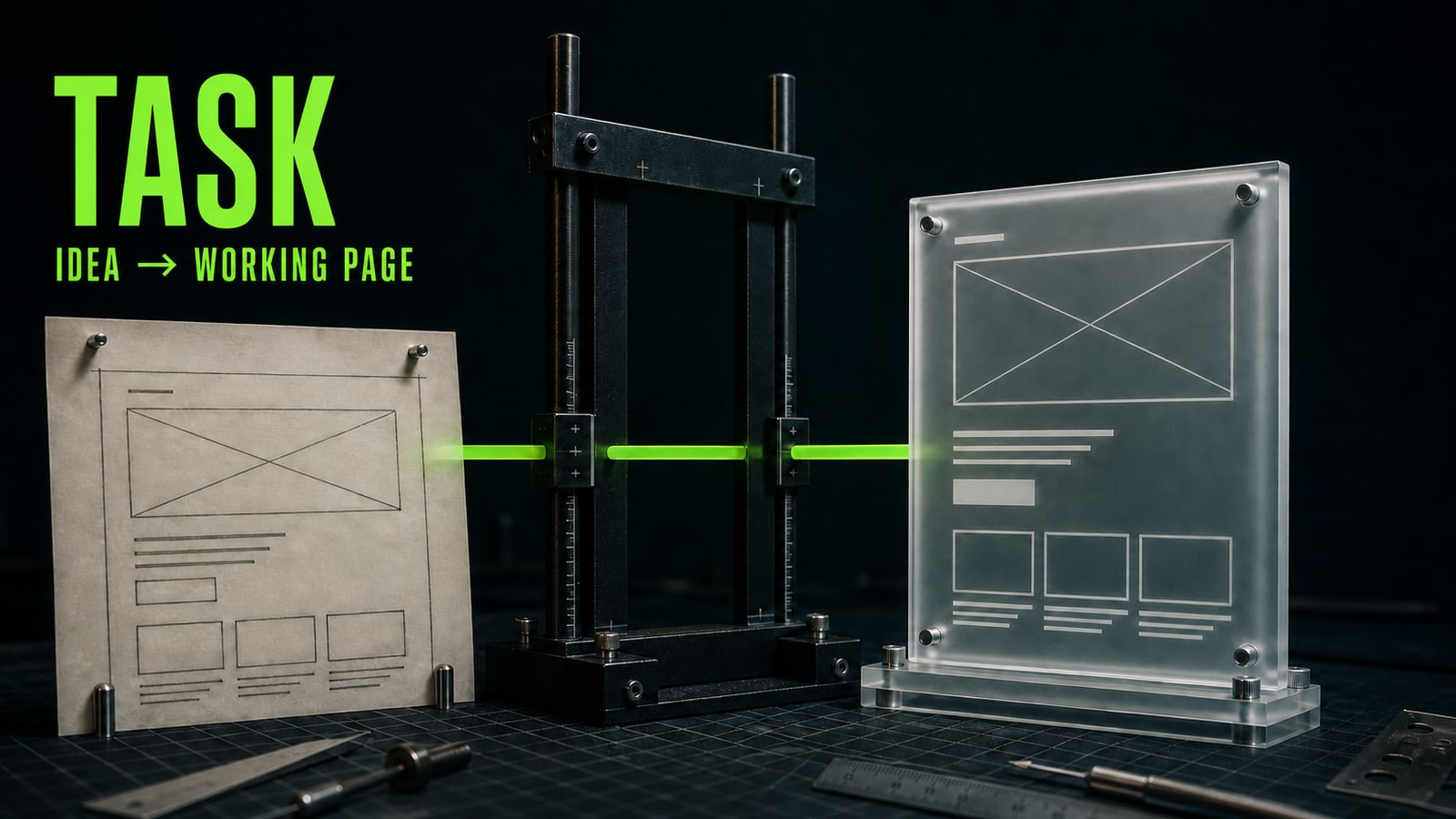
Turn the idea into a brief the coding agent can use
A request like "make a website for a coffee shop" pushes every decision onto the model: audience, offer, sections, call to action, and facts. The result may look polished but still feel interchangeable. A useful vibe coding prompt reads more like a short product and design brief than a wish for a pretty page. Training case: Marina used Codex to assemble a landing page for a neighborhood coffee shop. Her first request produced generic copy, invented reviews, and menu items that weren't in the source material. She revised the brief with the local audience, breakfast offer before noon, six page sections, a directions button, a calm visual direction, mobile requirements, and a ban on invented prices, reviews, or menu items. Codex rebuilt the structure into a draft she could evaluate against a real spec instead of asking whether it simply looked nice.
Before
Build a beautiful modern website for a coffee shop. Add everything it needs.
After
Build a one-page site for a neighborhood coffee shop. Audience: nearby residents and commuters. Main offer: breakfast before noon. Sections: hero, benefits, three menu categories using only supplied items, photos, address with directions button, and contact details. Use a warm restrained palette, large readable type, and a mobile layout. Do not invent prices, reviews, or facts.
- 3.
Build in short loops and test each one
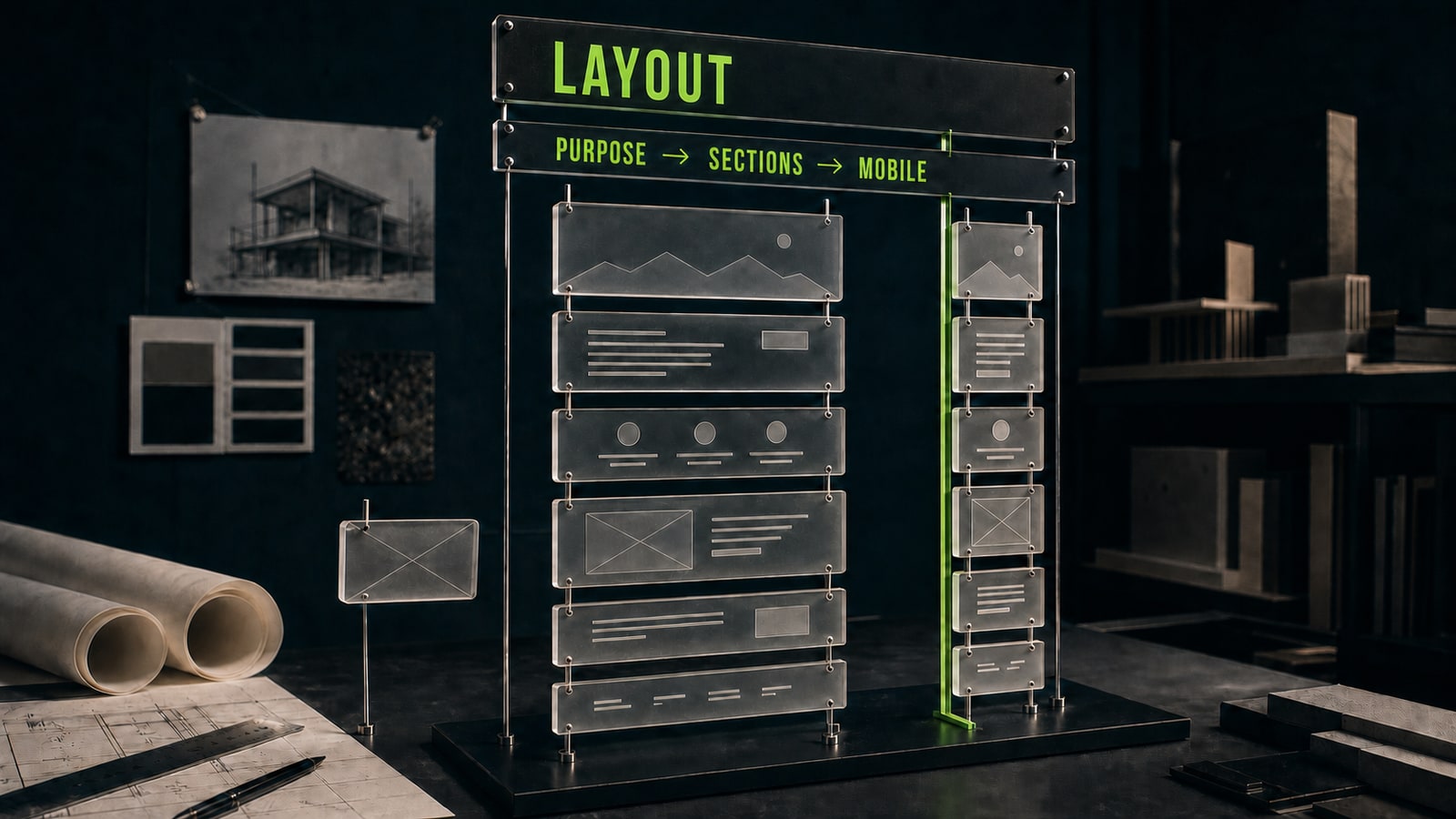
The workflow stays manageable when the agent changes one layer at a time. Approve the structure and copy first. Build the visual system next. Then connect behavior: links, forms, navigation, and button states. Finally, check phone, tablet, and wide screens. If you request a redesign, a full rewrite, new animation, and a form fix together, you won't know which edit broke the page. Open the site yourself after every loop. Click each action, submit empty and filled forms, test long headings, inspect images, and look for horizontal scrolling. Then ask the agent to repair one observed problem and run the check again. Vibe coding saves build time, but reliability comes from this rhythm: change, inspect, test, revise.
Before
Change the style, rewrite all copy, add animation, and fix the form too.
After
Fix only the mobile menu. It must open from the menu button, close after navigation, and never shift the page. Keep the current design and copy unchanged.
- 4.
Package the landing page as a clear first service
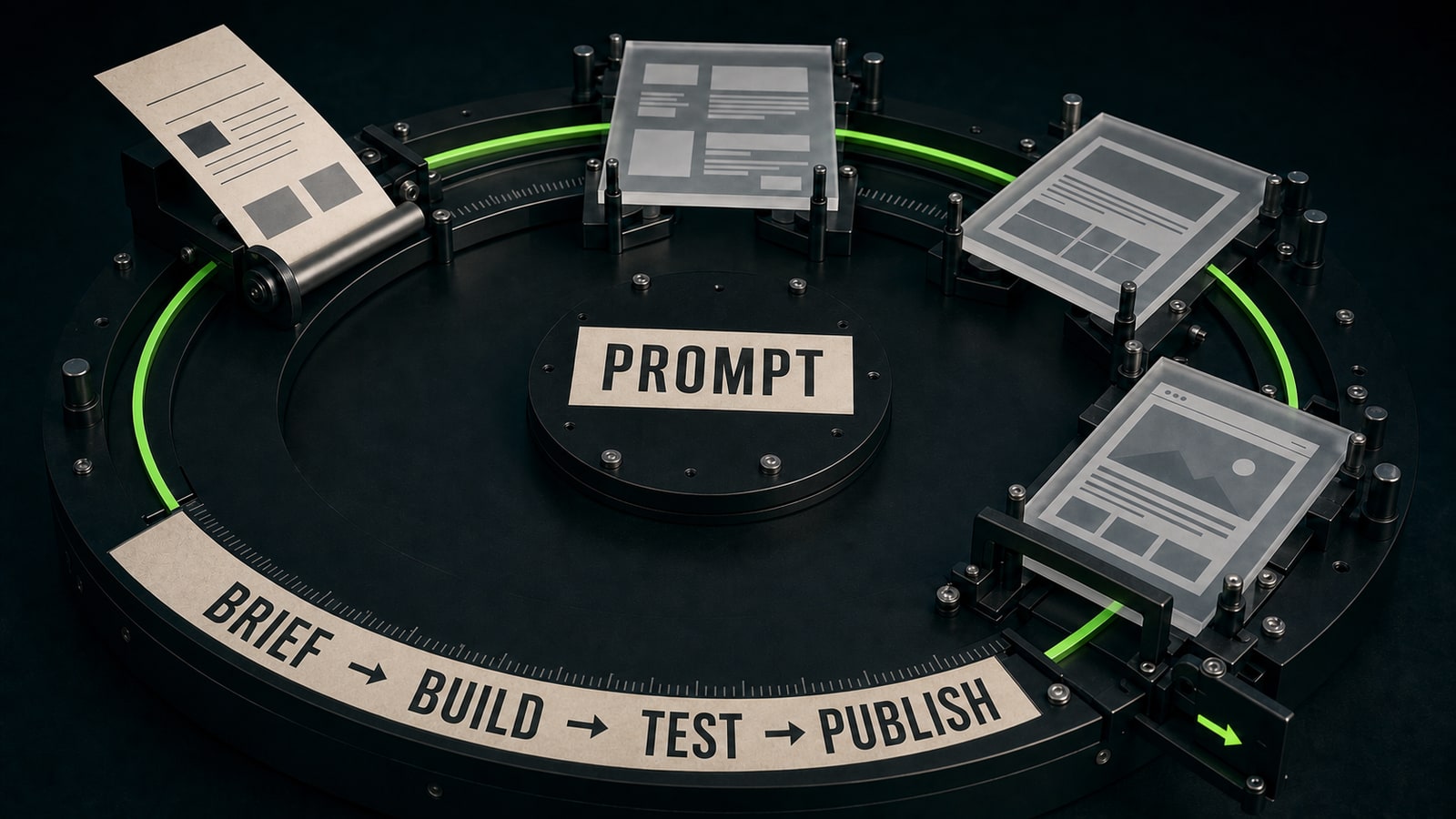
A client isn't buying vibe coding. They're buying a solved job. Describe the outcome and the boundary: one-page site, approved structure, mobile adaptation, connected form, basic deployment, and one revision round. List what the client must provide before work starts, including product facts, prices, images, contact details, and access. Show more than the final screenshot in your portfolio. Include the original task, your brief, the first failure, the correction, and a short test list. That makes your contribution visible. Vibe coding courses and training are useful when they end with this kind of finished project, not a tour of tools. Start with a narrow landing page offer and expand the service after a few calm handoffs.
Before
I can build any website from start to finish with AI.
After
I deliver a one-page service site with structure, mobile adaptation, a working form, deployment, and one revision round. The client provides final content and access before work begins.