
Prompt engineering course: learn through practical tasks
Vlad Voronezhtsev · · 9 min read

A useful prompt engineering course teaches a repeatable practice: define the result, add context and constraints, run the prompt, inspect the output, and revise one weak part. The goal isn't to memorize clever wording. It's to learn how to write AI prompts that can be tested, explained, and adapted to a new task.
- 1.
Define the output and the review criteria first
Begin with the artifact, not the wording for the model. A writing exercise might ask for a 120-150 word email with one call to action. An image task could require one product in a specified frame with no logos or lettering. An analysis task might end in a table with fixed columns and a short conclusion. Write two or three criteria that let you accept or reject the output. That step makes prompt writing much easier because every instruction now serves a visible result. Without criteria, learners can only say that an answer feels good or bad. They can't identify which part of the prompt needs work.
- 2.
Build the prompt from four working blocks
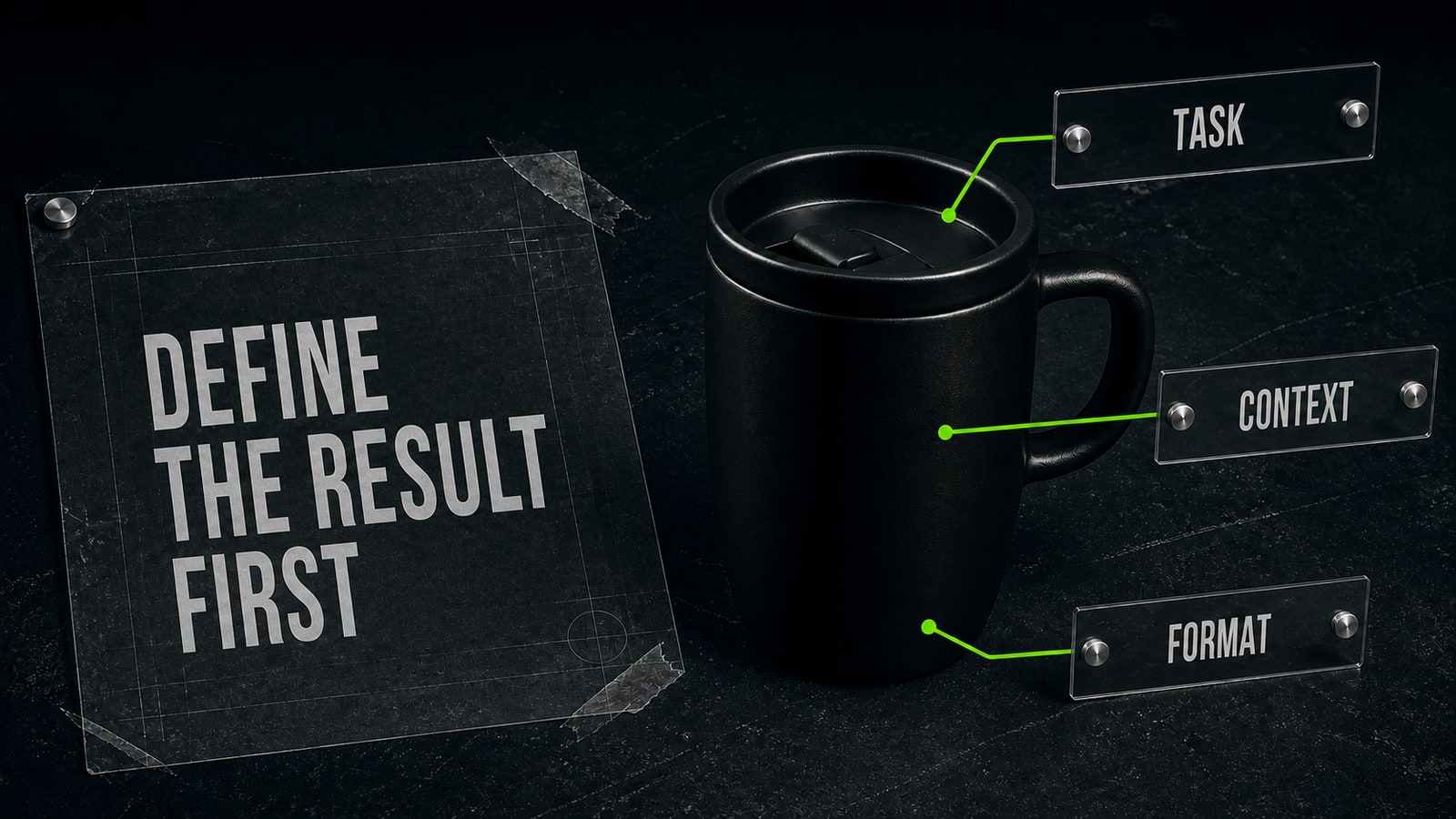
A reliable structure has a task, context, constraints, and output format. The task states the action. Context supplies the audience, situation, and source material. Constraints set length, tone, required details, and exclusions. The format defines the shape of the answer: a list, email, table, script, or single visual. You don't need to label every block in daily work, but doing so during a course makes missing information obvious. Study several prompt examples and mark these parts. If an example has an elaborate role but no testable result, don't copy the whole thing. Keep the useful idea and add the block your task actually needs.
- 3.
Practice a short loop instead of collecting templates
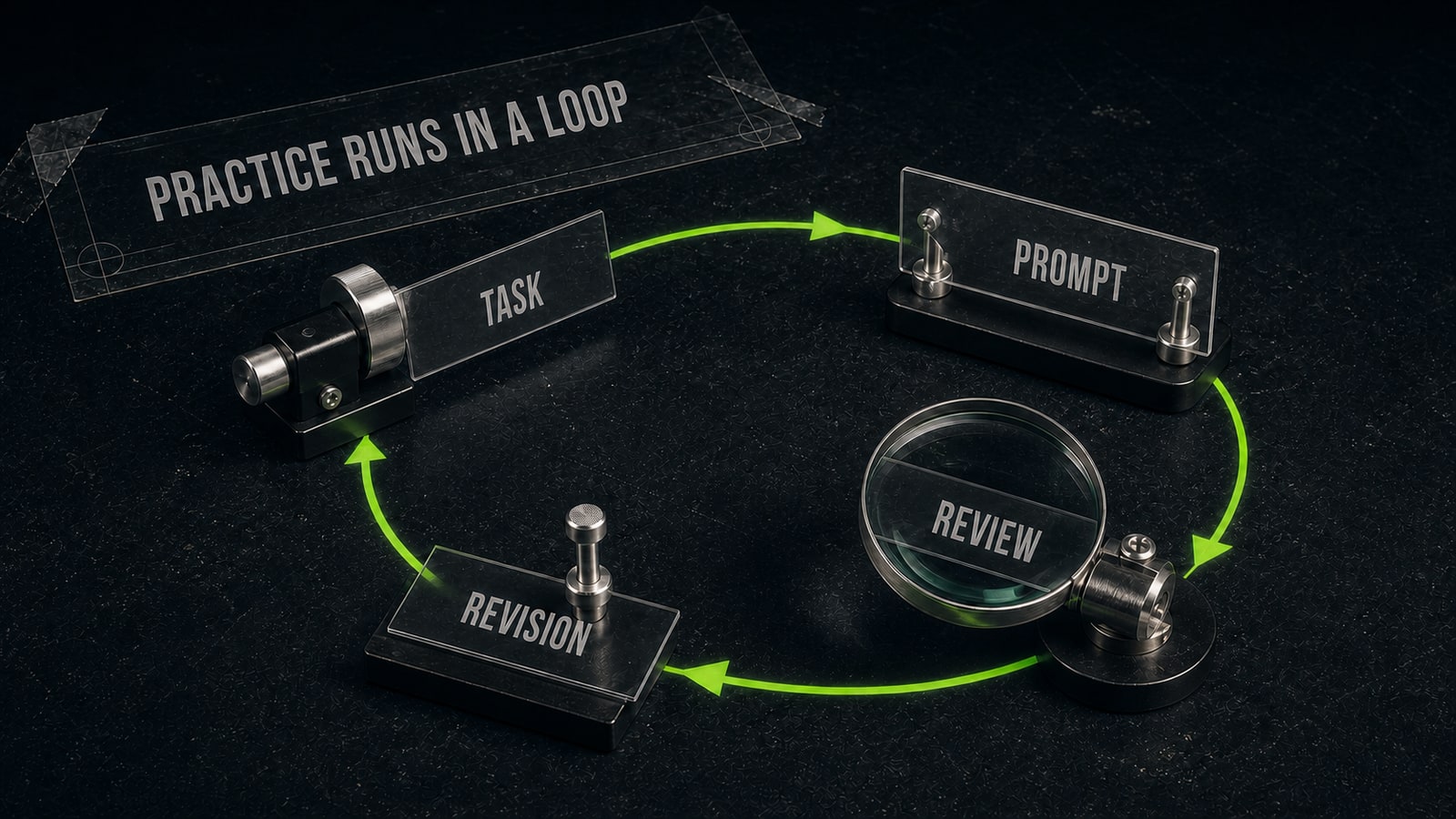
Run one attempt, find a specific failure, and change only the instruction connected to it. If the answer is generic, add source material or a clearer audience. If the structure drifts, tighten the output format. If the model invents facts, limit it to the supplied material and ask it to flag missing information. Save a short note with the final prompt: what failed and which constraint addressed it. Then apply the same principle to a new task. This is where prompt engineering courses differ from template libraries. A useful course develops diagnosis and transfer, not a folder of phrases that only work in one demonstration.
- 4.
Trace a practical case to one precise revision
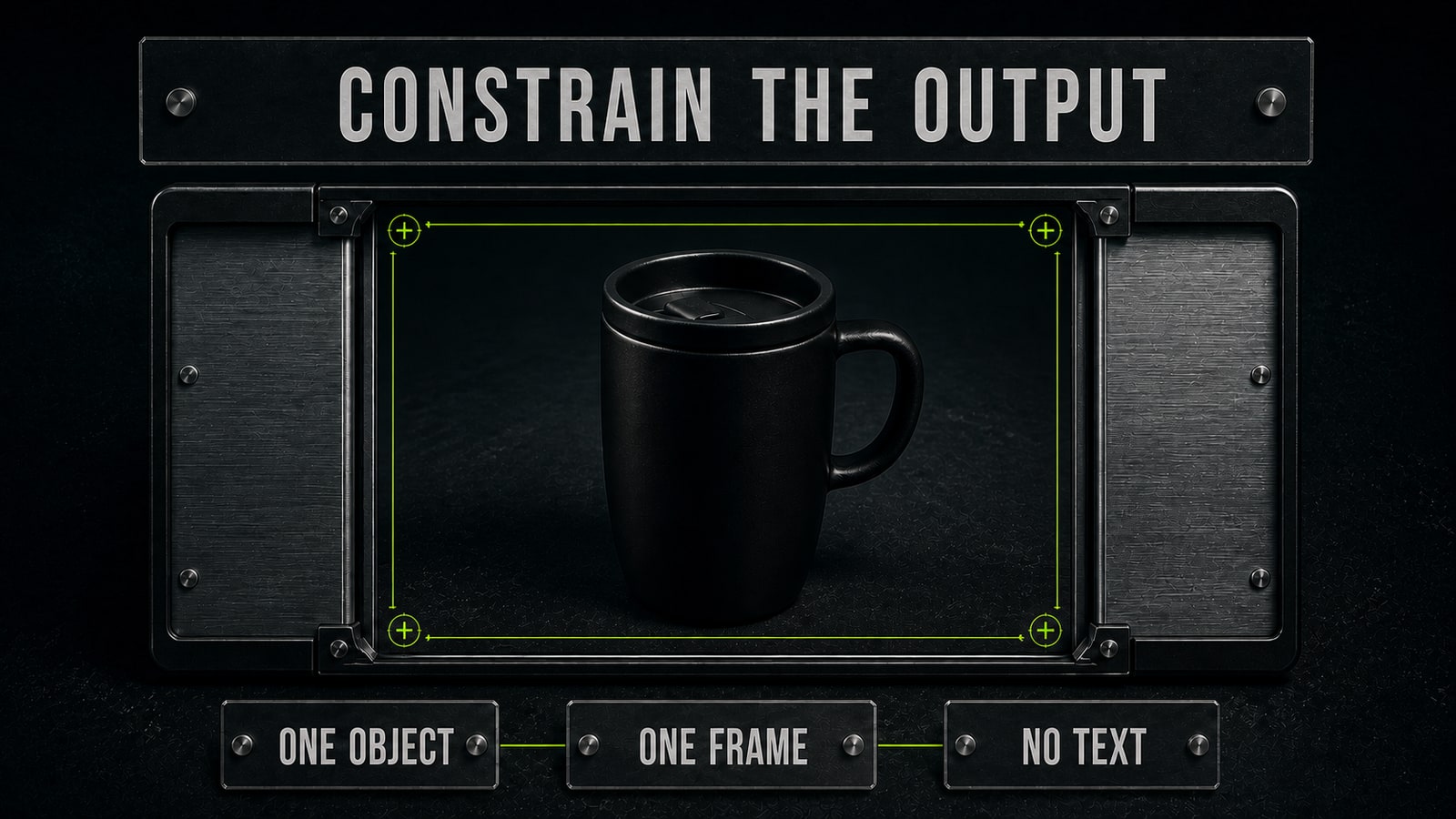
A GPT Image 2 exercise starts with “make a stylish mug photo for a website.” The request leaves framing, background, object count, and exclusions open, so the model may add packaging, lettering, or unrelated props. The revised prompt asks for one result: 'Create one editorial product photo of a matte black ceramic travel mug on a dark stone desk, three-quarter view, handle fully visible, soft side light, 16:9. Keep the mug centered with clean margins. No text, letters, logos, labels, extra mugs, hands, packaging, or interface.' The exercise now produces one bounded subject that can be reviewed for angle, handle visibility, margins, and unwanted text. Opten can help flag a missing format or exclusion before generation.
- 5.
Choose a course by its exercises, feedback, and transfer
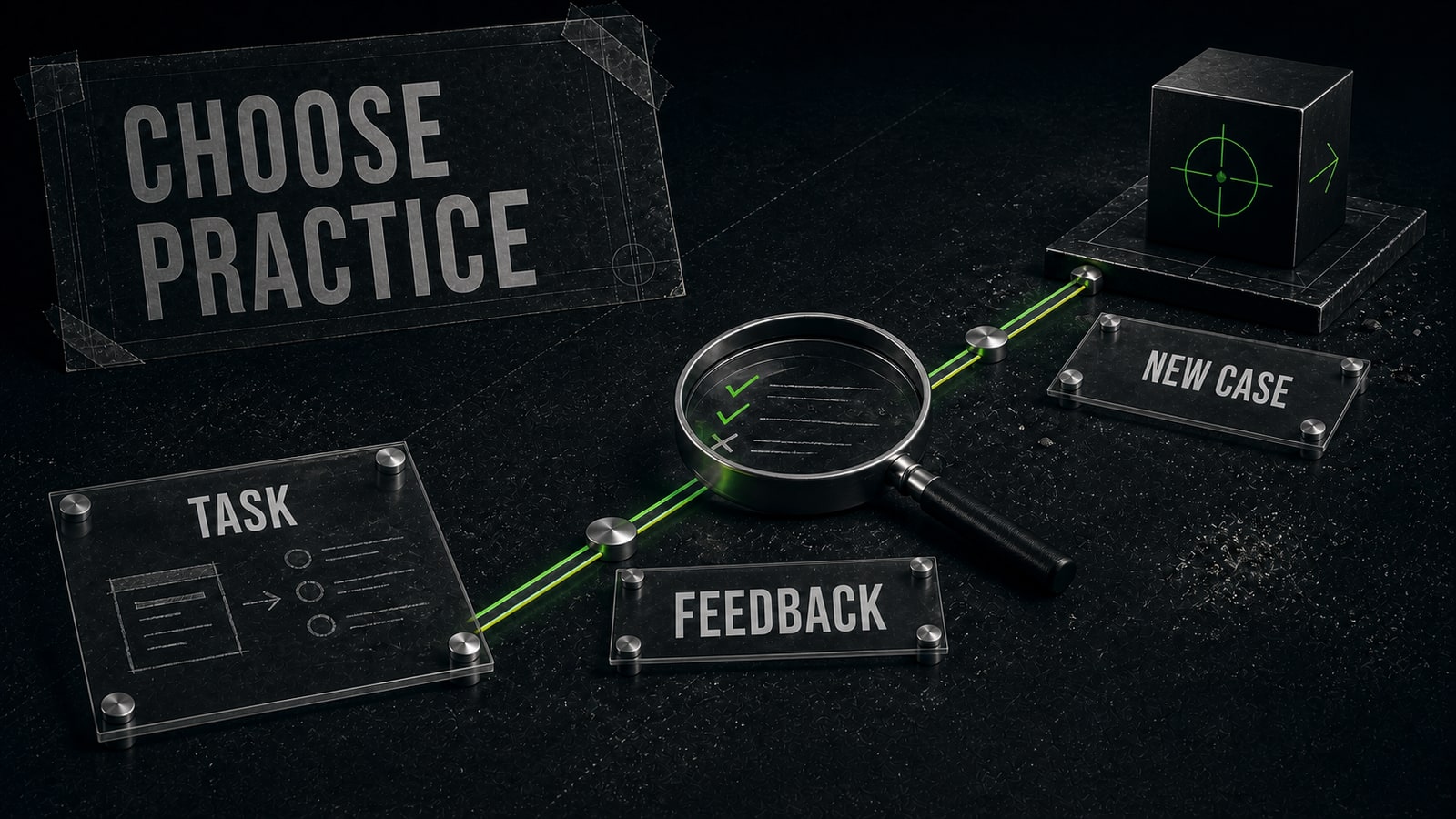
When comparing prompt engineering courses, look past lesson count and certificates. A useful exercise provides source material, a clear deliverable, and review criteria. Feedback should explain which instruction failed to control the output and why a revision fits the problem. The next exercise should use different inputs so you can prove that the principle transfers instead of repeating a formula. It's helpful when a course covers several task types, but each exercise should stay focused. Writing, image generation, and analysis need different constraints. By the end, you should have a small set of your own reviewed artifacts and be able to explain the decisions behind them.


