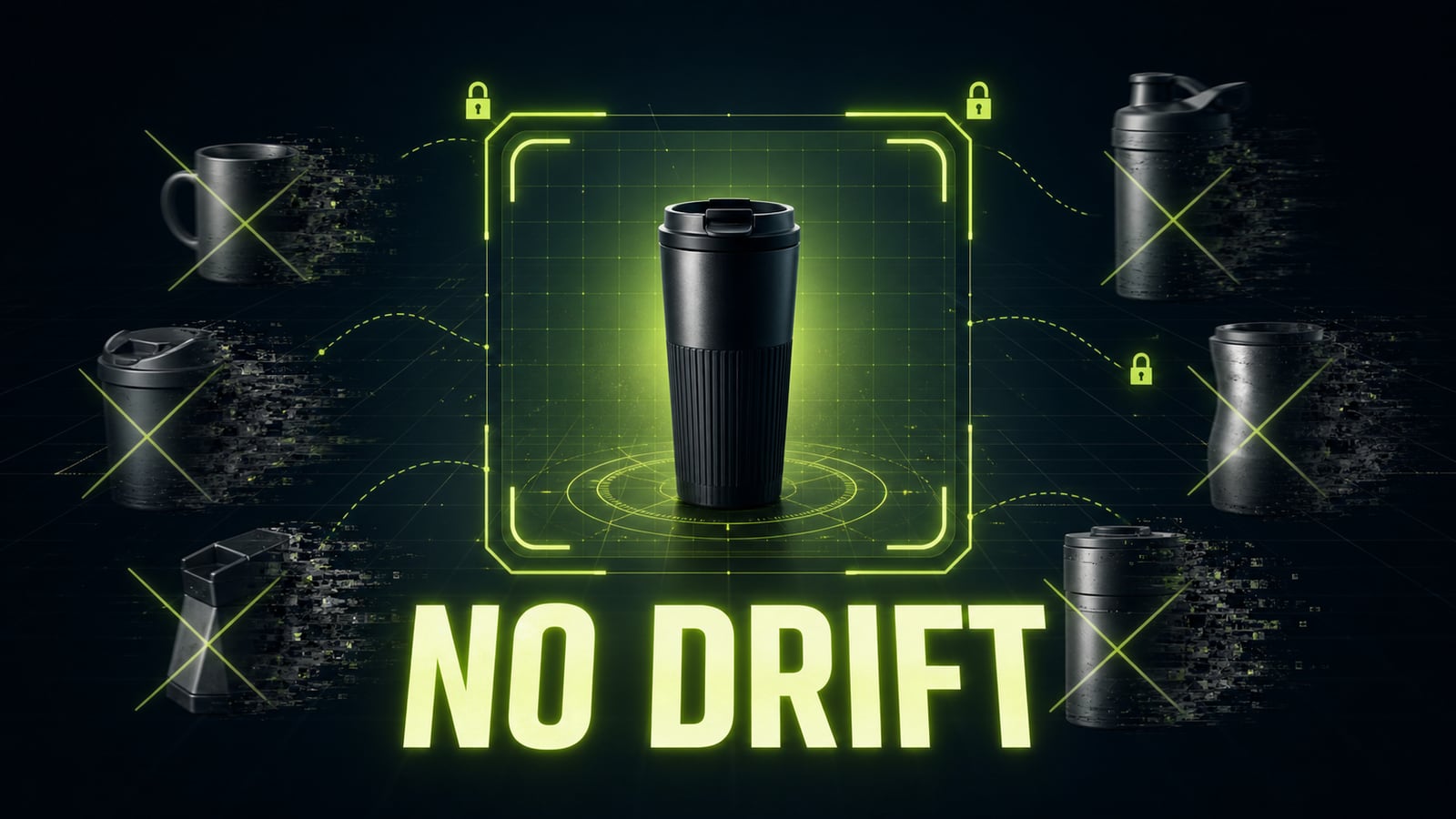
Seedance 2.0 prompts: build video scenes without drift
Vlad Aivor · · 6 min read

seedance 2.0 is a multimodal AI video model, but good seedance 2.0 prompts still behave like short director briefs: scene, subject, camera motion, timing, audio, and constraints. The model can handle complex references, but without structure it may change the product, drift the camera, or merge actions.
- 1.
Start with the scene, not the effect
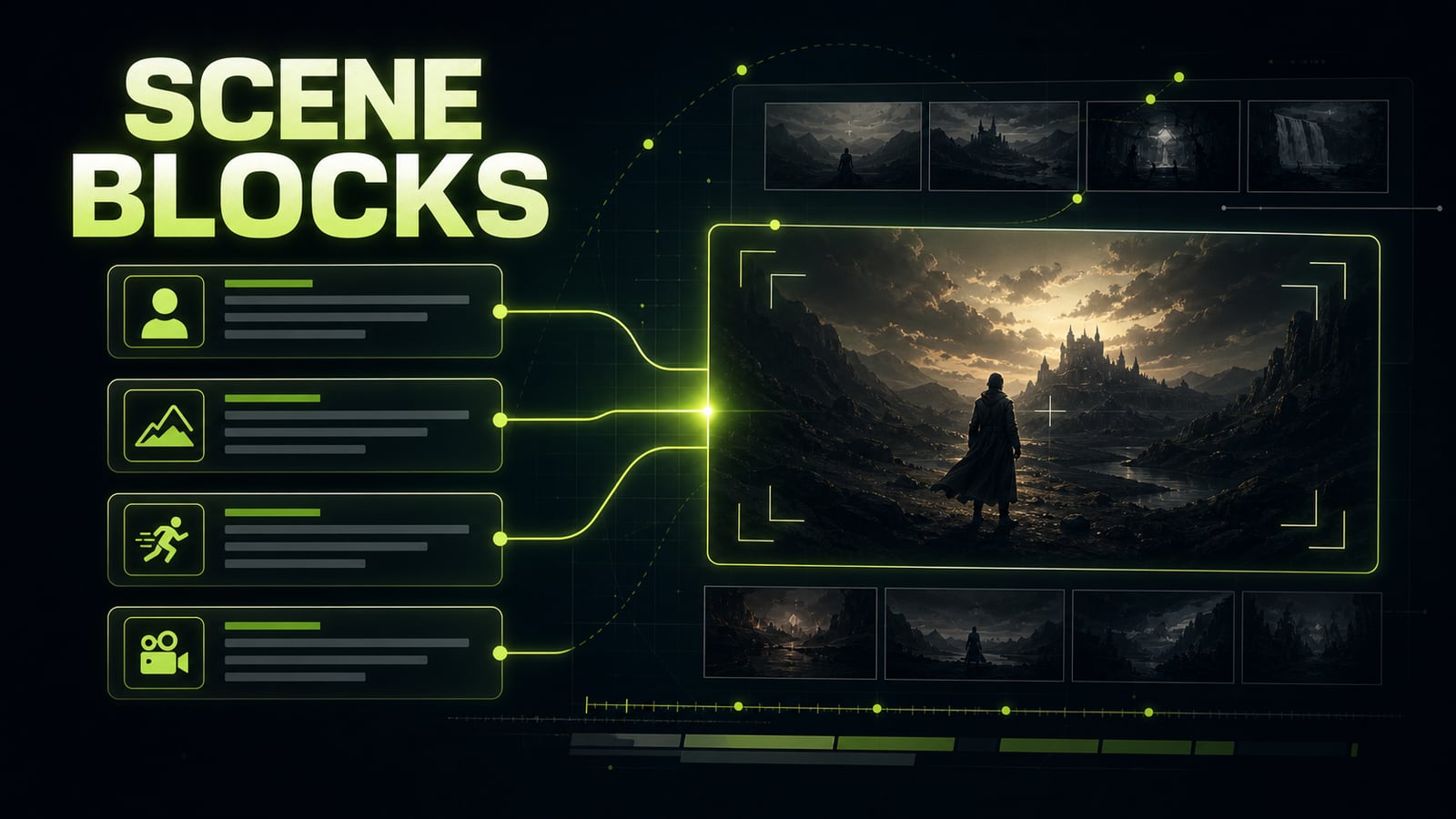
The release story around Seedance 2.0 is tempting: audio, references, longer clips, complex motion. But a working prompt starts with simpler production logic: where the scene happens, what the main subject is, and how the camera sees it. If the first line is only `cinematic, dramatic, high detail`, the model gets mood without blocking. Use this order: `Scene` -> `Subject` -> `Action` -> `Camera` -> `Lighting` -> `Audio` -> `Constraints`. On syntx.ai and most seedance 2.0 ai wrappers, English tends to be the stable production language, even if your brief starts in another language. Opten works as a prompt preflight here: it expands the rough idea and catches missing camera, subject, or constraint fields before you spend a render.
Before
Seedance 2.0, make a beautiful product video in a city, cinematic.
After
Scene: rainy night street with wet asphalt and neon reflections.
Subject: matte black smart speaker on a glass table, centered and recognizable.
Action: light turns on, the speaker rotates 20 degrees, raindrops move in the background.
Camera: slow push-in, eye-level, 50mm product shot.
Lighting: cool neon rim light, soft top reflection.
Audio: diegetic rain and low electric hum only.
Constraints: no logo drift, no extra products, no text, no watermark.
- 2.
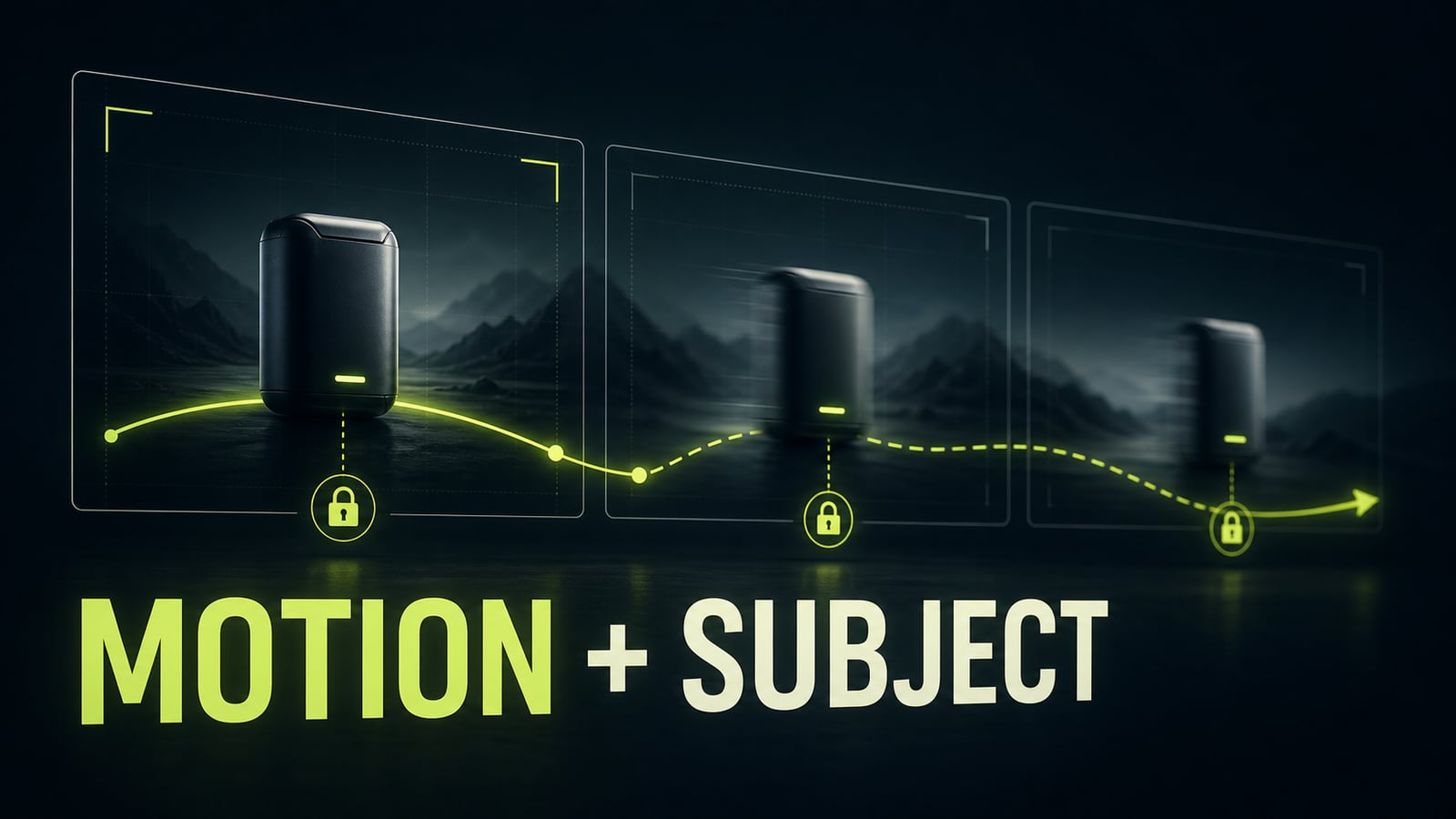
Lock subject continuity next to motion
The common mistake in seedance 2.0 prompts is describing motion separately from the object. The model may execute a nice camera move while quietly changing the product shape, package color, or small identity details. Product shots and character scenes need one continuity line: what must stay unchanged from the first frame to the last. Practical case: the first render of a sports-drink bottle looked dynamic, but the bottle became a different object in shot two. The cap changed, the label disappeared, and the body got wider. The fix was not `more realistic`; it was a preserve block: `preserve the same bottle silhouette, cap shape, label placement, matte material, and color palette through every frame`. After one edit, the camera still moved, but the product stopped falling apart.
Before
A branded bottle slides across a studio table, fast camera move, premium ad look.
After
Subject continuity: preserve the same bottle silhouette, cap shape, label placement, matte material, and color palette through every frame. Motion: bottle slides 30 cm left to right while camera tracks parallel at table height. Constraints: no redesign, no label drift, no extra objects.
- 3.
Storyboard 15 seconds into readable acts
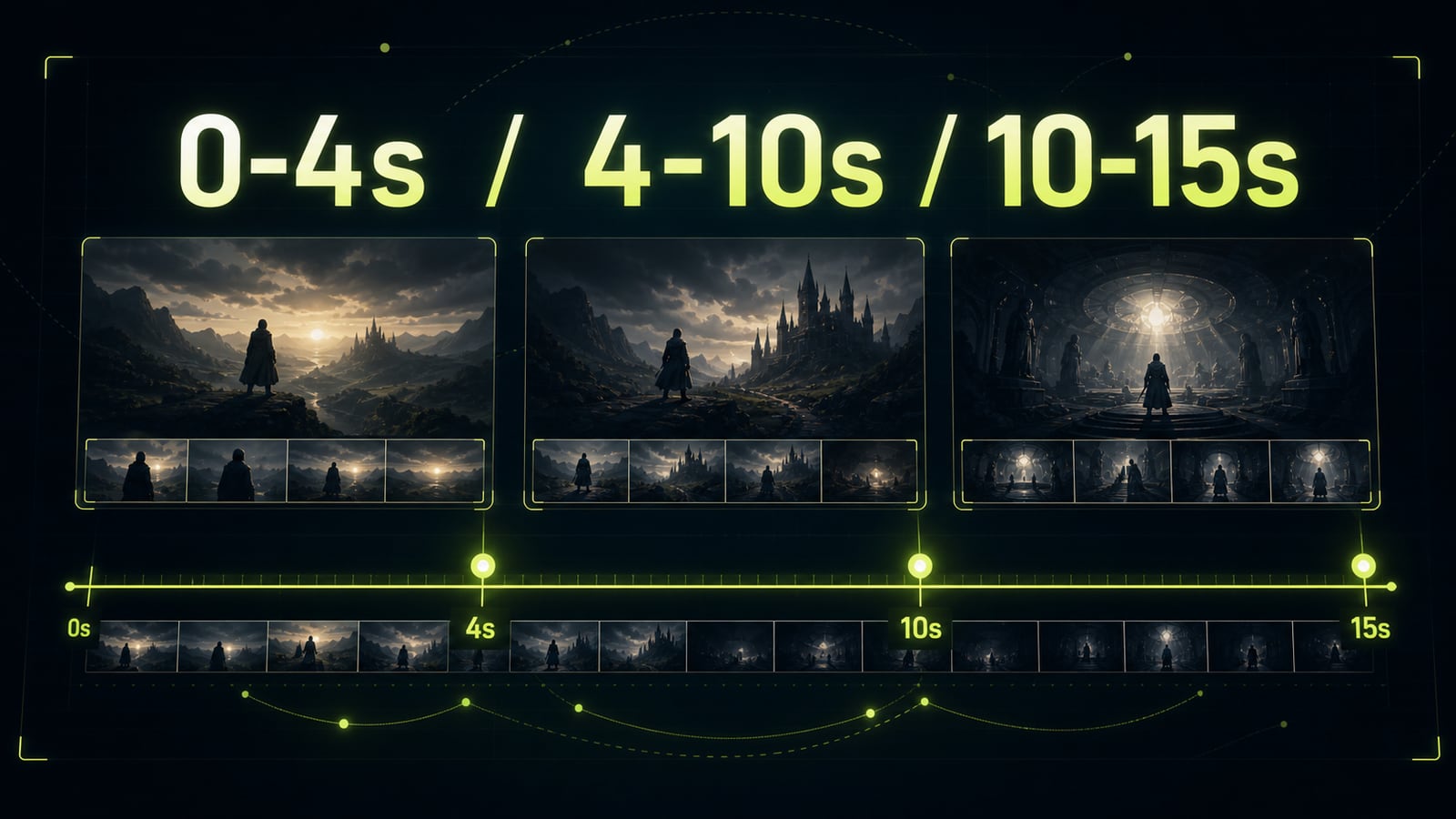
Good seedance 2.0 ai examples usually include timing. For 4-6 seconds, one action is enough. For 8-10 seconds, use two beats. For 12-15 seconds, write a storyboard: what sets up the shot, where the turn happens, and how the scene resolves. Do not cram three actions into one second. The model may invent a transition, but the viewer will read it as a jump. A reliable pacing pattern is 0-4s setup, 4-10s development, 10-15s payoff. Repeat the camera and subject state inside each act when they matter. This is especially useful with multiple references where one product, character, or location must survive the whole clip.
Before
15-second product video: speaker activates, city changes, camera flies around, logo appears, rain stops.
After
0-4s: close product shot, speaker light slowly turns on, camera pushes in.
4-10s: side tracking shot, rain reflections move across the glass table, product stays centered.
10-15s: camera settles into a locked hero frame, light pulse fades, rain ambience continues.
Constraints: no text, no logo drift, no shape changes, diegetic sound only.
- 4.
Use constraints like production insurance
Seedance 2.0 follows positive direction well, but complex scenes still need negative constraints. Do not write vague lines like `bad quality`. Name the specific failures: logo drift, extra products, sudden camera jump, warped hands, plastic skin, unwanted subtitles, random text. If you work through a seedance 2.0 api provider with a separate negative prompt field, put artifacts and watermark bans there. If there is no separate field, keep a `Constraints` block at the end of the main prompt. Keep it tight: five to eight precise bans usually work better than a long wall of every possible defect.
Before
Make it realistic and don't make mistakes.
After
Constraints: no logo drift, no product redesign, no extra objects, no sudden camera jump, no subtitles, no random text, no watermark, no glossy AI render look.