
Web design courses with AI: a practical way to learn
Vlad Voronezhtsev · · 9 min read

Web design courses are useful when they lead to a complete, testable website rather than a folder of disconnected screens. A sound learning path connects page structure, typography, layout, Figma components, responsive behavior, and review on real devices. AI can speed up source material and exploration, while the designer still owns every interface decision.
- 1.
Judge the course by the finished project
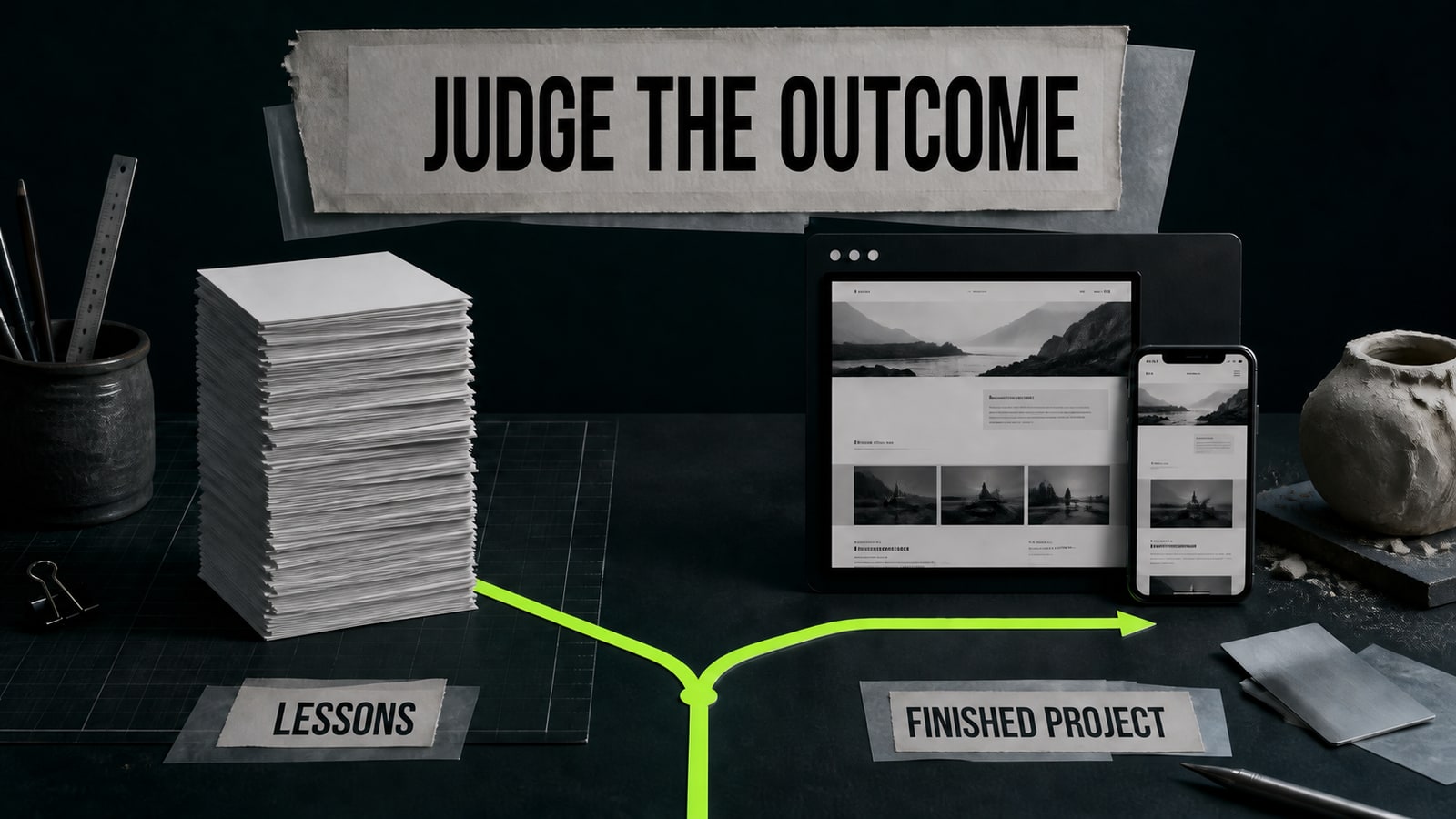
Start with the promised outcome. A certificate or a large lesson count doesn't prove that you'll learn web design. Look for one complete page with a clear purpose, real copy, a layout system, reusable components, a mobile version, and a working prototype or published link. Then read the syllabus for composition, typography, color, content hierarchy, Figma, responsive design, basic accessibility, and critique. Good web design courses return to the same project several times, so you can see what changed after feedback. A program built around trends, effects, and reference collections may feel busy without teaching you how to make and defend a decision.
- 2.
Learn web design through one complete page
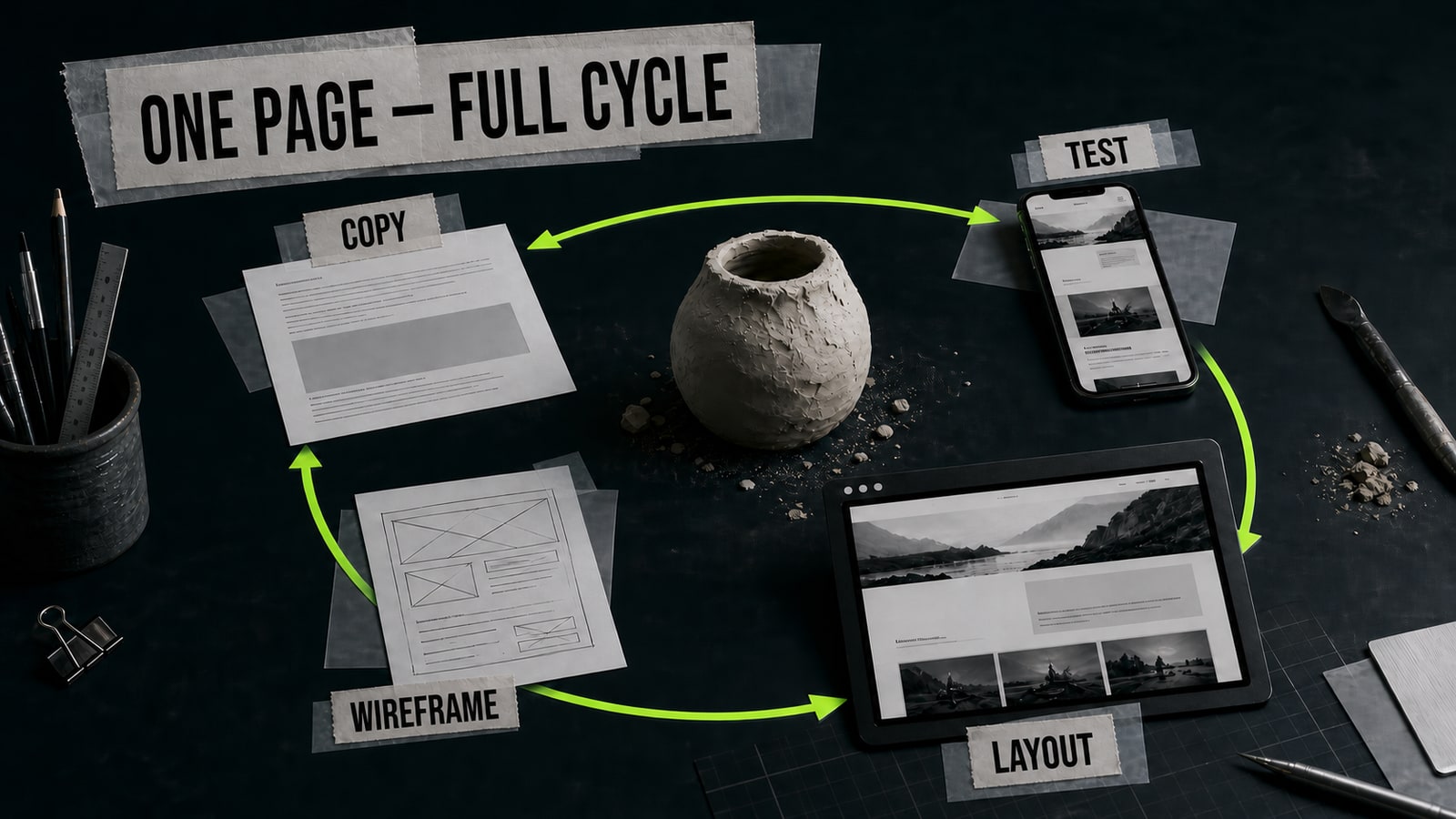
Choose a small landing page for a service, event, or personal project. Write down the audience, offer, and one primary action. Build the content before styling it: headline, supporting reasons, examples, answers to likely questions, and the final call to action. Turn that copy into a grayscale wireframe, then choose a visual direction. This order stops polish from hiding a weak structure. If you want to learn web design from scratch, taking one page through content, wireframe, visual system, responsive layout, testing, and publication gives each lesson context. One page you had to revise after a test often teaches more than five attractive concepts left unfinished.
- 3.
Build the Figma file as a system
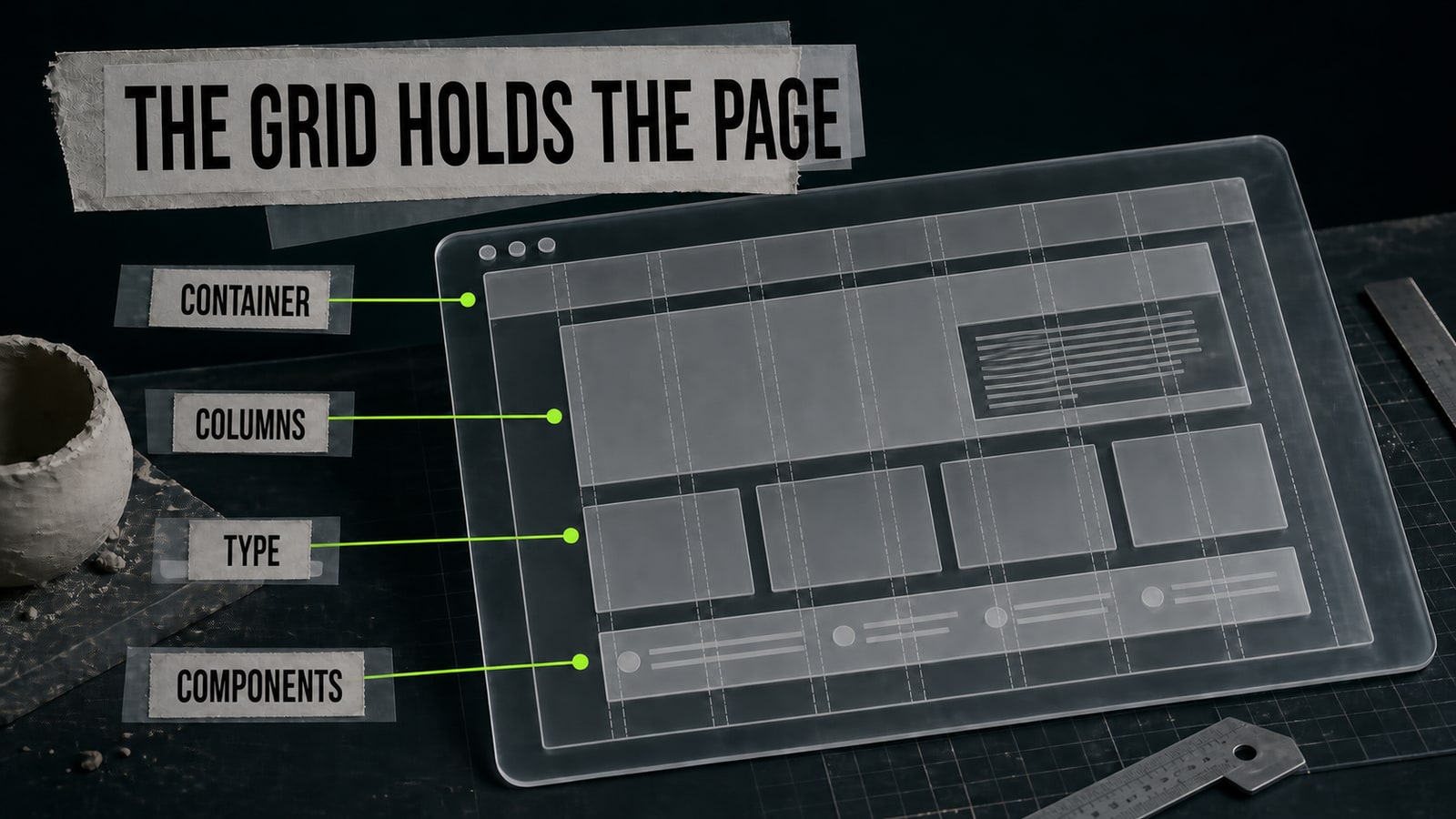
Set a container, columns, spacing scale, and a small type hierarchy before decorating individual sections. Create buttons, fields, cards, and navigation as reusable components instead of scattered copies. Check the reading order: the main headline should lead, the primary action should be easy to find, and supporting details shouldn't compete with it. Review the design at desktop and mobile widths from the start. Desktop reveals overall composition; mobile forces you to rank what matters. Don't treat responsive work as a final cleanup lesson. When a section refuses to fit a narrow screen, the underlying content order or fixed sizing may already be wrong.
- 4.
Use AI for source material, not the whole interface
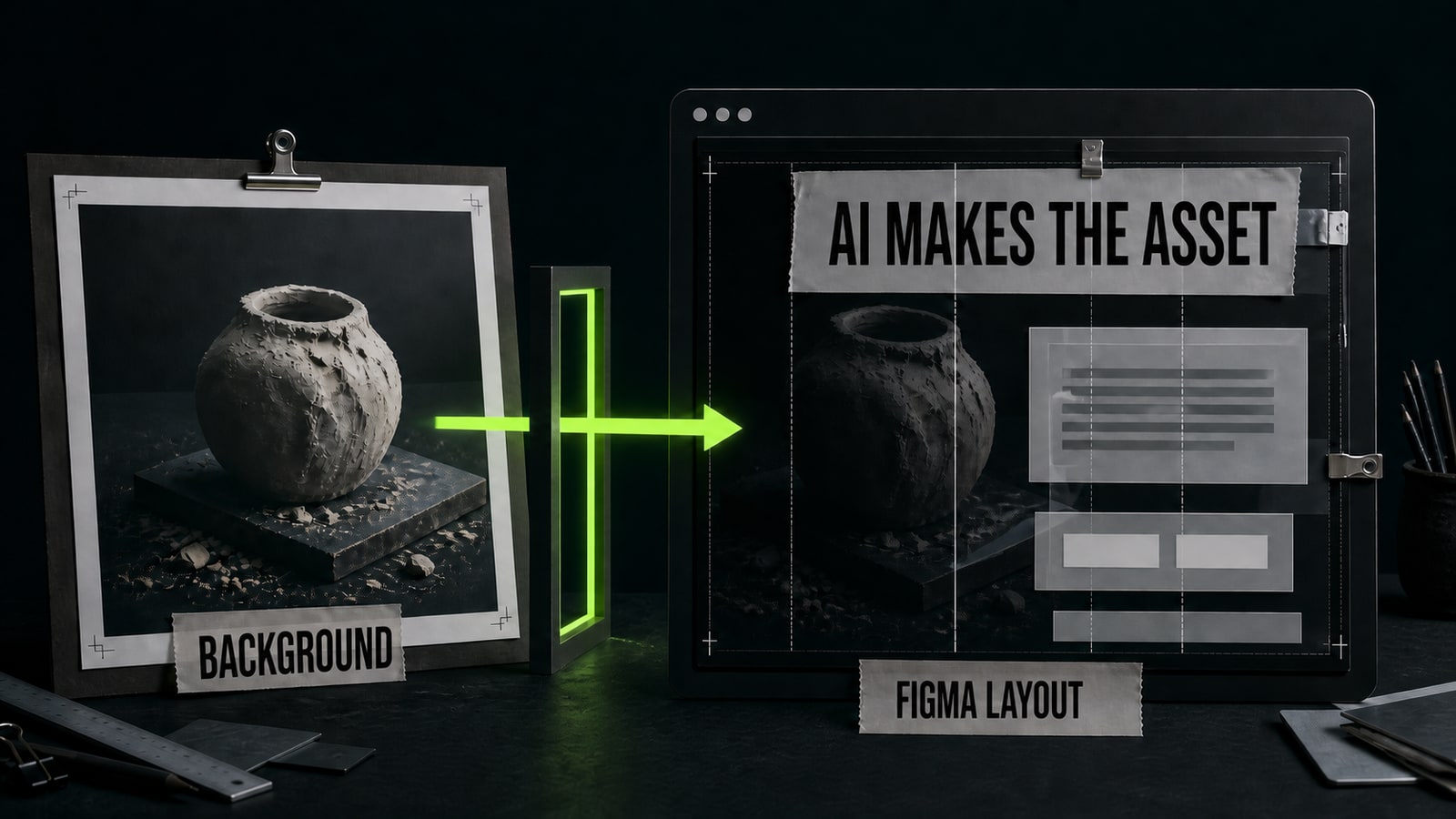
In a small ceramics-workshop project, the first GPT Image 2 instruction was “make a modern website for a ceramics studio.” The model drew an entire screen inside one image. Its copy was unreadable, the buttons were decorative, and none of the layout could be edited. The corrected prompt asked for one asset: 'Create only a 1600x900 editorial hero background for a small ceramics workshop website. One unfinished clay vessel on a dark worktable, soft side light, tactile dust and paper texture, subject in the right third, left 45% calm and empty for editable HTML copy. No text, letters, logos, buttons, browser frame, or UI.' The output supplied a usable background with clean space. The headline, button, grid, and responsive behavior were built as normal Figma layers. Opten can help catch missing format, copy space, and exclusions before that generation is sent.
- 5.
Test on real screens and explain your choices
Open the prototype on a laptop and a phone. Move through it without design-tool overlays. Can you identify the subject quickly, find the primary action, read the smallest copy, tap each control, and see the images without awkward crops? Ask someone else to complete one action and note the first place they hesitate. Fix the cause instead of adding decoration. Your final case study should state the job, constraints, page structure, layout system, two or three important decisions, and what changed after testing. That turns a course project into evidence of design thinking. If AI produced any source assets, describe their limited role and keep the prompts with the project record.


