
How to find freelance clients for AI-assisted services
Vlad Voronezhtsev · · 10 min read

To learn how to find freelance clients for AI-assisted websites, decks, or content, start with a specific service and two or three credible cases. Early work often comes through existing contacts, targeted businesses, professional communities, partners, and marketplaces. A channel only works when the buyer can see the outcome, timeline, and boundaries.
- 1.
Define the result before you look for clients
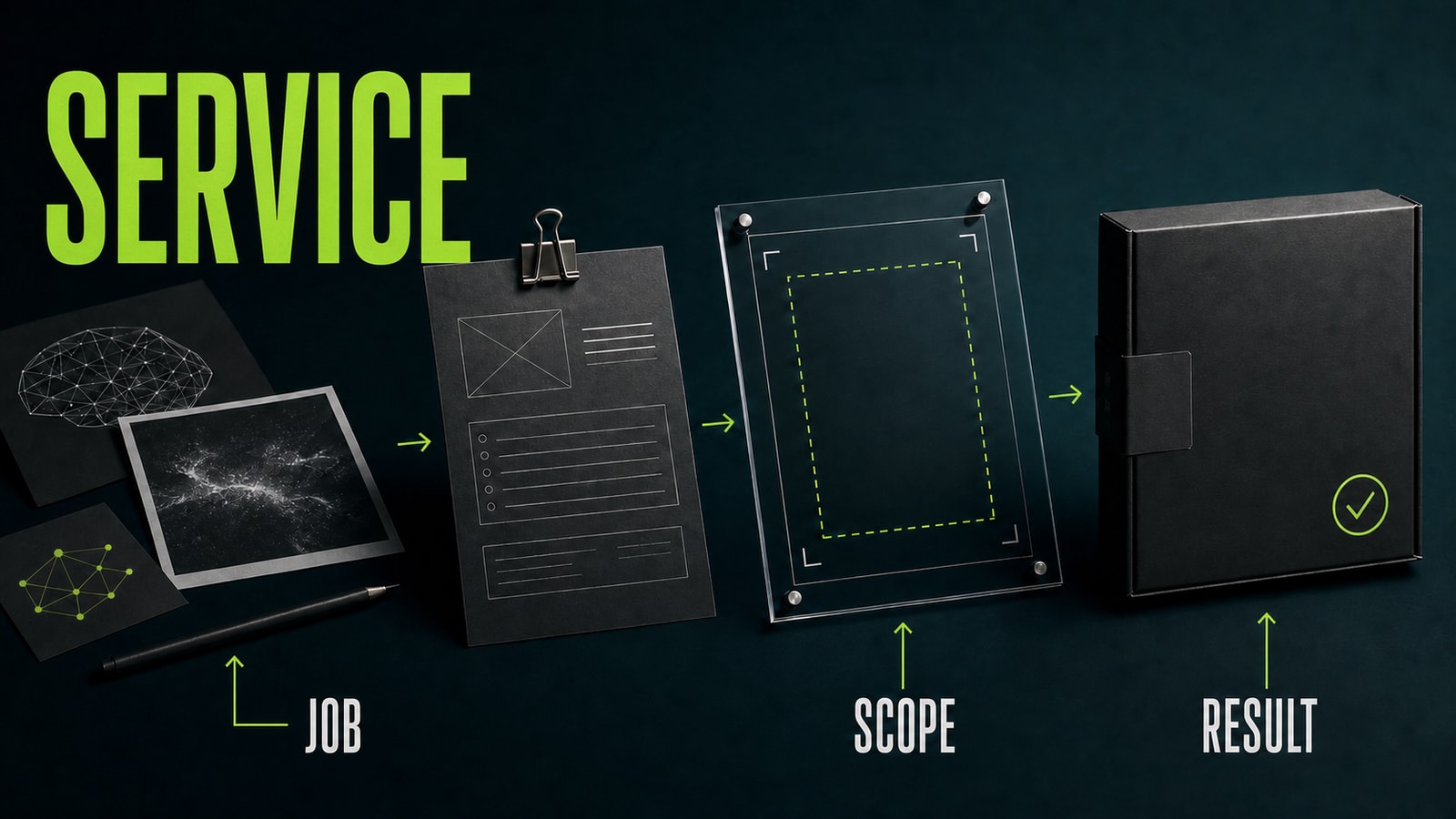
Most buyers don't care which model sits in the middle of your process. They need a launch page, a meeting deck, five product cards, or a short video series. “I create with AI” doesn't tell them what will be delivered, when it will arrive, or what the fee covers. Package the service around an outcome, required inputs, turnaround, option count, and revision limit. A useful offer sounds like this: “I'll create the structure and copy for a landing page of up to seven sections from your approved materials, provide two hero directions, and complete one revision round in four business days.” Avoid a menu of every tool you've tested. Offering websites, video, logos, research, and automation in the same introduction makes it hard to refer or hire you. Pick one main service and, at most, one adjacent outcome that belongs in the same project.
Before
I make websites, design, and content with every major AI tool.
After
I'll create a seven-section landing page from approved materials: structure, copy, two hero directions, and one revision round in four business days.
- 2.
Build portfolio proof before active outreach
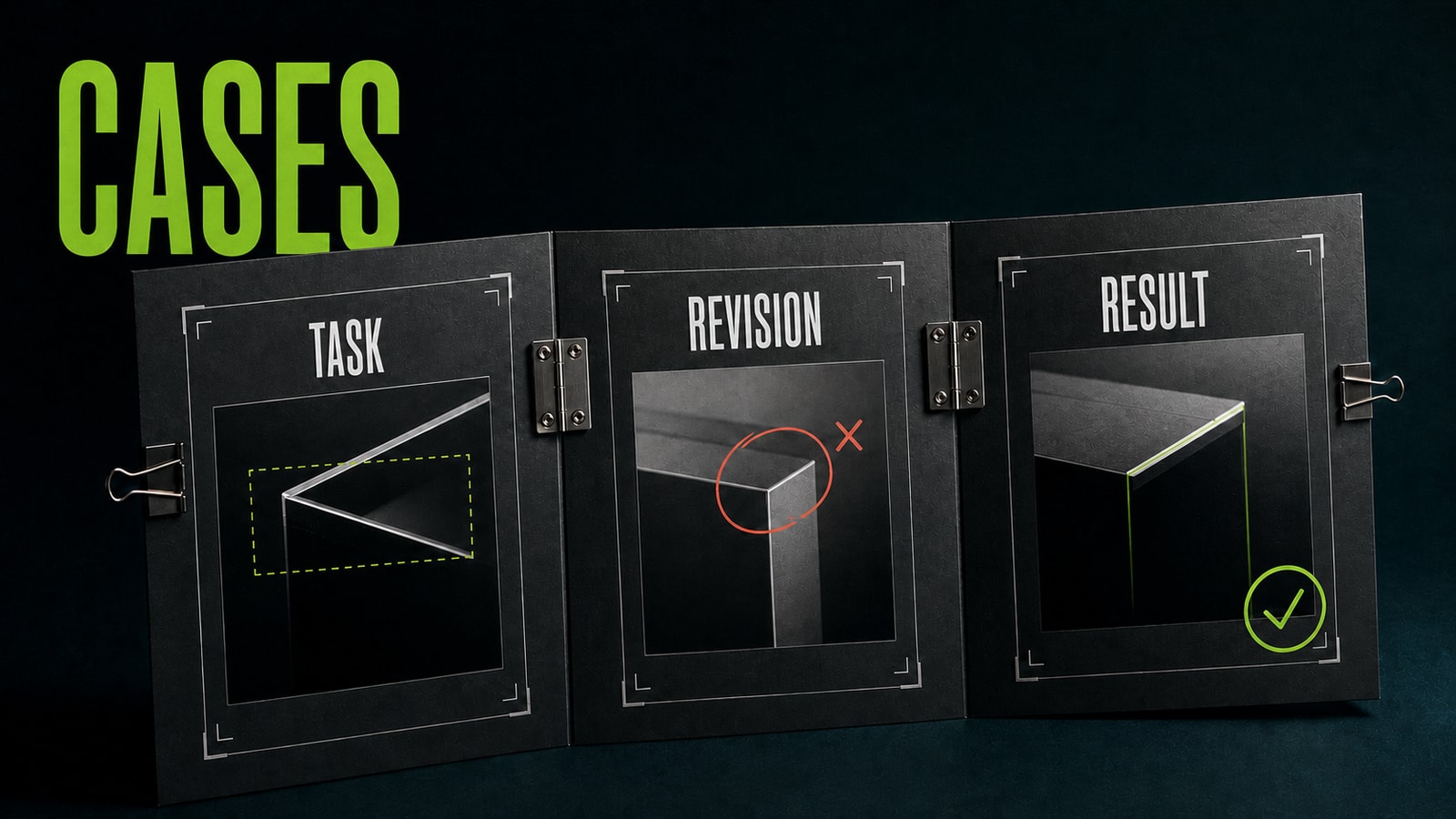
You can build an initial portfolio without paid work, as long as practice projects are labeled honestly. Use your own or openly available source material, set a real constraint, and show more than the polished output. A useful case includes the job, weak first draft, exact revision, final result, and manual checks. Lena wanted design clients among small consumer brands. Instead of describing herself as “an AI creative,” she built three short practice cases: a product card, a landing-page hero, and a presentation structure. She used GPT Image 2 for the product-card draft. Her first prompt, “Make a premium product card for this serum,” changed the bottle and invented product benefits. She rewrote it: “Create a product-card draft from the attached photo. Preserve the bottle shape, cap, label, and color. Use only the approved facts below. Mark missing information as [fact needed]. Don't add benefits, logos, or package text.” The next draft gave her a usable base. She checked the package manually and documented the first prompt, correction, and result. A prospect could now see how she handled an error, not just a lucky generation.
Before
Portfolio: a gallery of attractive generations with no task or explanation.
After
Case: task → weak first result → exact prompt revision → manually reviewed delivery.
- 3.
Use five focused channels for early work
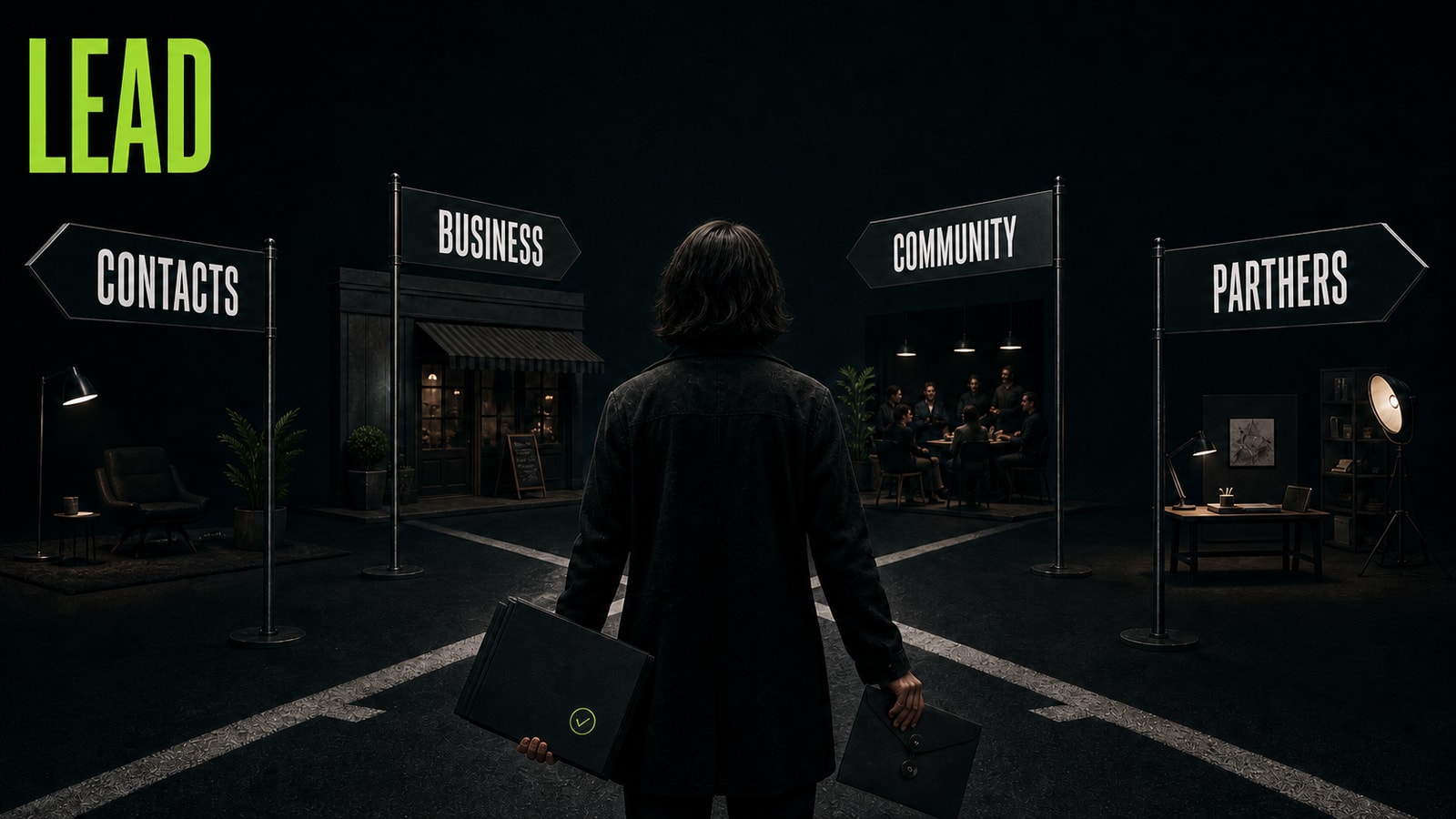
Start with people who already know your work: former colleagues, existing professional contacts, and business owners in your network. Don't ask for “anything available.” Name the service and share one relevant case. Next, research businesses in a field you understand. Twenty carefully chosen companies are more useful than a generic message sent to hundreds. Professional communities are the third channel. Answer real questions in design, marketing, founder, and creator groups before pitching. Fourth, build relationships with adjacent specialists. Developers need designers, designers need writers, and small agencies often need help with a deck, prototype, or short production sprint. Marketplaces and project boards are the fifth option. Demand is visible there, but price pressure and competition are higher. Filter for clear inputs and deliverables, answer with a matching case, and don't pay for access to every category. Track conversations, calls, paid trials, and completed jobs rather than raw message volume.
Before
I'll send the same introduction to every company I can find.
After
I'll choose 20 suitable contacts across two channels and pair each message with one relevant case.
- 4.
Write the first message around the client's job
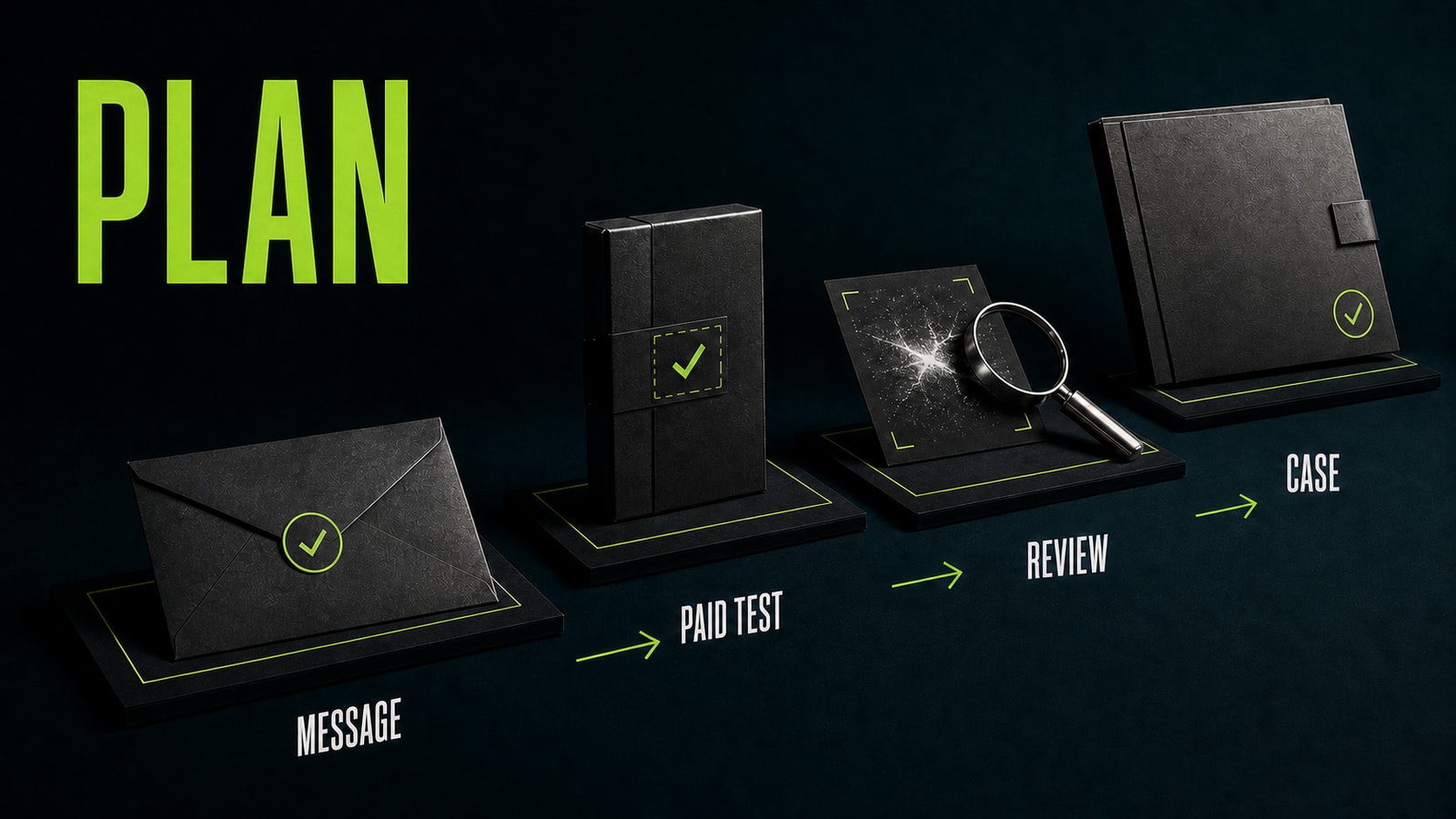
A useful first message has four parts: why you're contacting this person, one observation about the current material, a limited result you can deliver, and one related case followed by a simple question. For example: “Anna, I saw that you're launching a course and already have the program, but the page doesn't yet compare the three plans. I design compact landing pages from approved materials. I can propose the structure for that section and two hero directions within two days. Here's a similar practice case showing the task, revision, and final result. Would it be useful to discuss?” Don't attach a full unsolicited redesign or create a fake deadline. One small, relevant example demonstrates initiative; an entire free project removes the boundaries before work begins. If there's no response, send one polite follow-up, then close the contact.
Before
Hi! I do everything with AI, fast and affordable. Interested?
After
Name the specific job → offer a limited outcome → share one matching case → ask one simple question.
- 5.
Turn a small paid stage into the next piece of proof
The first engagement doesn't need to be large. Offer a paid outline, one page section, one visual direction, or a short test clip. Put the inputs, deliverable, timeline, option count, revisions, and responsibility for claims and source rights in writing. That reduces risk without turning the trial into unpaid production work. After delivery, ask permission to document the case. Show the job, constraints, process, one corrected mistake, and result without exposing private information. Then ask for a short review or an introduction to one person who may need the same service. Over time, referrals and proof reduce your dependence on cold outreach. Opten can help turn a loose client request into a prompt with the job, context, constraints, and review criteria before generation. The final work still needs manual review. Don't promise guaranteed sales, a perfect first generation, or a fully automated outcome.
Before
I'll complete the whole project for free, then we can discuss ongoing work.
After
We'll agree on one small paid stage, acceptance criteria, and one revision round, then document the case with permission.


